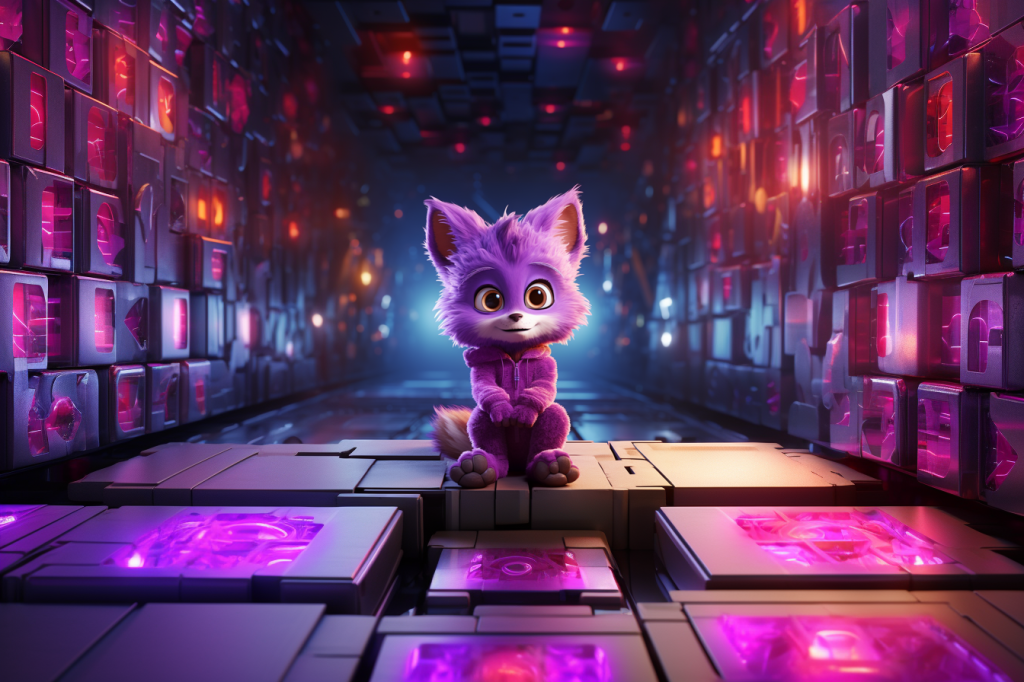
Step 1: Zoom-Out 29x from End-Frame switching aspect ratios
[Quick aside: To those looking closely, you will notice that some of my “stylize” and “chaos” parameters were using the wrong kind of dash (“––” vs “–“). This was because I generated the very first image on my iPhone Discord app (which uses the wrong kind of dash unless you intentionally change it) and then every time I zoomed out, I only replaced parts of the prompt and the “–ar” so (I’m pretty sure) none of those images at the beginning actually have the “stylize” at 750 and the “chaos” at 100, even though I am pasting the original prompts. Later on, I realized the mistake and started using the correct kind of dash.]

a bionic furry character with large eyes, purple jumpsuit, 3d animation, vibrant, bokeh, sitting on a box ––s 750 ––c 100 – Image #2
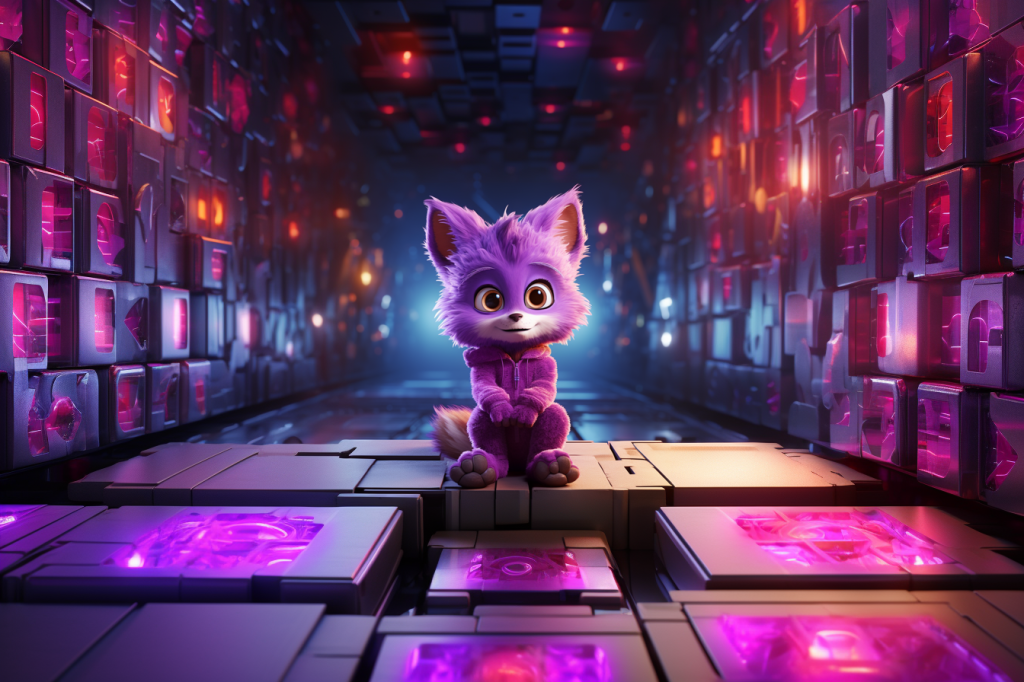
luminescent cavern, geometric, metal boxes, 3d animation, vibrant ––s 750 ––c 100 –ar 3:2
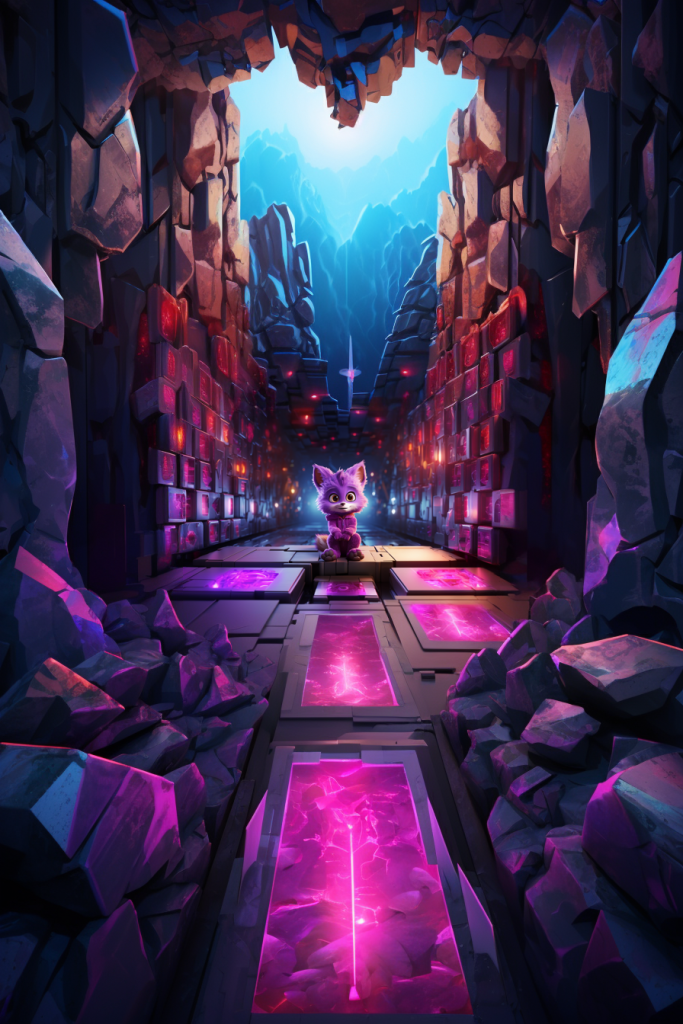
entrance to a luminescent cavern, geometric, metal boxes, 3d animation, vibrant ––s 750 ––c 100 –ar 2:3
entrance to cavern in the side of a rocky mountain, geometric, 3d animation, alien vegetation, tiny waterfalls ––s 750 ––c 100 –ar 3:2
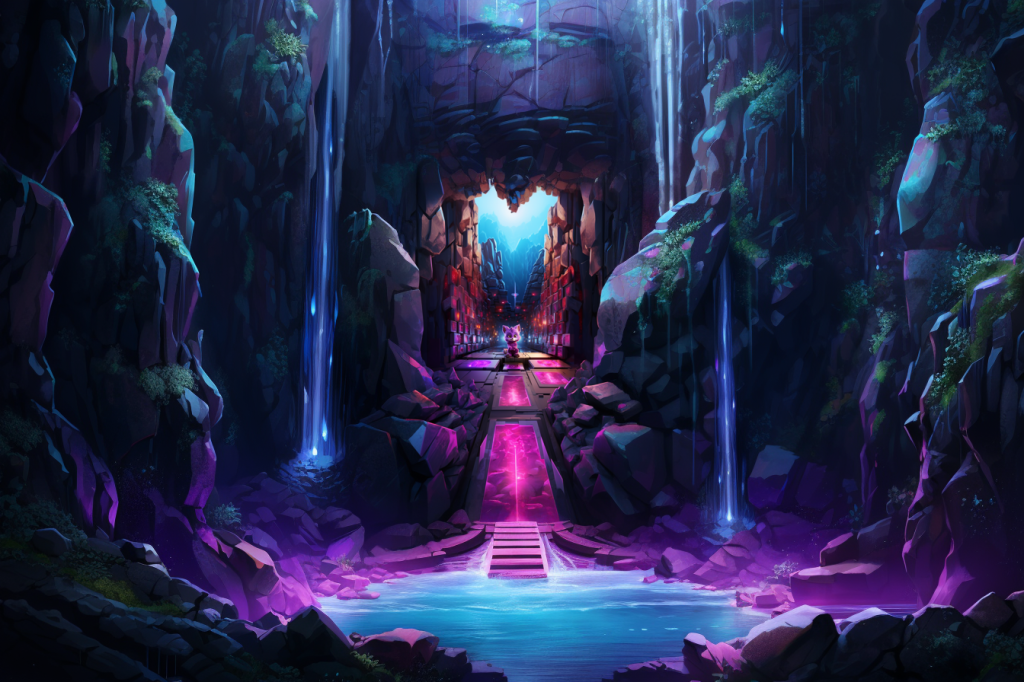
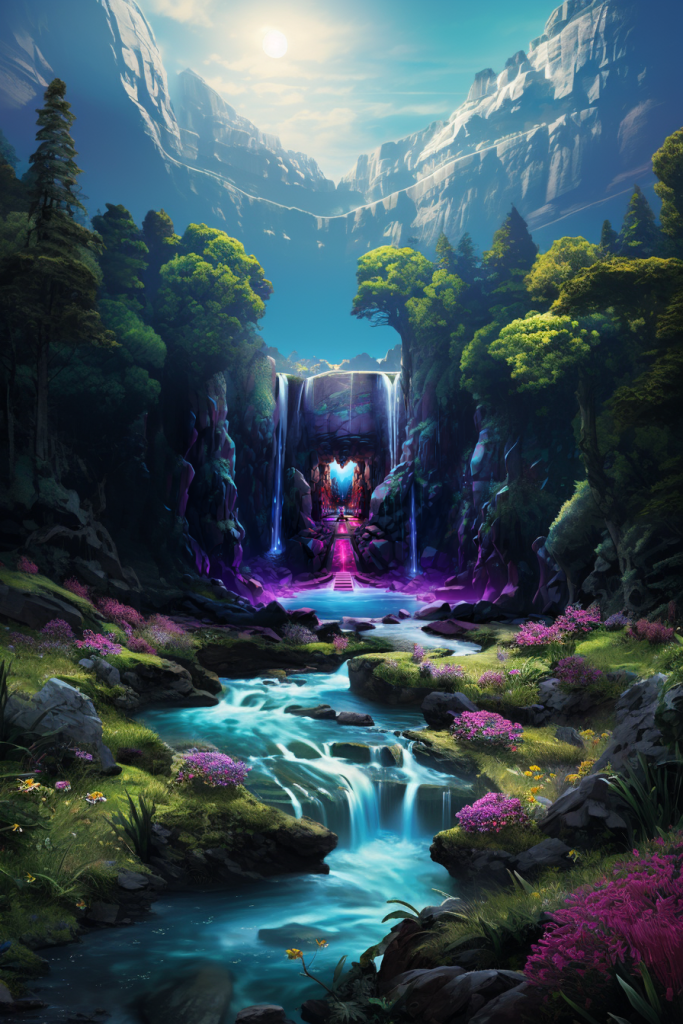
rocky mountain valley, digital oil painting, alien vegetation, tiny waterfalls, vibrant ––s 750 ––c 100 –ar 2:3
rocky mountain valley, abstract oil painting, alien vegetation, tall trees, tiny waterfalls, vibrant colors ––s 750 ––c 100 –ar 3:2
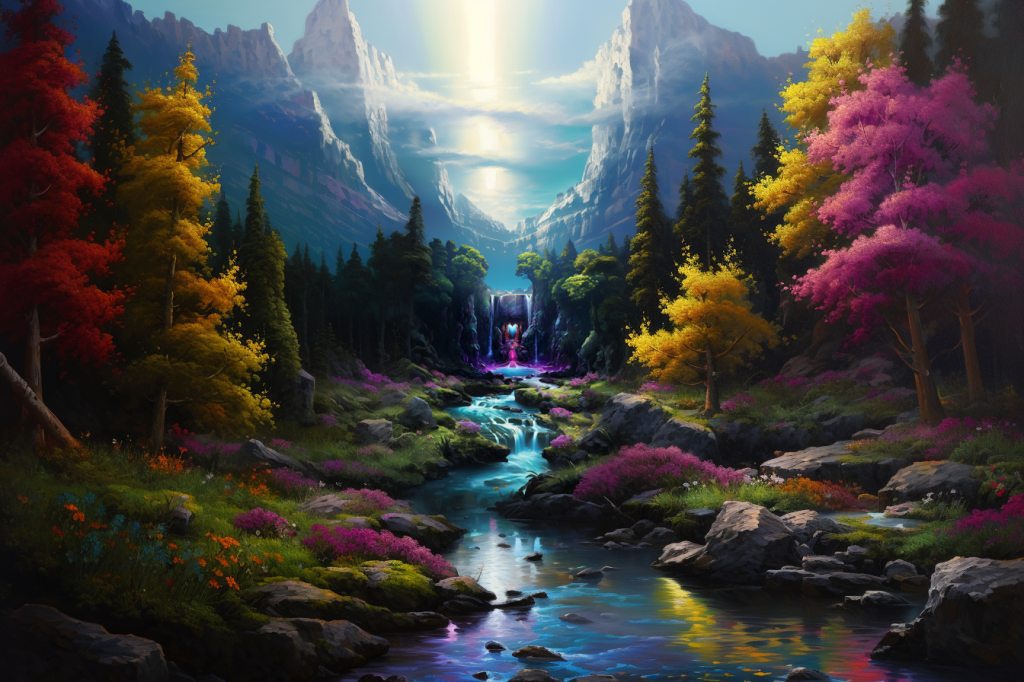
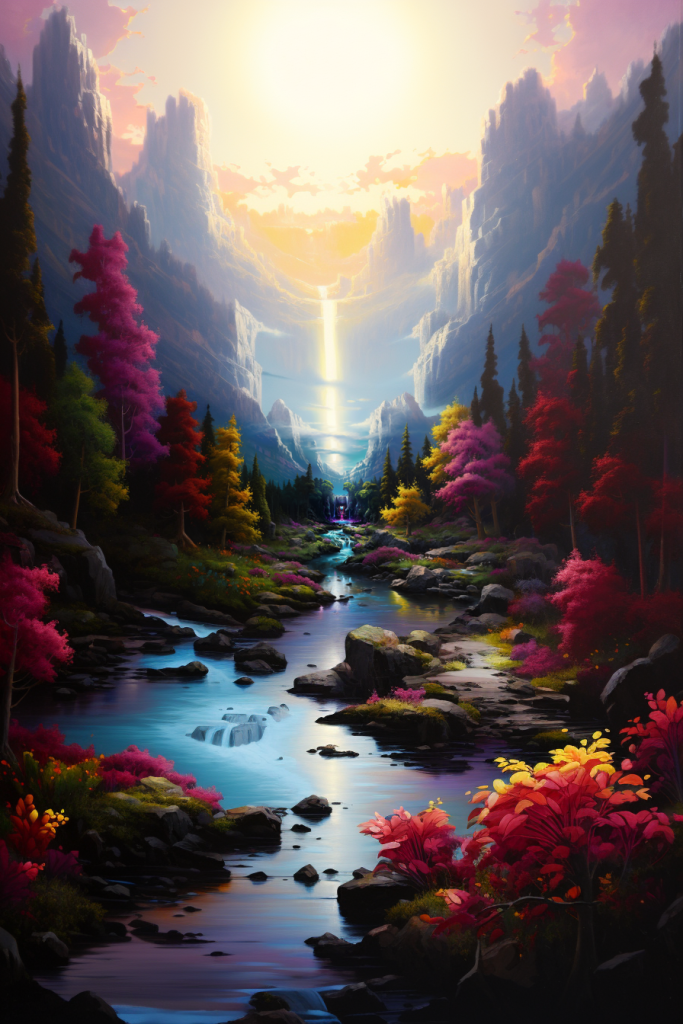
lush valley beach, abstract oil painting, alien vegetation, tall trees, tiny waterfalls, dusk, vibrant colors ––c 100 –ar 2:3
rocky beach, crashing waves, oil painting, alien vegetation, dusk, vibrant colors –ar 3:2
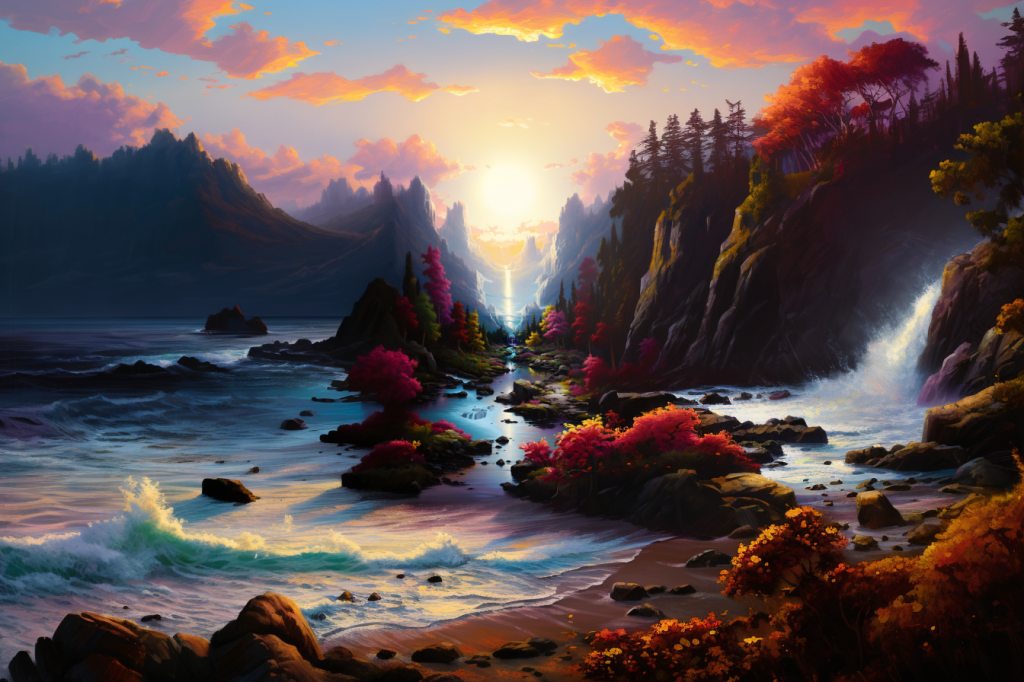
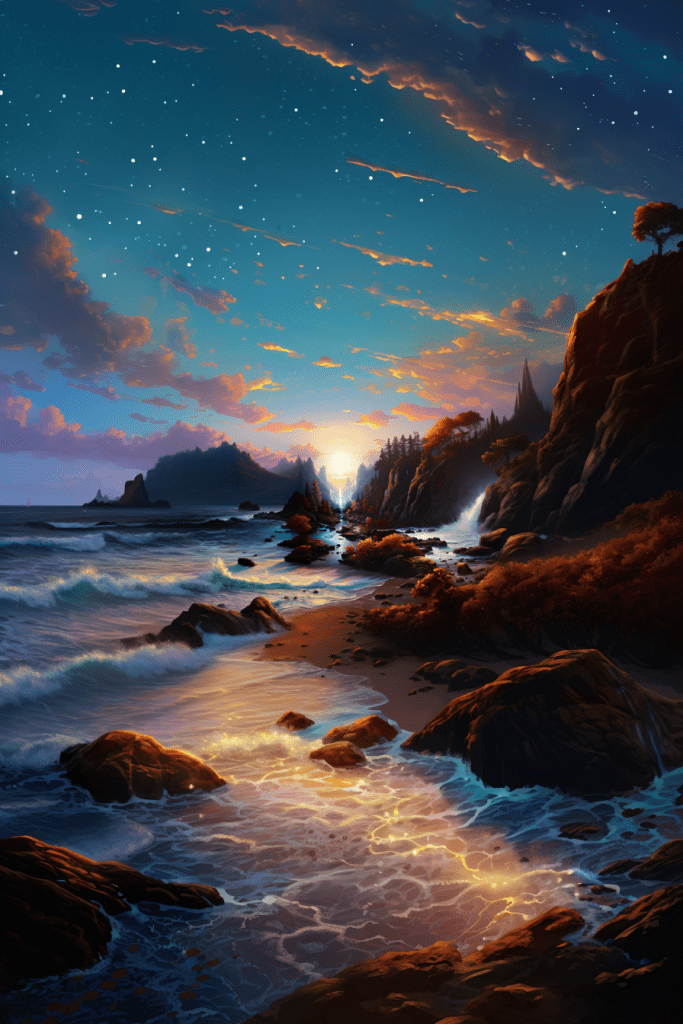
rocky island, crashing waves, digital oil painting, dusk, vibrant colors, starry sky –ar 2:3
tiny island in the middle of the ocean, digital painting, evening, vibrant colors, starry sky, galaxies, psychedelic, view from above –ar 3:2
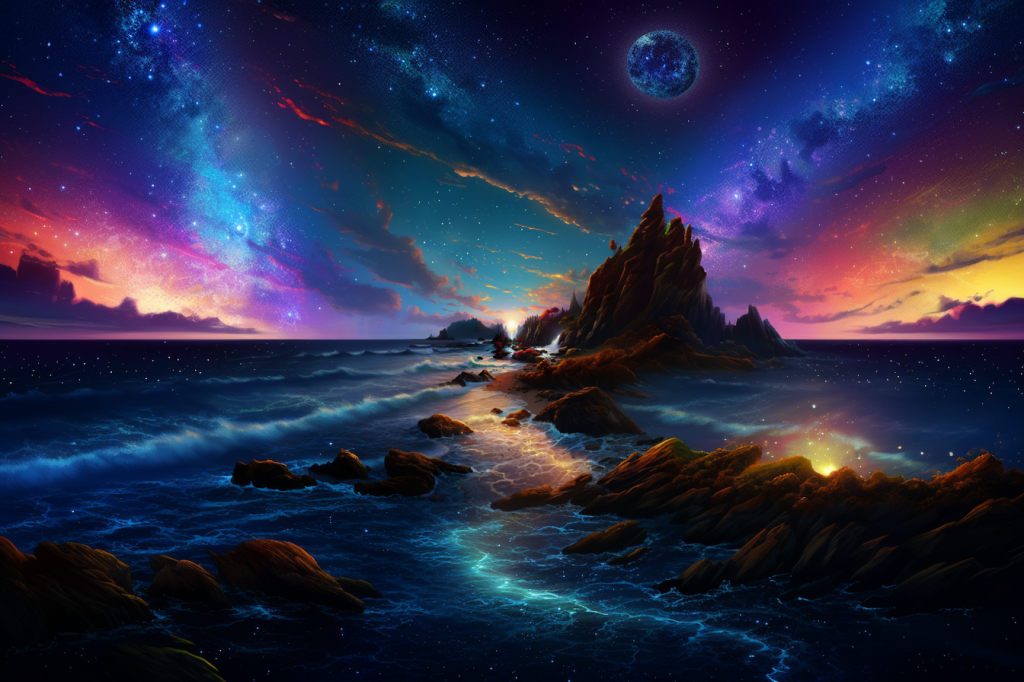
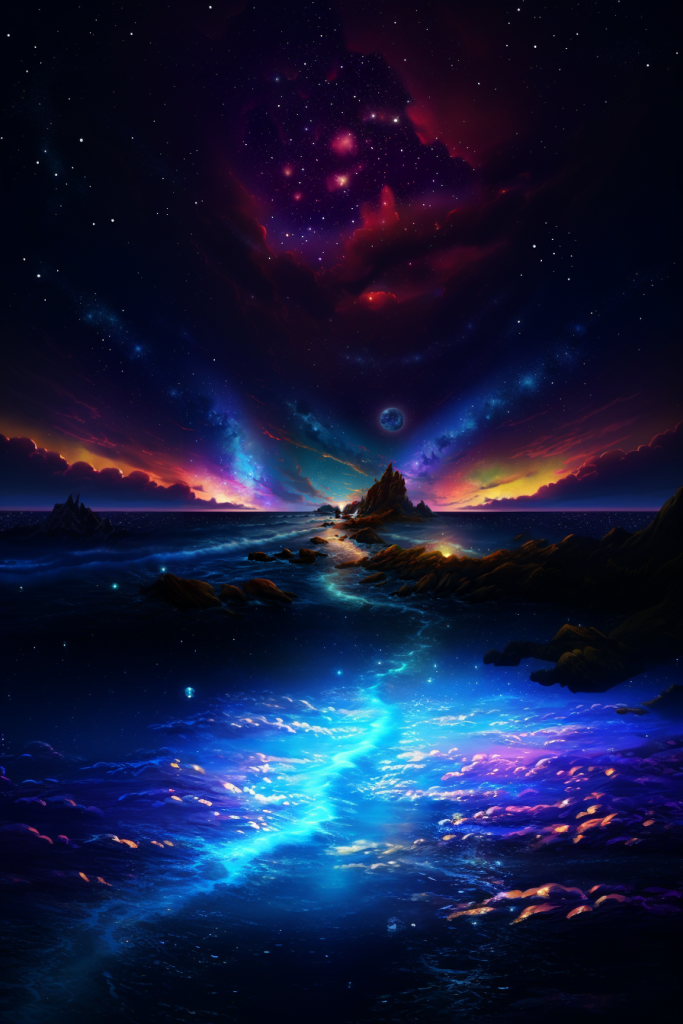
vast open ocean, digital illustration, middle of the night, coral reef, bright_stars, galaxies, psychedelic, birds-eye view –ar 2:3
vast open ocean, abstract digital illustration, middle of the night, bright_stars, galaxies, psychedelic, view from above –ar 3:2
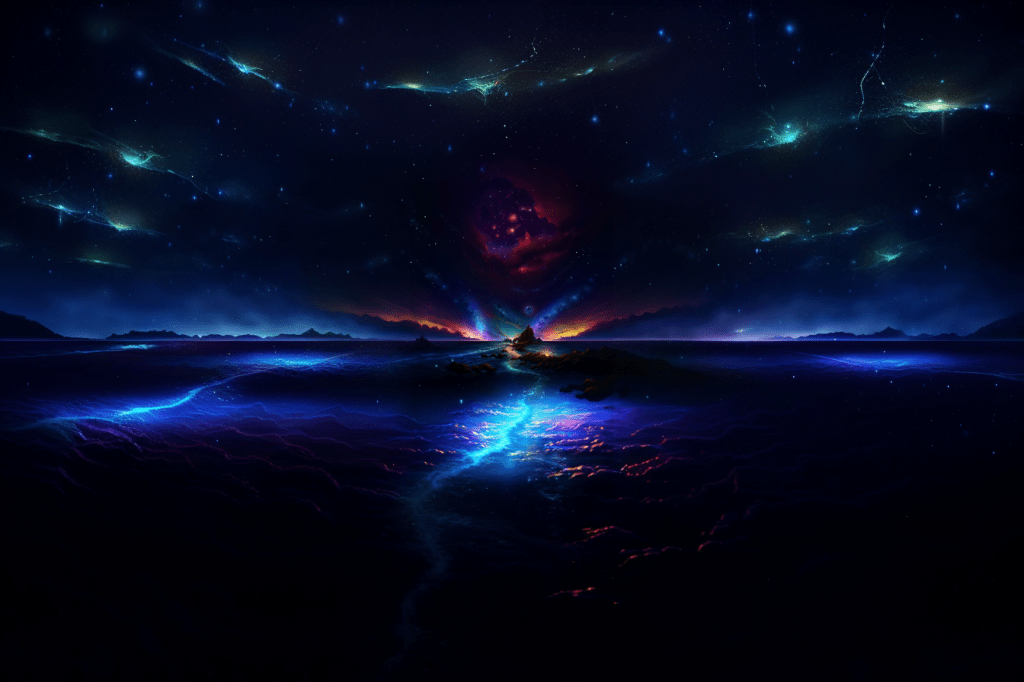
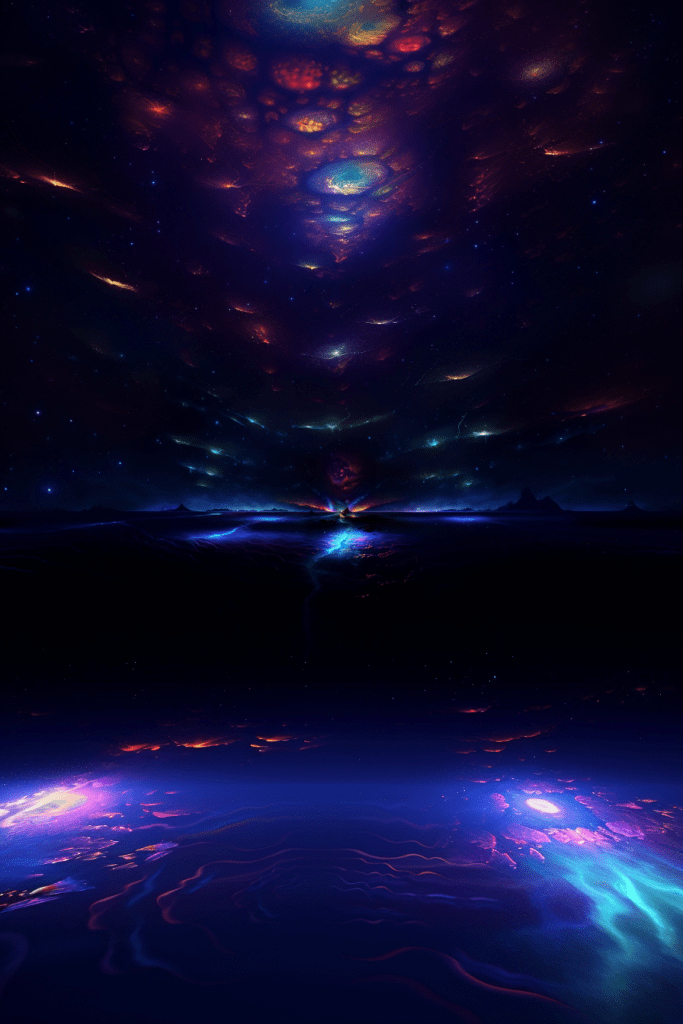
surface of the earth, abstract illustration, bright_stars, galaxies, psychedelic, view from outer space –ar 2:3
exiting cosmic wormhole, abstract illustration, bright_stars, galaxies, psychedelic –ar 3:2
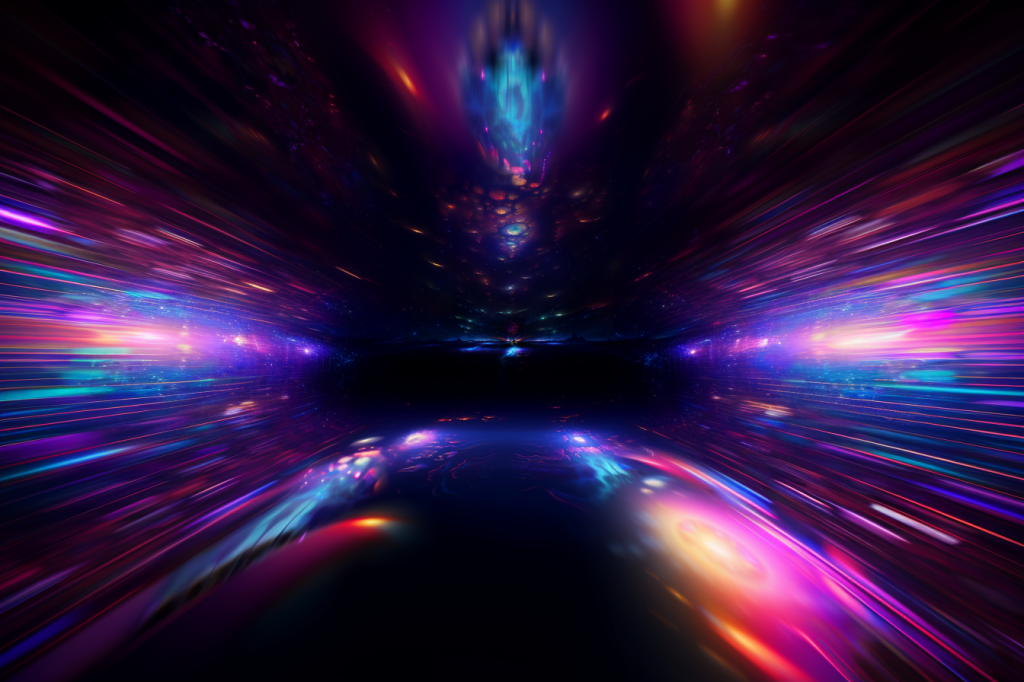
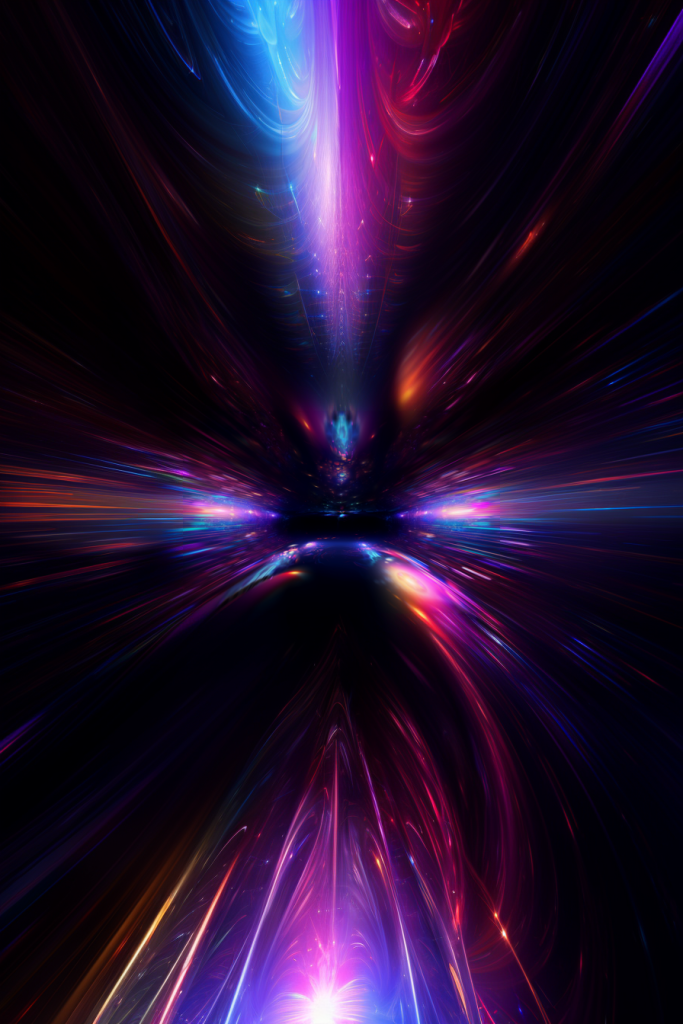
traveling through a long spinning twisting interdimensional wormhole, abstract illustration, neon luminescent streaks, psychedelic, vibrant –ar 2:3
traveling through a long spinning twisting tunnel, abstract illustration, neon luminescent streaks, psychedelic, vibrant, geometric –ar 3:2
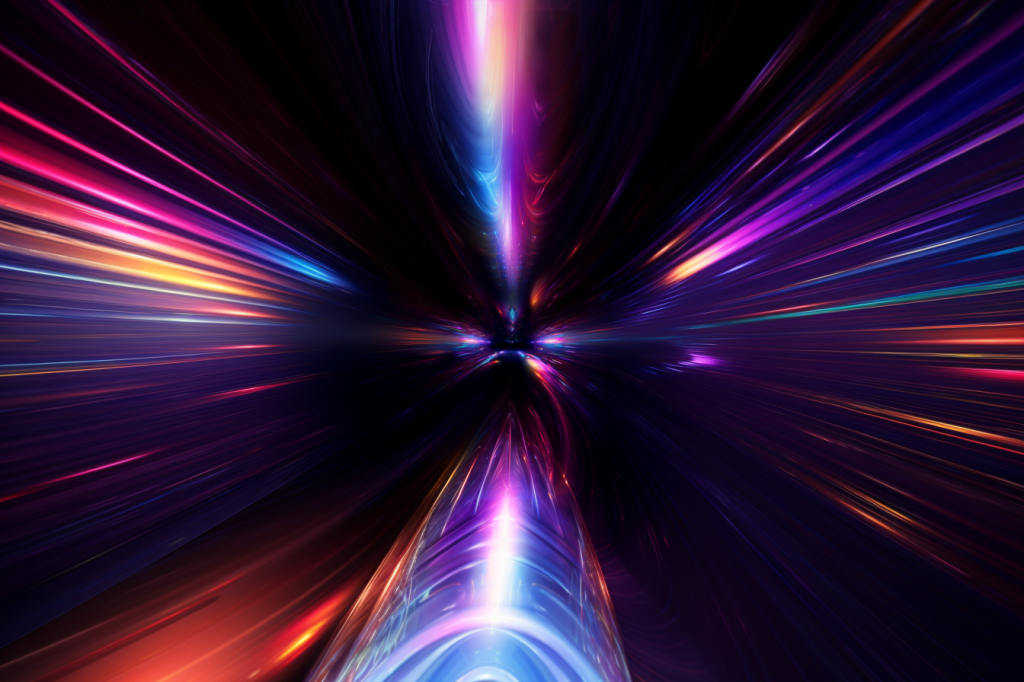
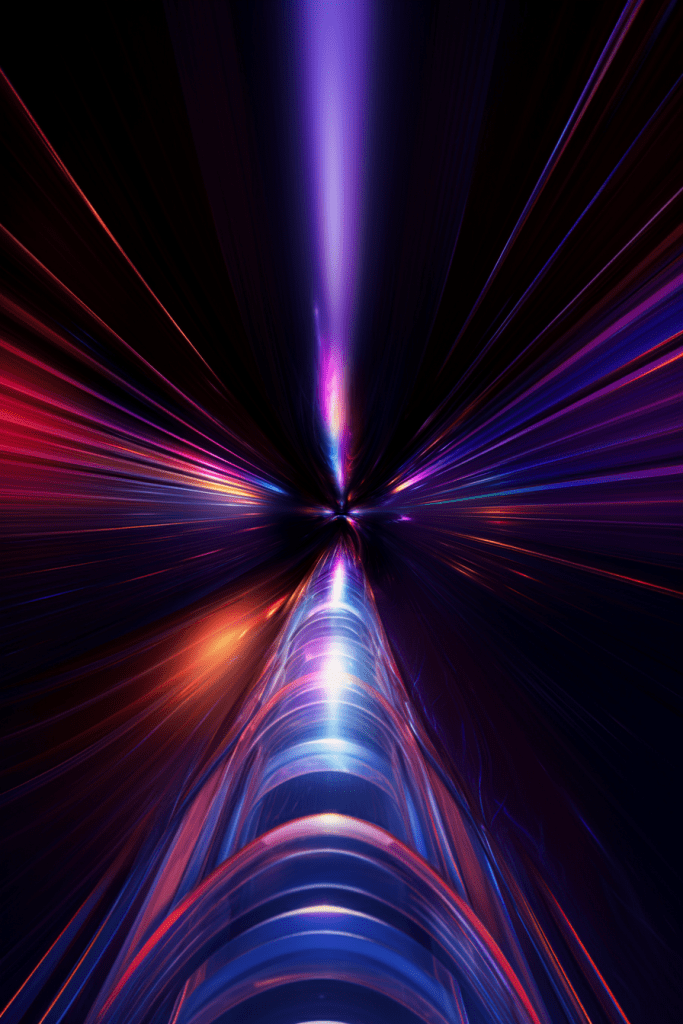
traveling through a long tunnel, digital illustration, neon luminescent streaks, psychedelic, vibrant, geometric patterns –ar 2:3
magical tunnel, luminescent geometric patterns, sparkles, glowing –c 100 –ar 3:2
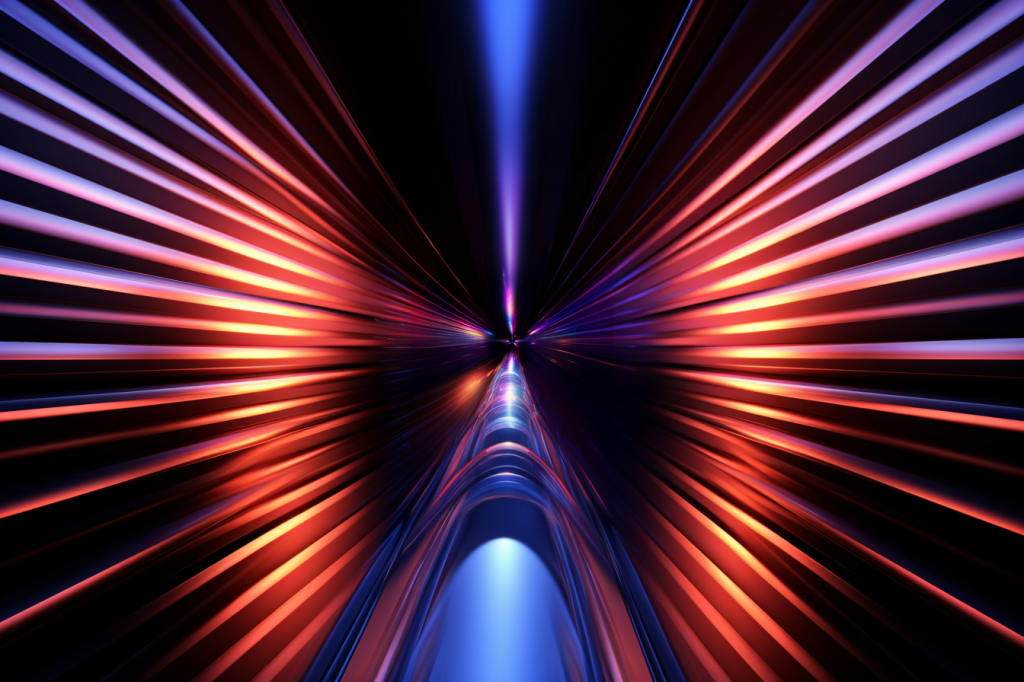
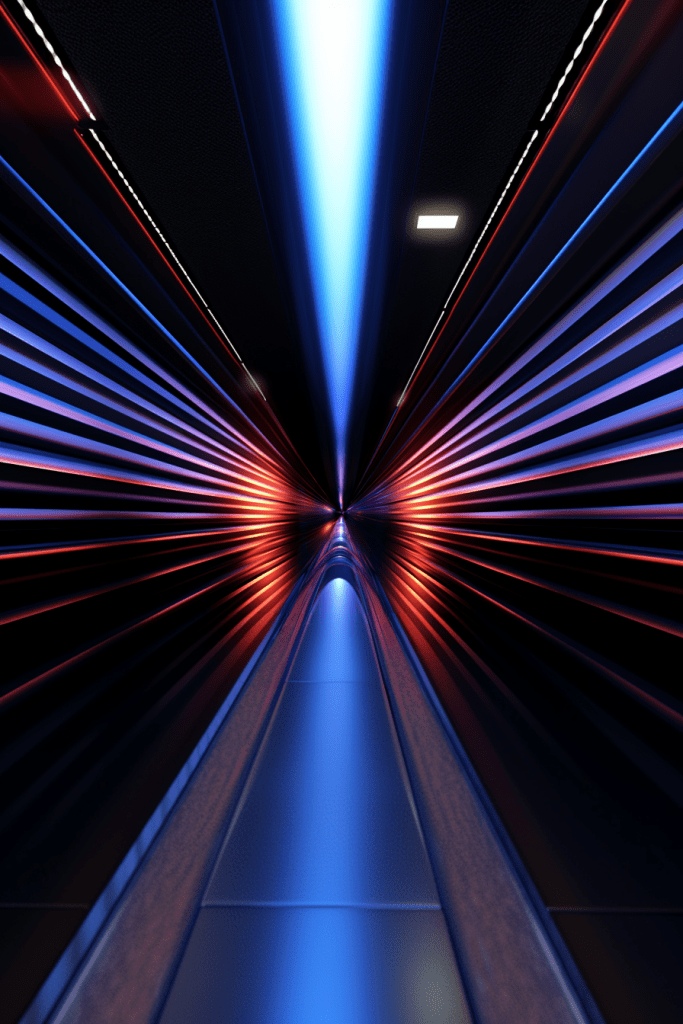
magical tunnel, glowing geometric patterns, sparkles, neon shapes –c 100 –ar 2:3
magical tunnel, walls covered in geometric patterns glyphs, neon shapes –c 100 –ar 3:2
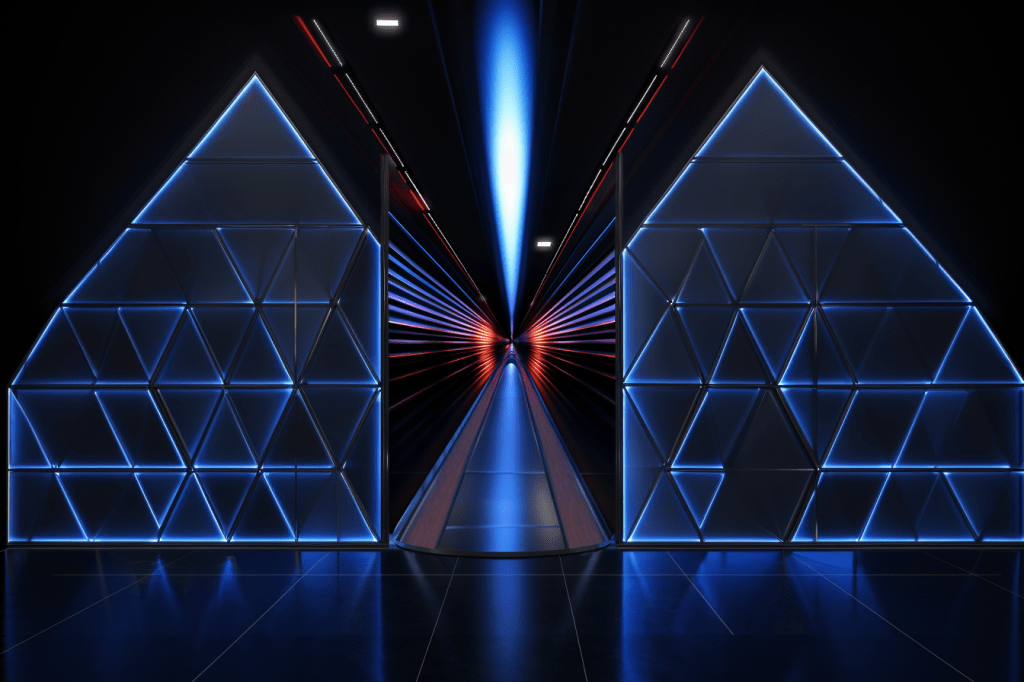
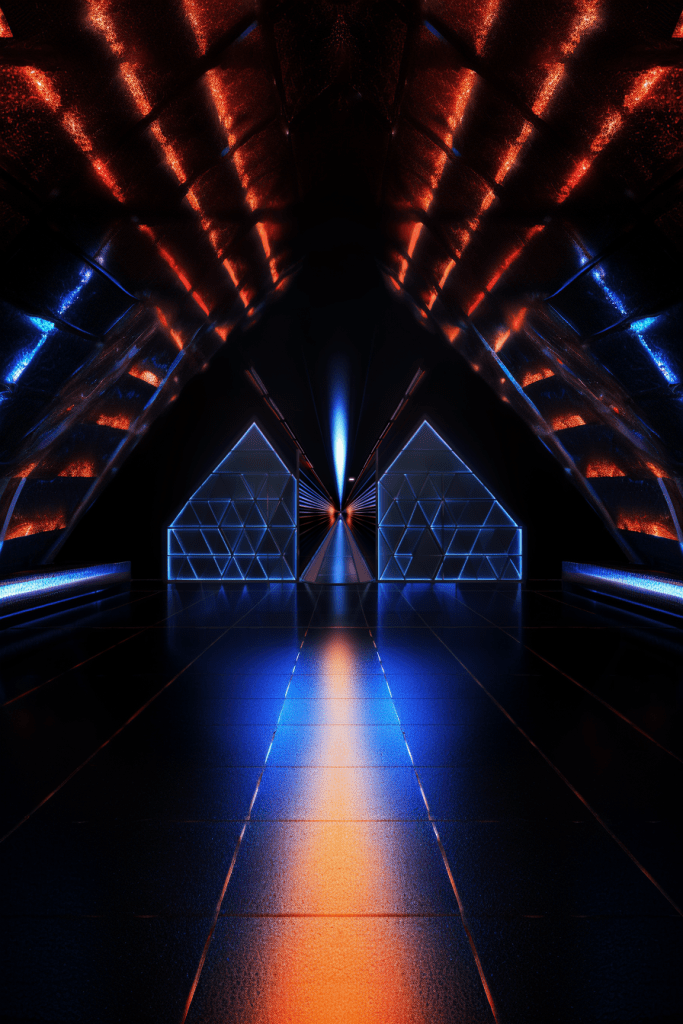
magical tunnel, covered in geometric patterns luminescent glyphs, neon shapes, graffiti –no people –ar 2:3
mystical tunnel, covered in geometric symbols, luminescent glyphs, neon shapes, graffiti –no people –ar 3:2
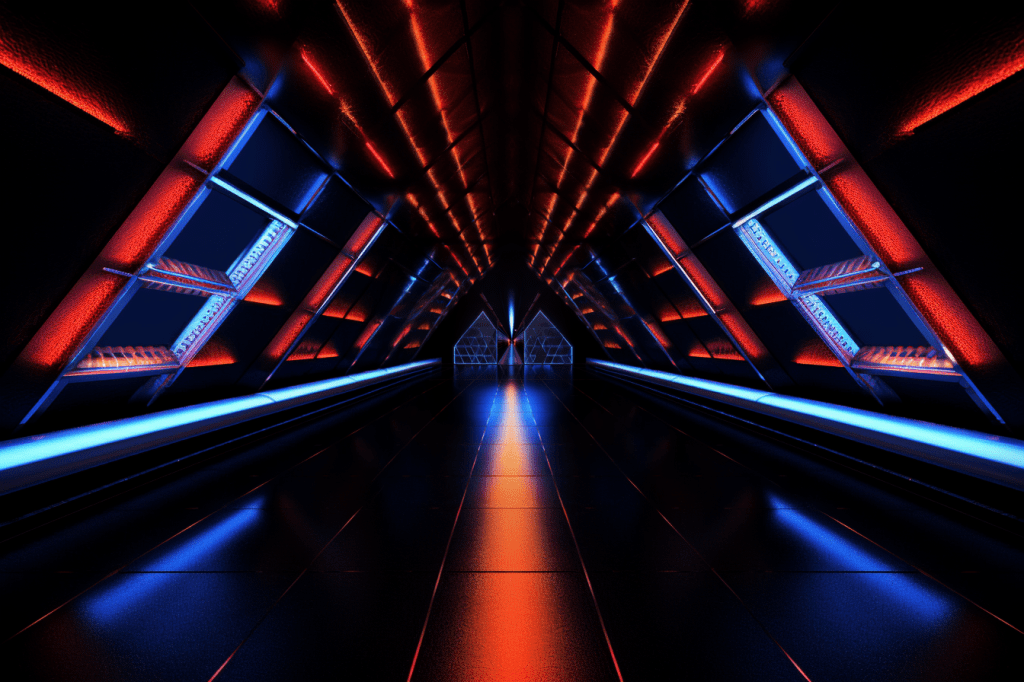

graphic illustration, mystical tunnel, floating geometric symbols, luminescent green glyphs, neon shapes, graffiti –no people –ar 2:3
graphic illustration, mystical ruins, geometric symbols, luminescent green glyphs, neon shapes –no people –ar 3:2
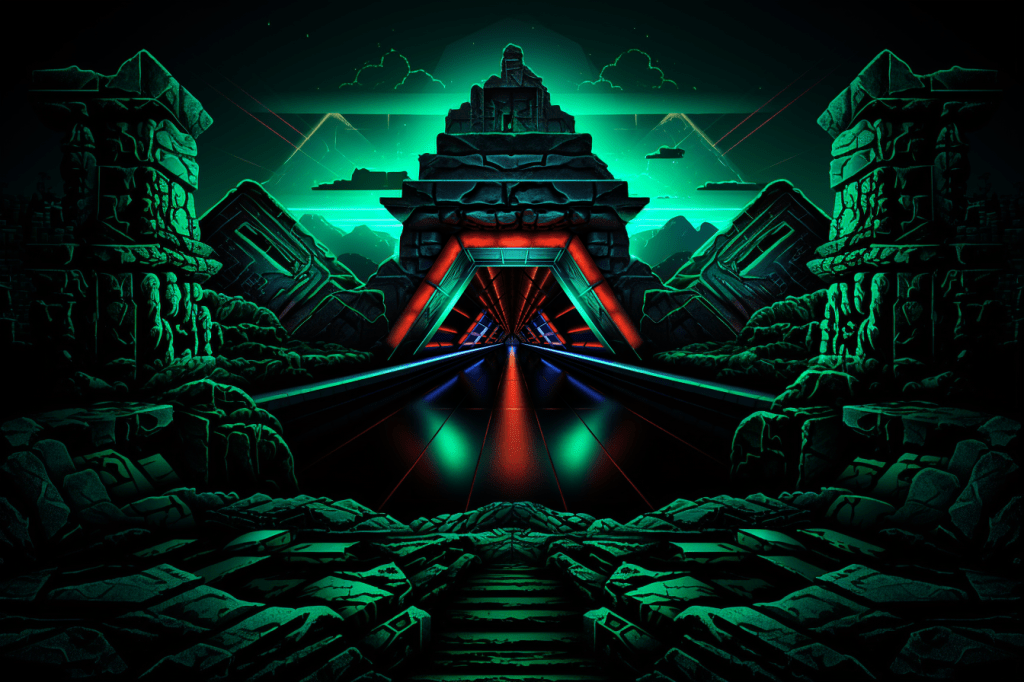
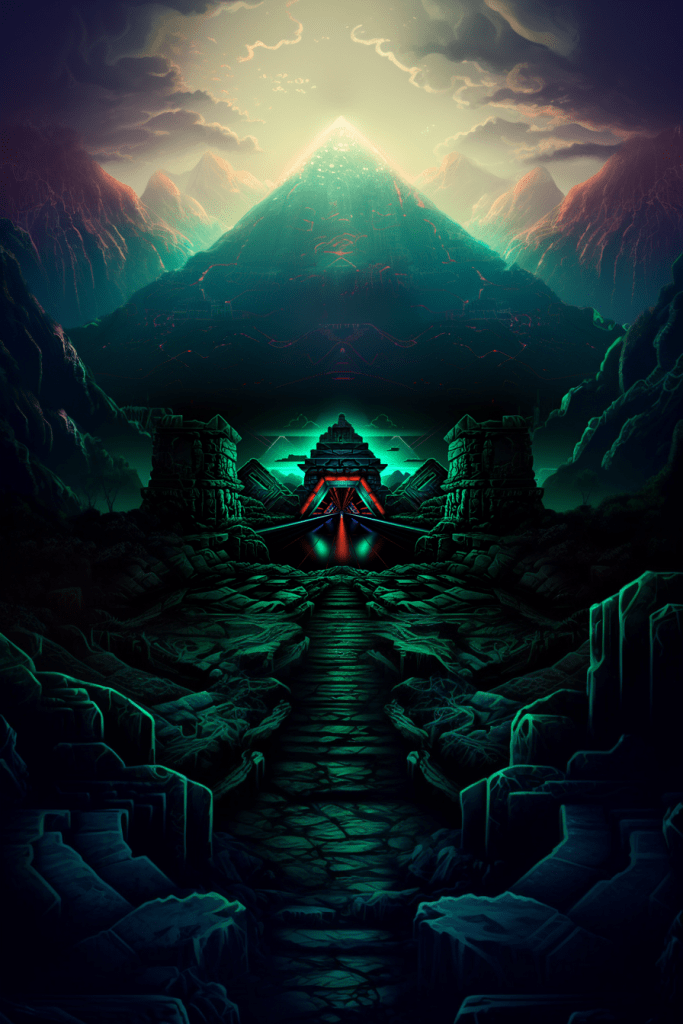
graphic illustration, mystical ancient city ruins, geometric symbols, floating multicolored luminescent glyphs, foggy mountains bacground –no people –ar 2:3
detailed illustration, mystical ancient city ruins, geometric symbols, multicolored luminescent glyph carvings, foggy mountains background, wimmelbilder –no people –ar 3:2
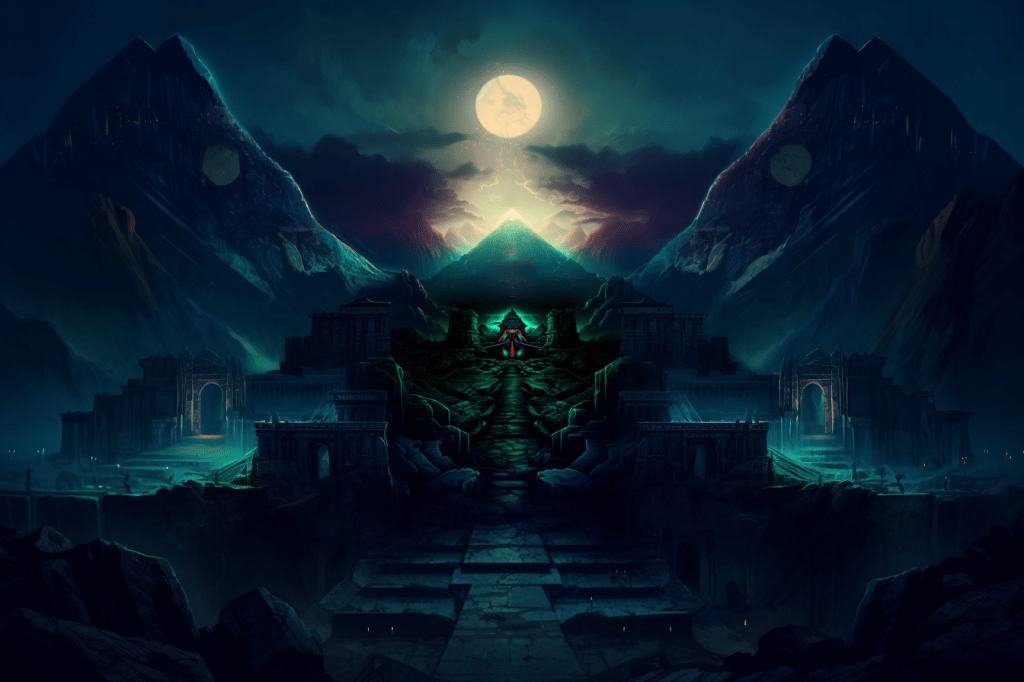
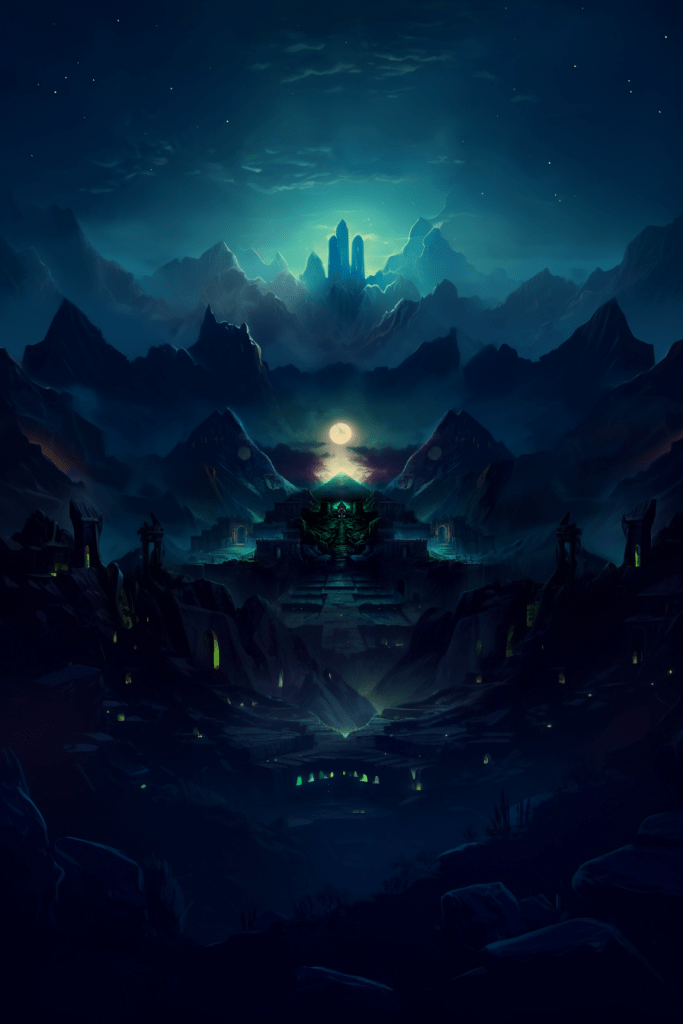
detailed illustration, mystical ancient city ruins, multicolored luminescent glyph carvings, foggy mountains, wimmelbilder, view from ground level –no people –ar 2:3
detailed illustration, mystical ancient city ruins, foggy mountains, wimmelbilder, view from ground level –no people –ar 3:2
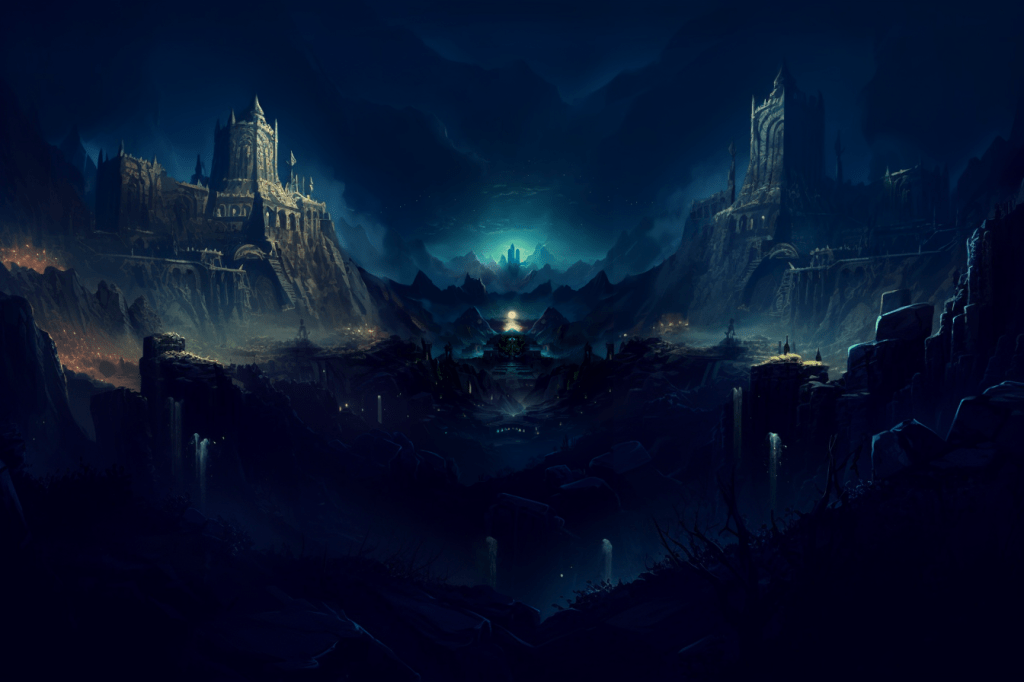
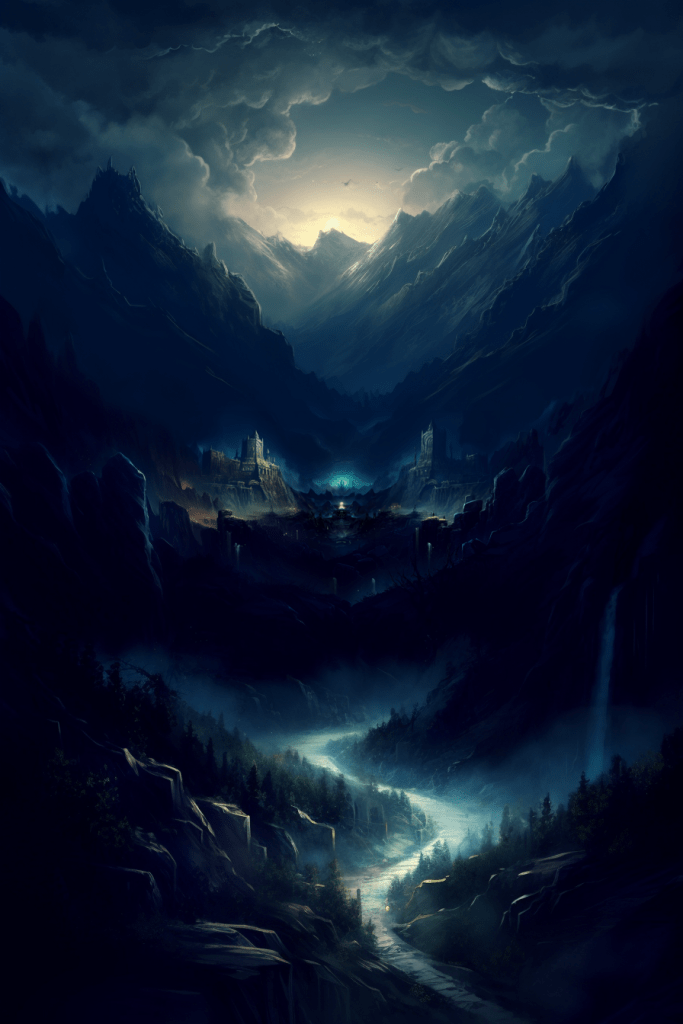
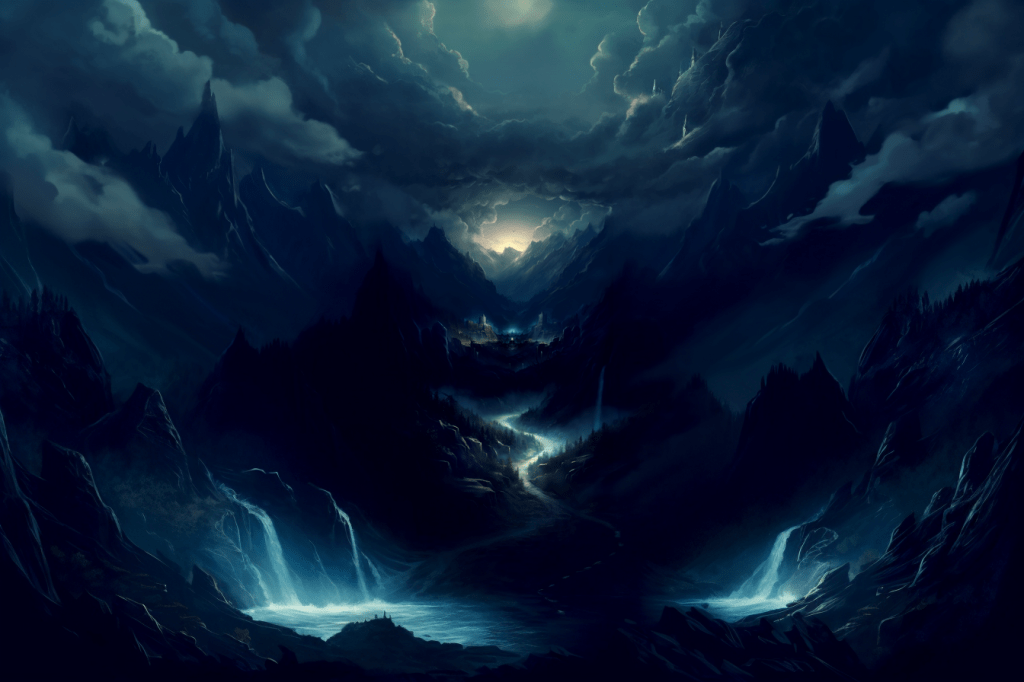
detailed illustration, mystical foggy mountains, stormy sky, wimmelbilder, view from ground level –no people –ar 2:3
colored pencil illustration, mystical foggy mountains, stormy sky –no people –ar 3:2
Step 2: Pan Left from Zoom-out AND Pan Right from First Image
First, do one different Zoom-out from the End Frame (this will become the starting image):

3d animation, vibrant, bokeh, futuristic loading dock ––s 750 ––c 100 –ar 3:2
Then, by going back and forth, I can try and make their styles more similar on their opposite edges
~Pan Left: colored pencil illustration, 3d animation, vibrant, bokeh, mystical foggy mountains, stormy sky –no people

~Pan Right: colored pencil illustration, 3d animation, vibrant, bokeh, loading dock exit, foggy mountains outside ––s 750 ––c 100

~Pan Left: 3d animation, vibrant, bokeh, purple foggy mountains, dark –no people

~Pan Right: colored pencil illustration, 3d, vibrant, loading dock exit, foggy mountains outside ––s 250 ––c 100

~Pan Left: 3d animation, vibrant, bokeh, purple foggy mountains, dark –s 250

~Pan Right: colored pencil illustration, 3d, vibrant, loading dock exit, foggy mountains outside ––s 250 ––c 100

~Pan Left: 3d animation, vibrant, bokeh, purple foggy mountains, dark –s 250
~Pan Right: colored pencil illustration, mystical foggy mountains, stormy sky

~Pan Left: 3d animation, vibrant, bokeh, purple pink –s 750
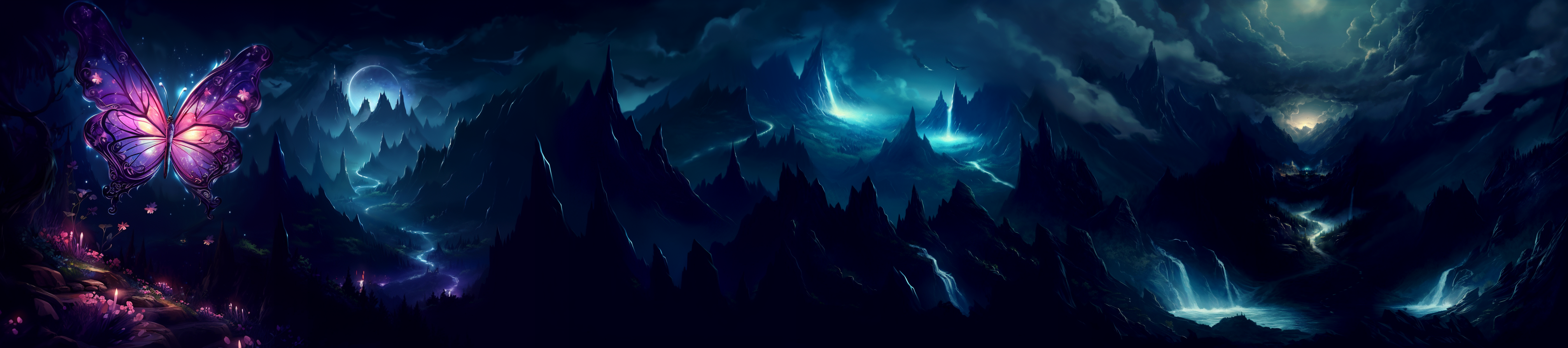
Step 3: Connecting the Panned Images with Photoshop Beta Generative Fill:

 Factotum5leaf