(Posts in reverse chronological order)
2023-02-27
Second Generation A.I. Character Evolutions
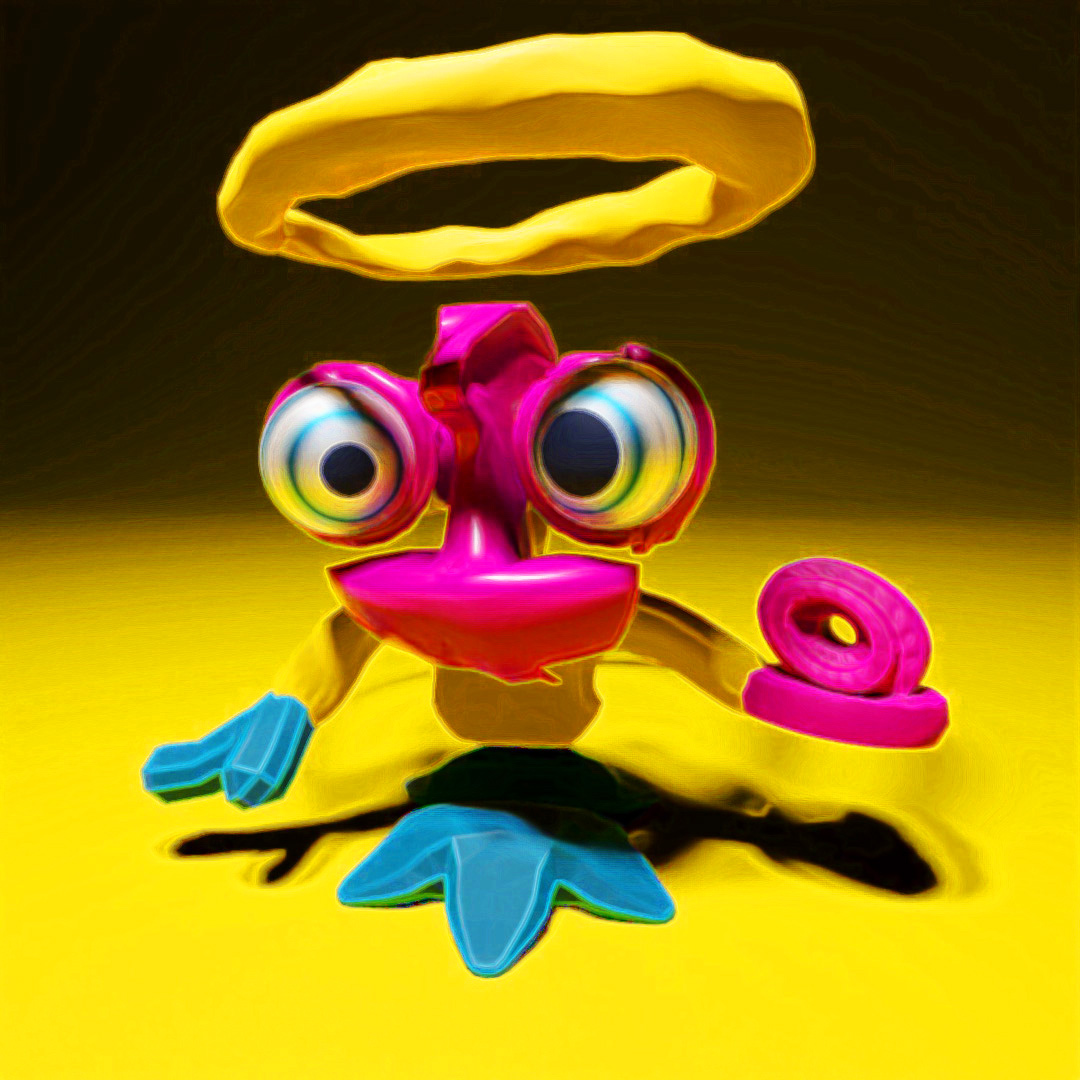
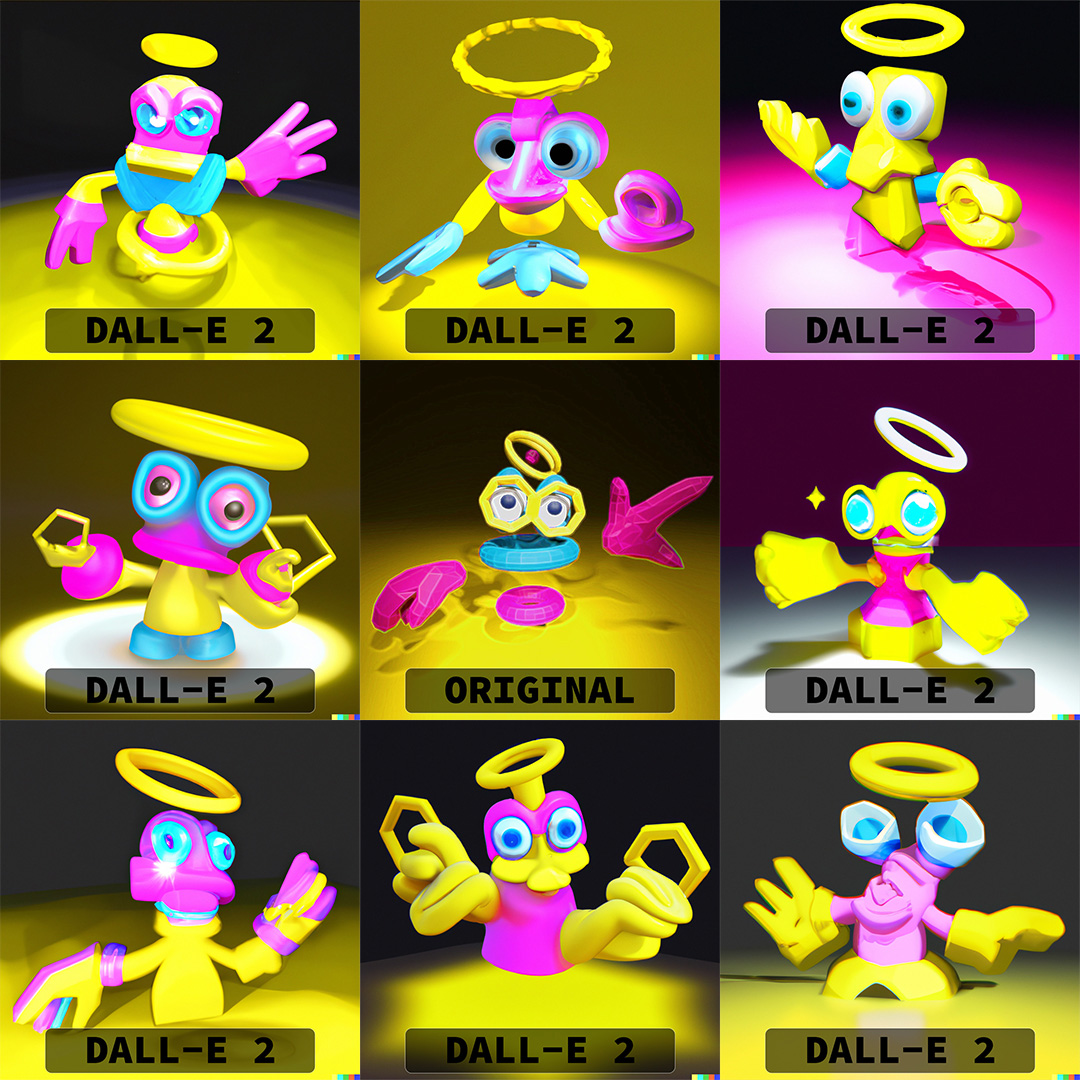
I modeled a variation created by DALL-E 2 and uploaded a render of it to create second-generation A.I. character evolutions (mutants?).
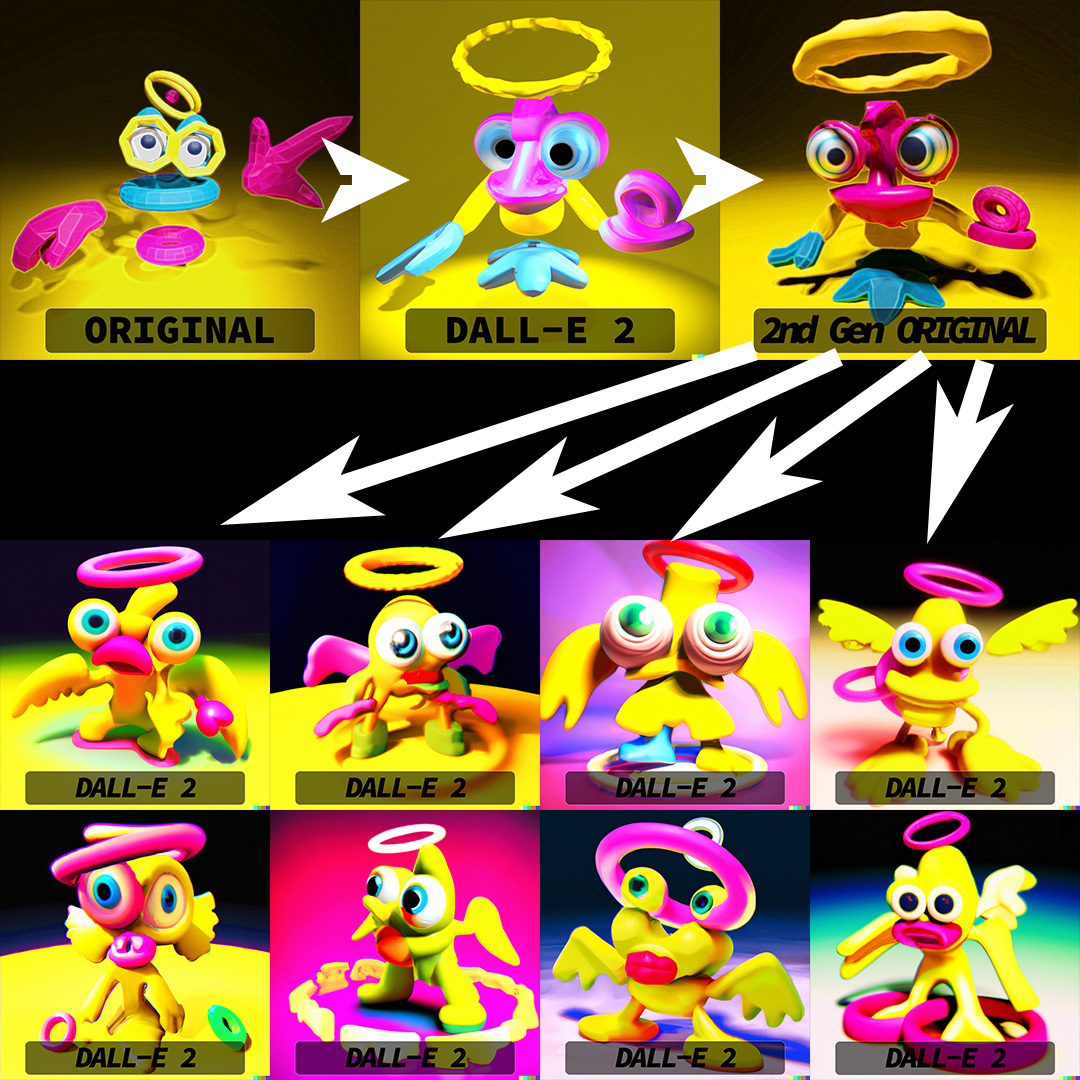
I modeled and rigged a low-poly 3D version of one of the variations DALL-E 2 created based on another of my models a few days before.

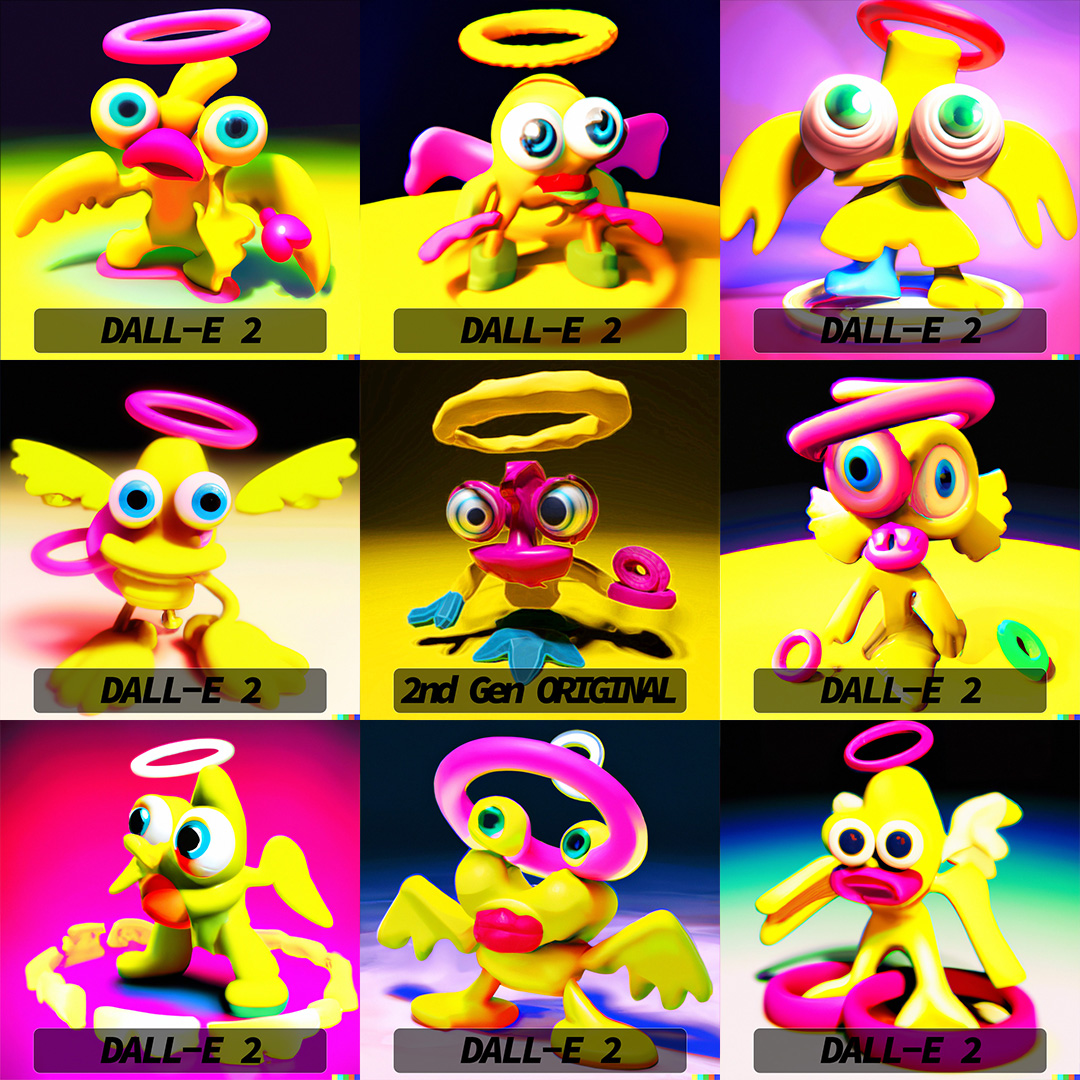
I ran two rounds (eight images) of variations of my version of the ThingyGuy evolution and got these crazy creatures.
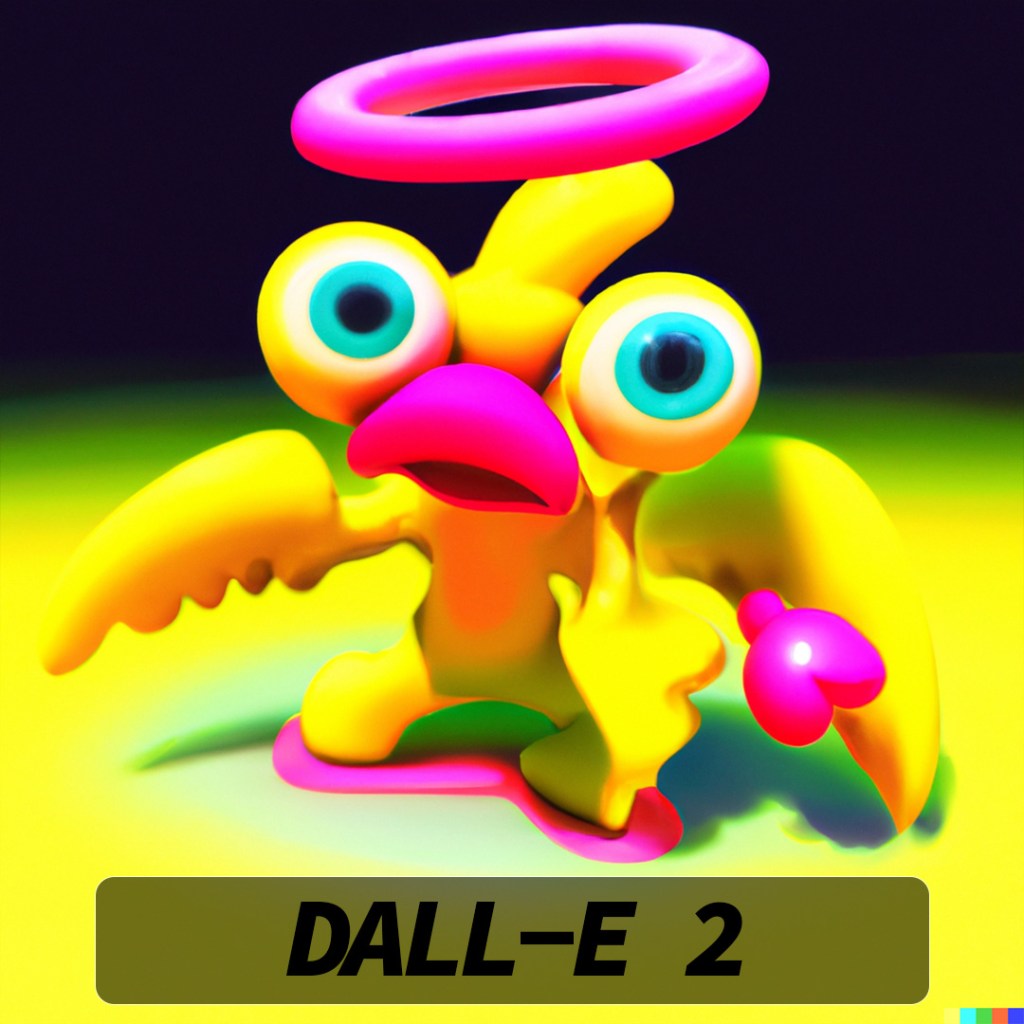
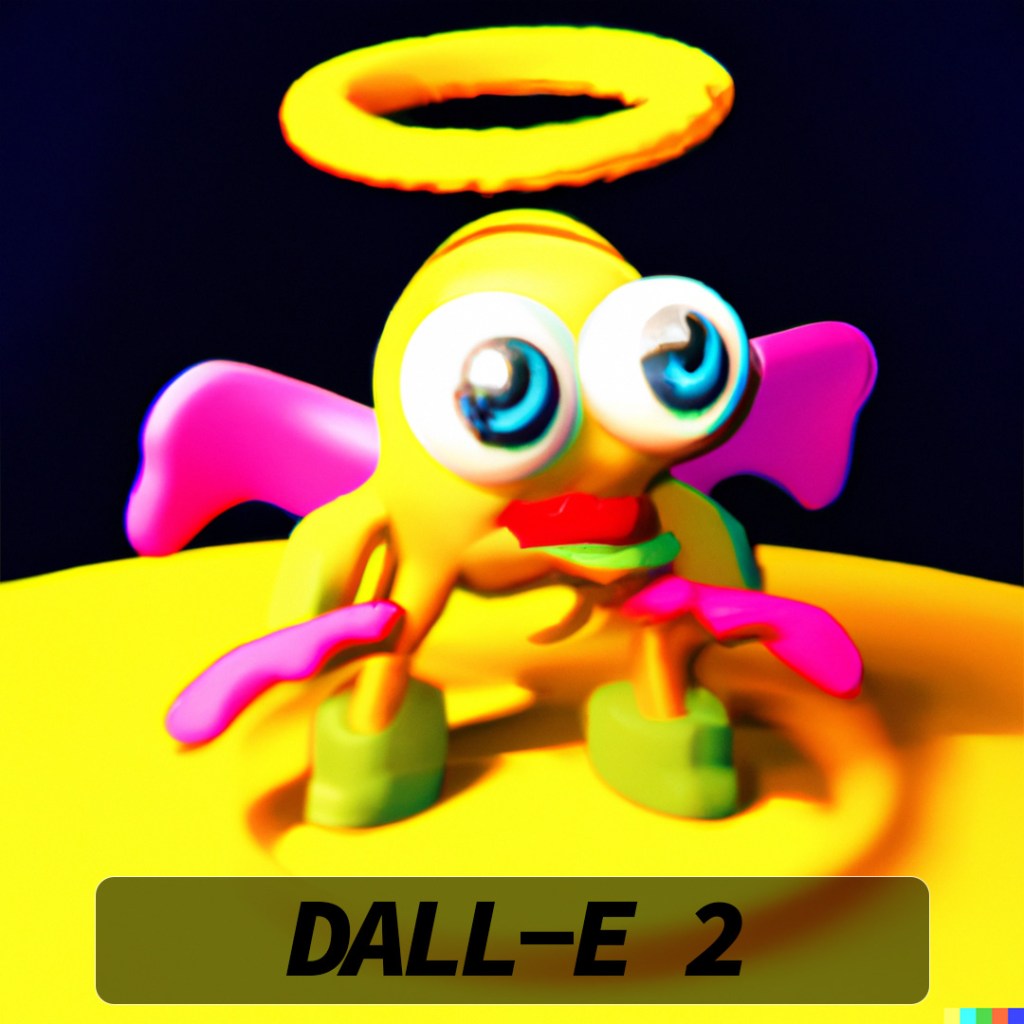
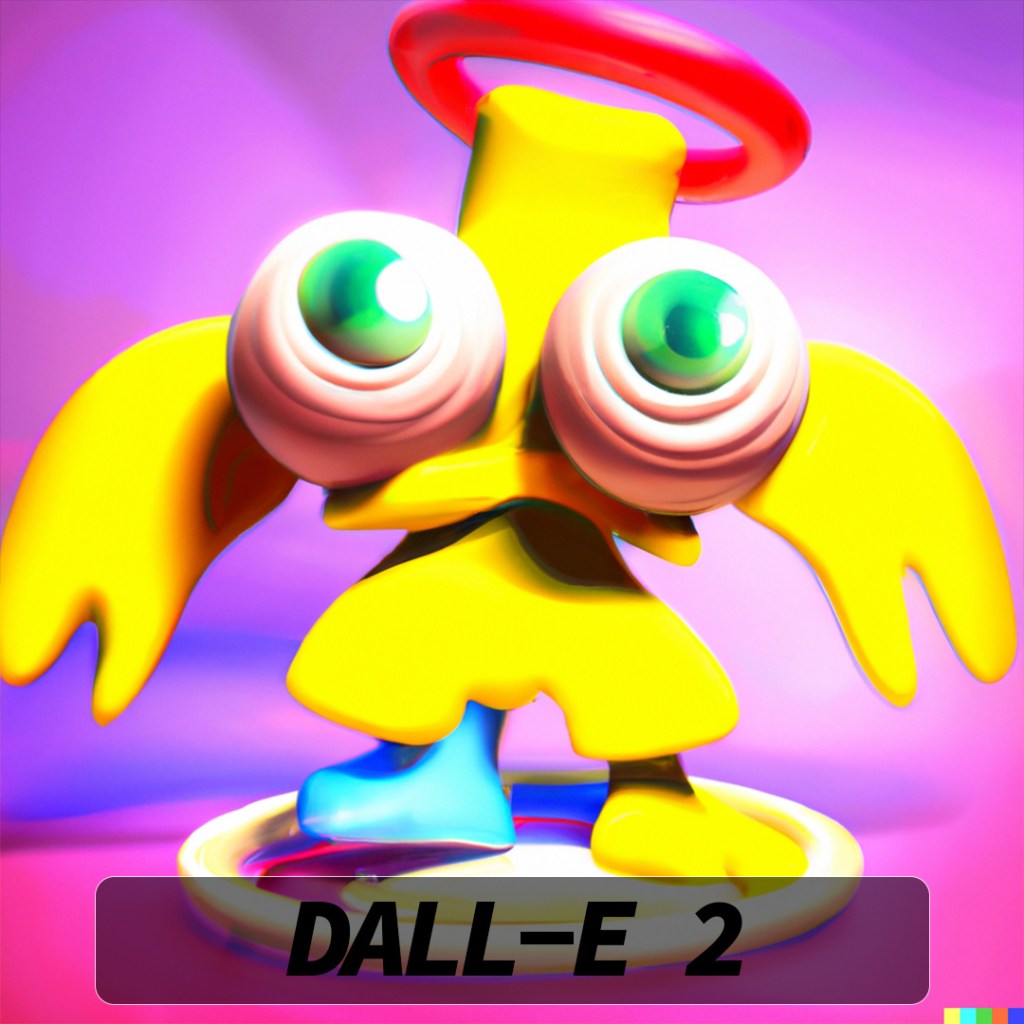
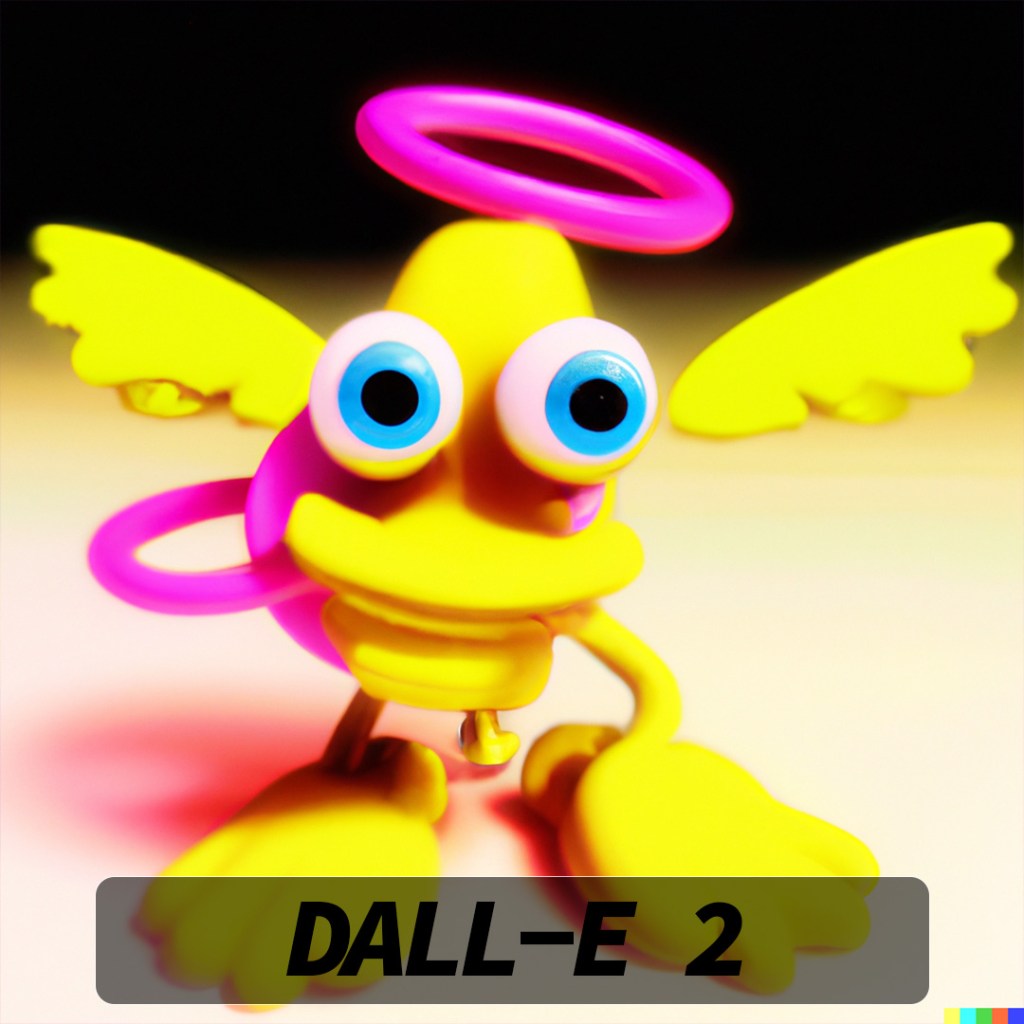
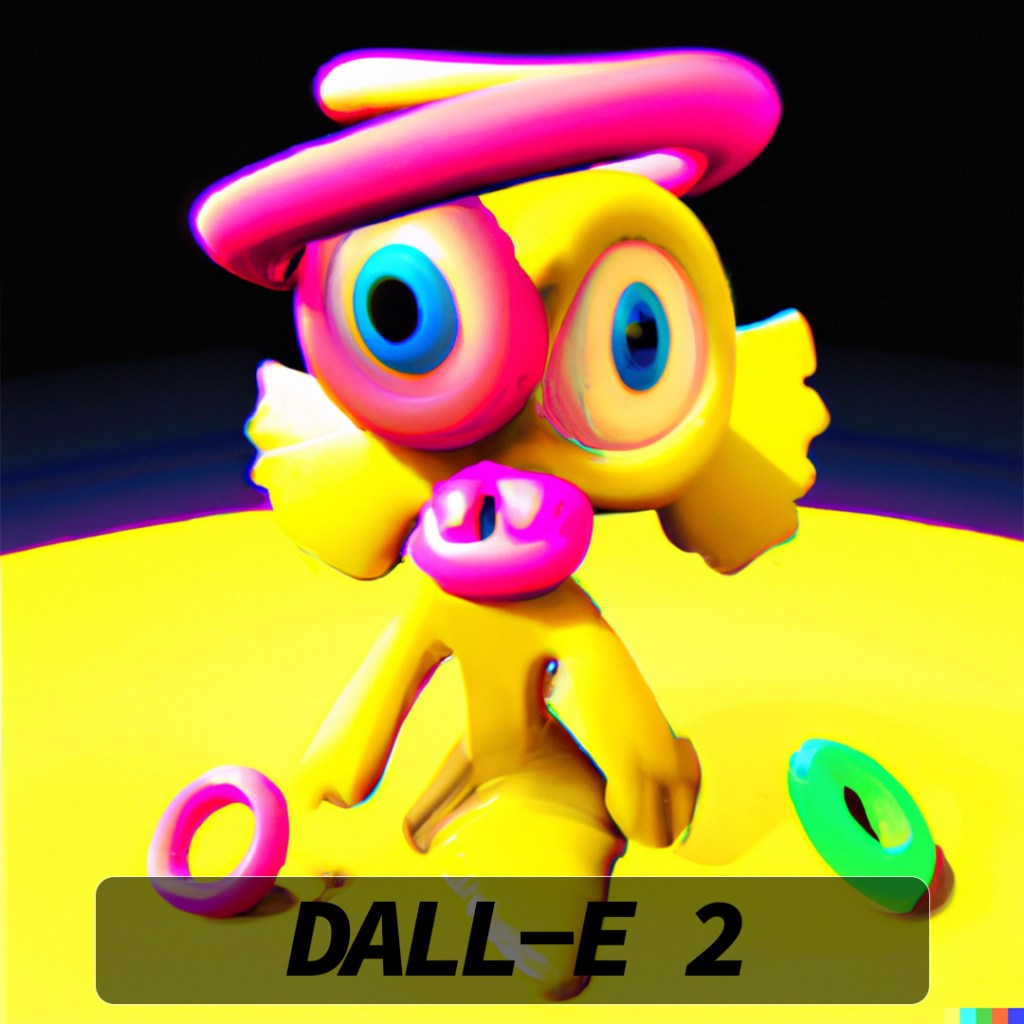
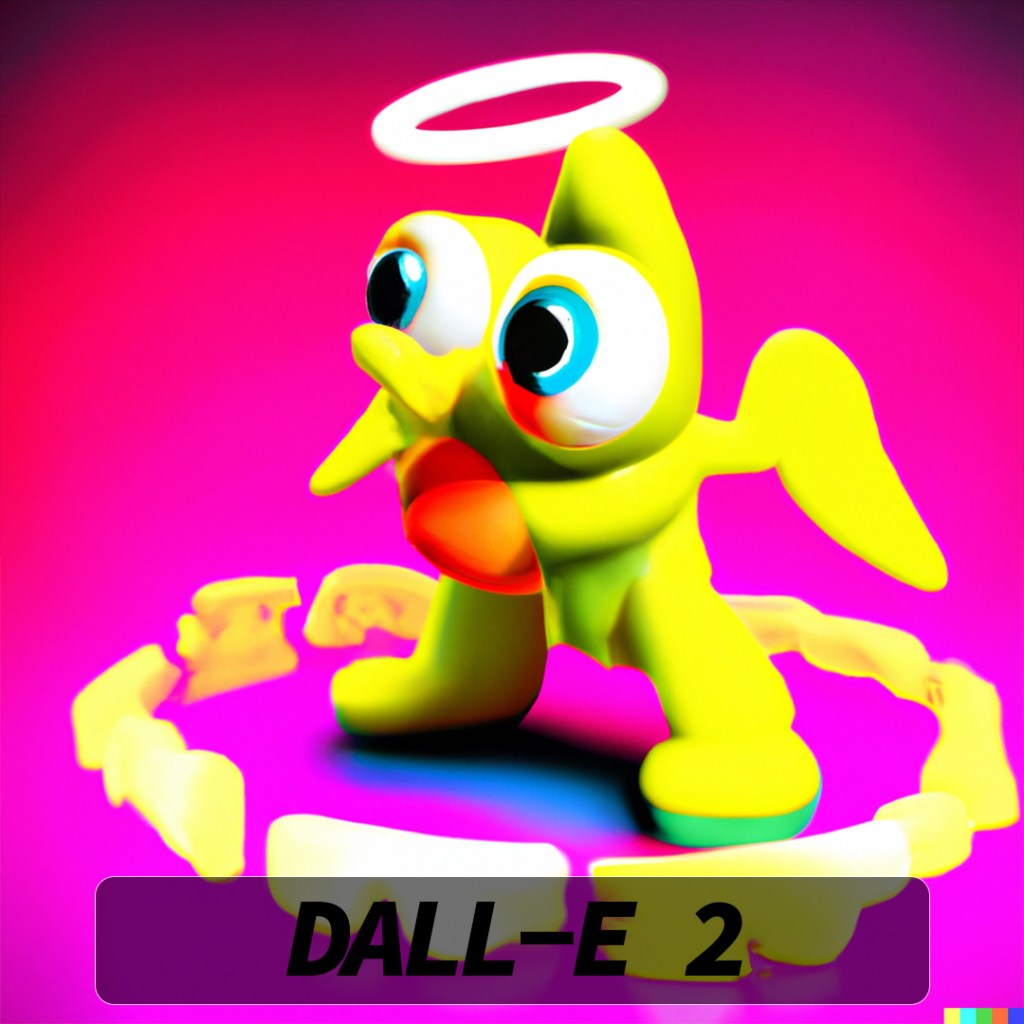
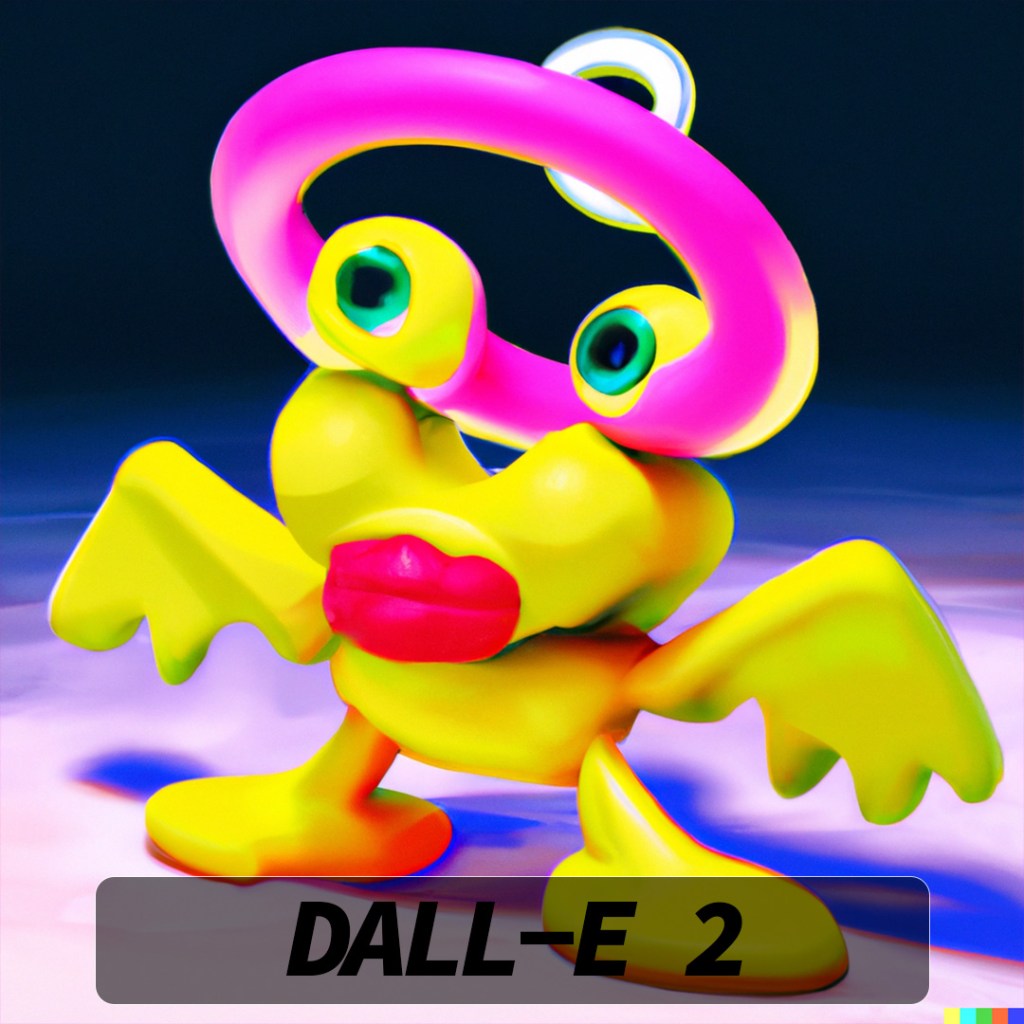
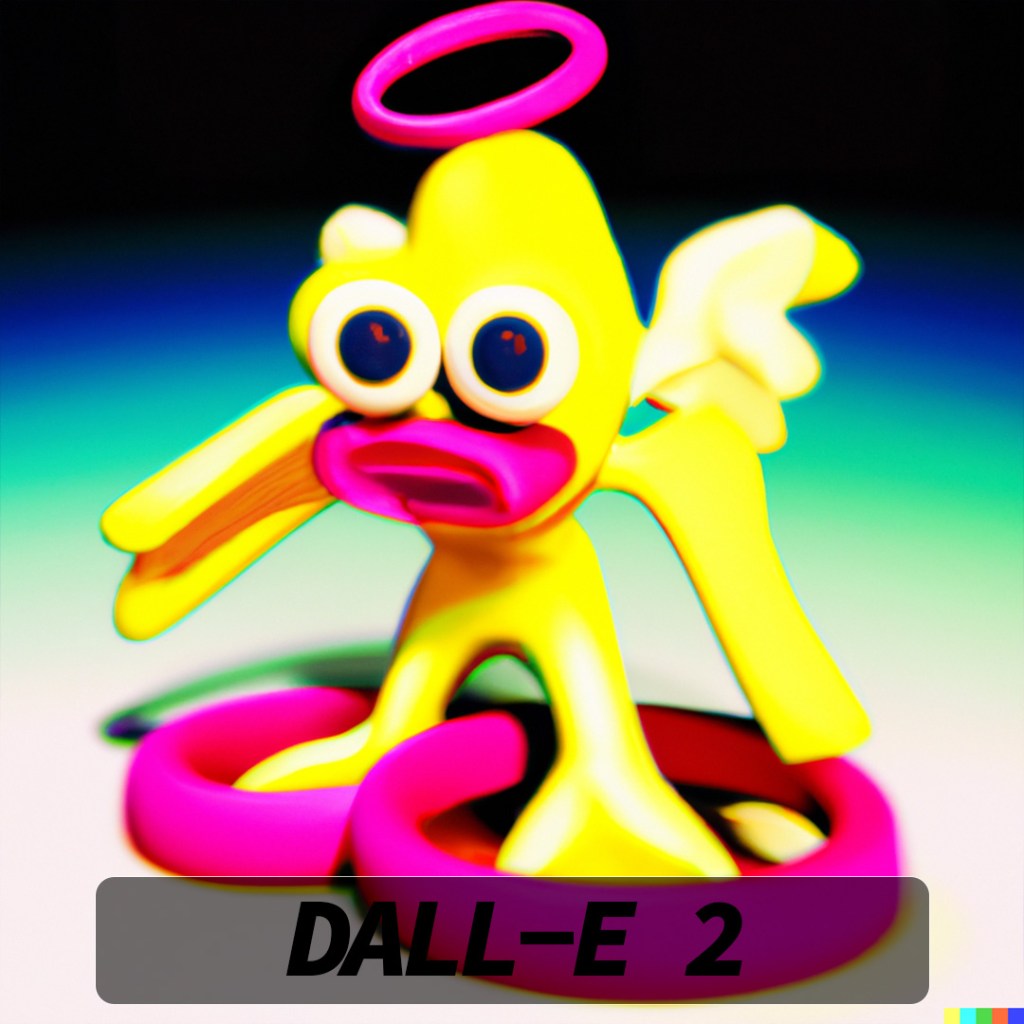
Okay so some of these got to be border-line creepy. DALL-E 2 really wanted to interpret my creature as a bird with big lips or something!
2023-02-23
A.I. Character Evolutions Part 2
I tried having DALL-E 2 create variations of another low-poly character I had created.
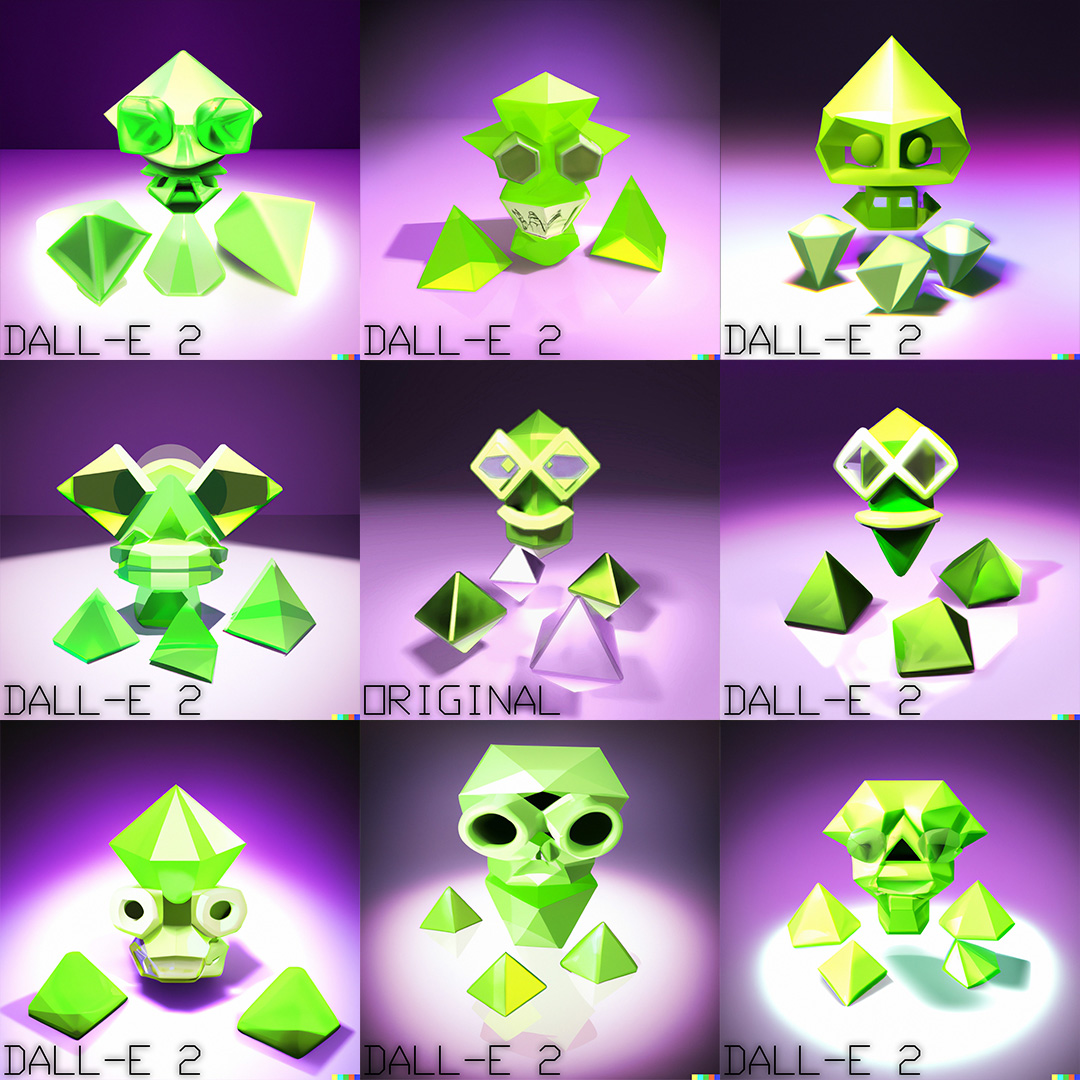
This time I tried modeling a character with less obvious eyes and no arms or legs, curious to see how DALL-E 2 would handle variations of this.
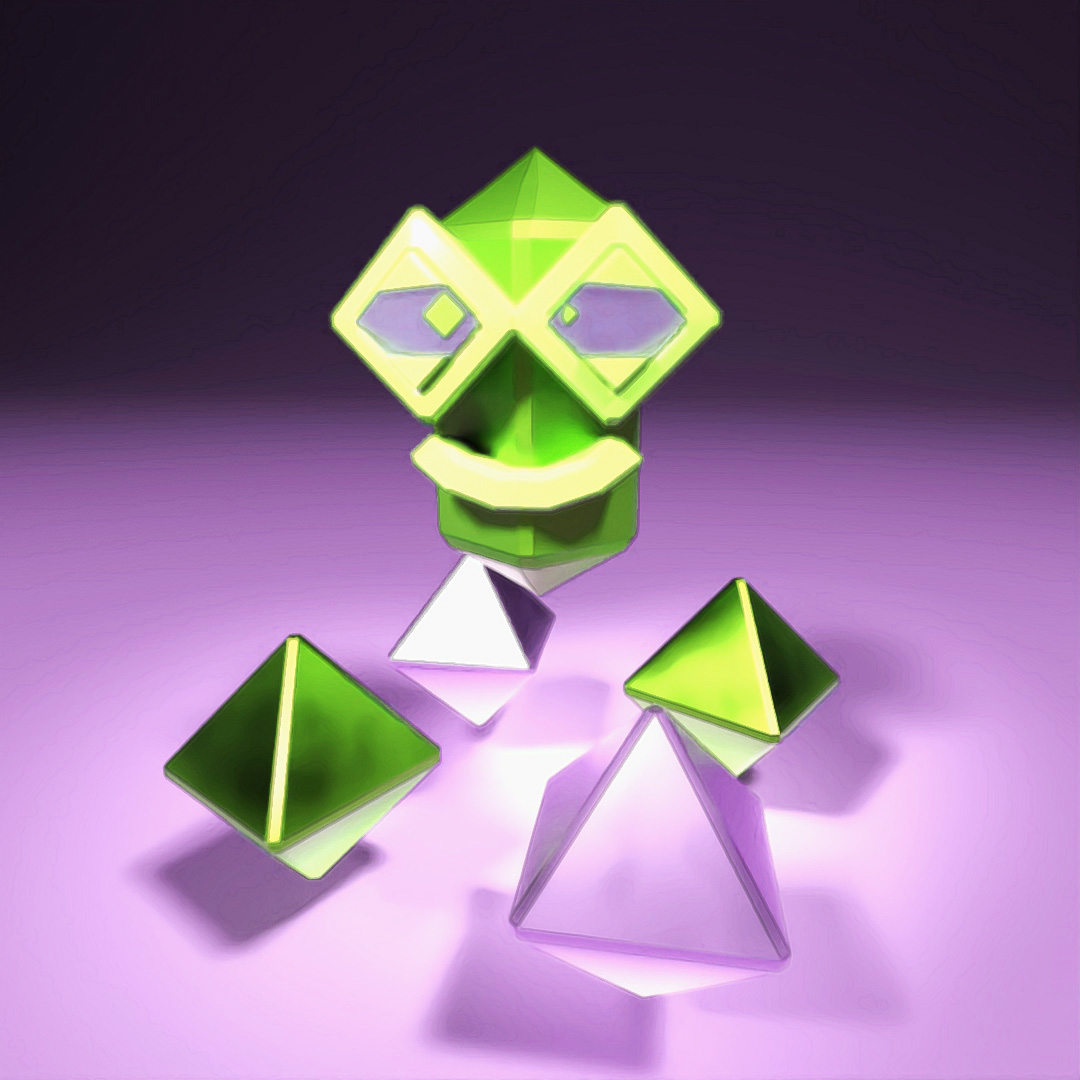
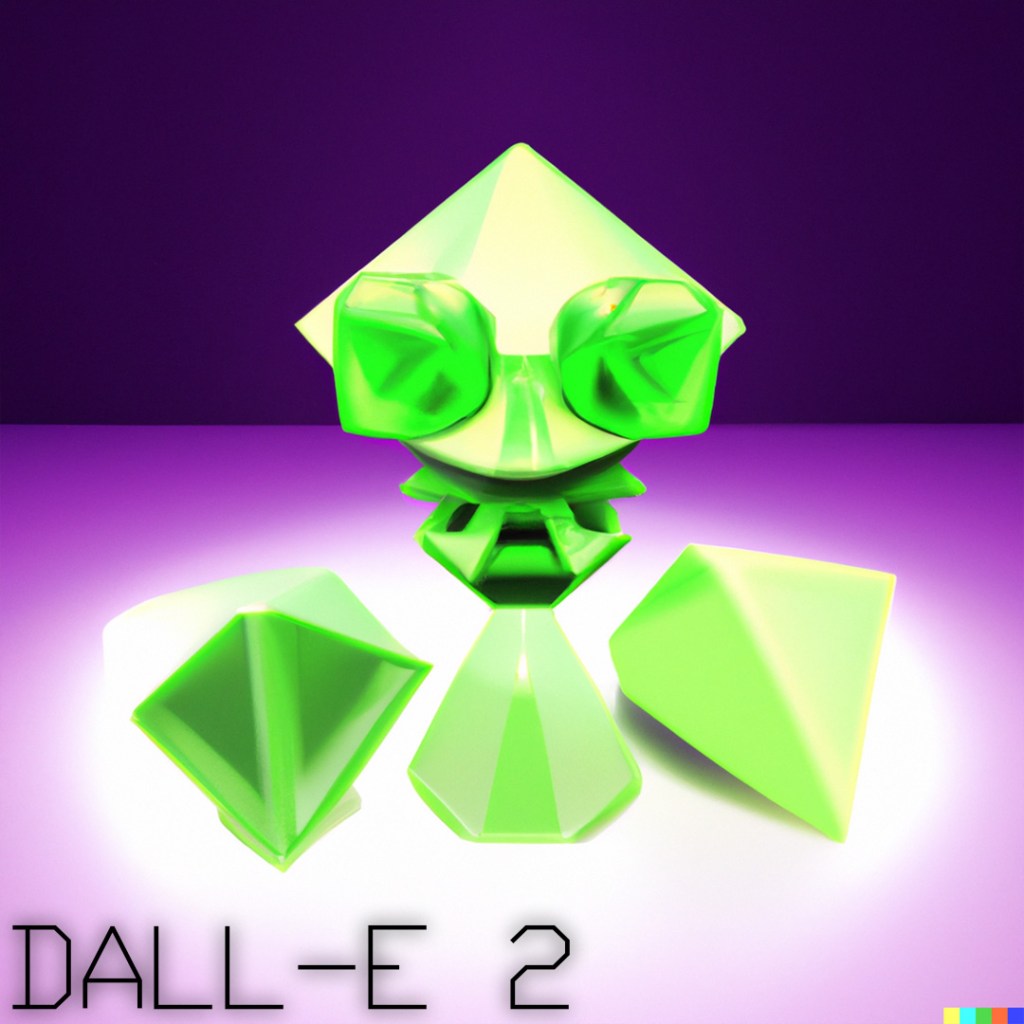
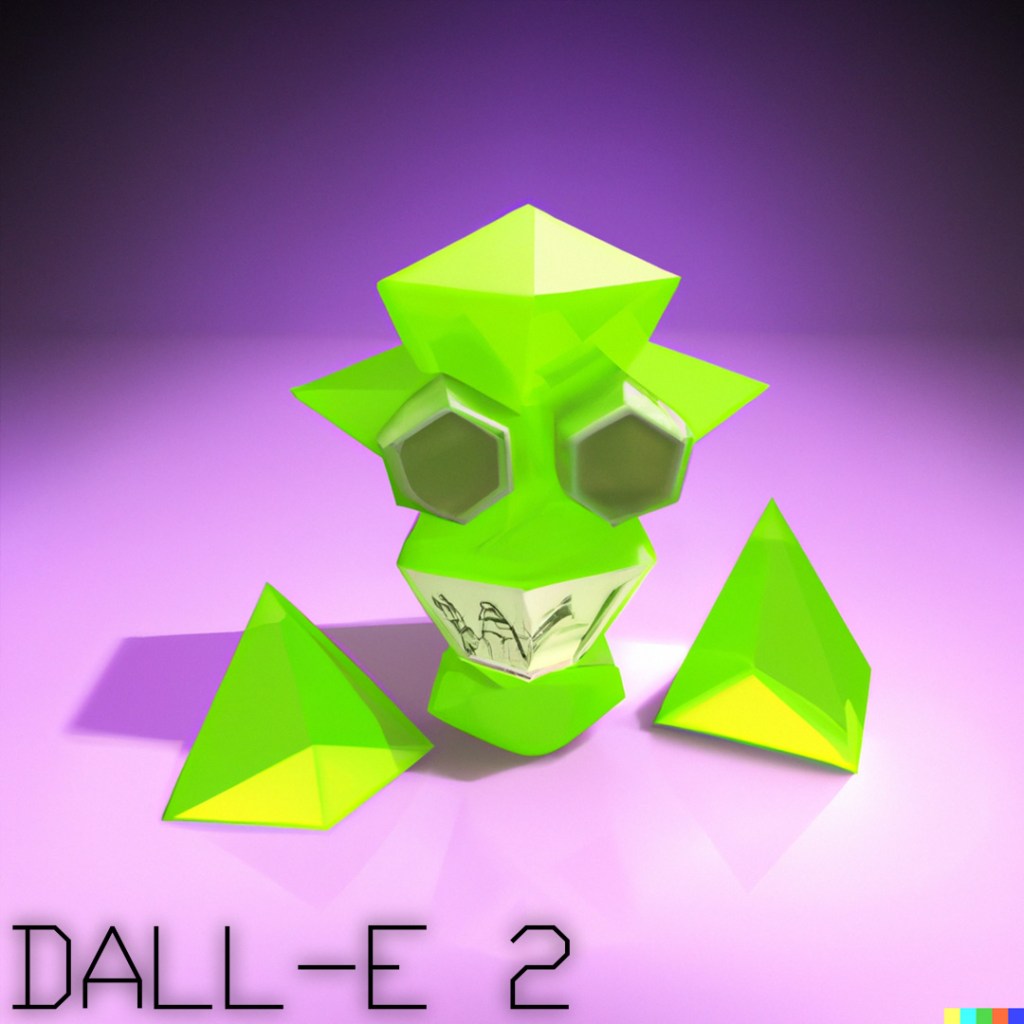

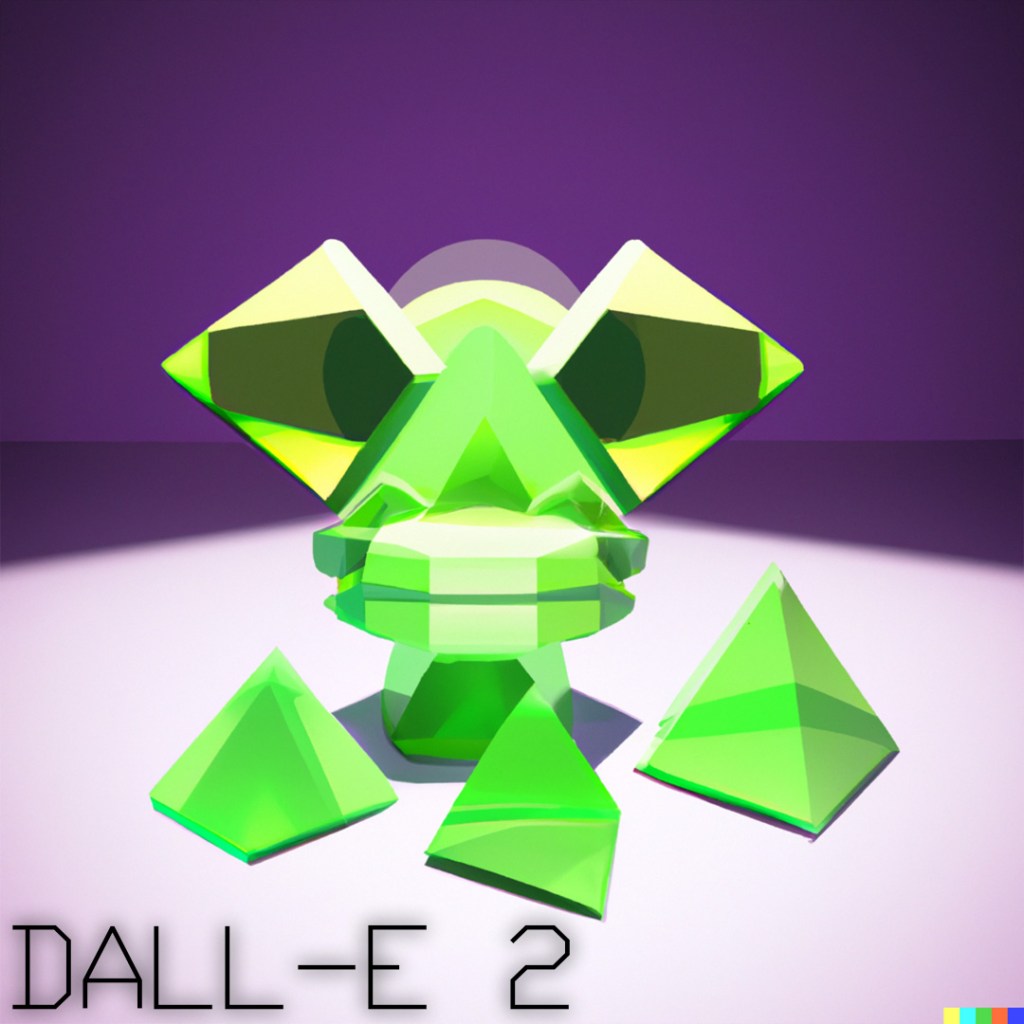
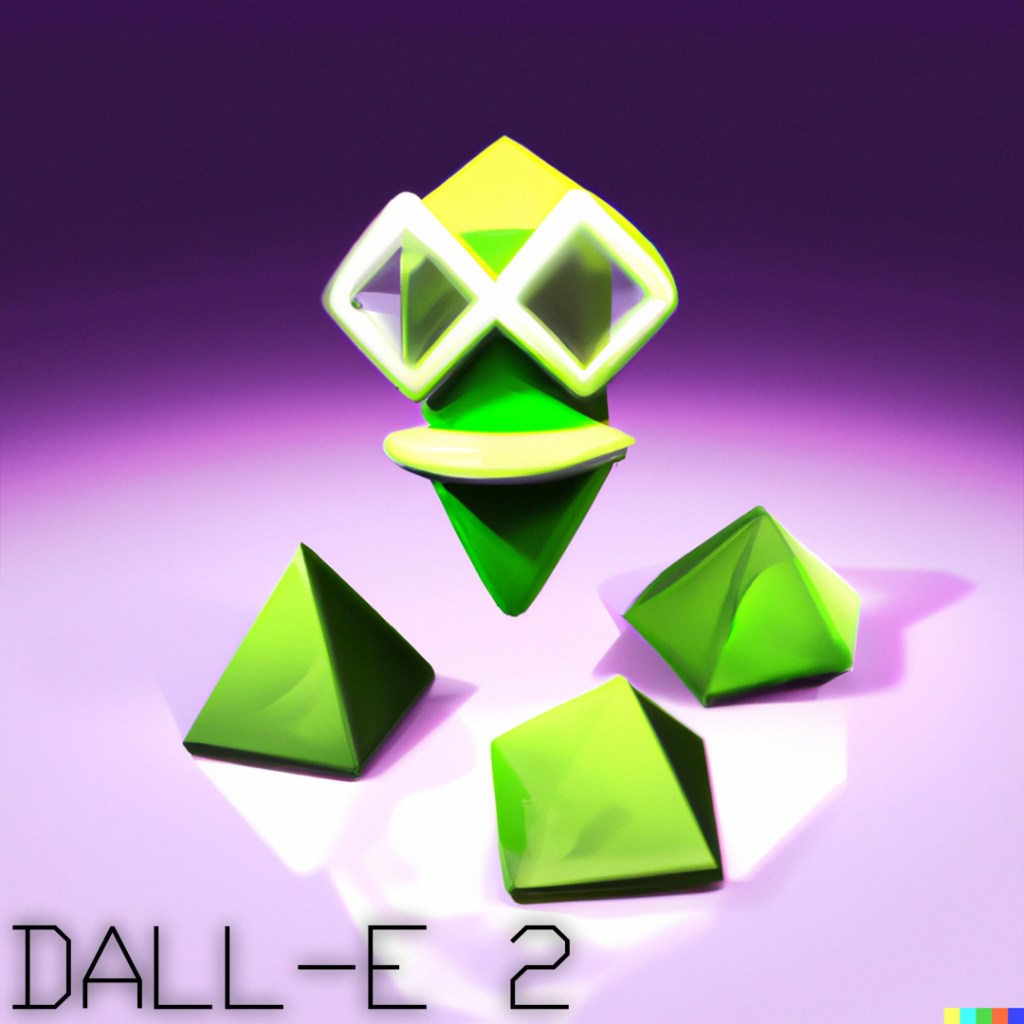
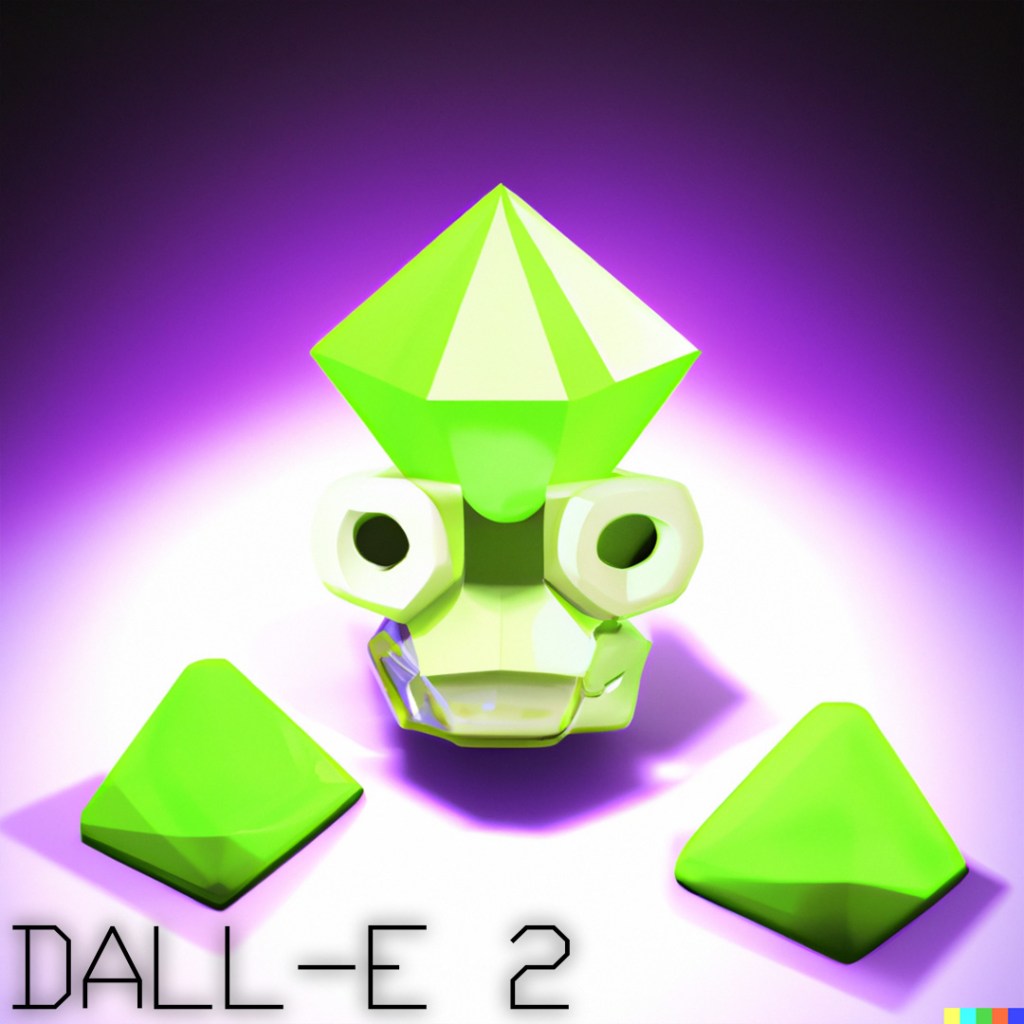

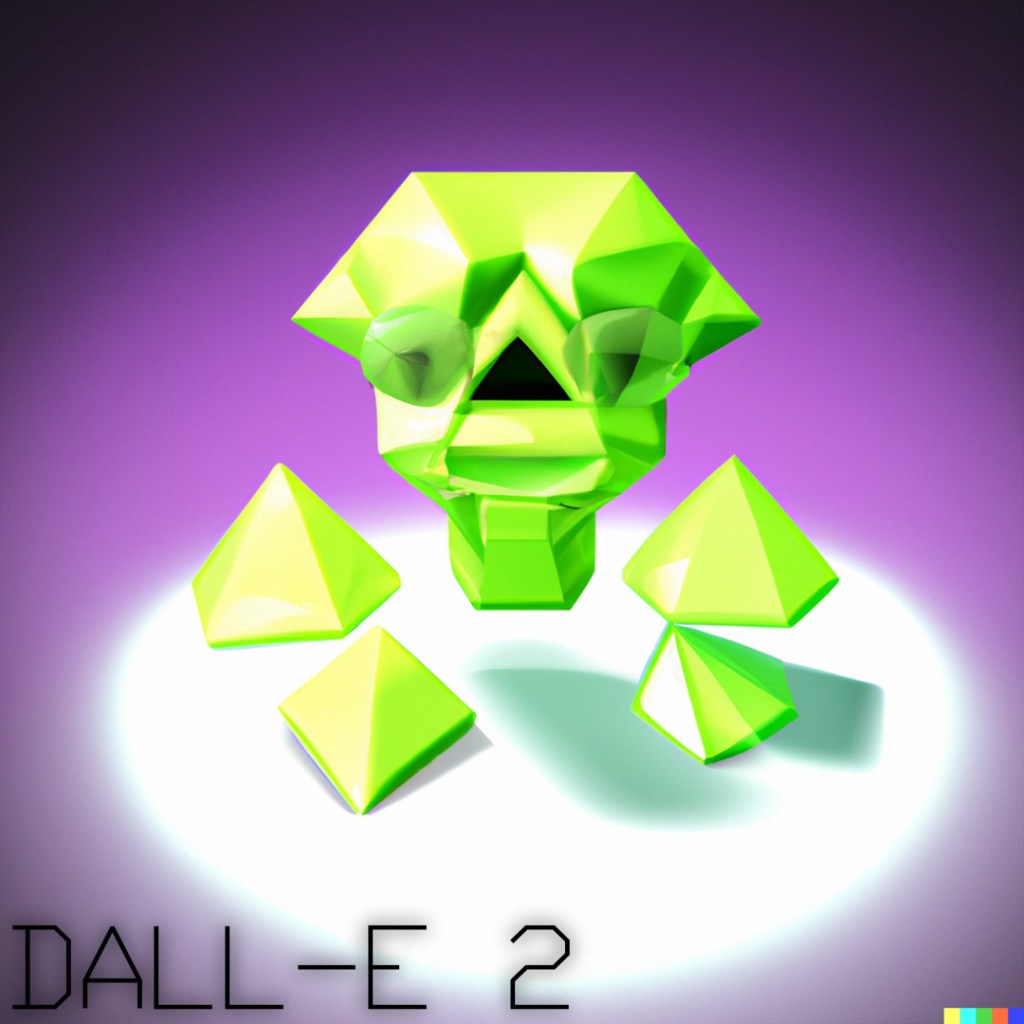
DALL-E 2 did a good job of keeping to the form, color scheme and general shape of the object and one of the variations is actually very close to the original, but definitely had a harder time detecting a face in some of the variations.
2023-02-21
A.I. Character Evolutions
I tried having DALL-E 2 create variations (evolutions?) of a low-poly character I had created a couple days before.
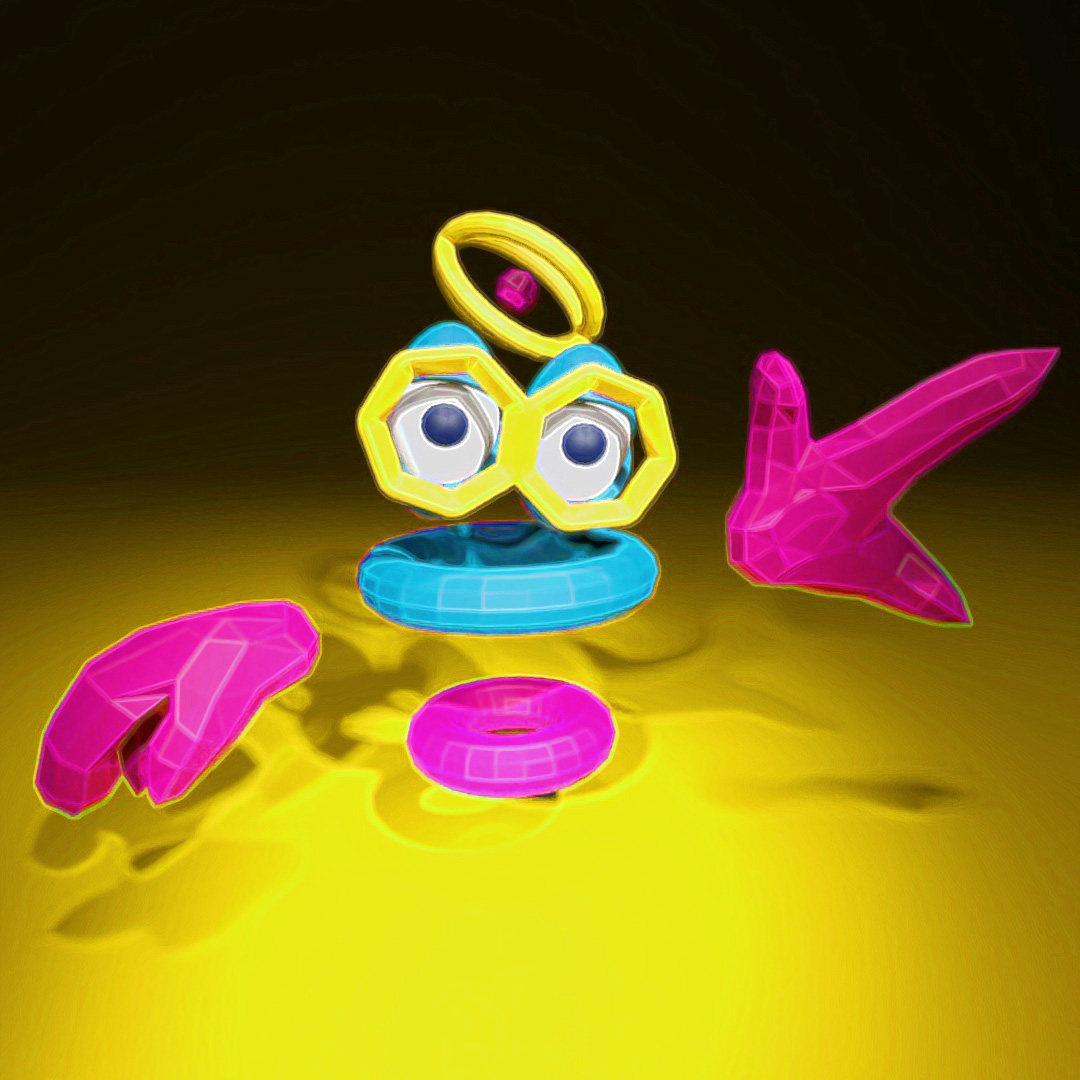
I modeled this ThingyGuy character in 3DSMax with intentionally obvious eyes, hoping that the A.I. would detect that this is a character and would also give the variations eyes (or at least the rough shape of eyes).
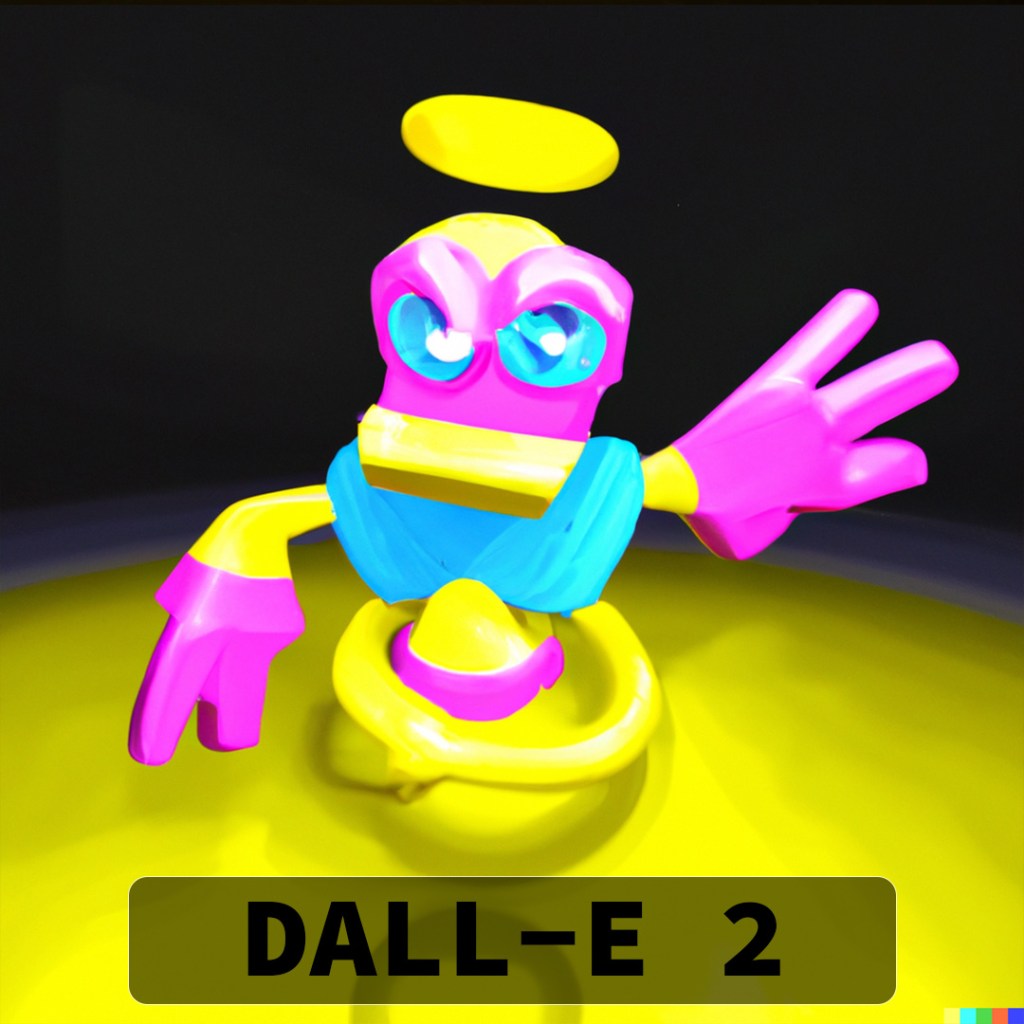
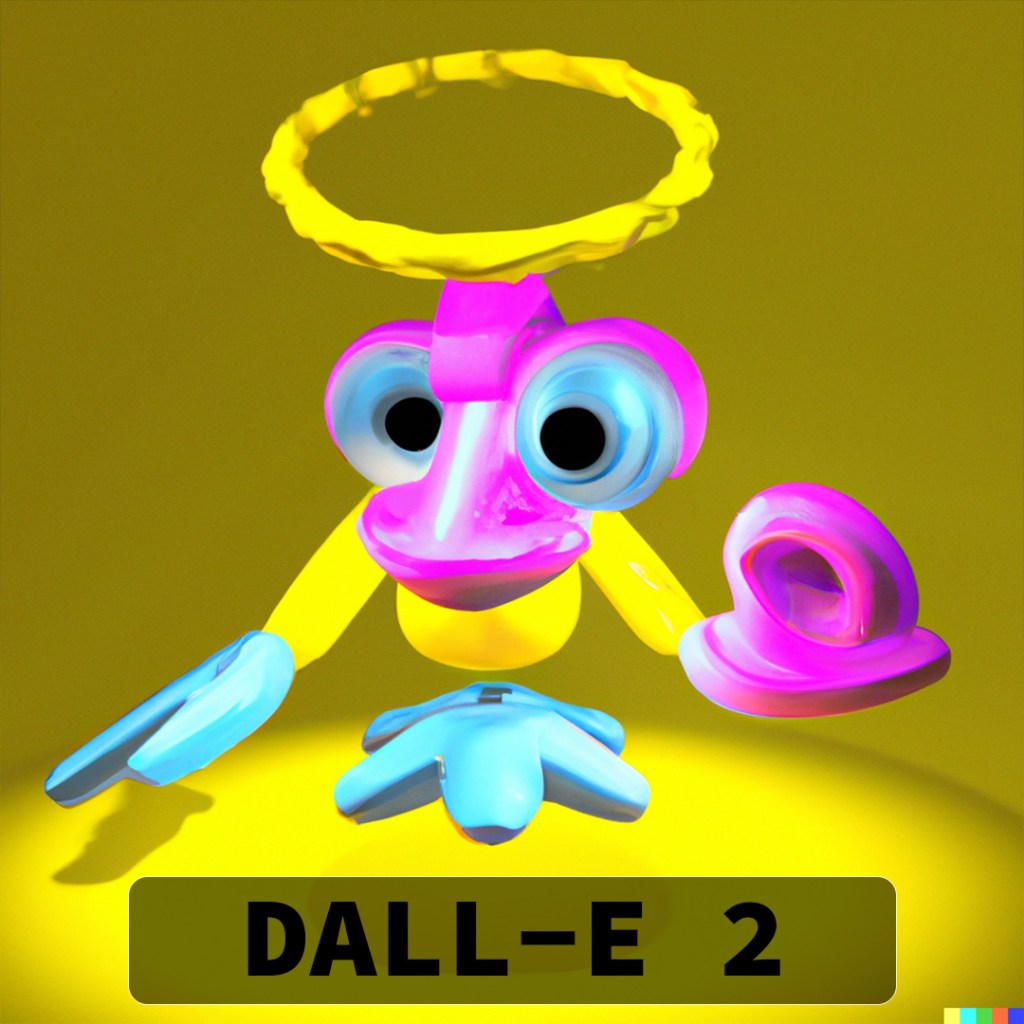
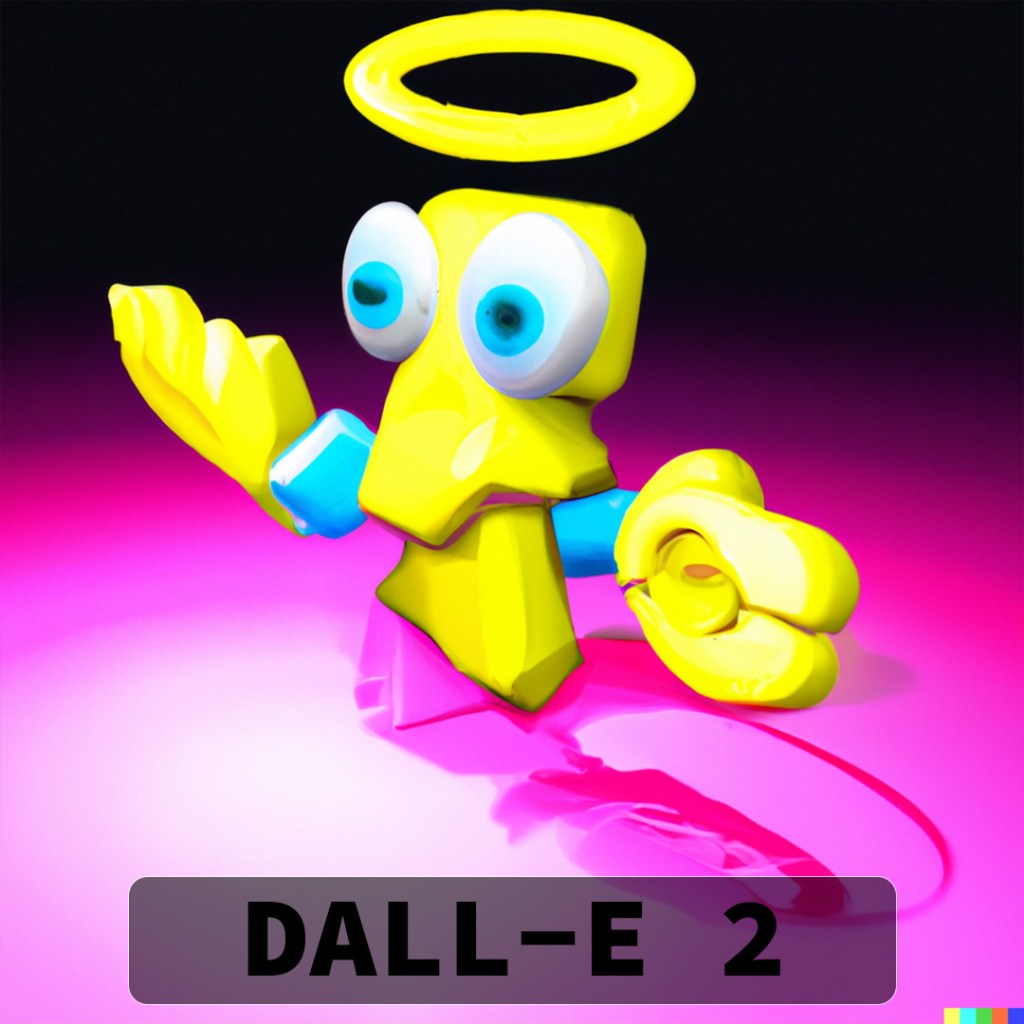
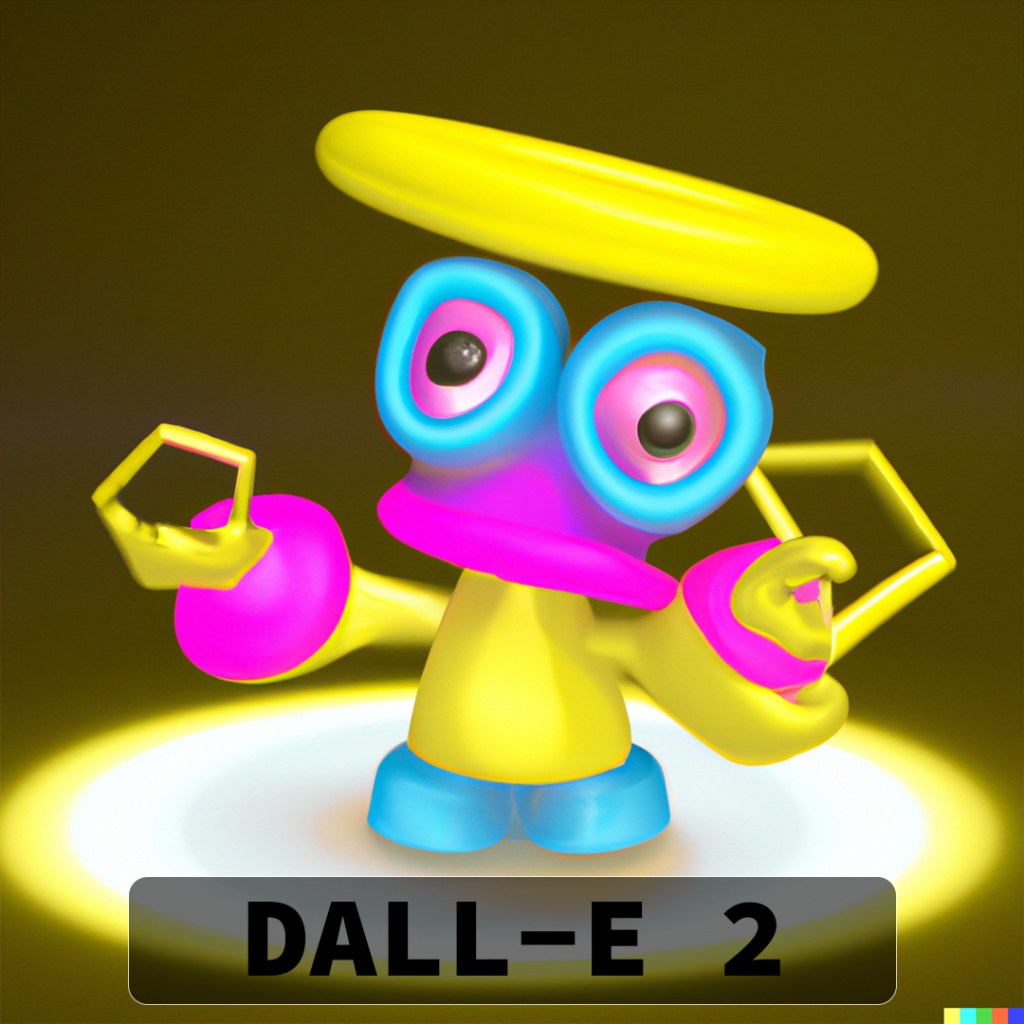
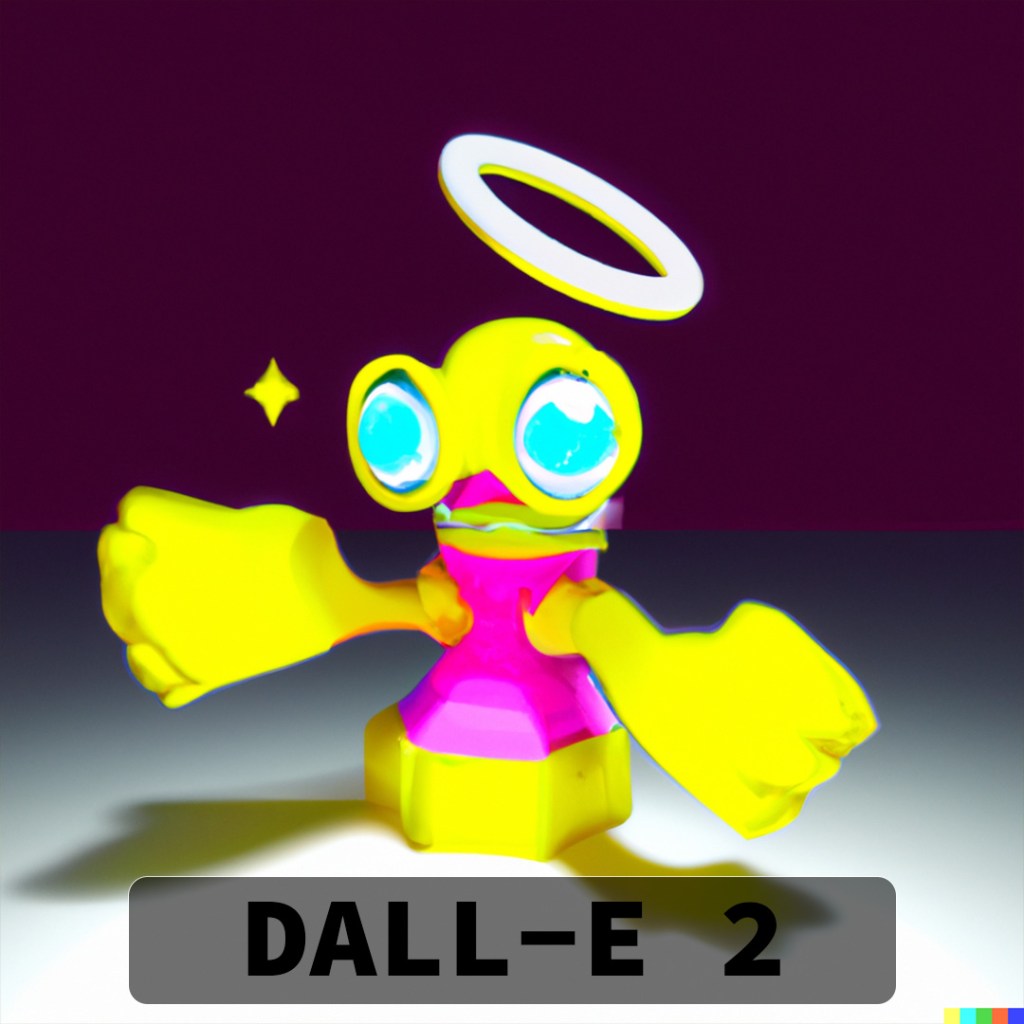
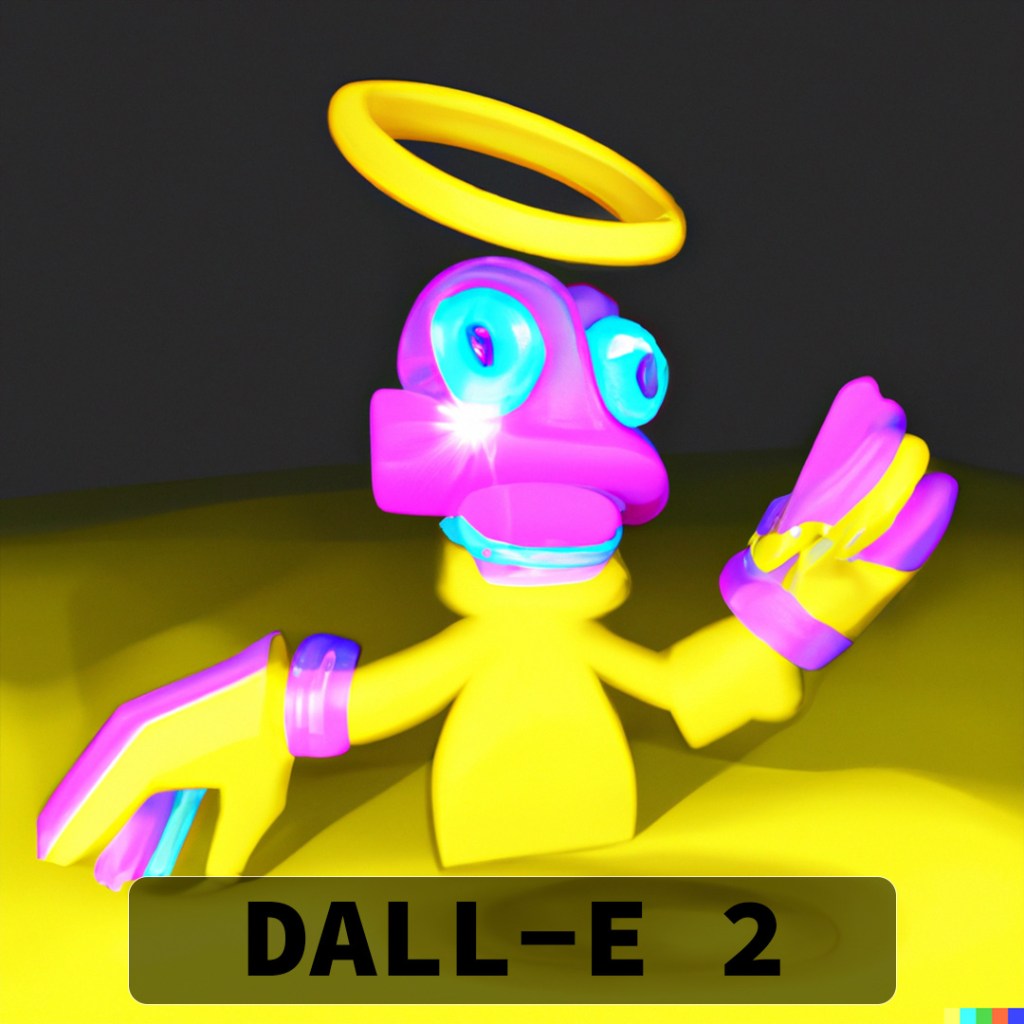
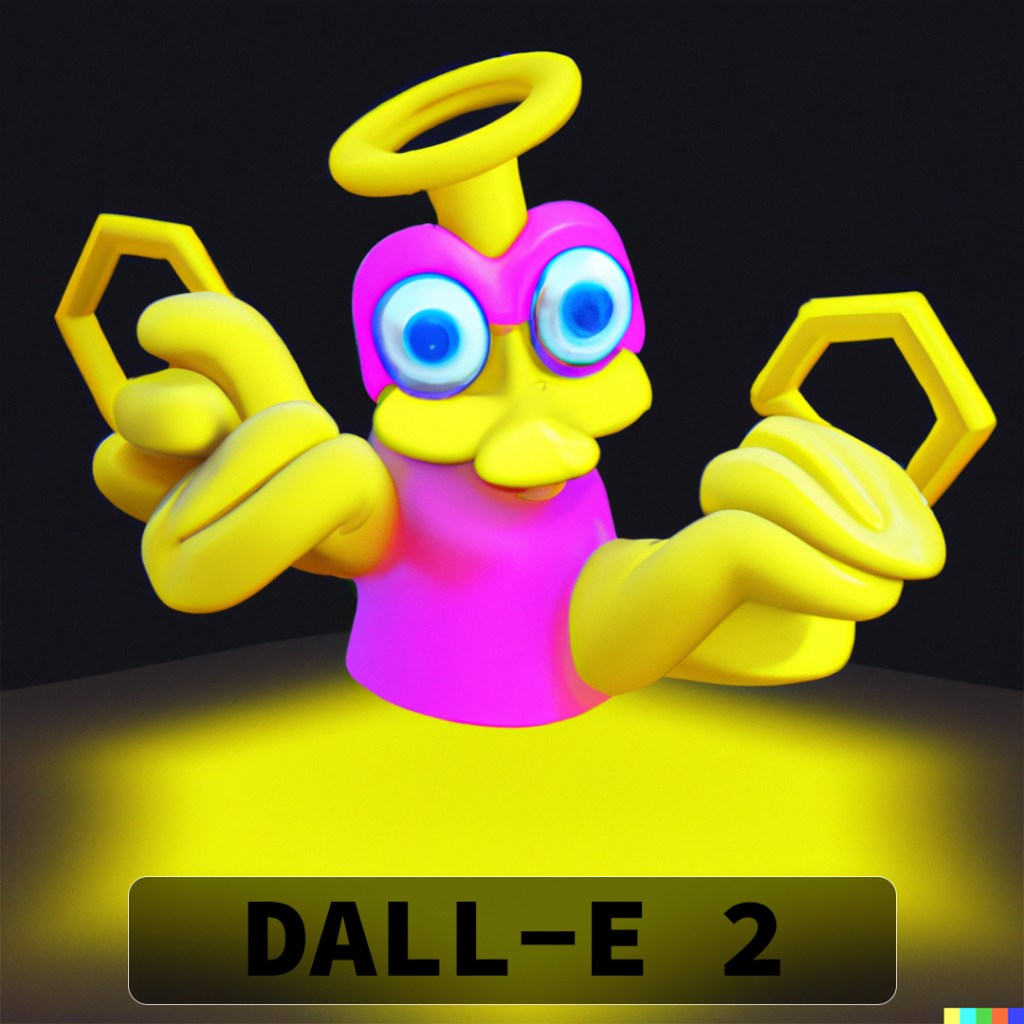
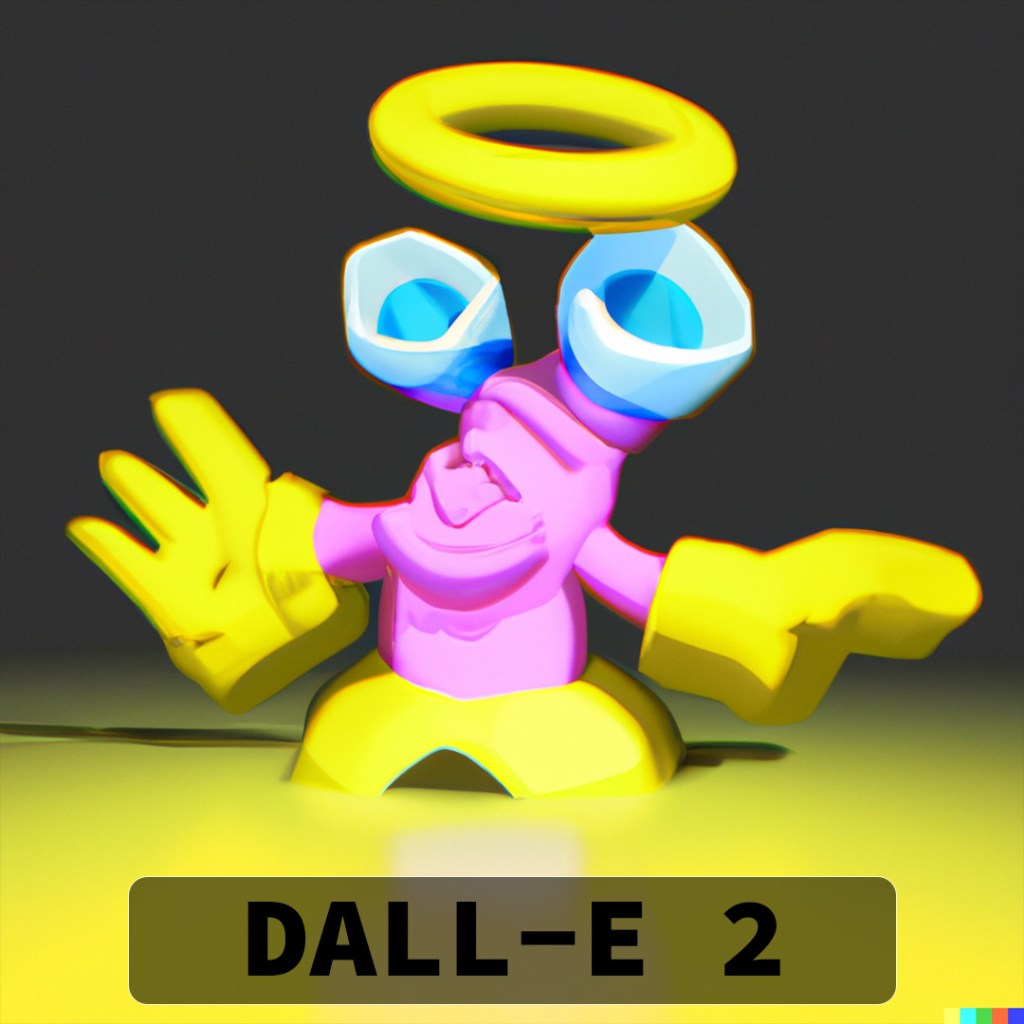
DALL-E 2 really hooked into the idea of a halo (I should have picked a slightly different angle to try and get the double-rings) and most of the variations also have the appearance of eyes. Some of them look angry and as if they are in attack stance and others look very derpy and comical.
2023-02-20
A.I. Texture Creation
Something I had heard about was 3D artists using A.I. to create textures and materials to be used in their renders. I thought I would give it a try with DALL-E 2.
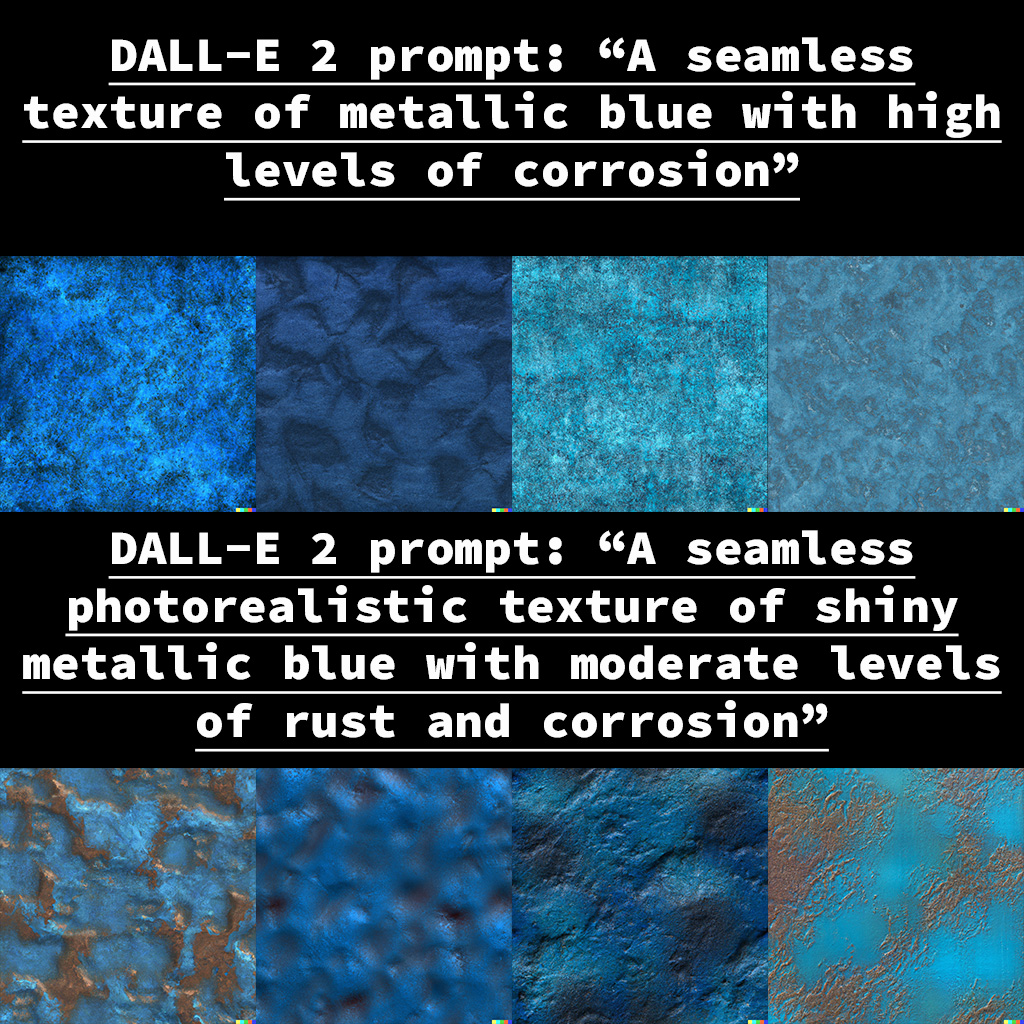
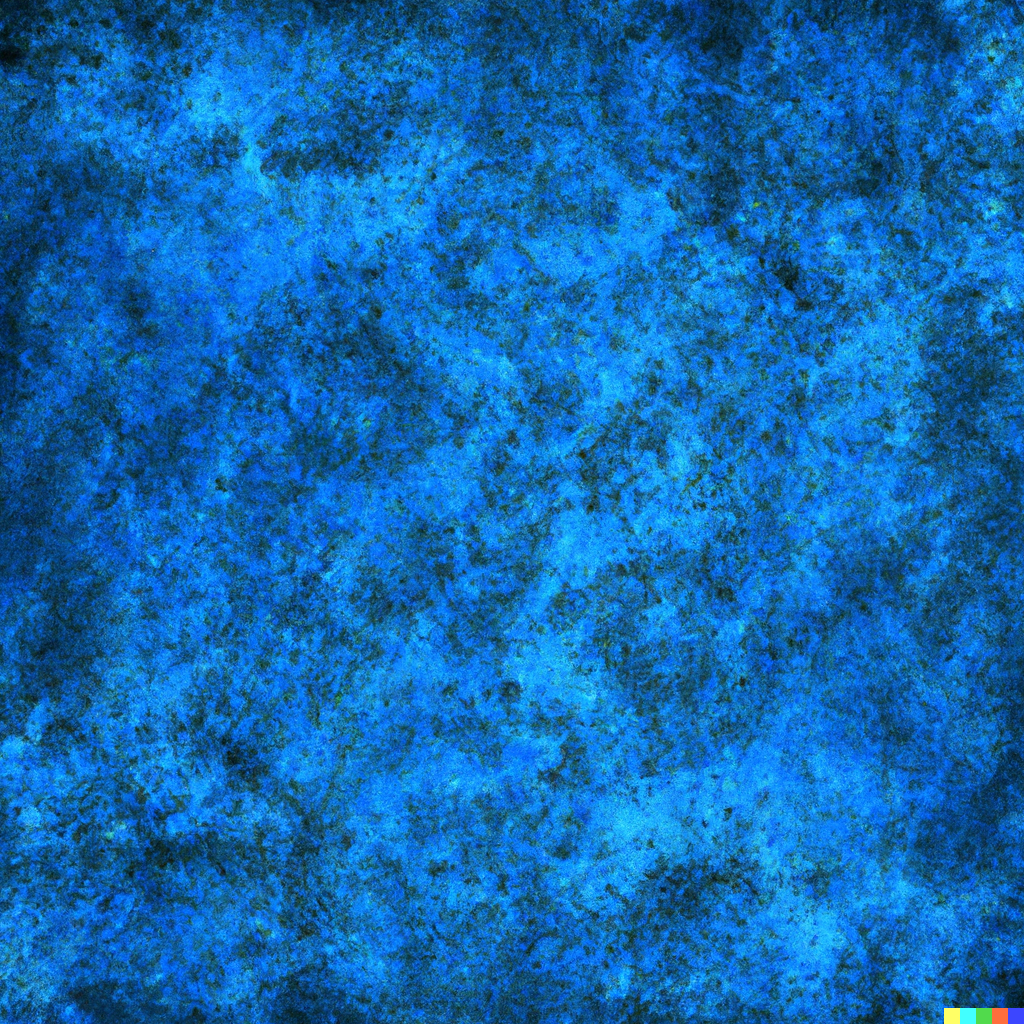
The first prompt I tried:
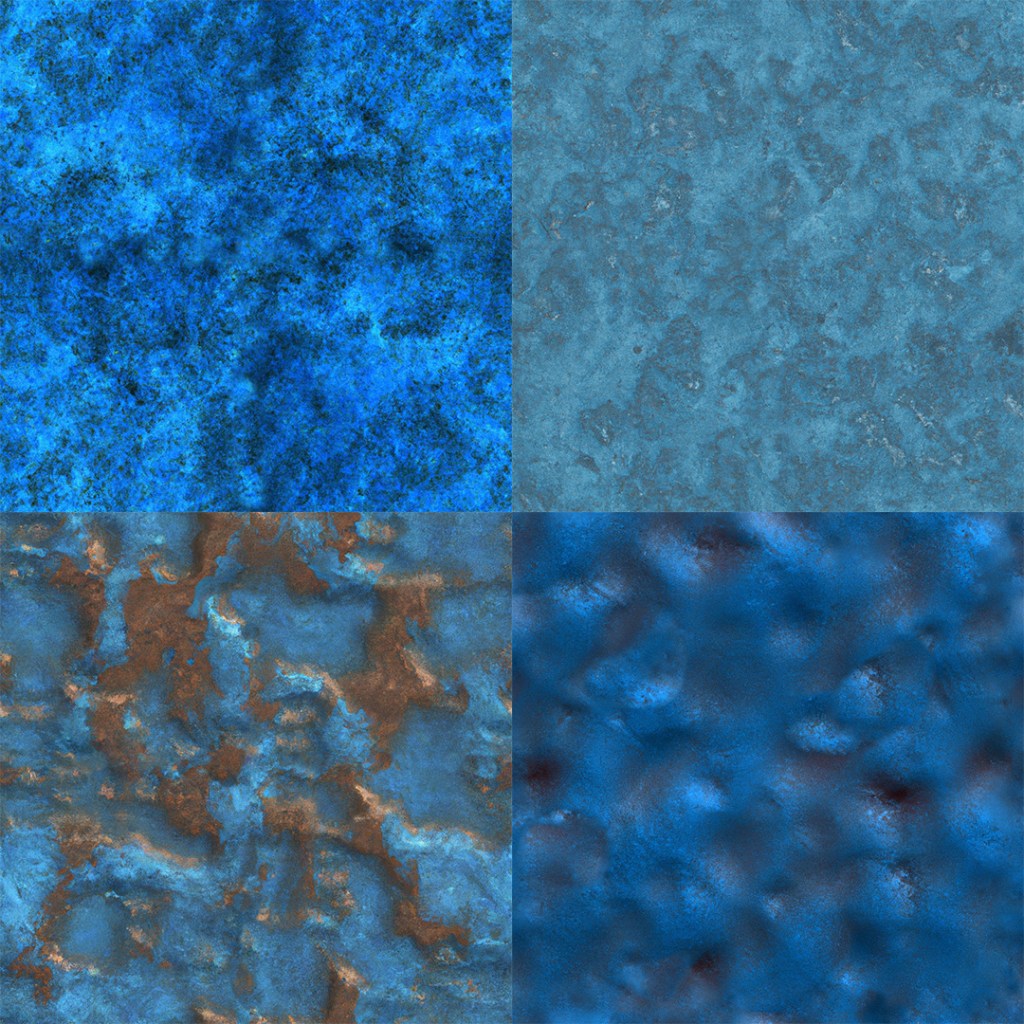
A seamless texture of metallic blue with high levels of corrosion
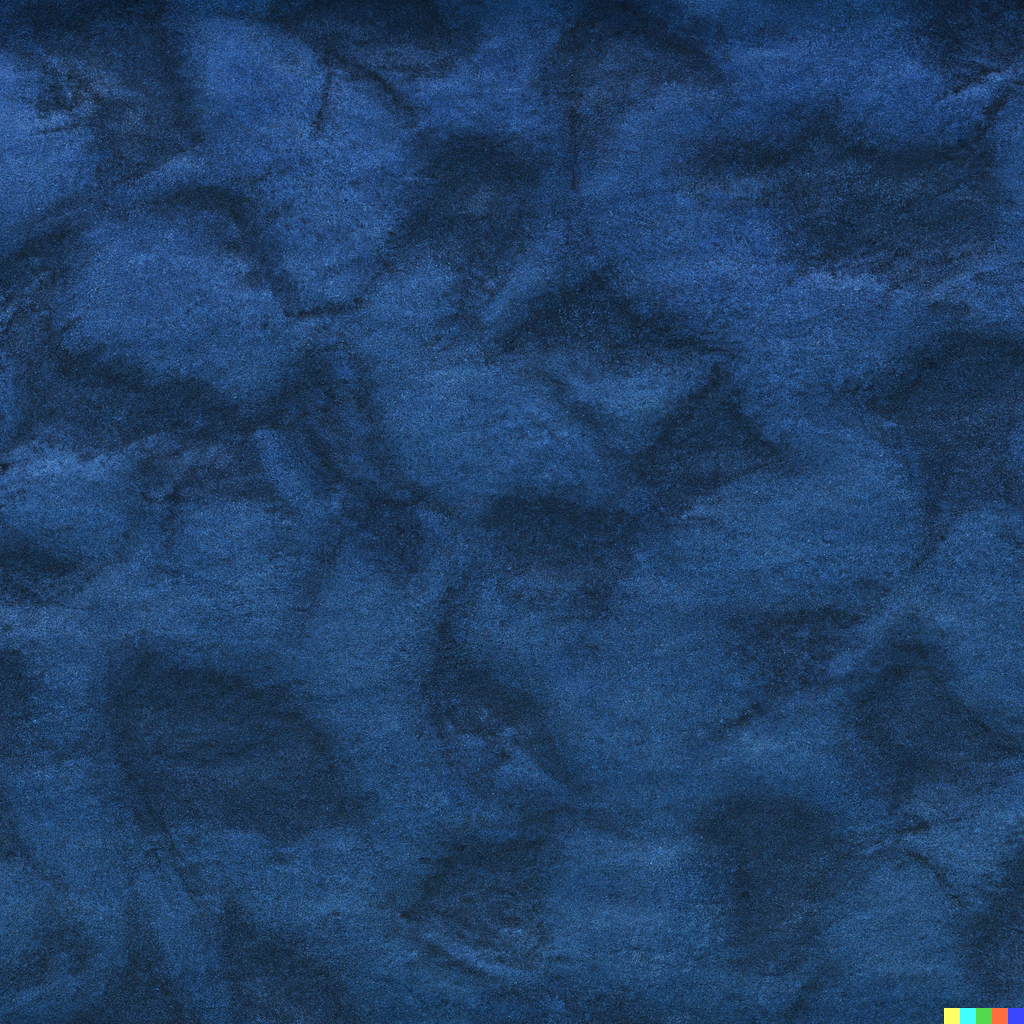
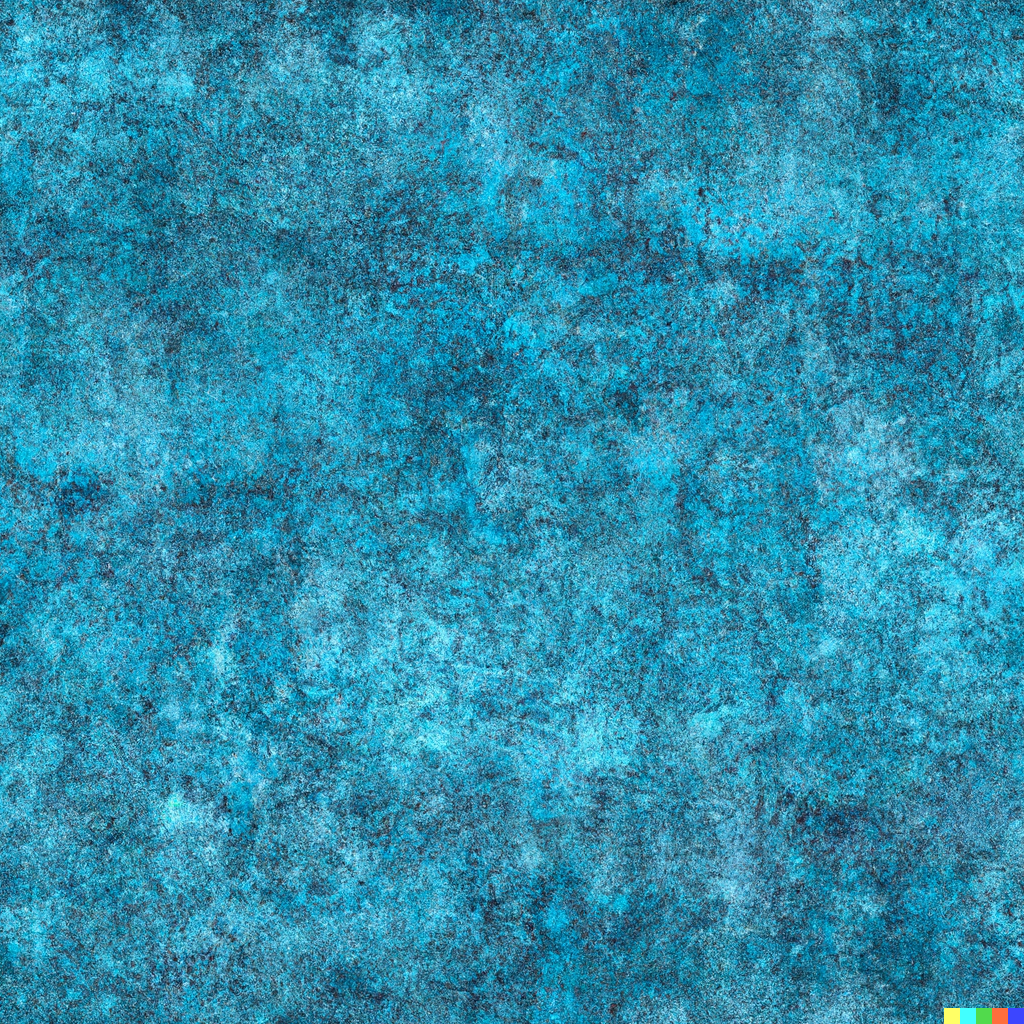
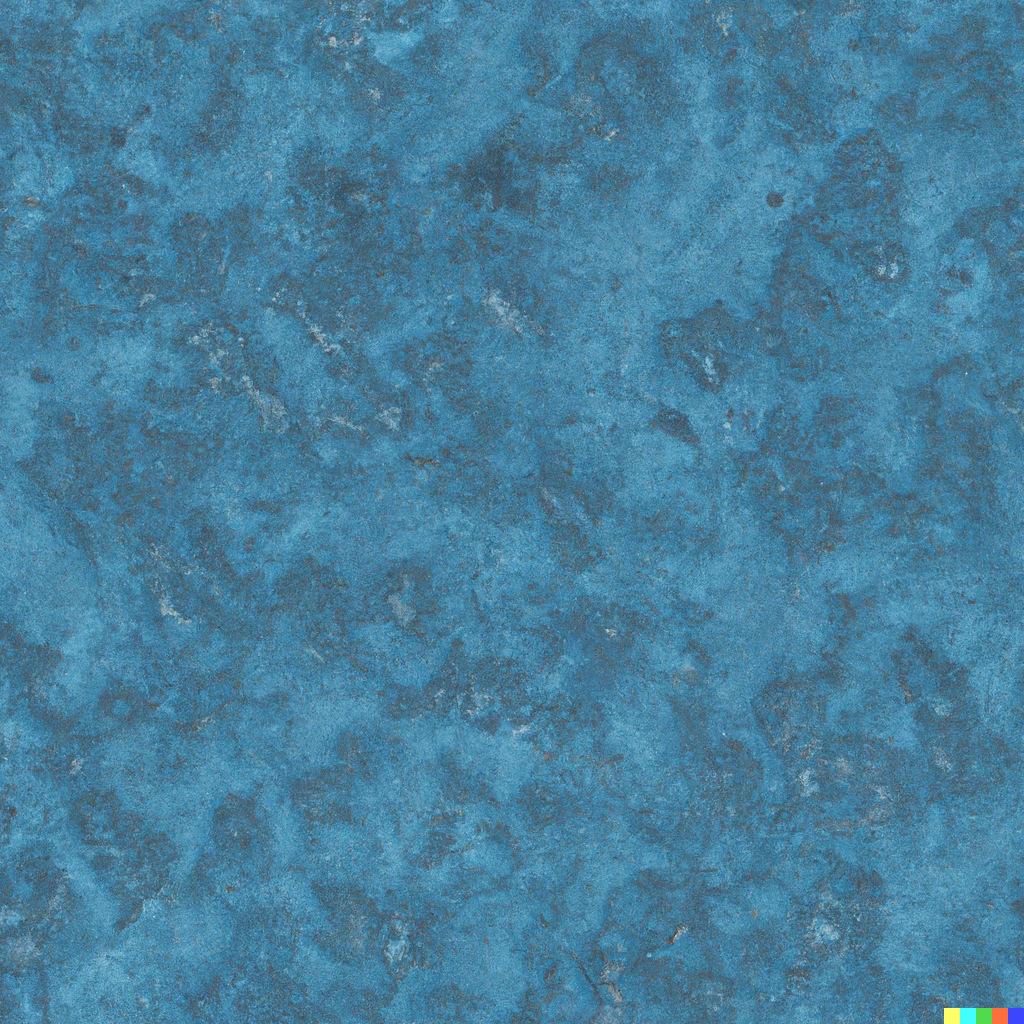
Next I tried to be a little more specific:
A seamless photorealistic texture of shiny metallic blue with moderate levels of rust and corrosion

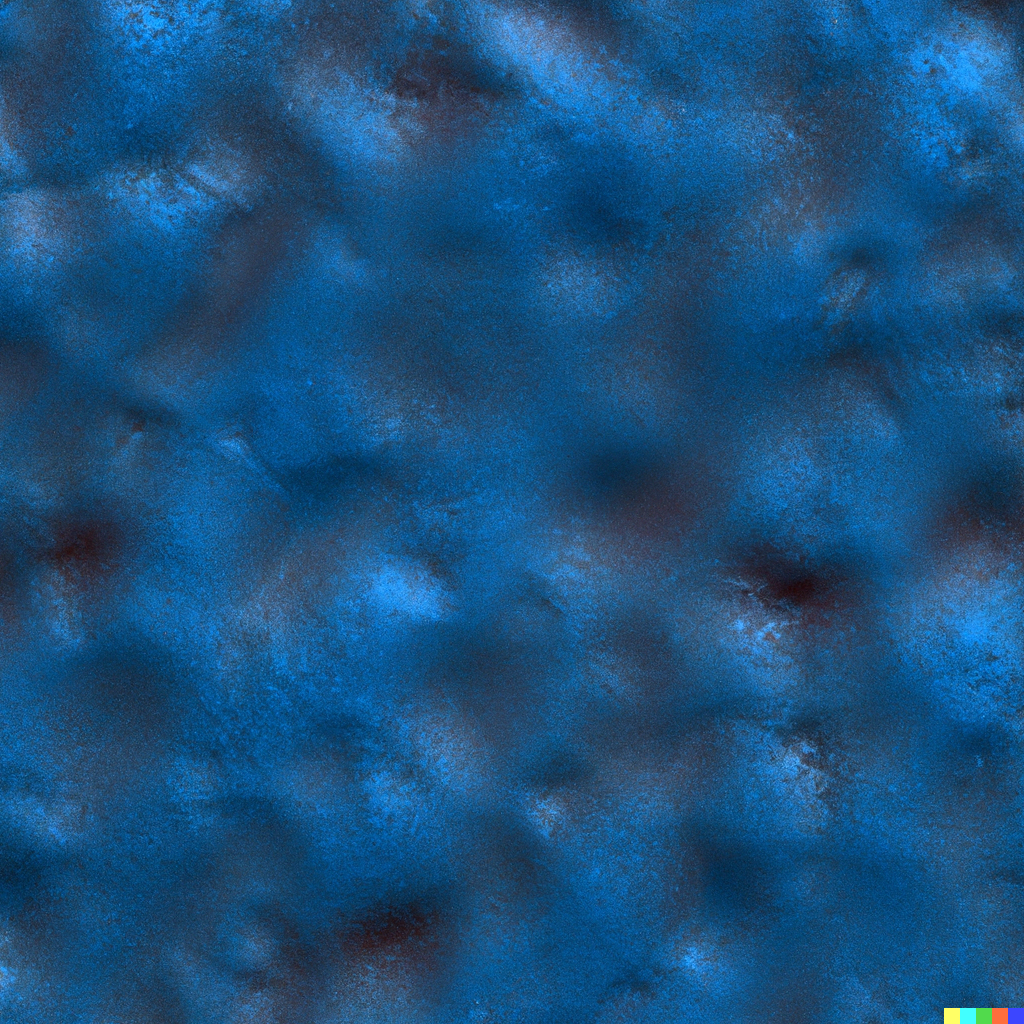
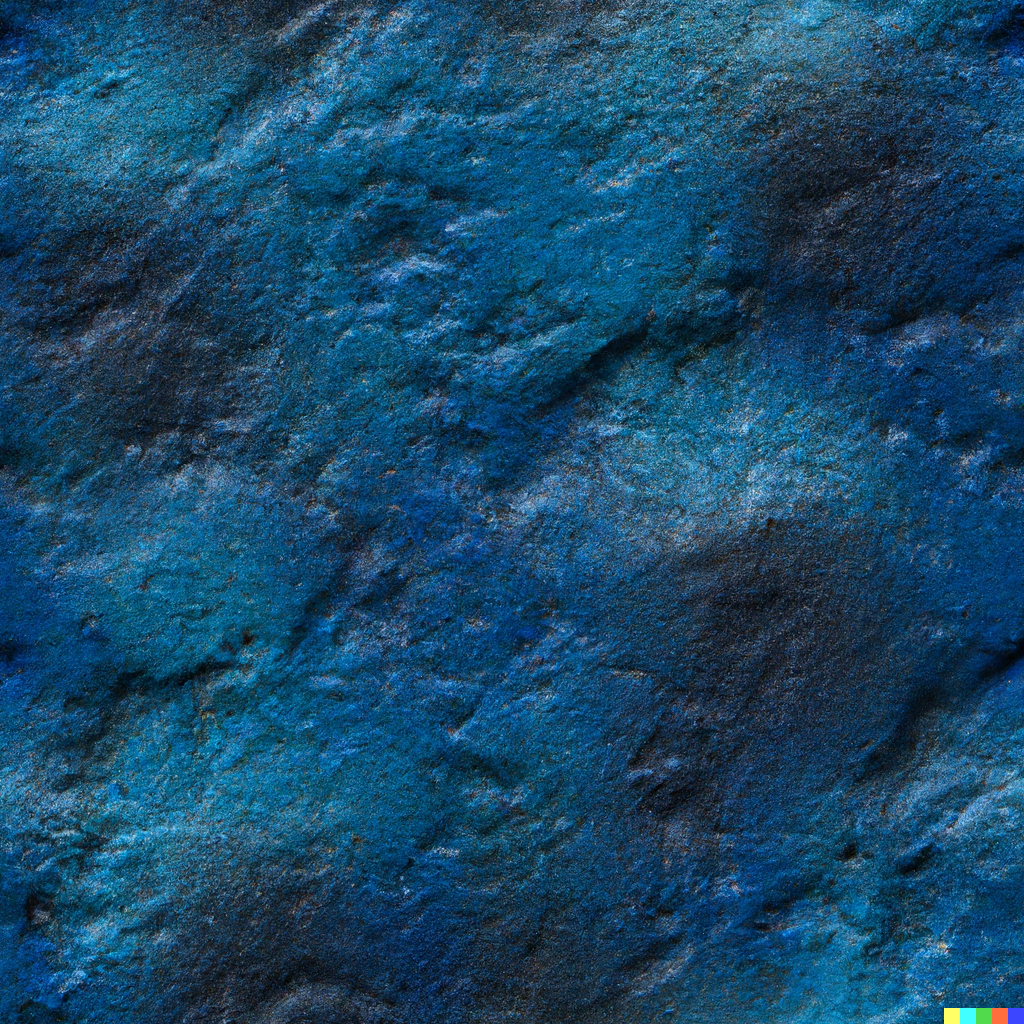
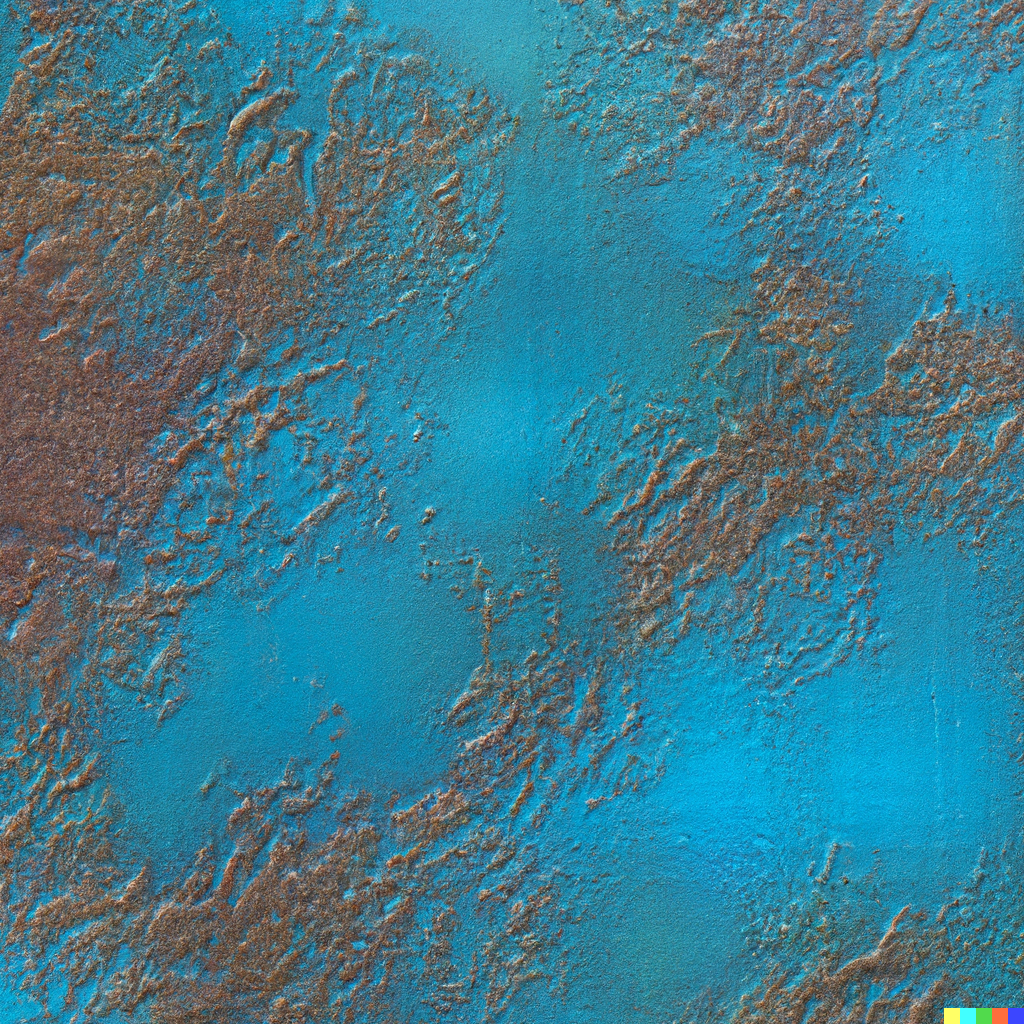
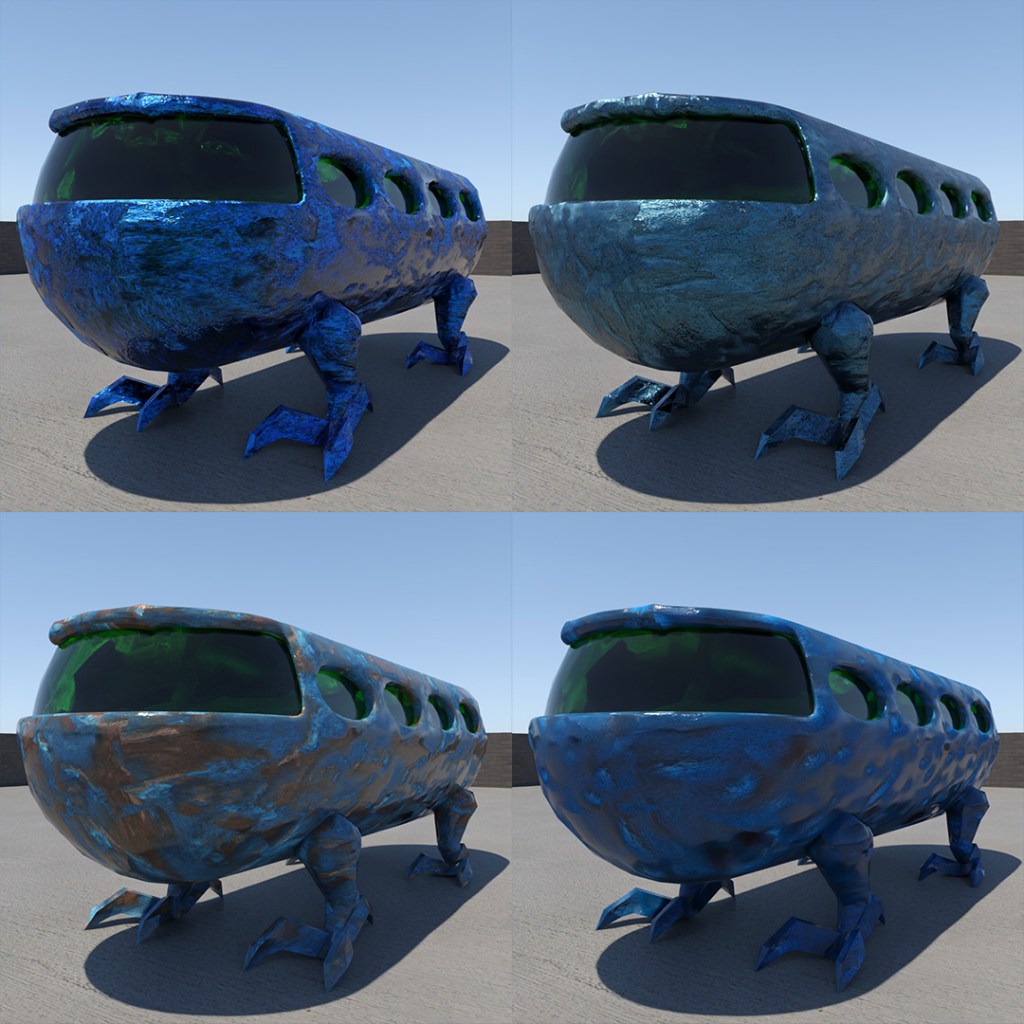
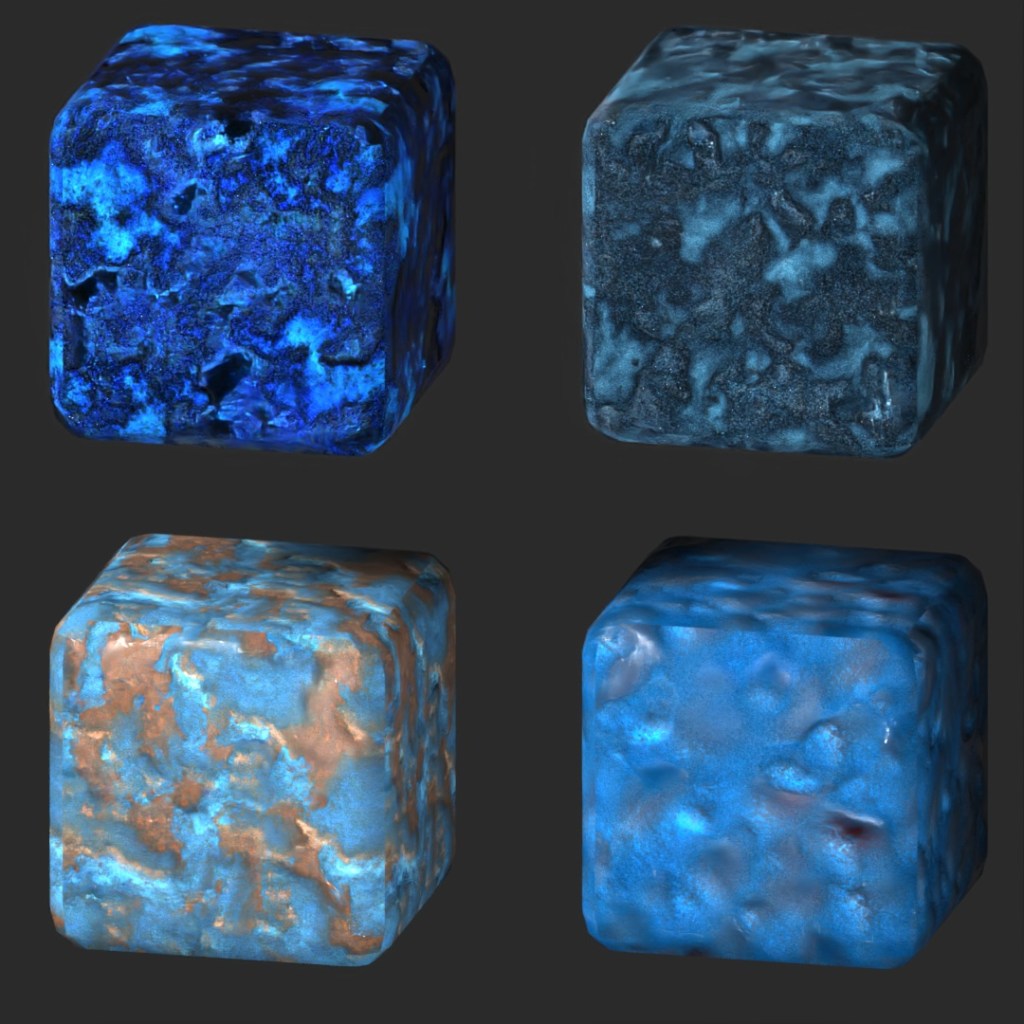
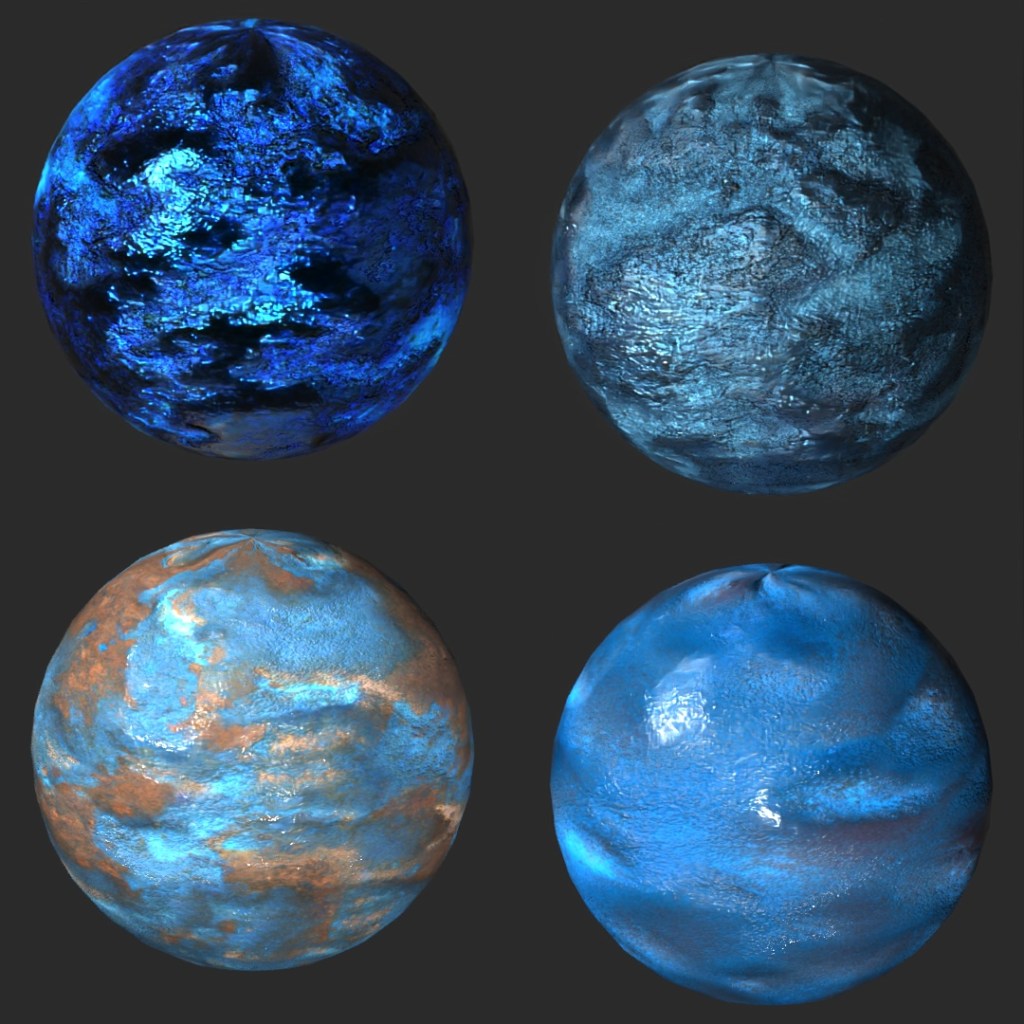
I picked my favorite four textures and brought them into Photoshop to make them into truly “seamless” textures. I also used Photoshop to make the bump and diffuse maps to go along with the images.
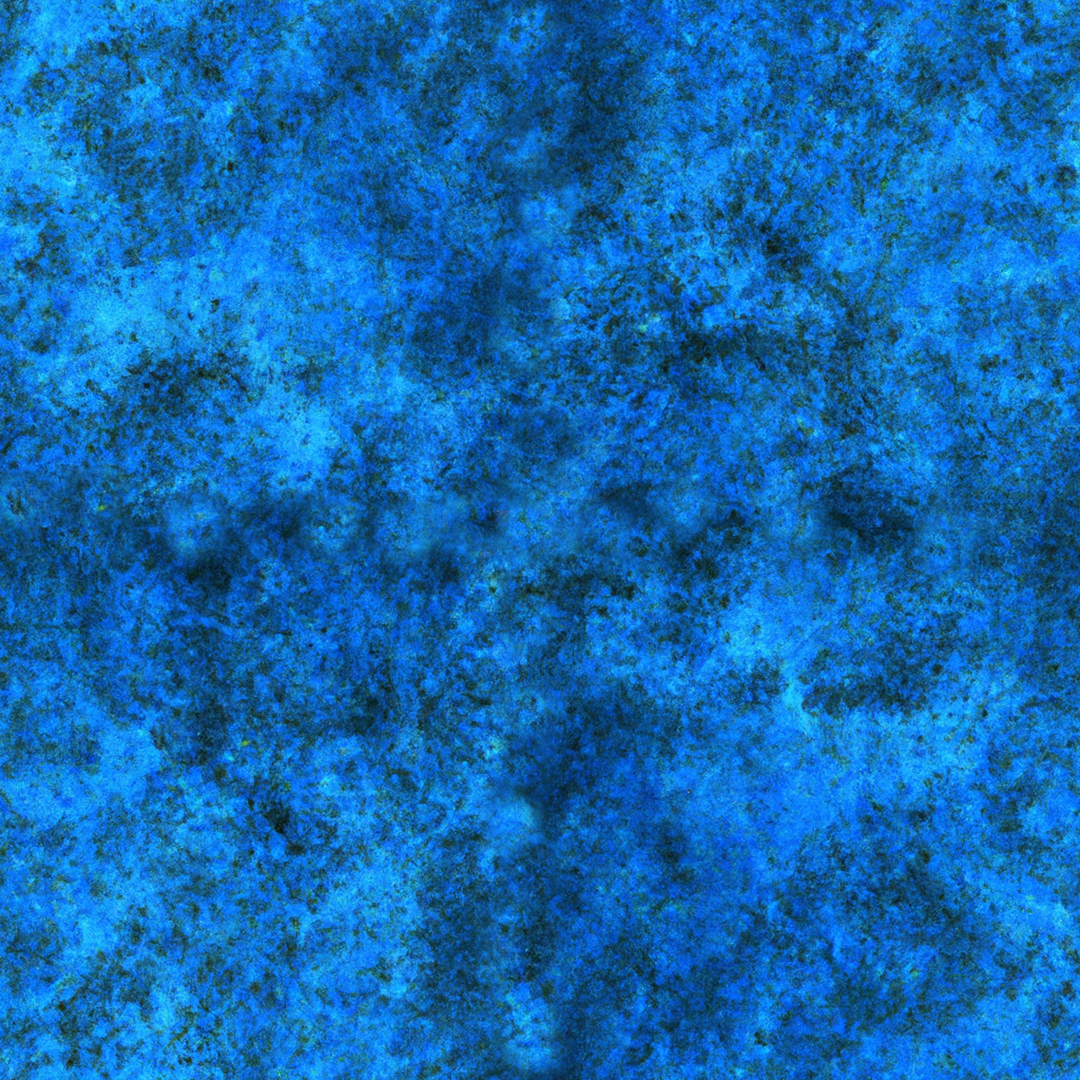
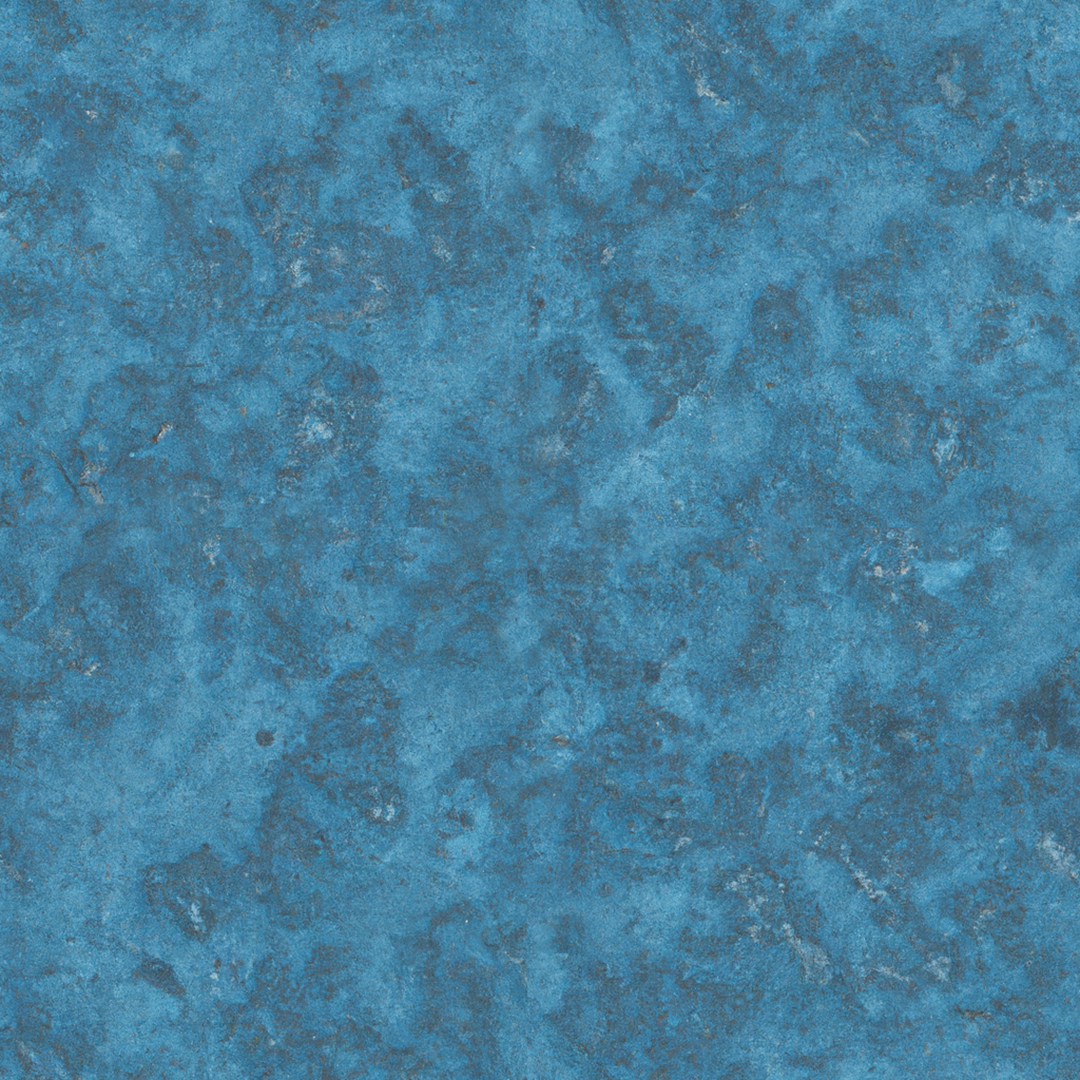
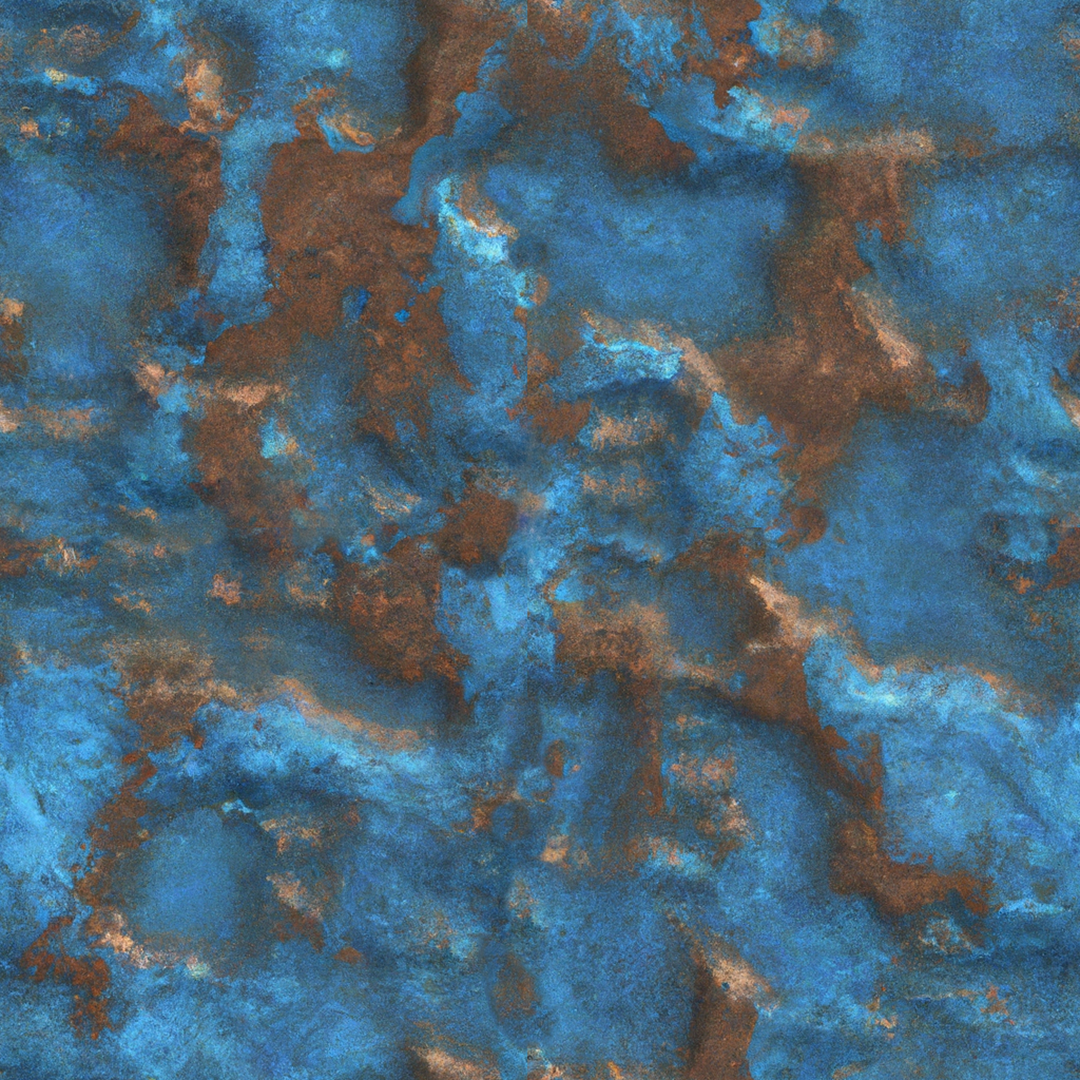


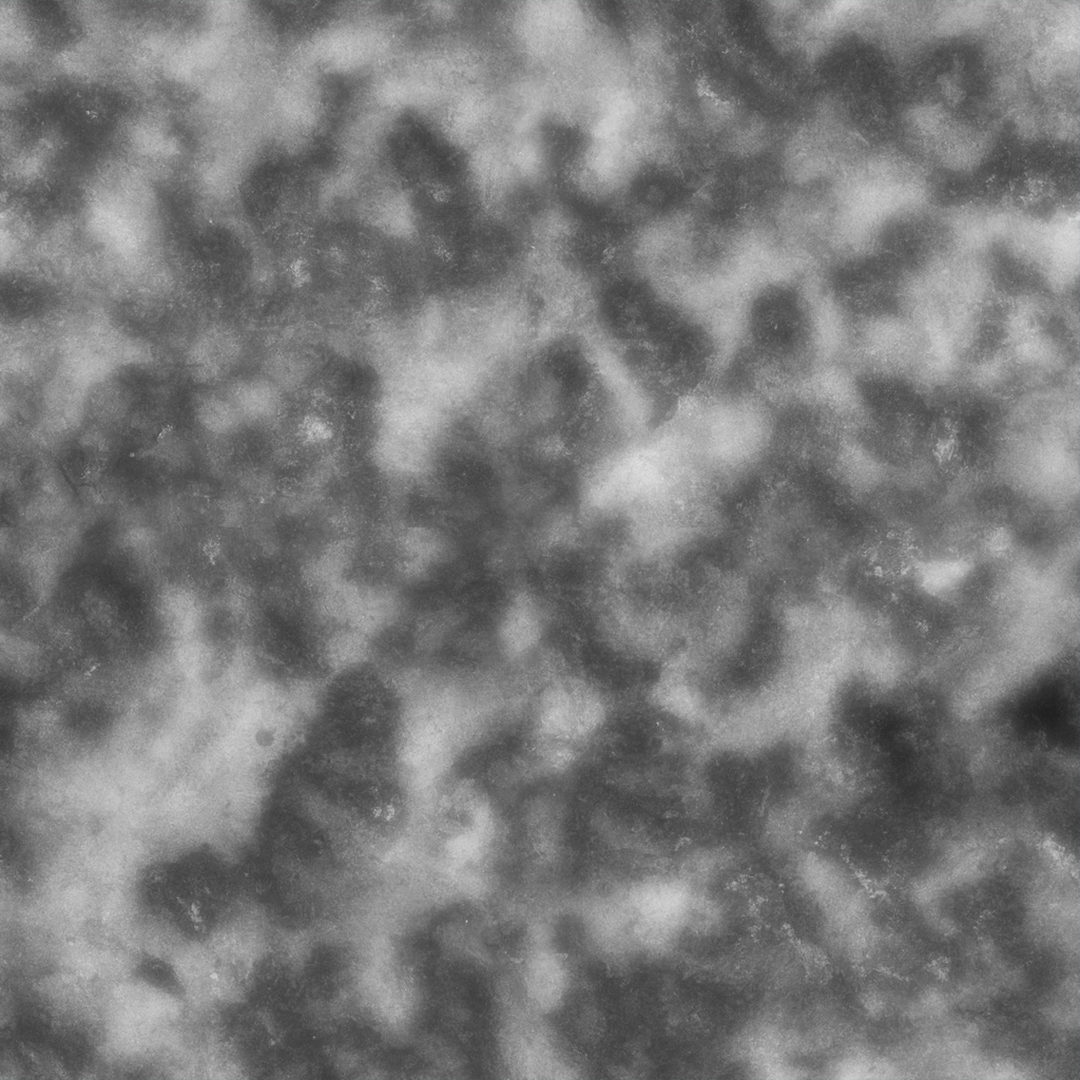
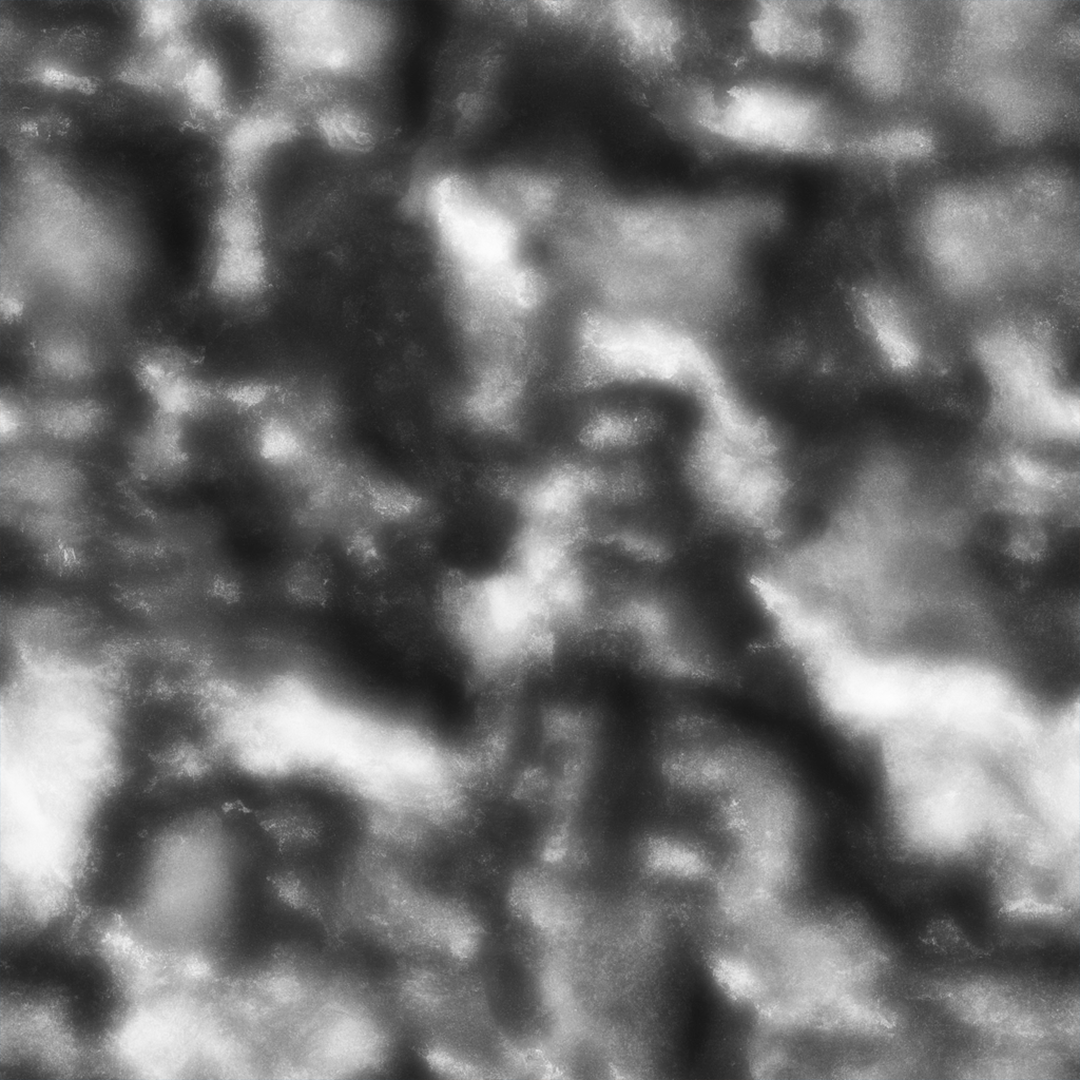
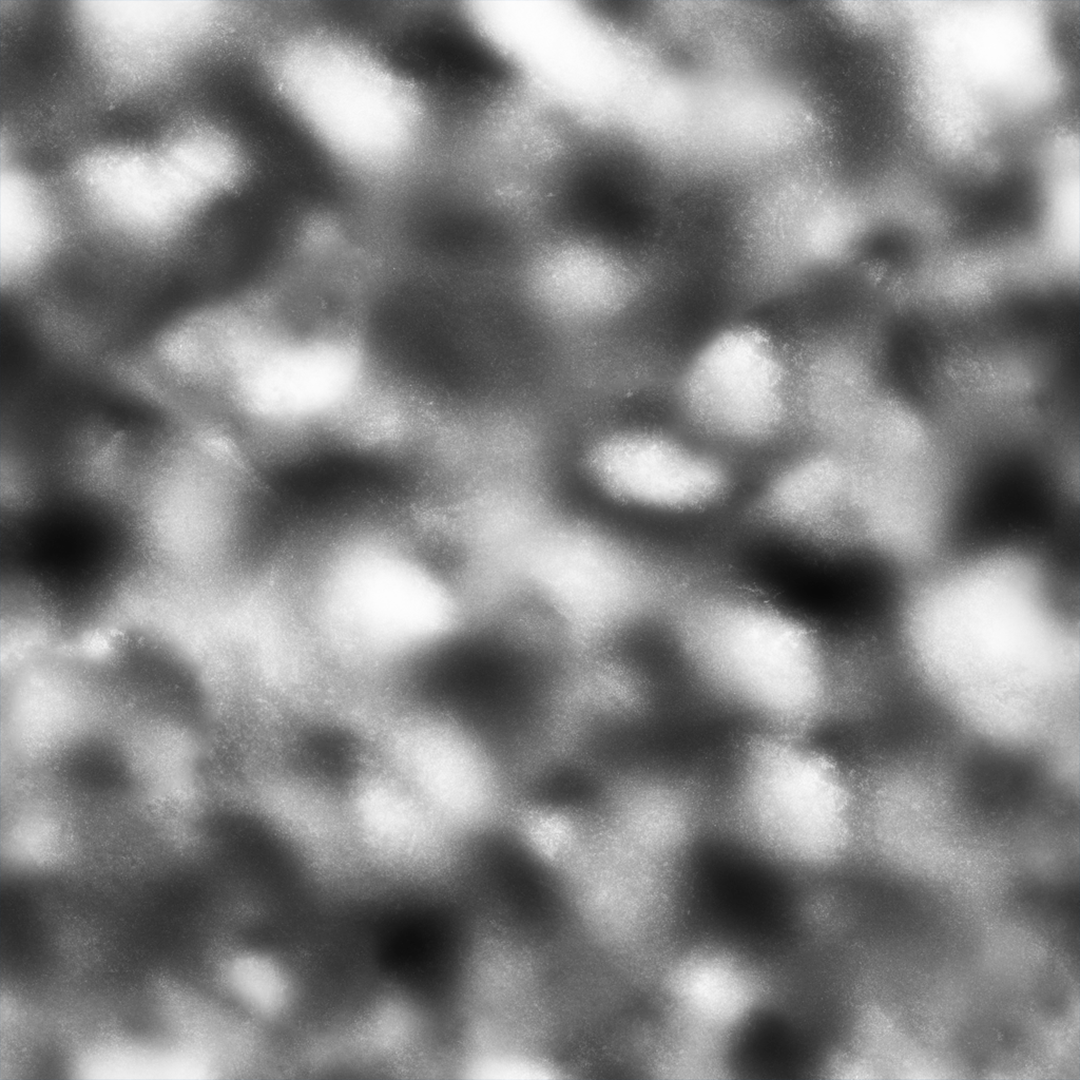

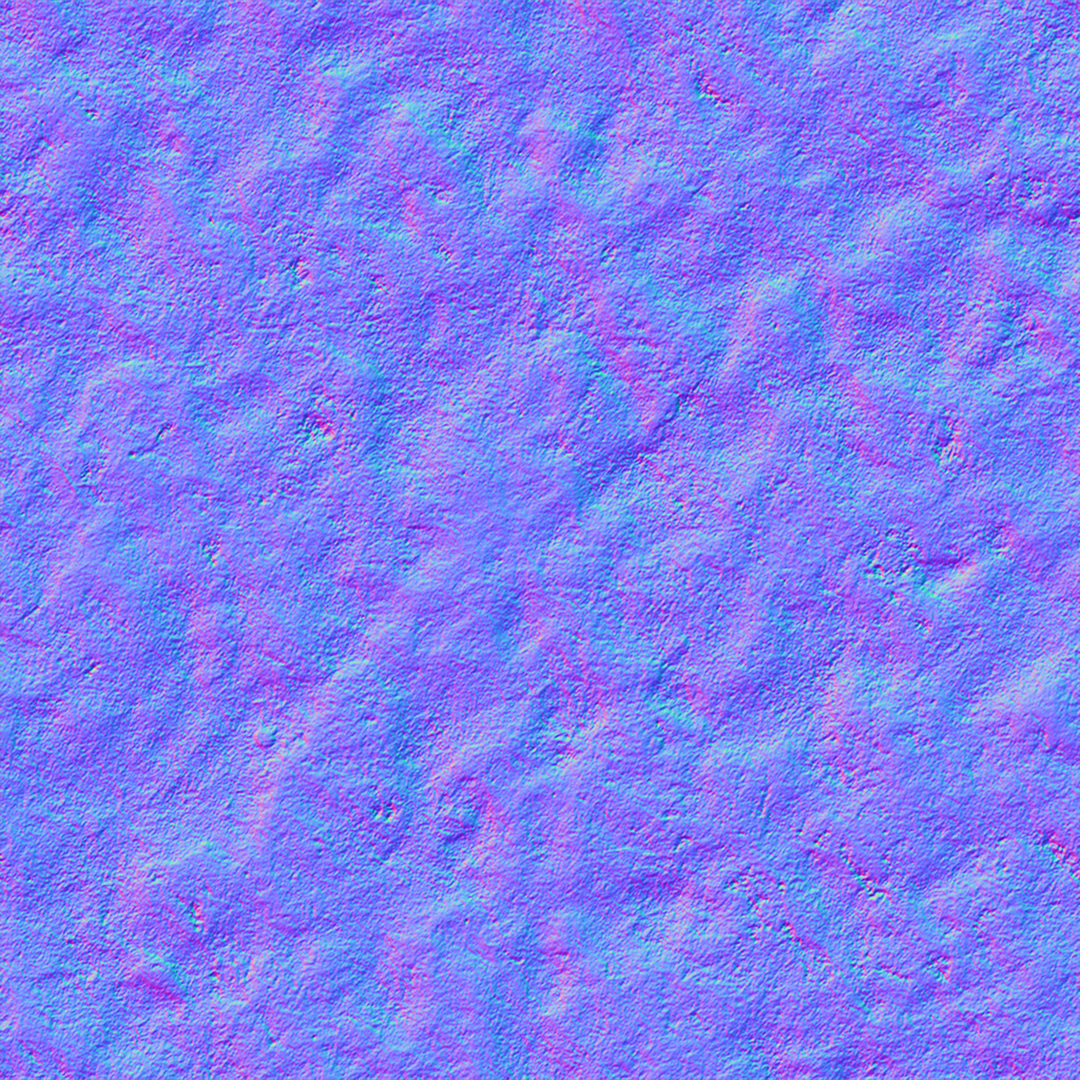
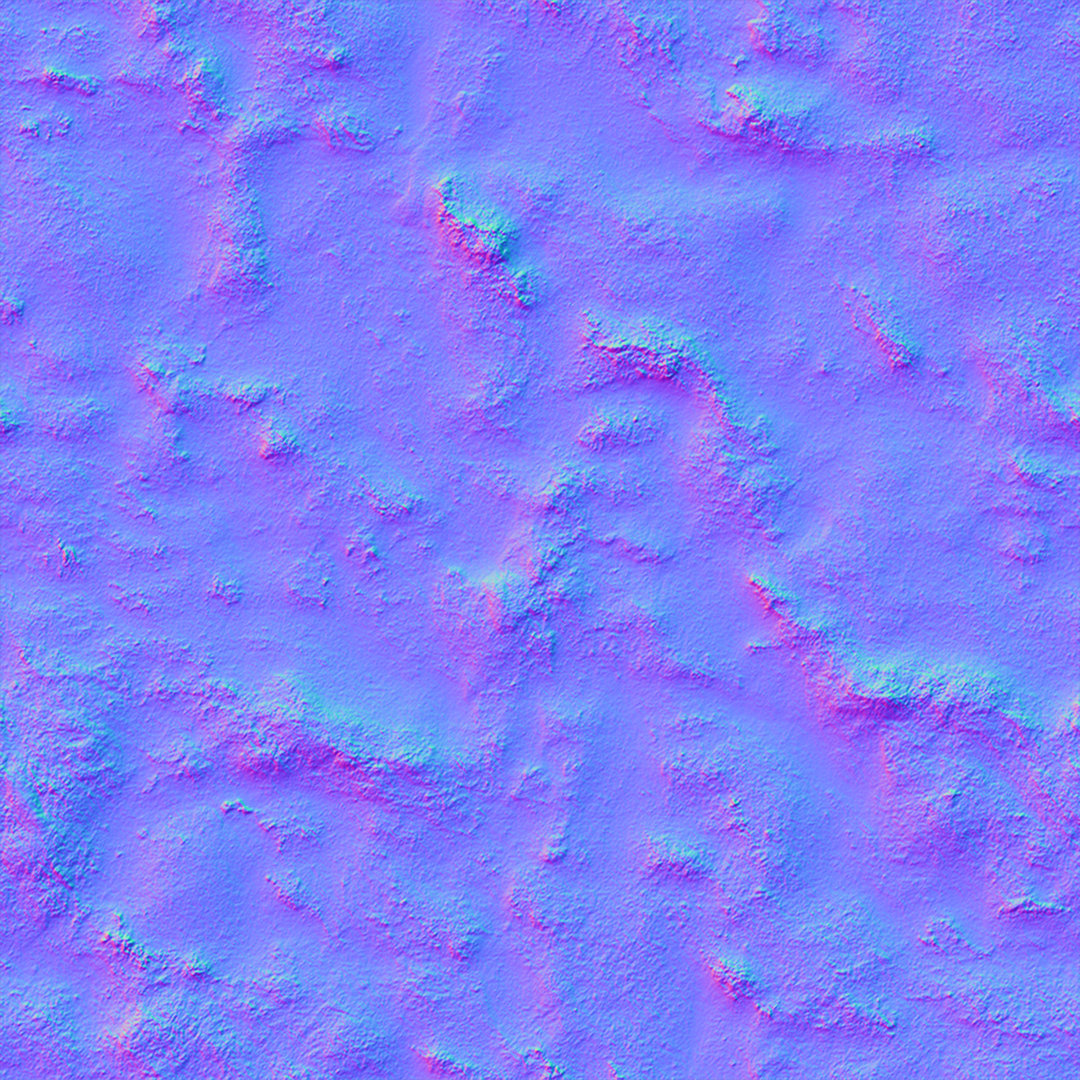
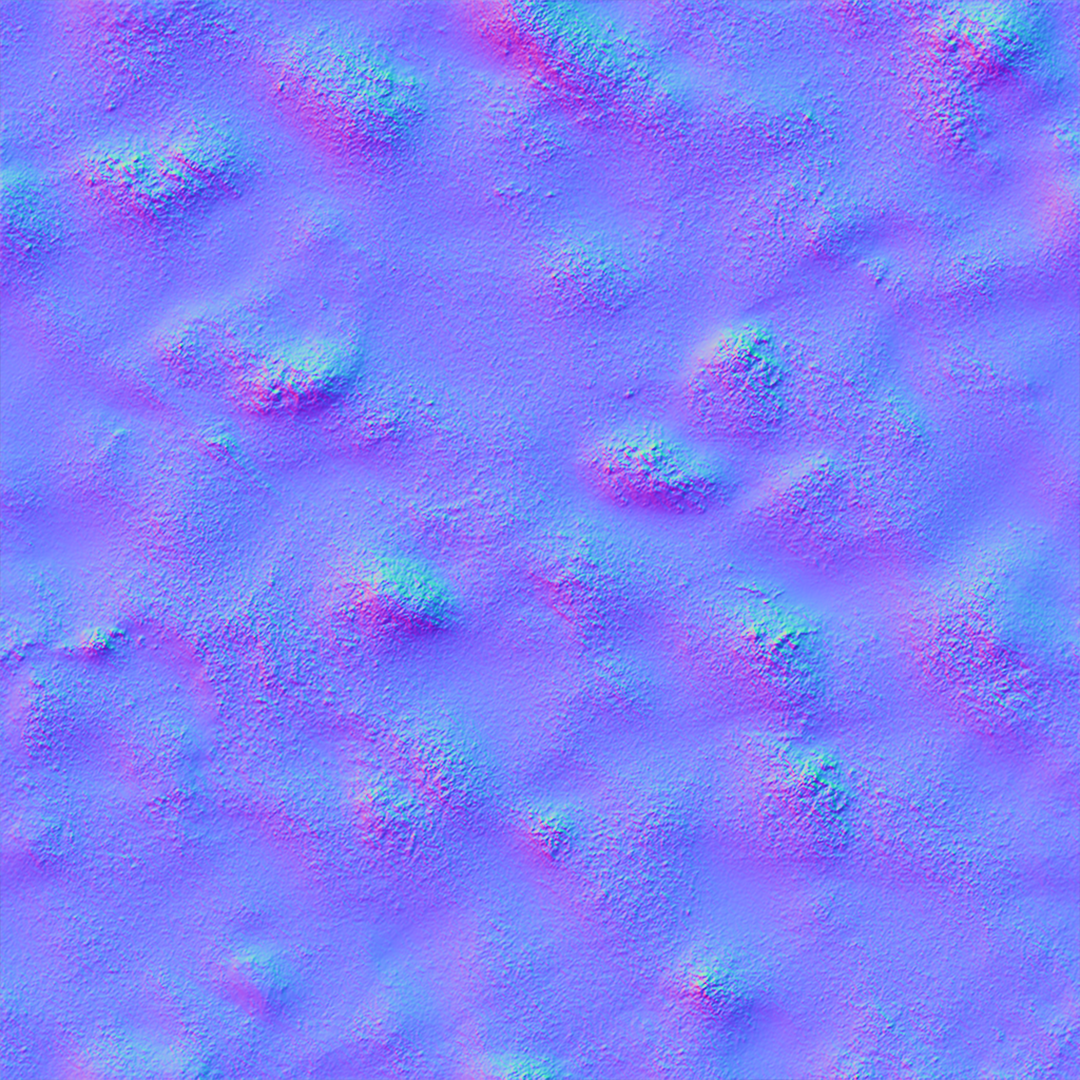
Over in 3DSMax, I tried applying the materials to a few different shapes and even one of my concept vehicles to see how they came out in a render. Very impressive in my opinion, and greatly reducing the time consuming task of material creation for rendering.
2023-02-19
A.I. Time Stations
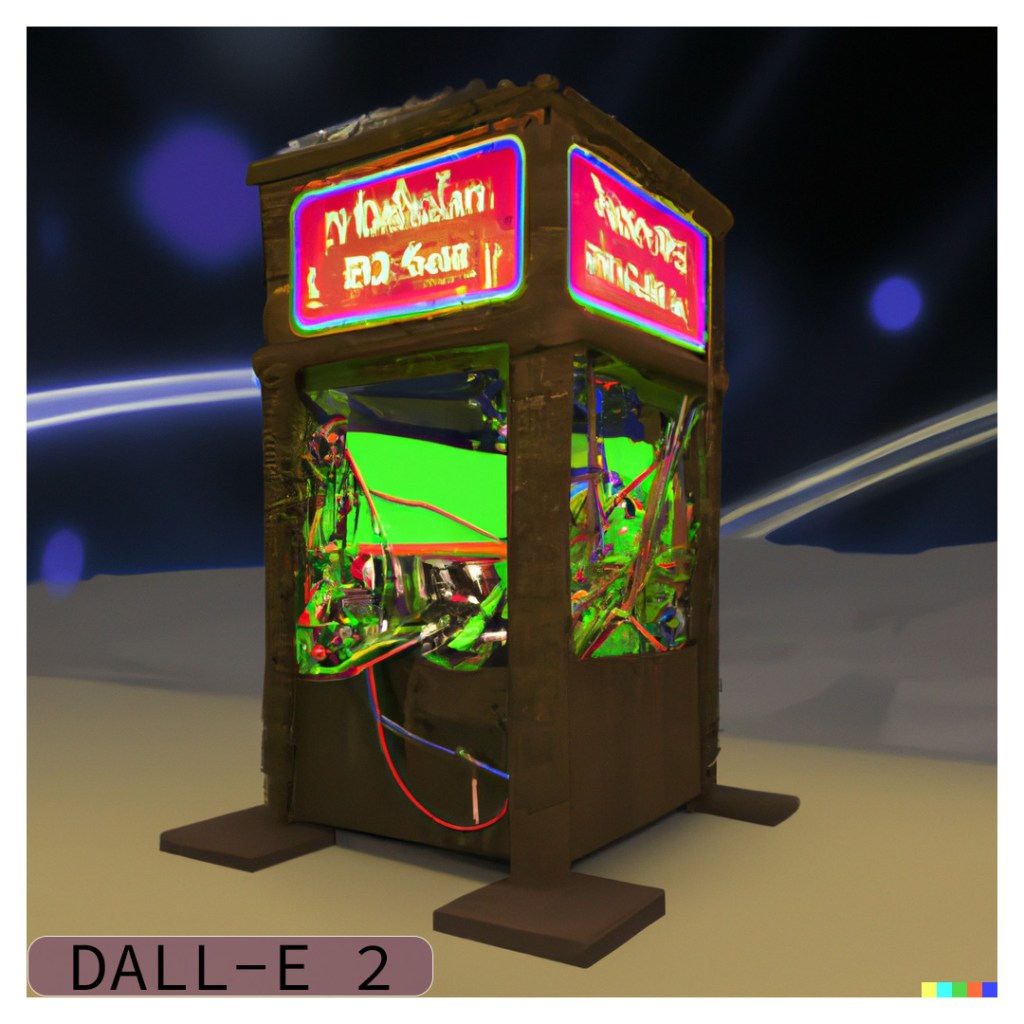
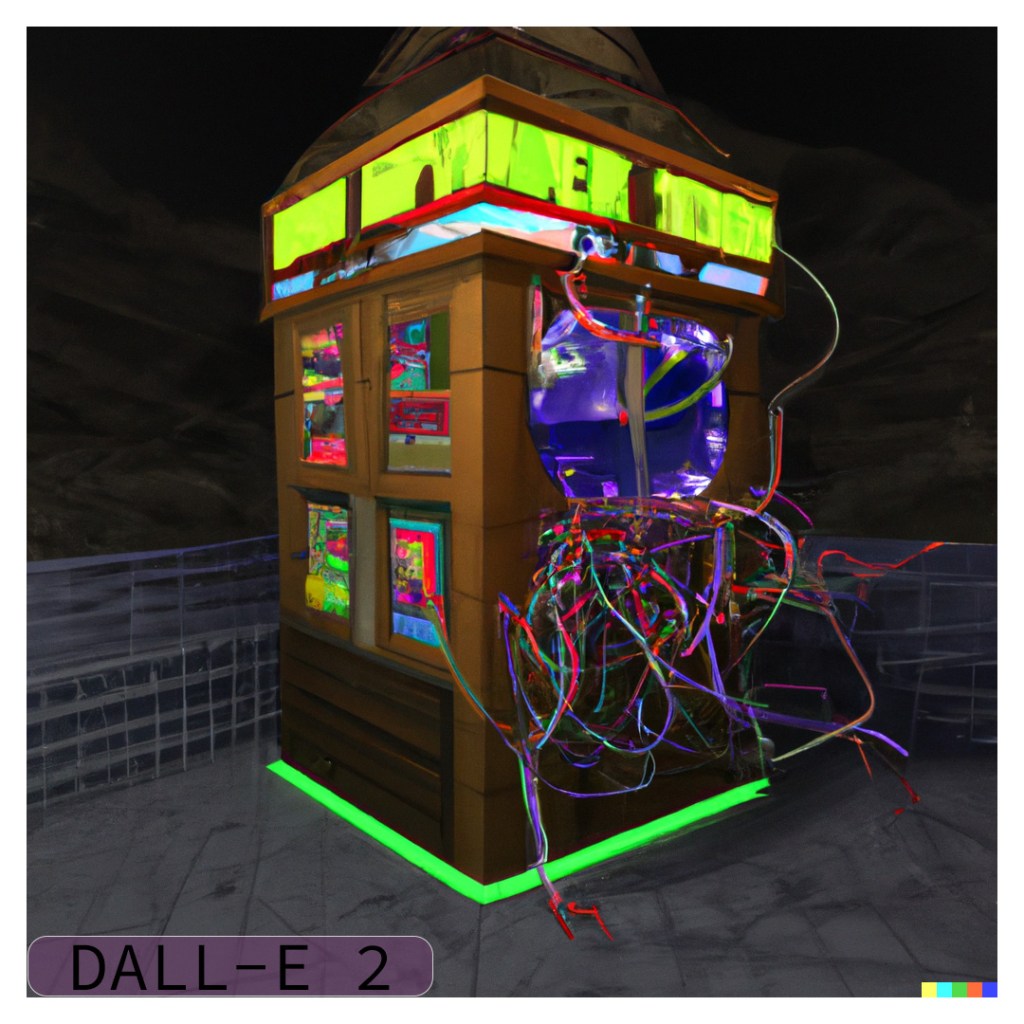
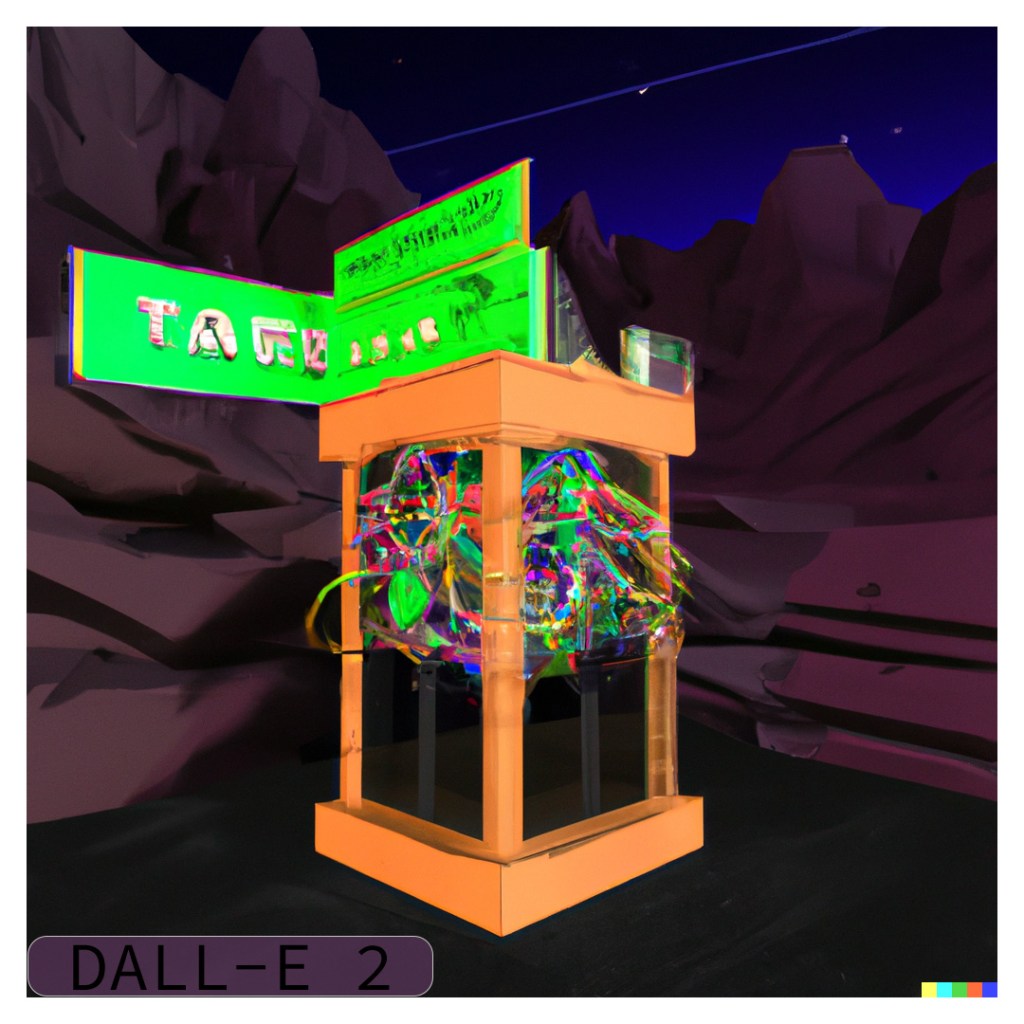
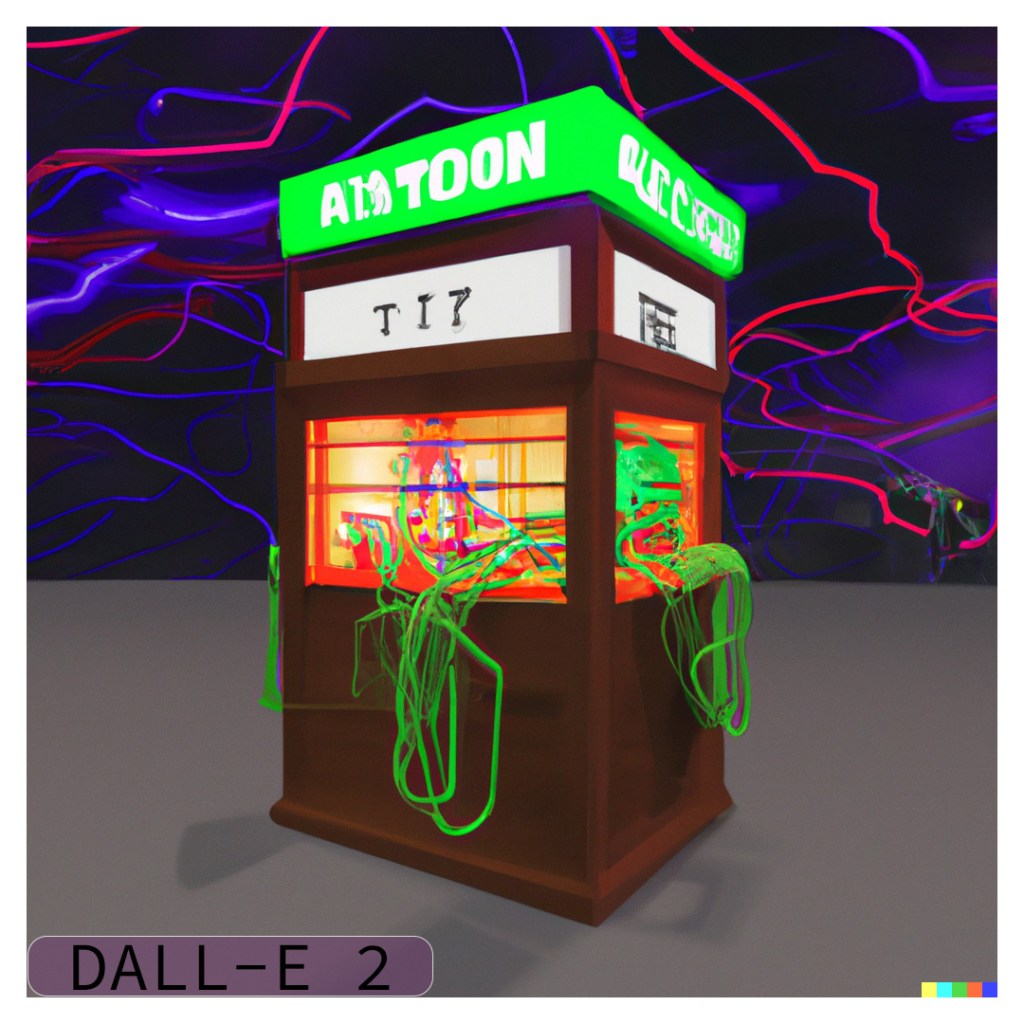
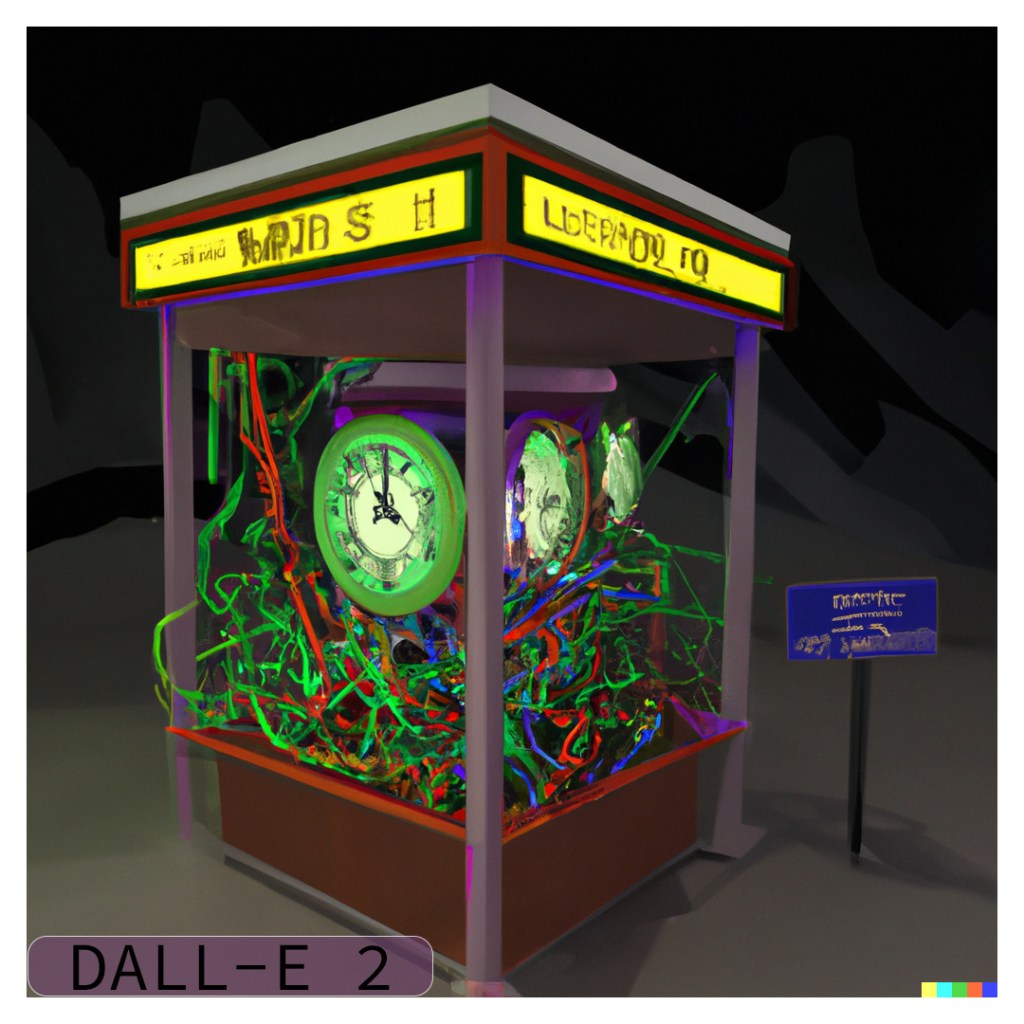
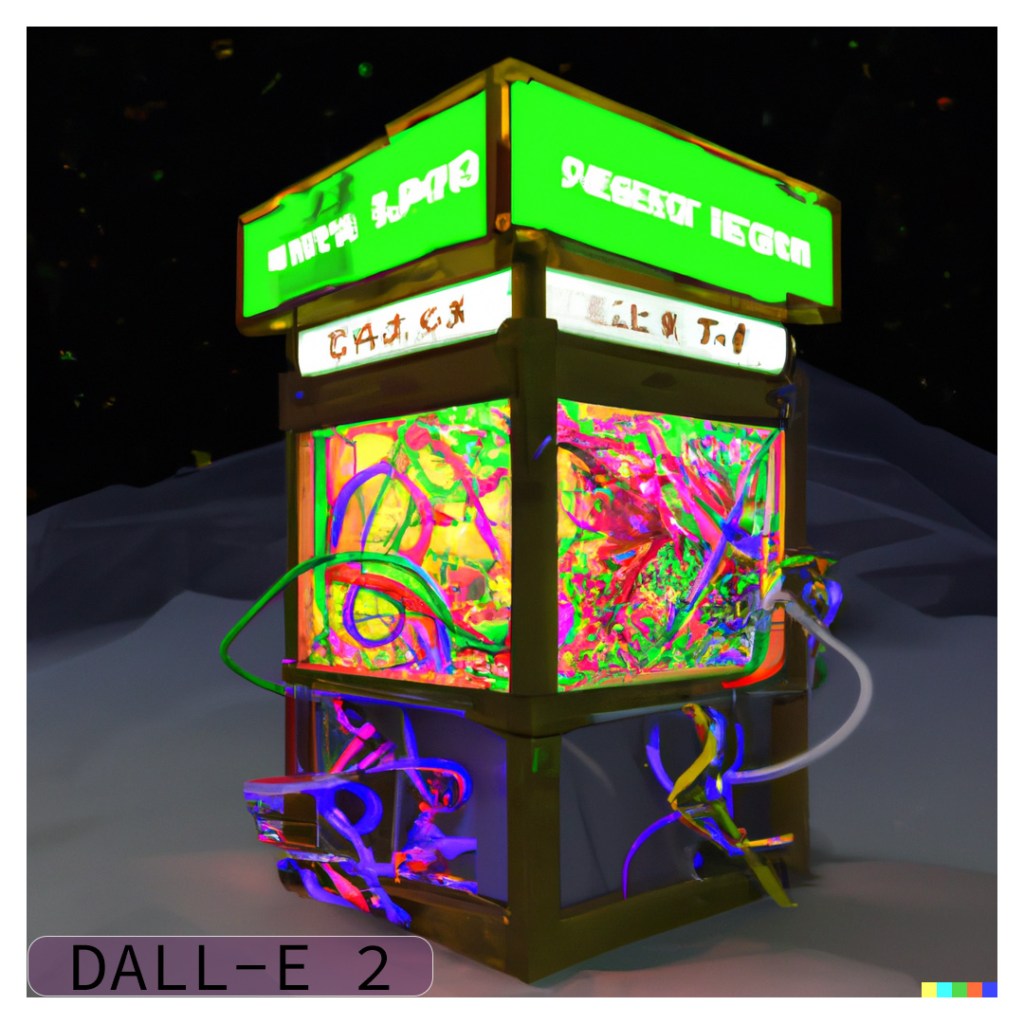
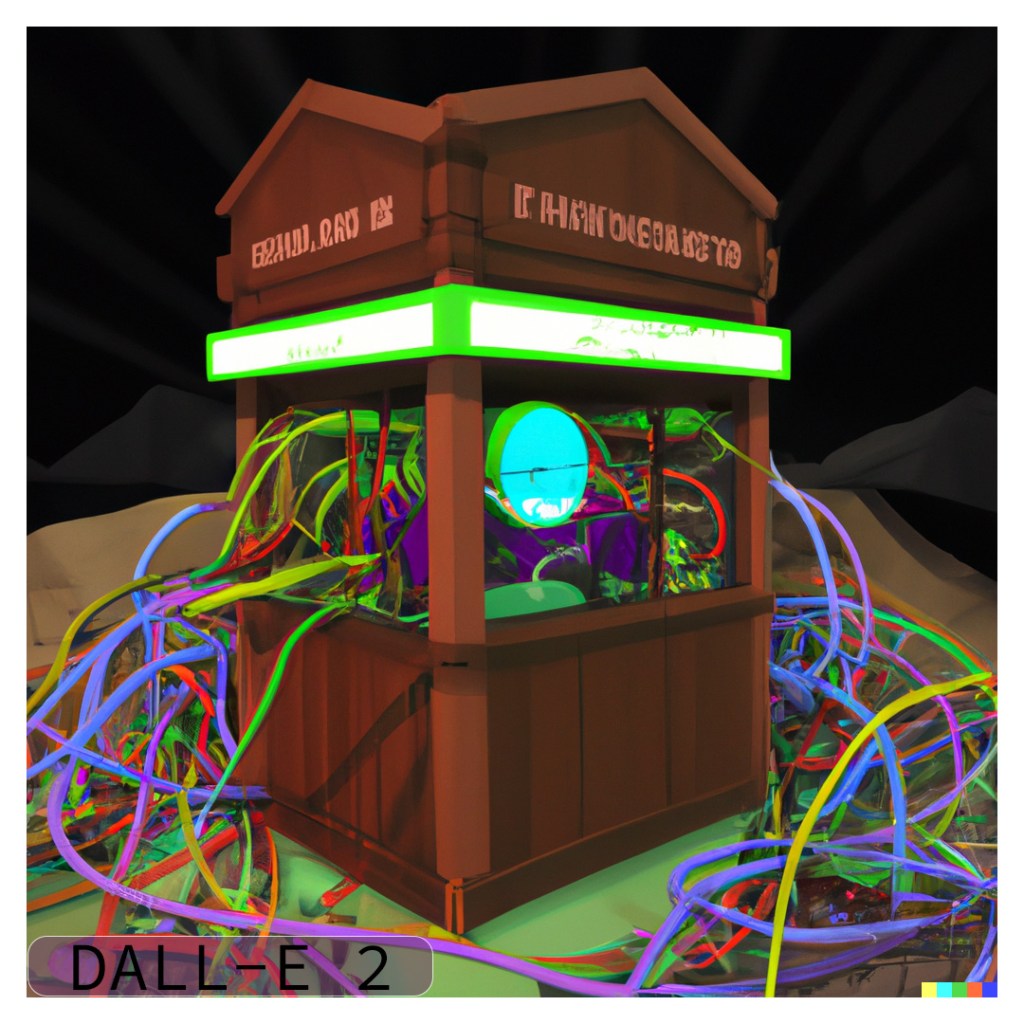
I had heard the A.I. has a real problem with text and words in the images so I wanted to try giving it one of the more complex concept 3D renders I had made a while back.
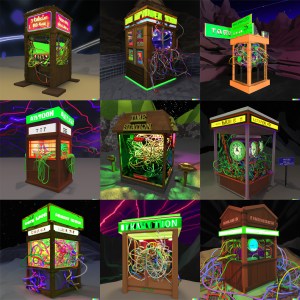
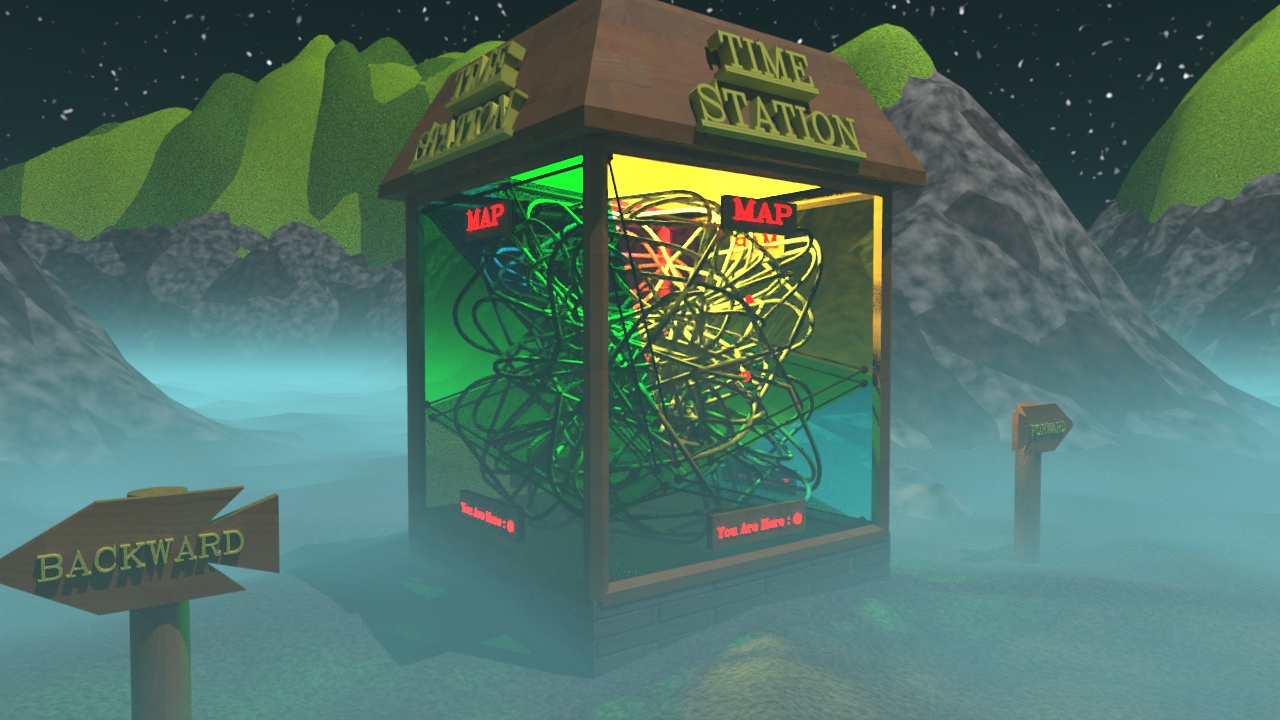
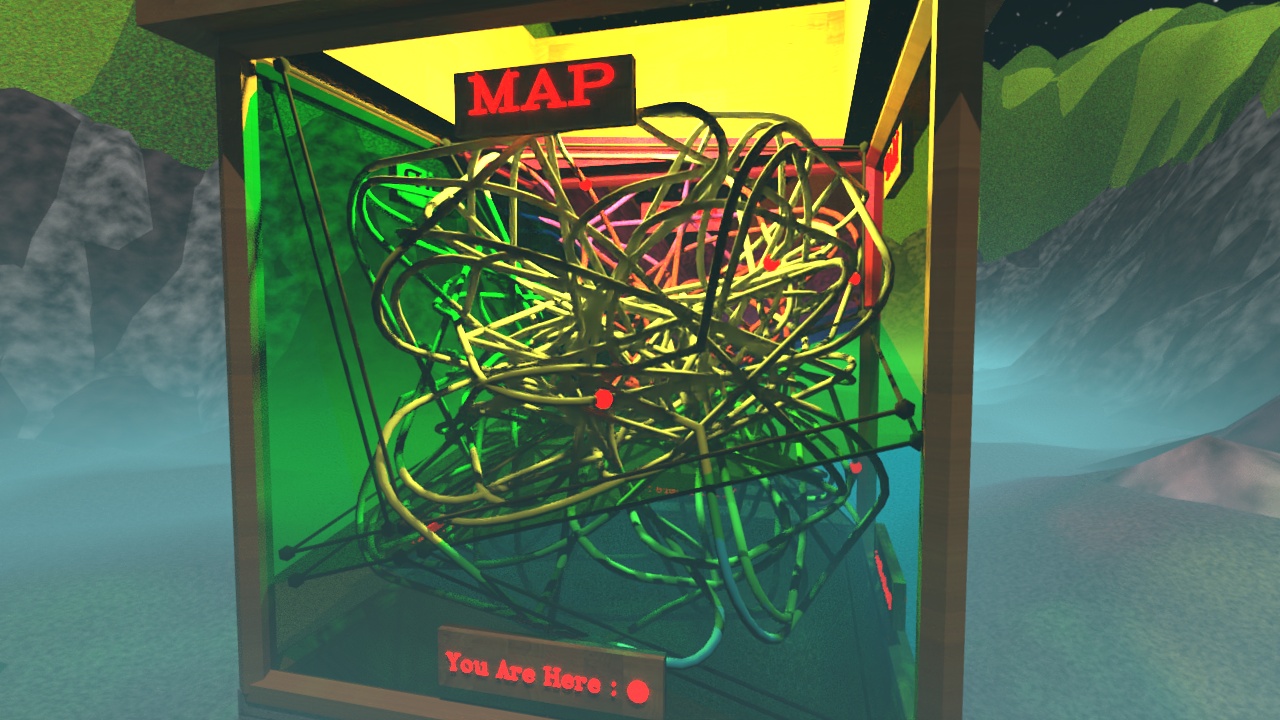
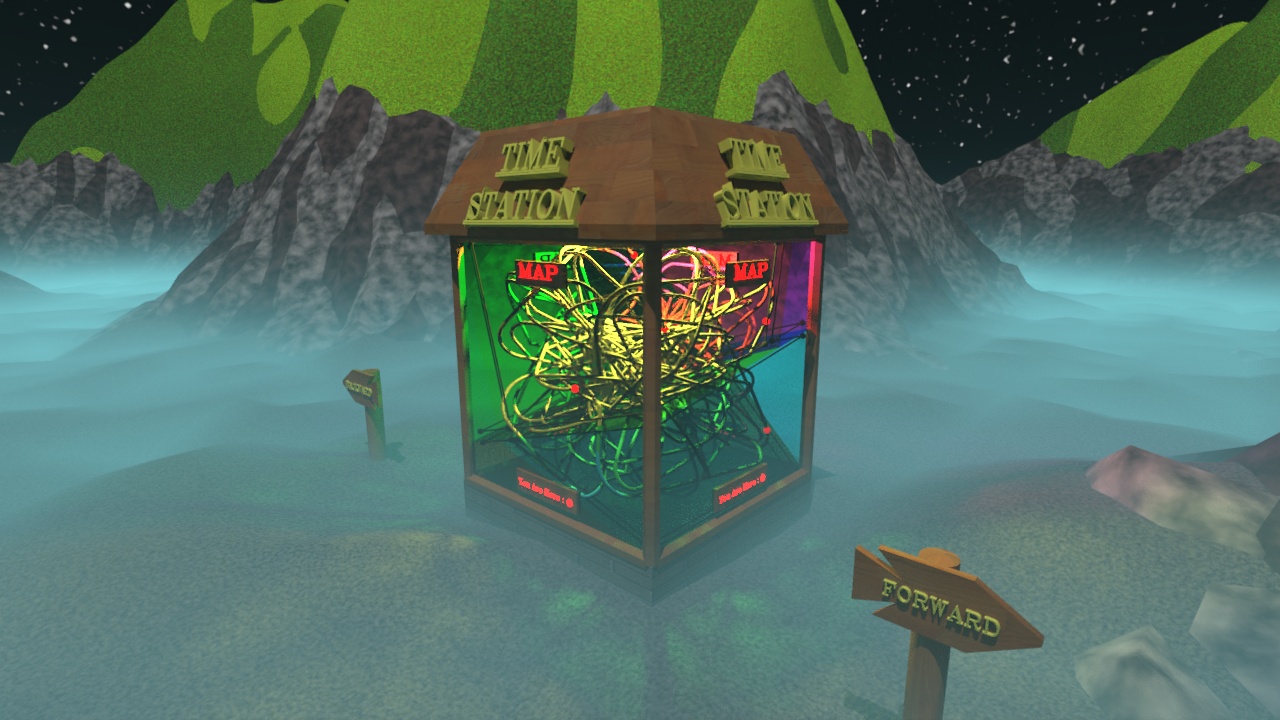
The original images seemed a bit complex and stylized so I opened up the 3DSMax file, moved a few things around and rendered a new image to use as an input into DALL-E 2. I tried my best to use an angle that made all of the text legible and got rid of the fog for simplicity sake.
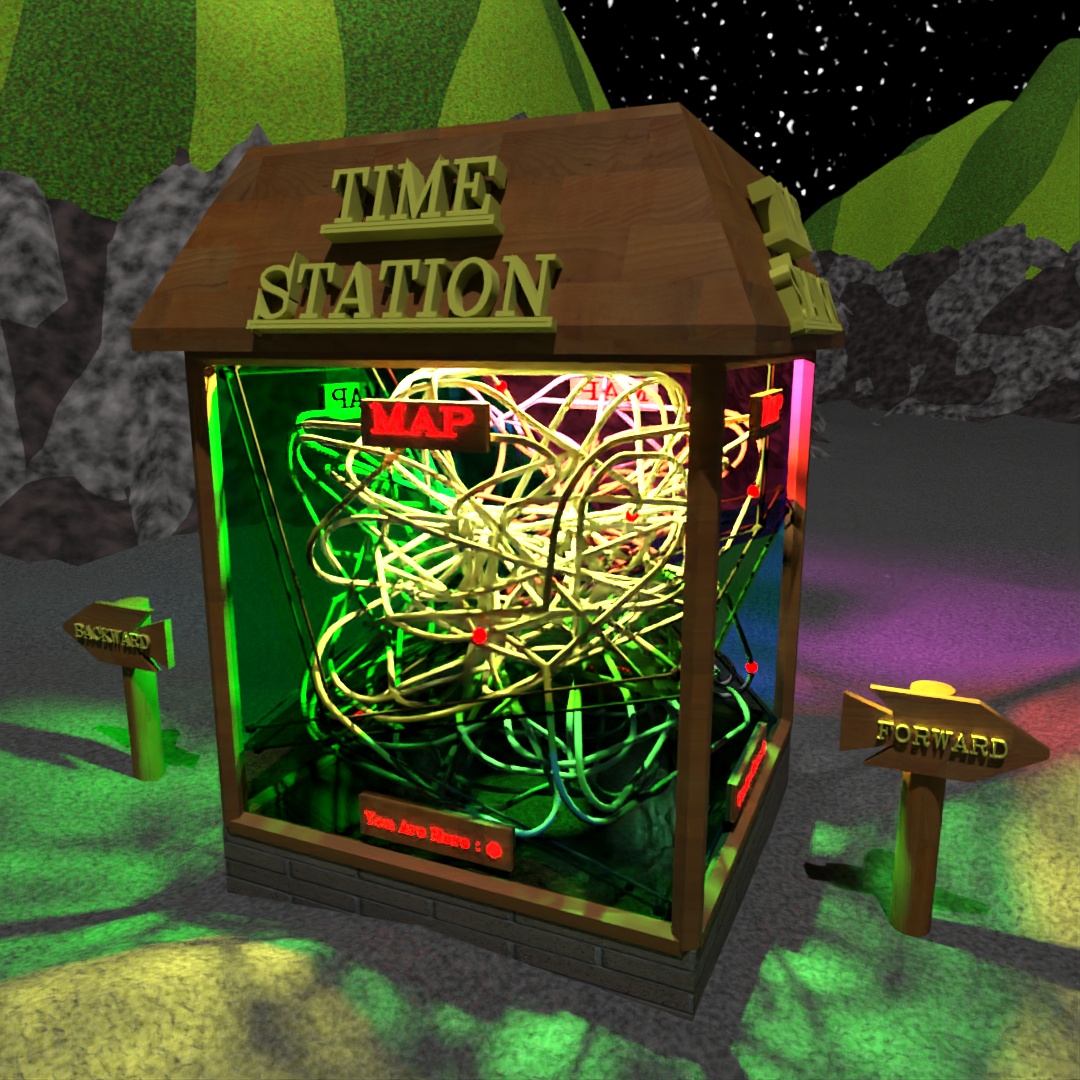
I used the “variations” function of DALL-E 2 to create two rounds (8 images) of variations. Many of the variations definitely try to produce lettering and signs but none of them produced any actual words. One of the images did a really good job of detecting the “time” theme and put a clock in the middle of the structure. I also find it interesting that some of the images produce a chaotic mess of wires strewn across the screen, while some keep to the original idea of the cords all inside the box.

2023-02-18
“And off we go…”
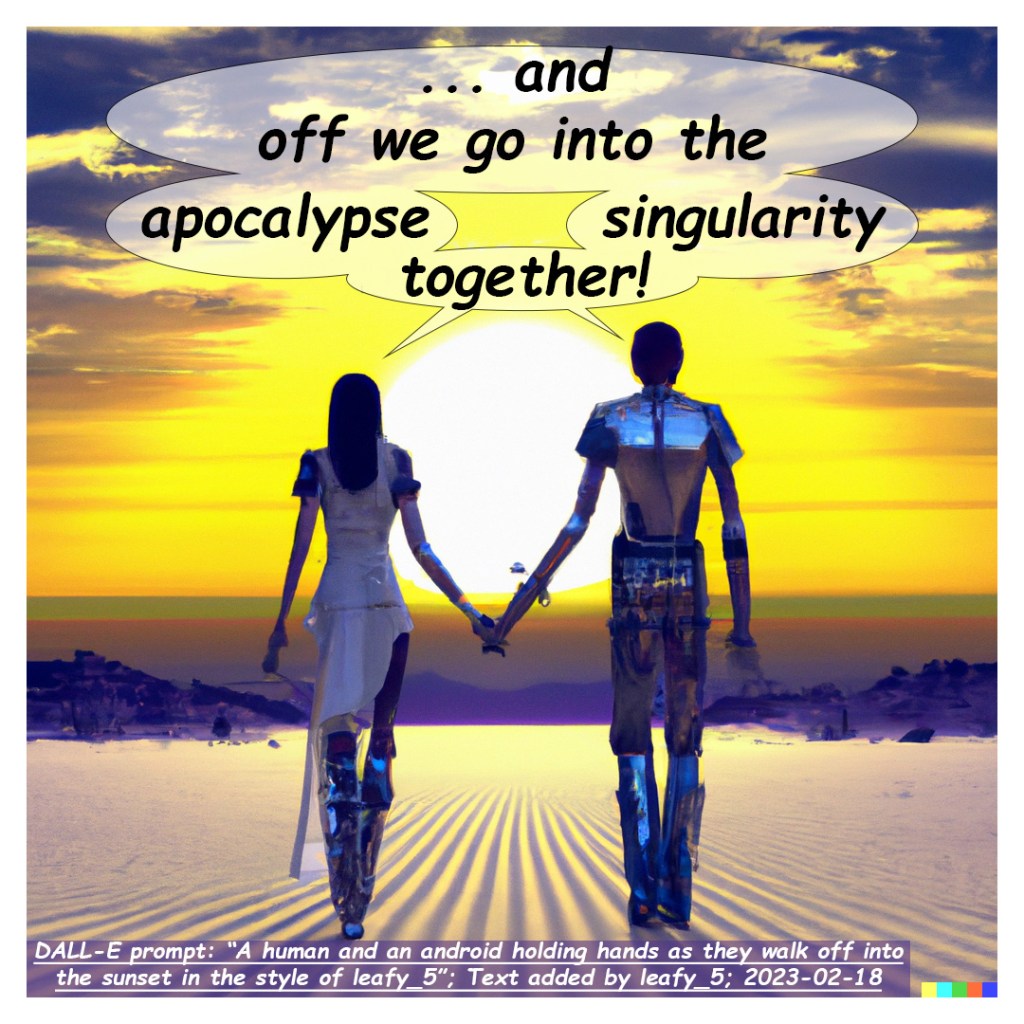
My first venture into working with an A.I. image generator (specifically, DALL-E 2) was to ask it to make it an image in the style of leafy_5 (me) and add my own text to it to make a web-comic. I had wanted to make this web-comic for a while and figured that using an A.I. as a creative partner would be a perfect way to make it.
I began with the prompt:
A human and an android holding hands as they walk off into the sunset in the style of leafy_5
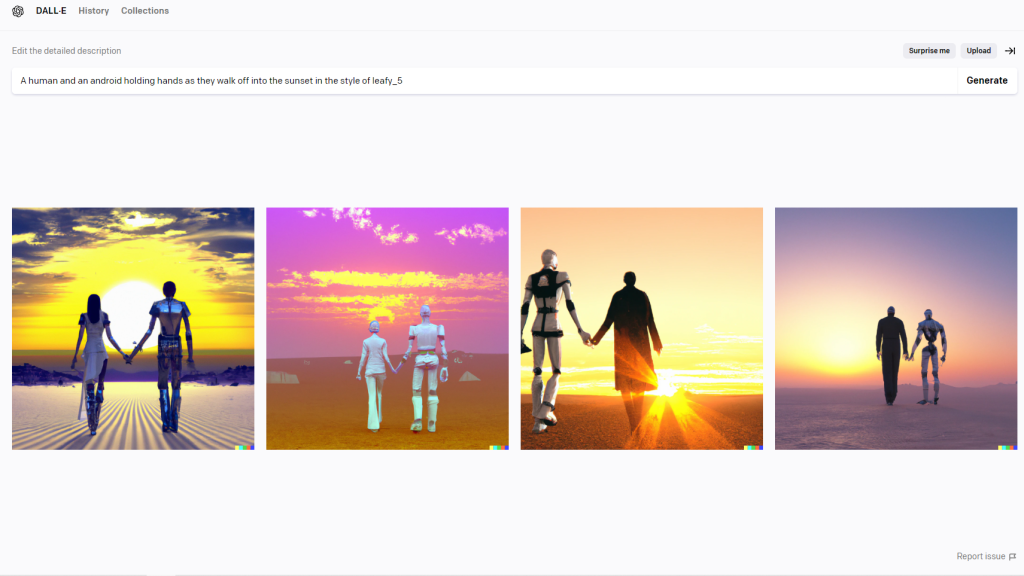
I brought each of the images into Photoshop to add the text, trying to indicate a bifurcation of the quote using the speech bubbles. The alignment worked really well for three of them, and for the fourth I decided it looked better with only the partial quote.
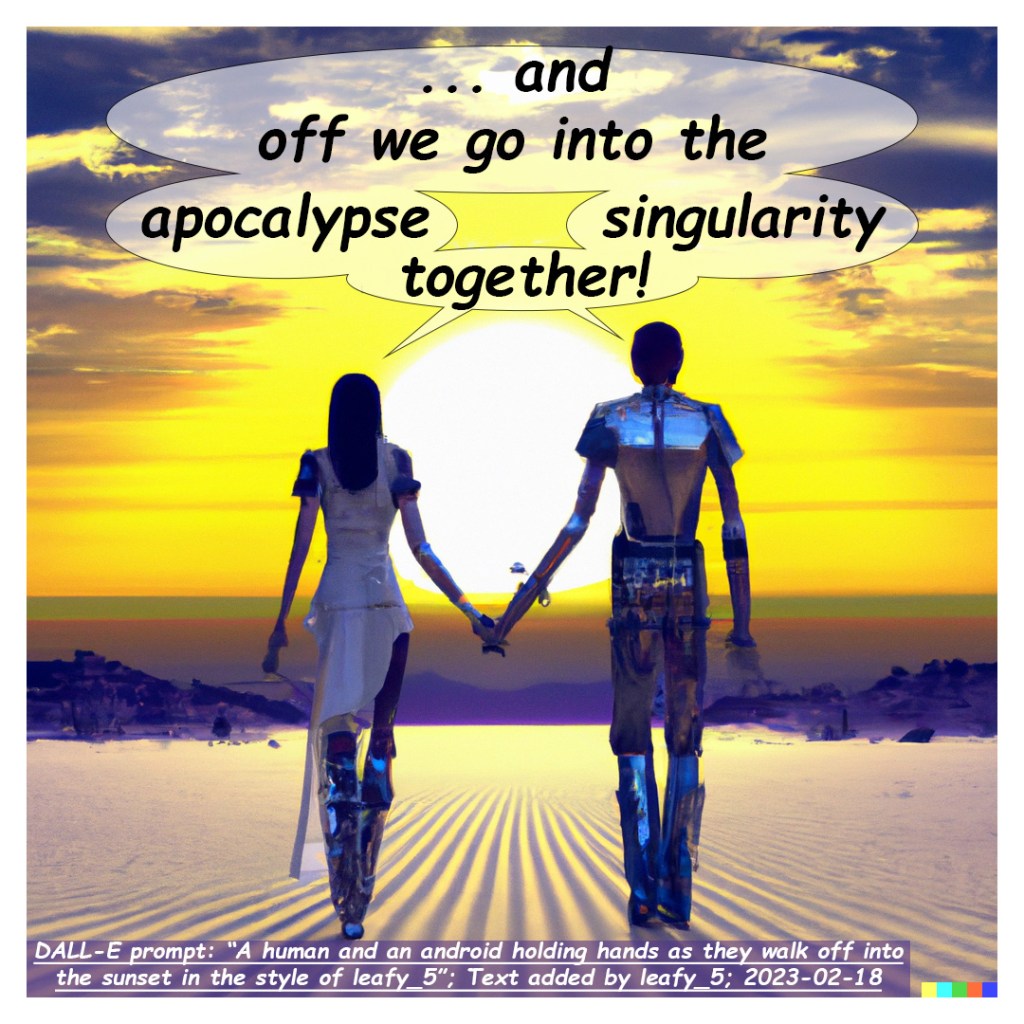
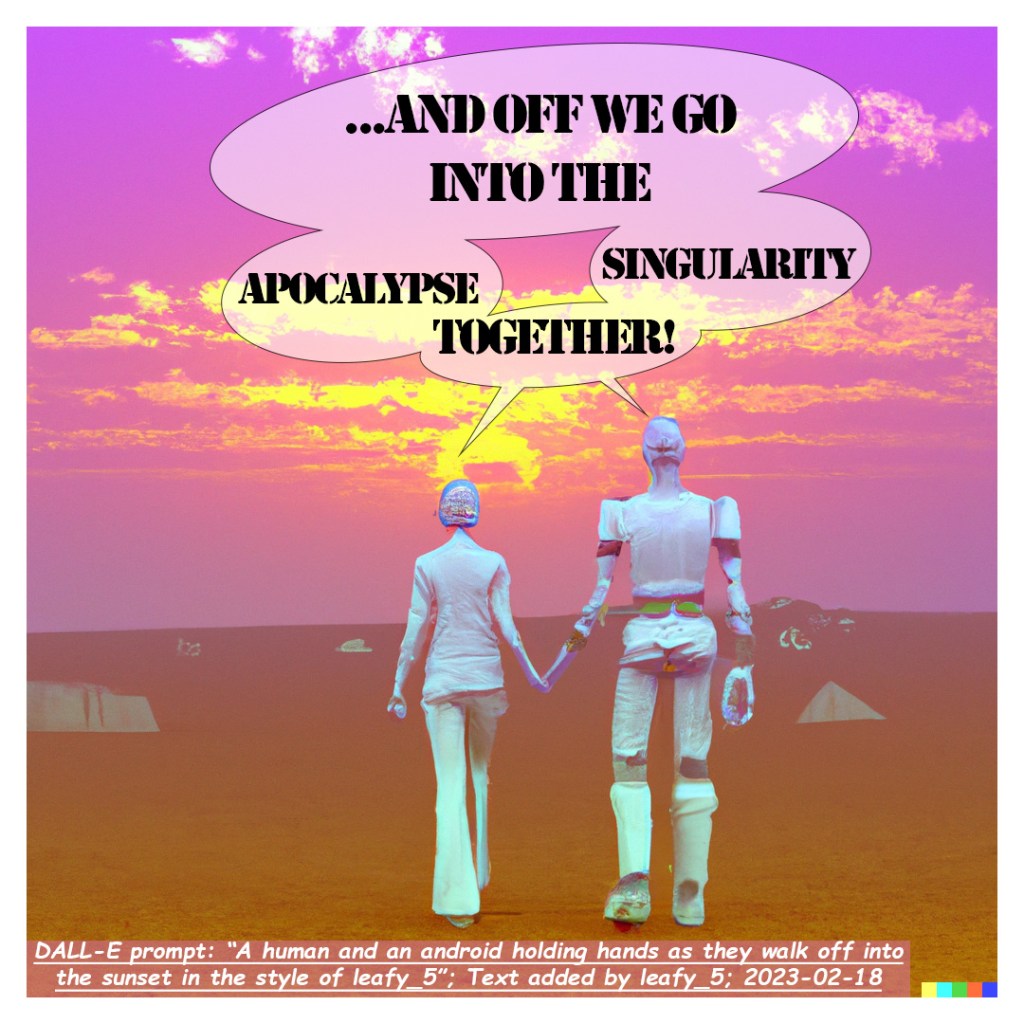
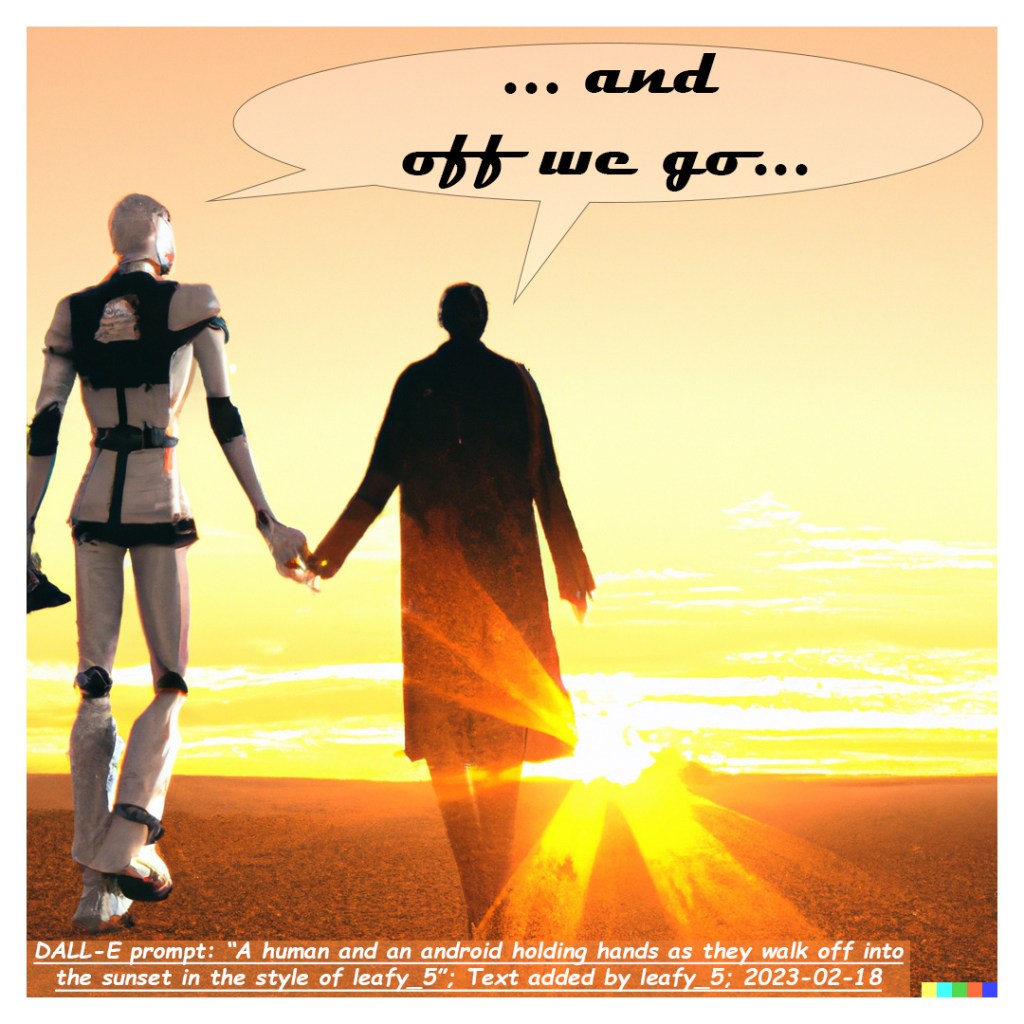
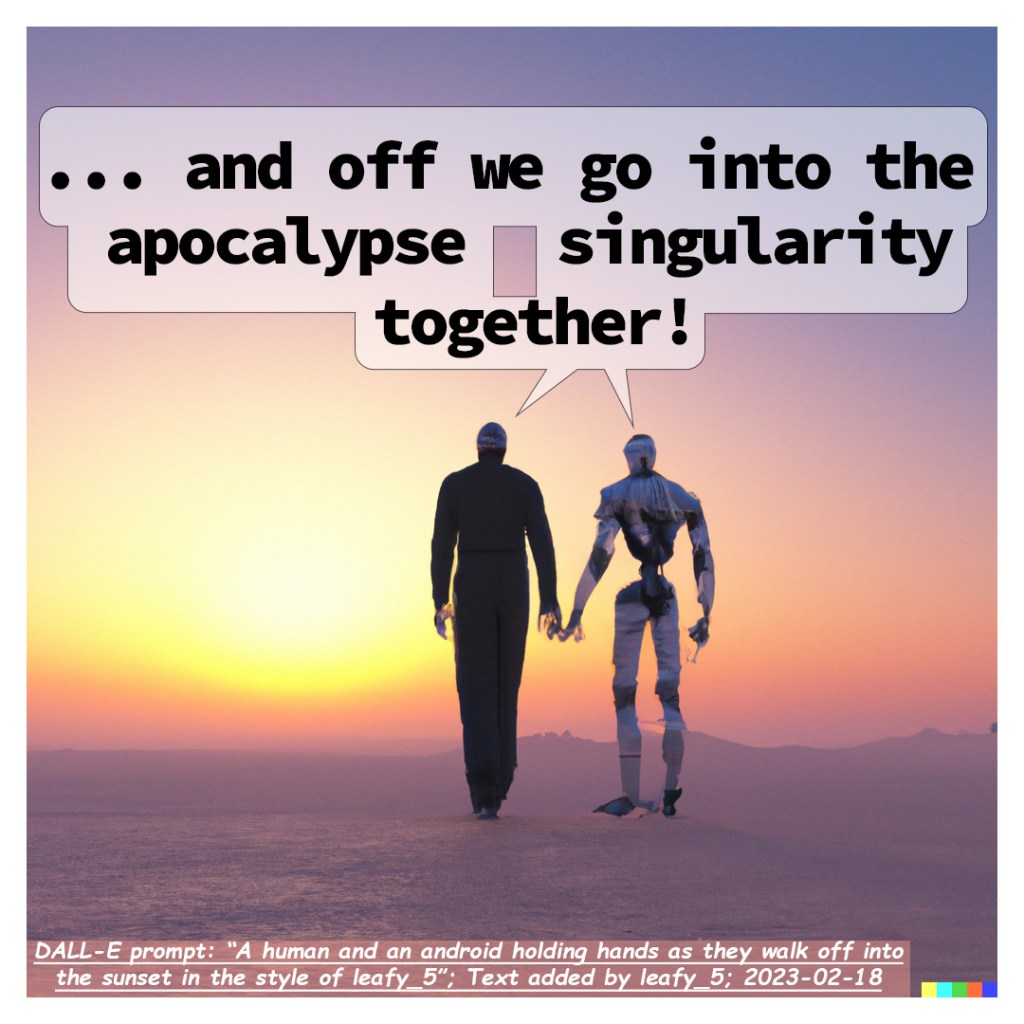
I was extremely impressed (and scared) by how well the A.I. imitate my low-poly, still-learning-how-to-3D-model “style”. It didn’t try to do anything too detailed or advanced because I’m not that good of an artist (yet). But it still did create almost exactly what I was imagining and what I was asking it to make.
And off we go…
 Factotum5leaf