Everydays Project #378-391
Hello and welcome to the Wednesday Recap. The majority of the everydays from the past two weeks fall into two categories: (1) Trying to make something abstract or surreal and stylized, practicing different ways of layering multiple renders in Photoshop. (2) Continuing to work on my Capstone project for school (Codename: Tall Poppy Syndrome 2). Happy to have you here!
#378: Alien Structure
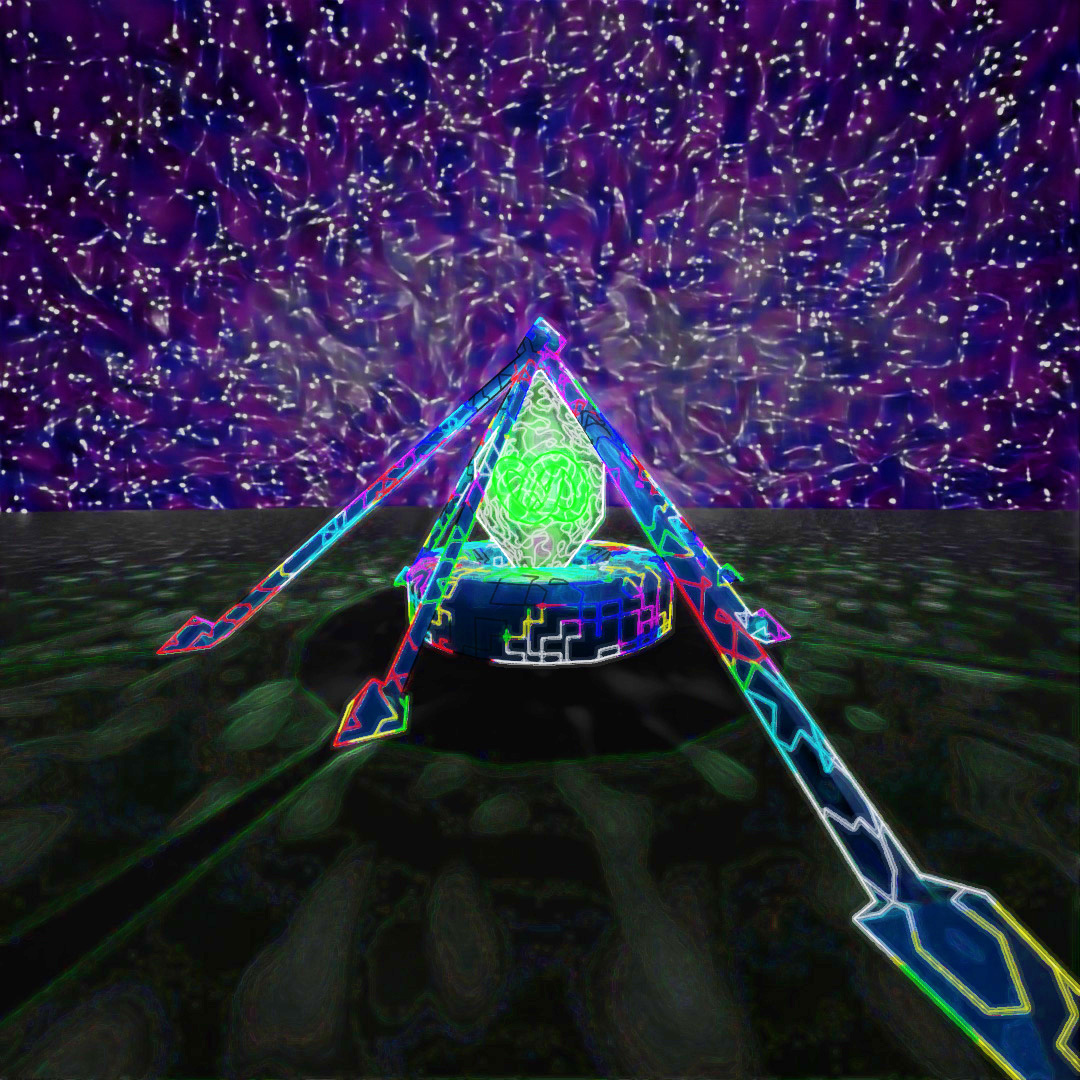
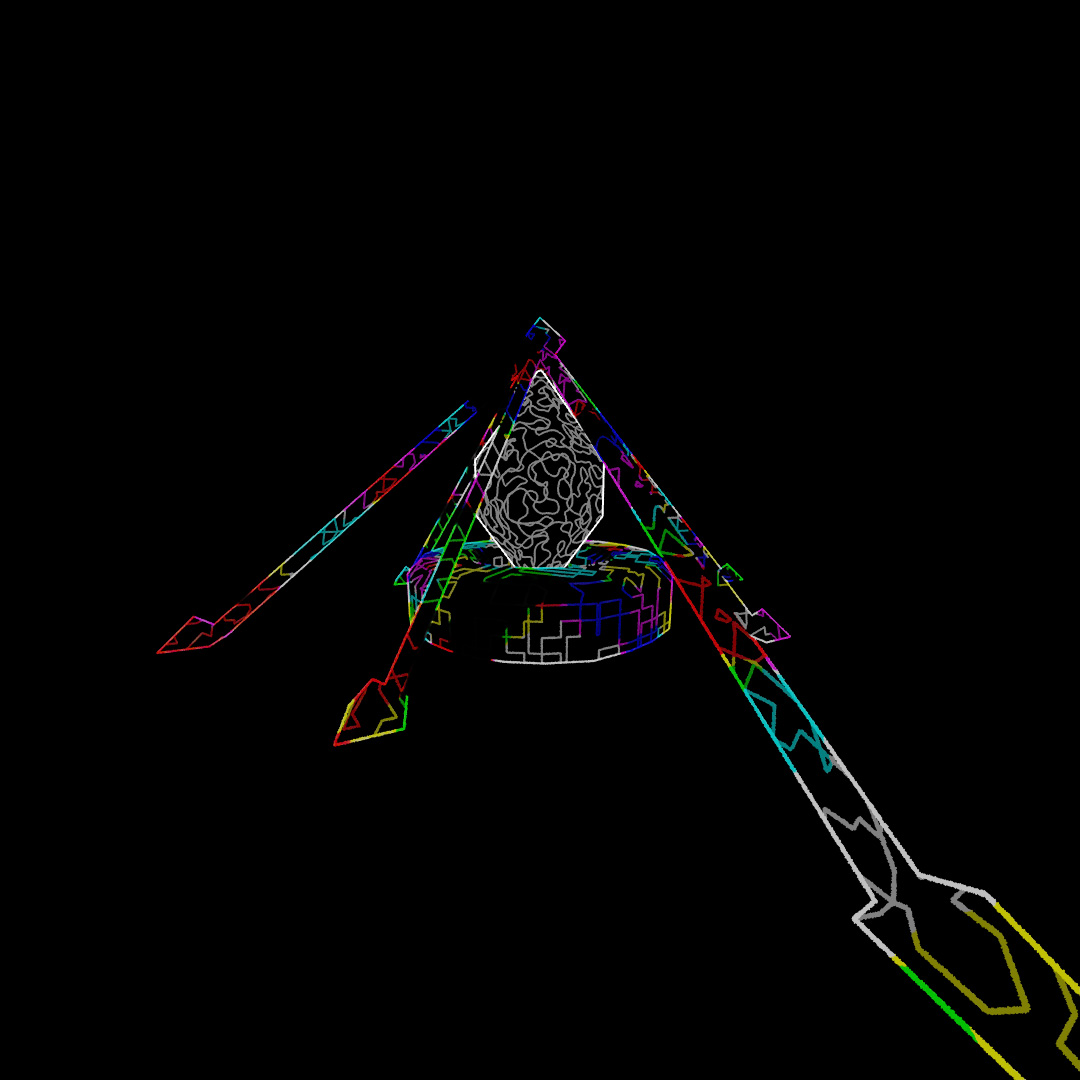
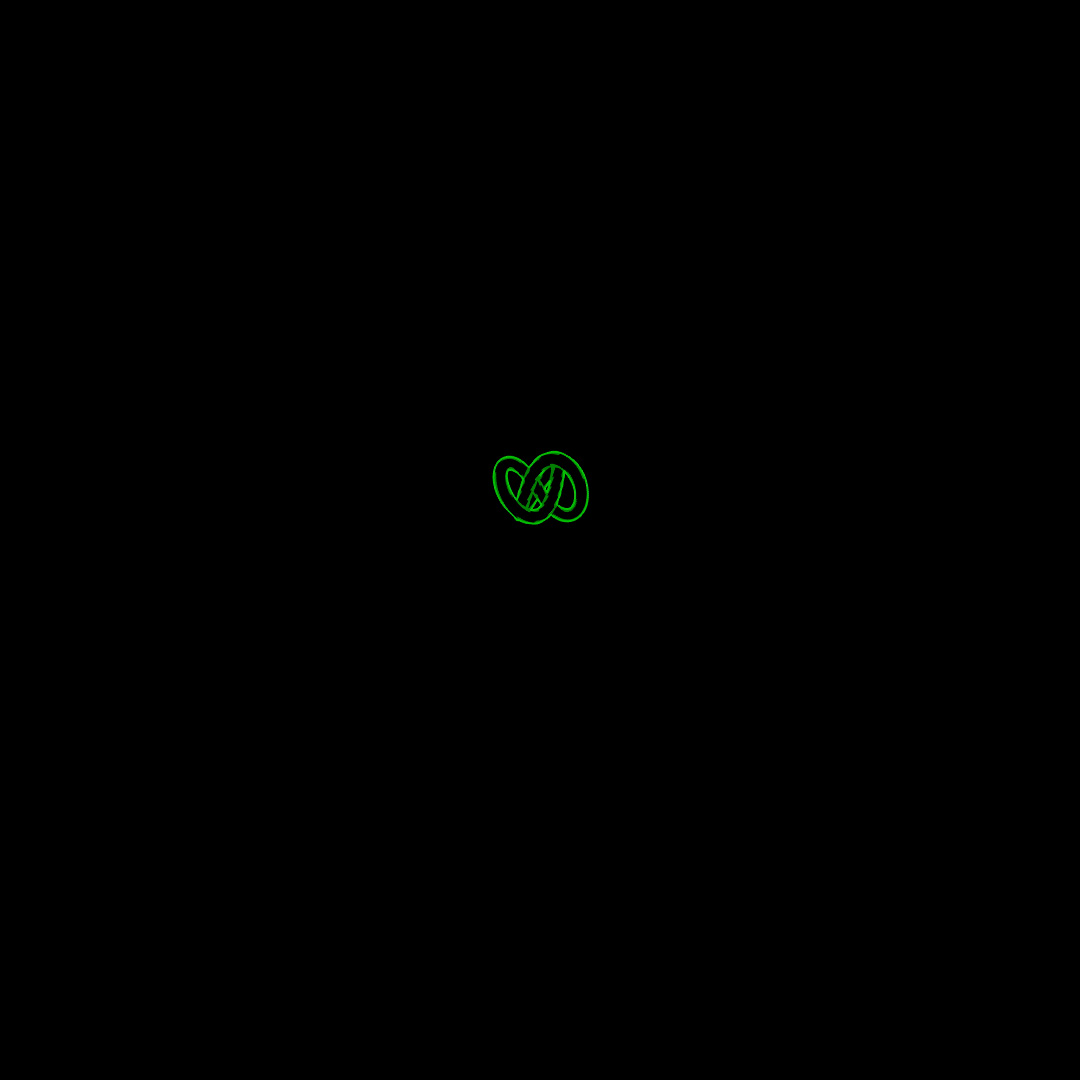
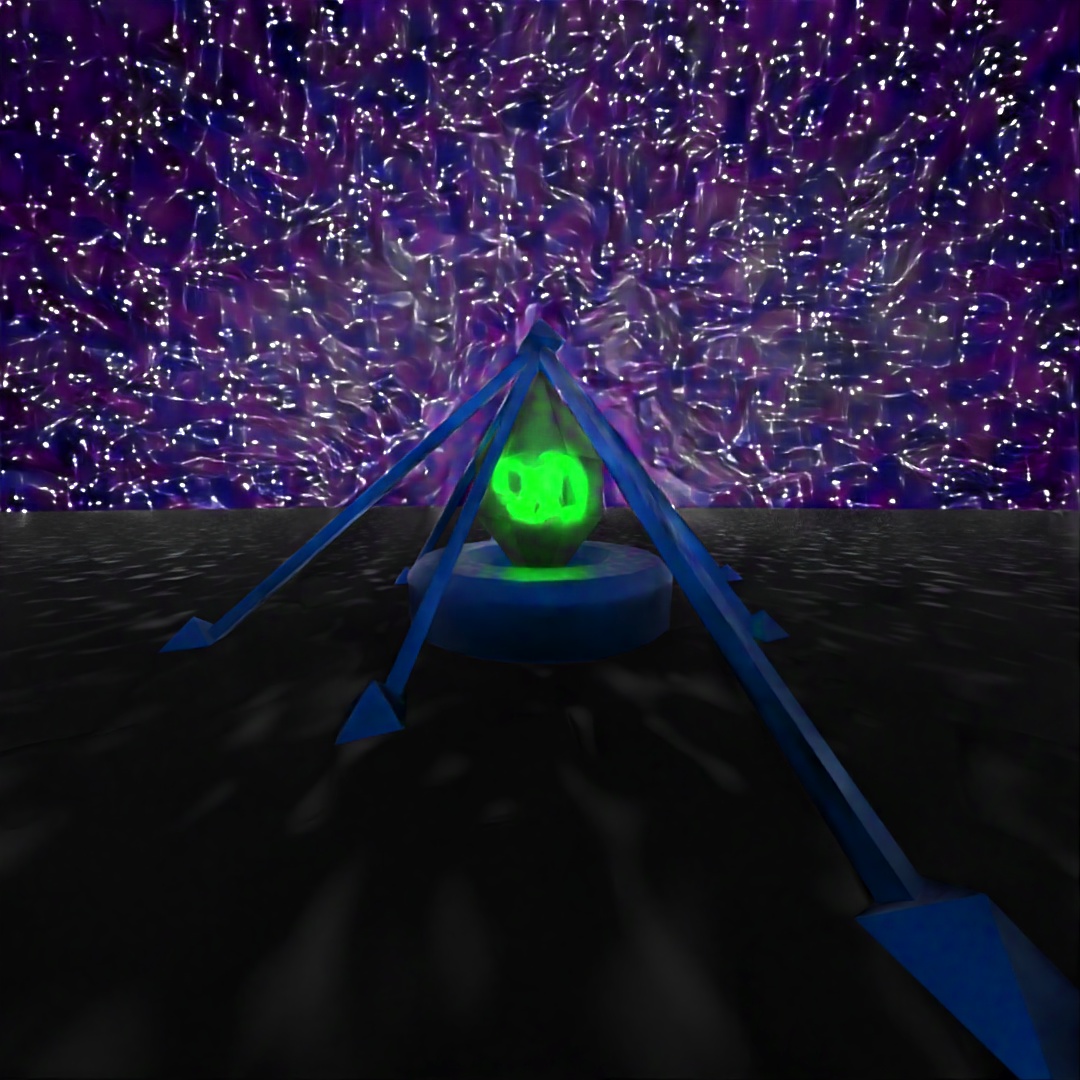
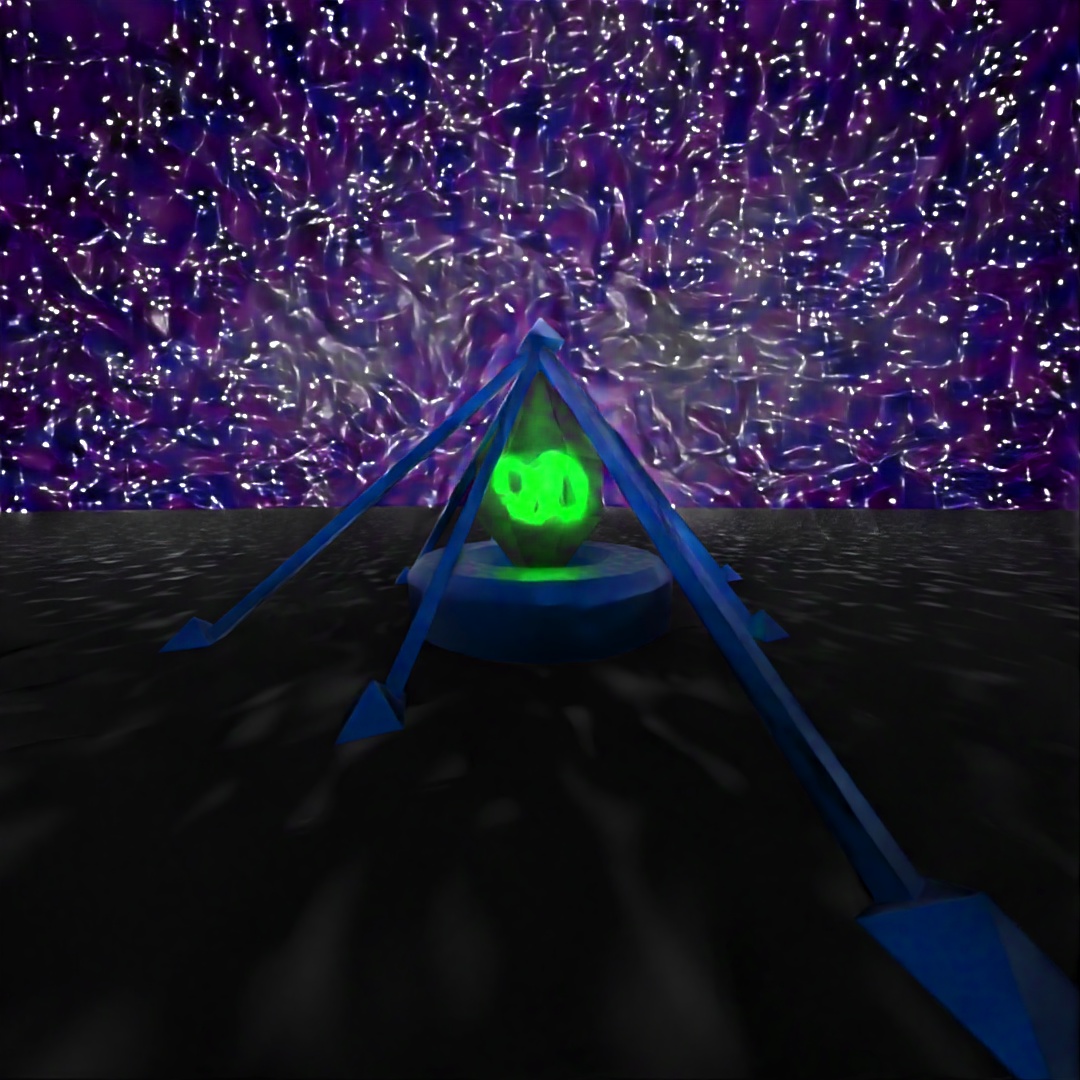
For this post, I was wanting to make something geometric and abstract but colorful. I rendered six different versions of this scene, some using Toon Shader, and layered them all together at different opacities to get this appearance. I rendered one version with only the center torus knot active because using the ToonShader, the crystal is not transparent but I still wanted a Toon Shader version of the torus knot in the final image.
#379: Poppy Character Building
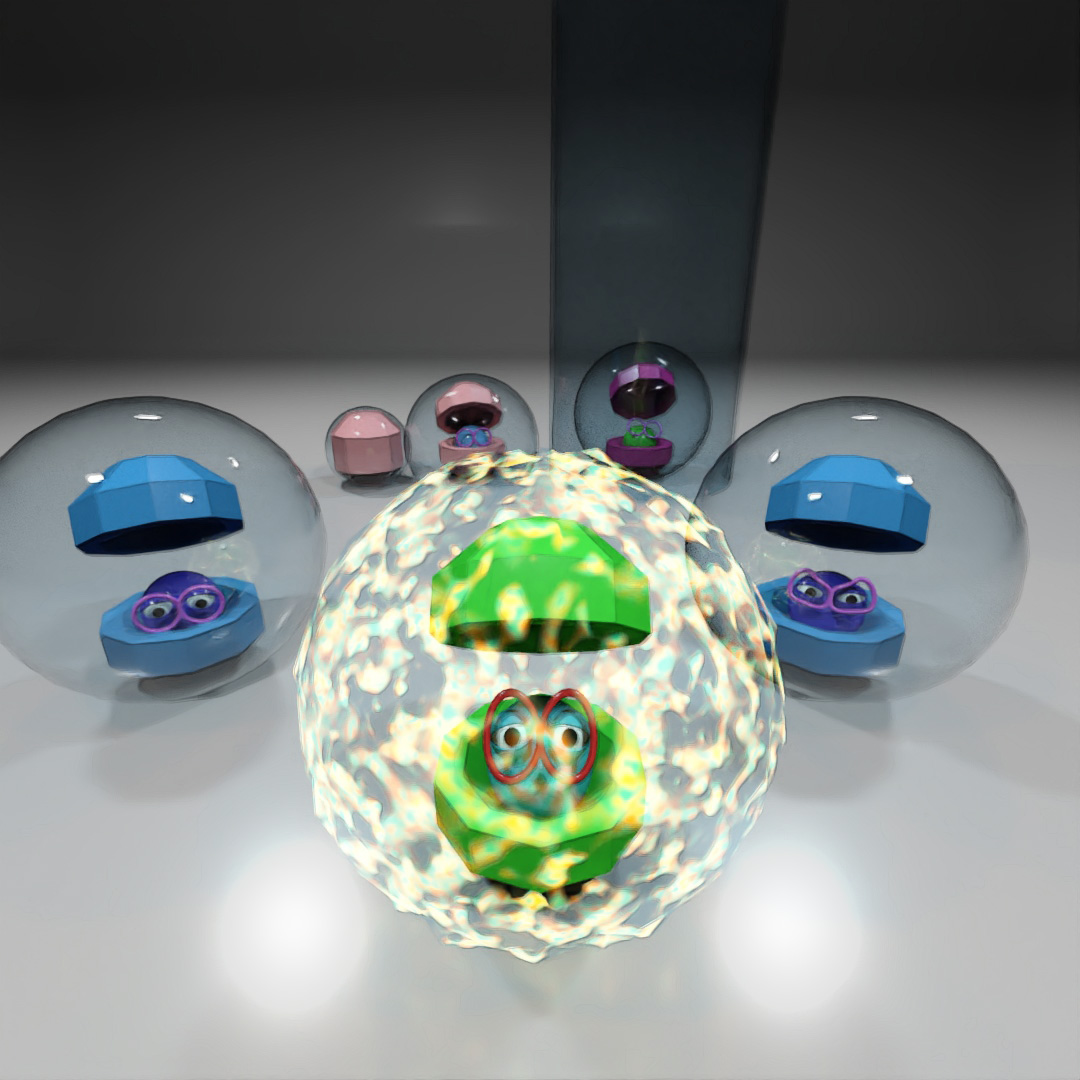
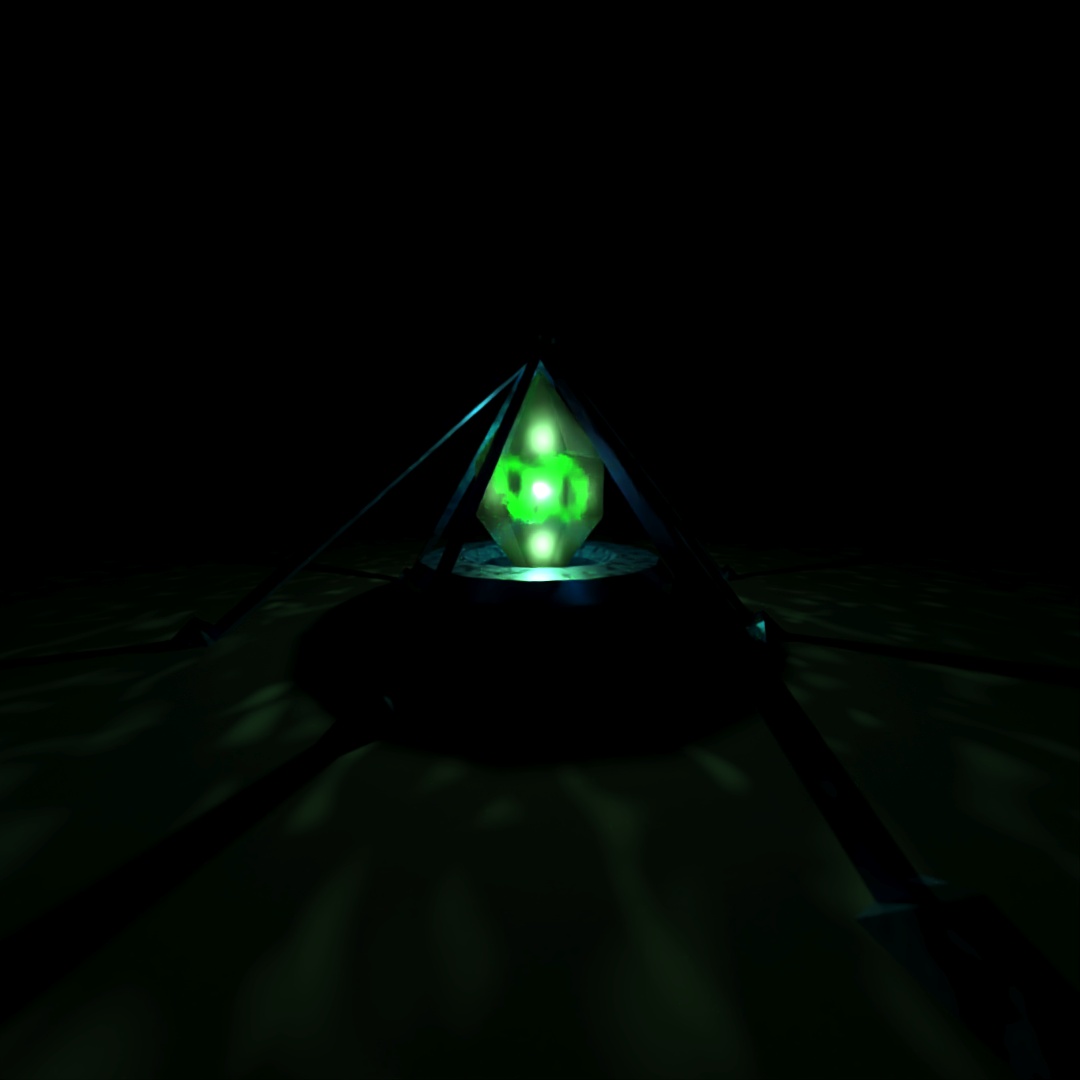
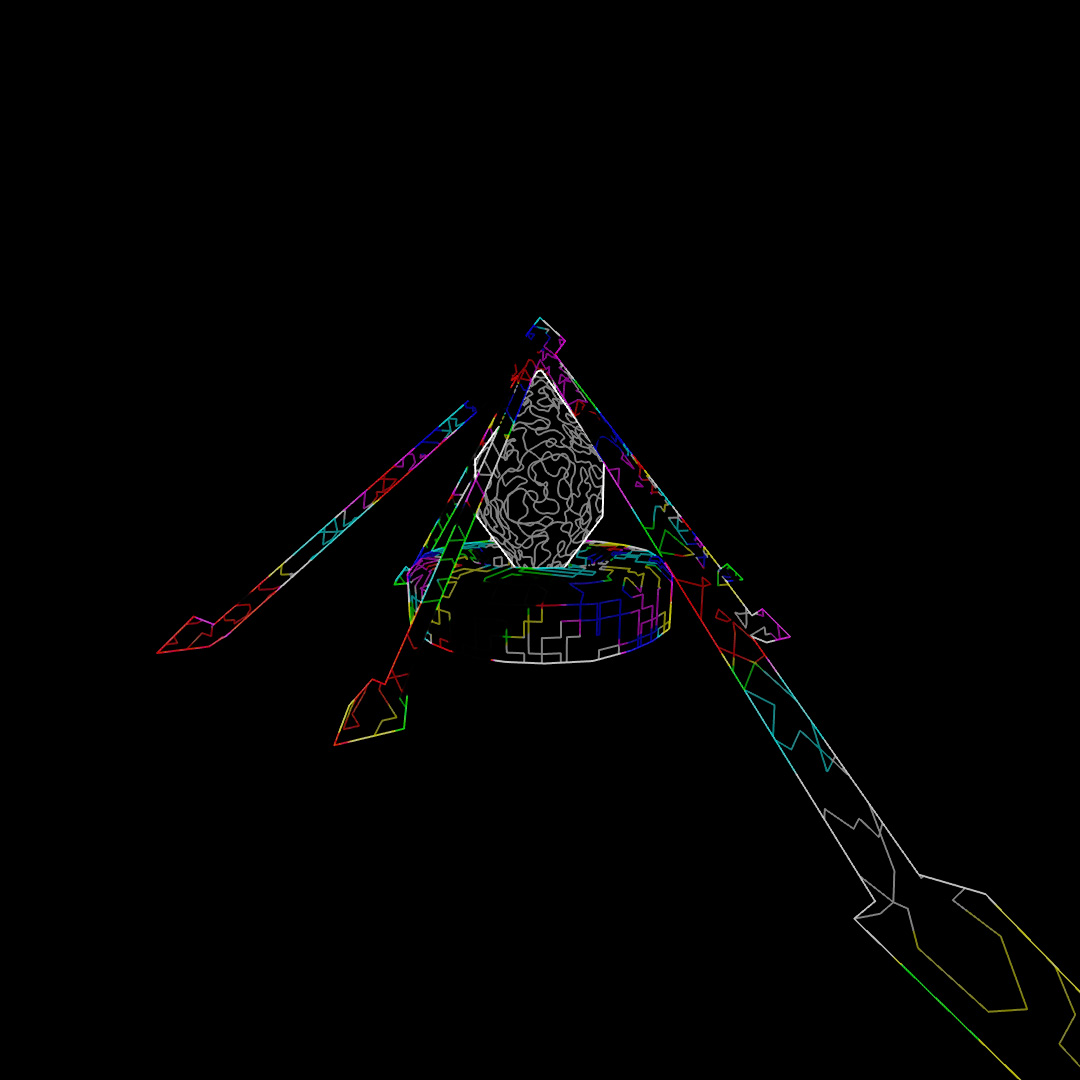
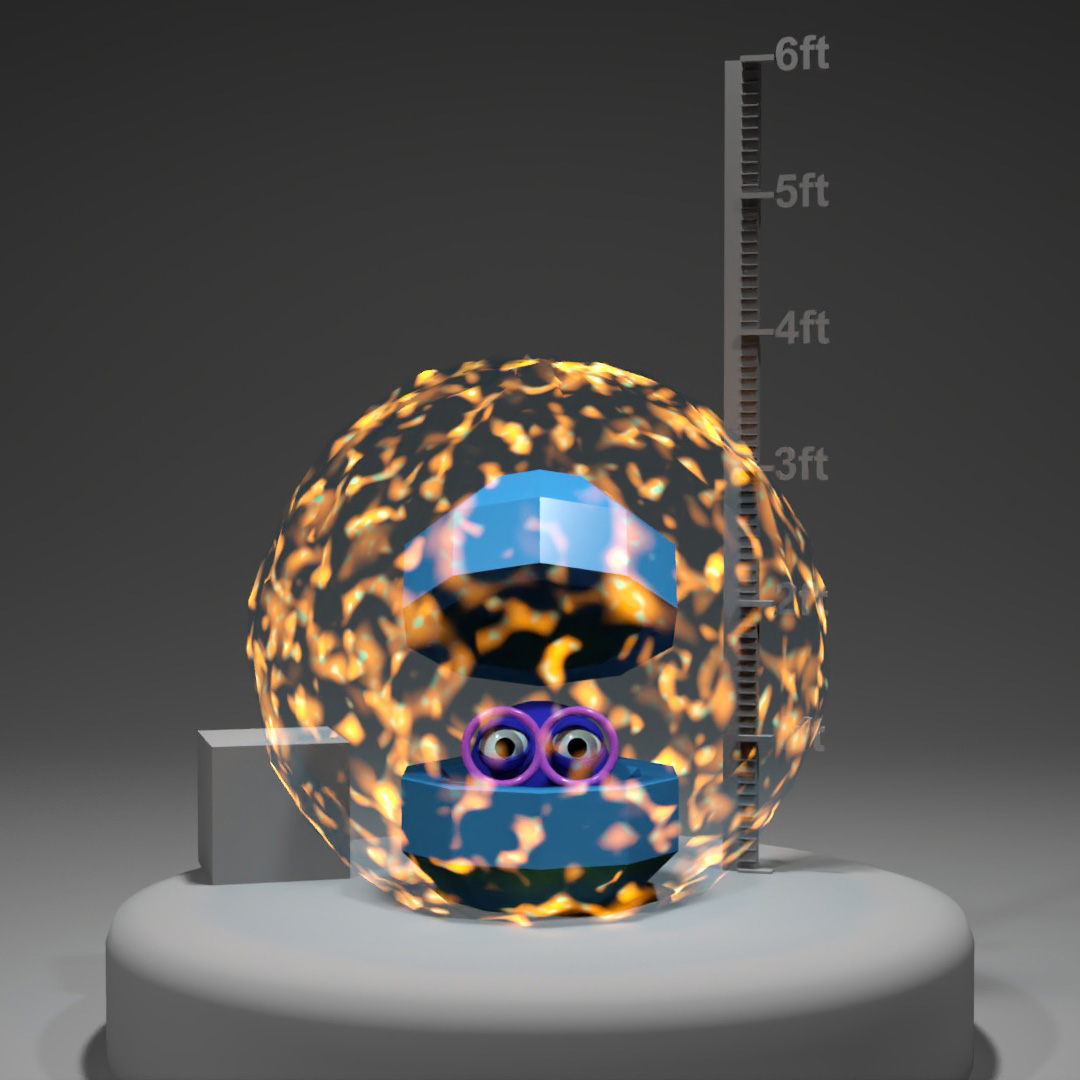
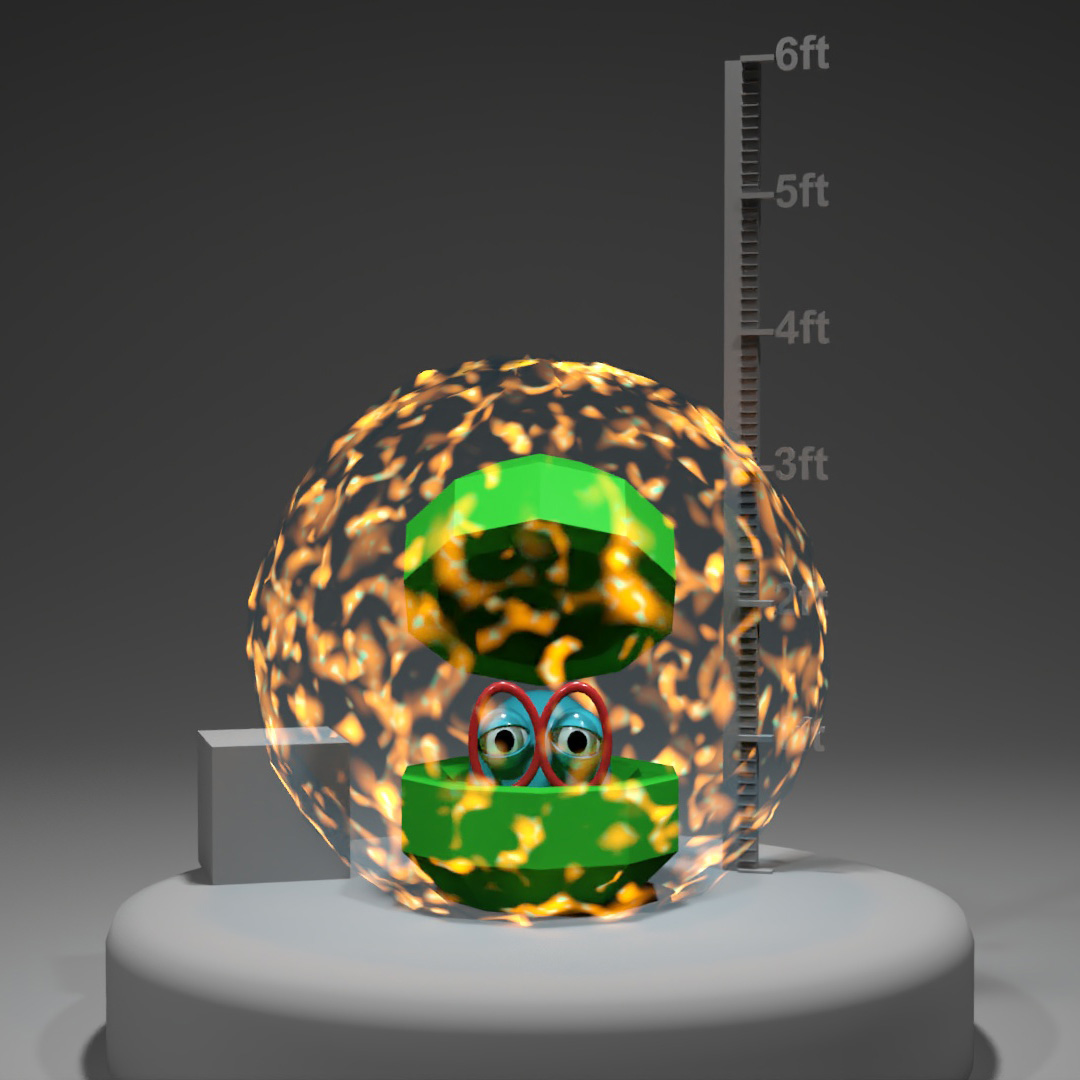
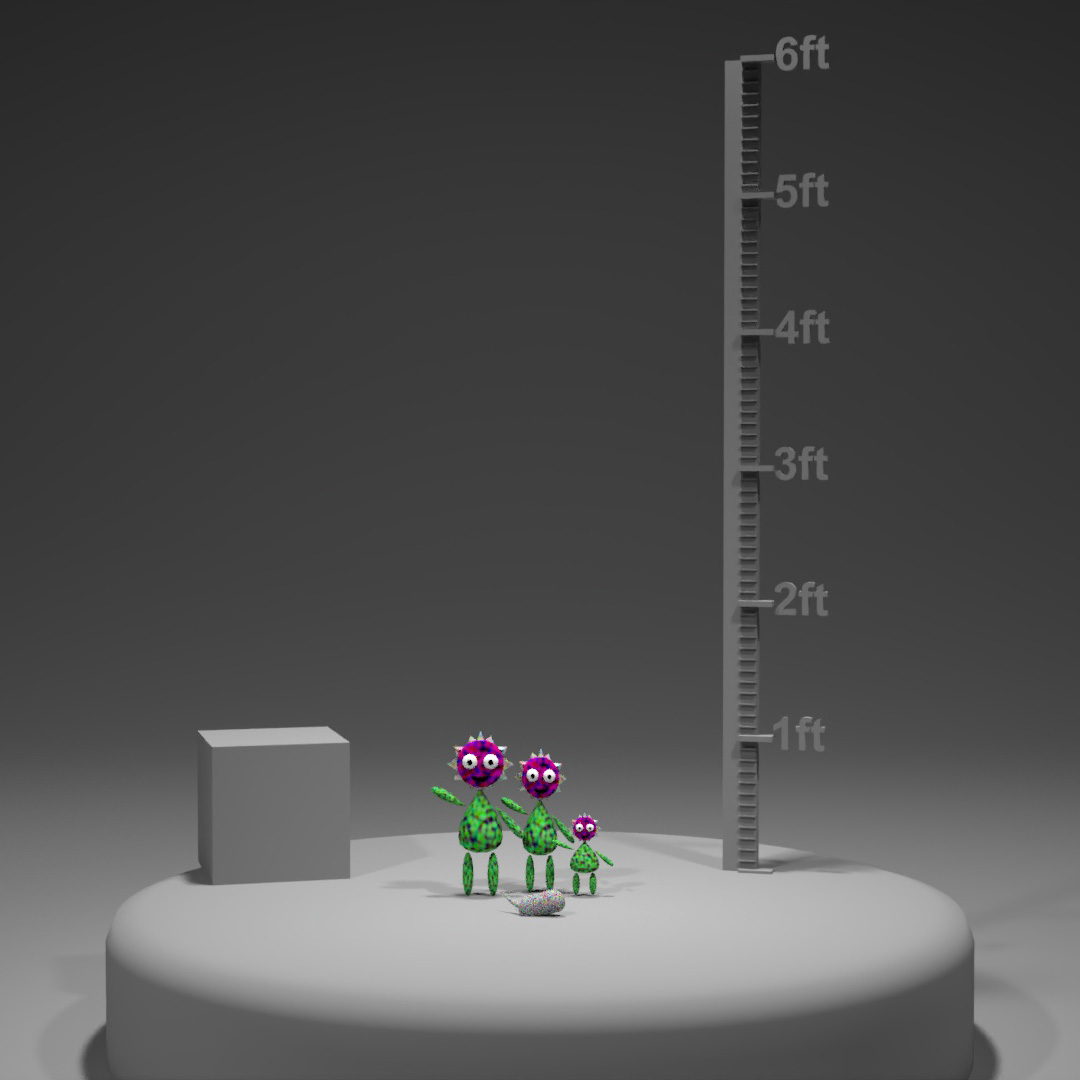
One of the classes of characters in my story is codenamed The Poppys, and the Tall Poppy is one of the heroes of my adventure. They are spherical creatures inside of shells and also surrounded by an NRG force field. They are mostly uniform, aside from the Tall Poppy. They specialize in logistics and planning and are good at interfacing with the MF-Computer.
#380: Bubbles!
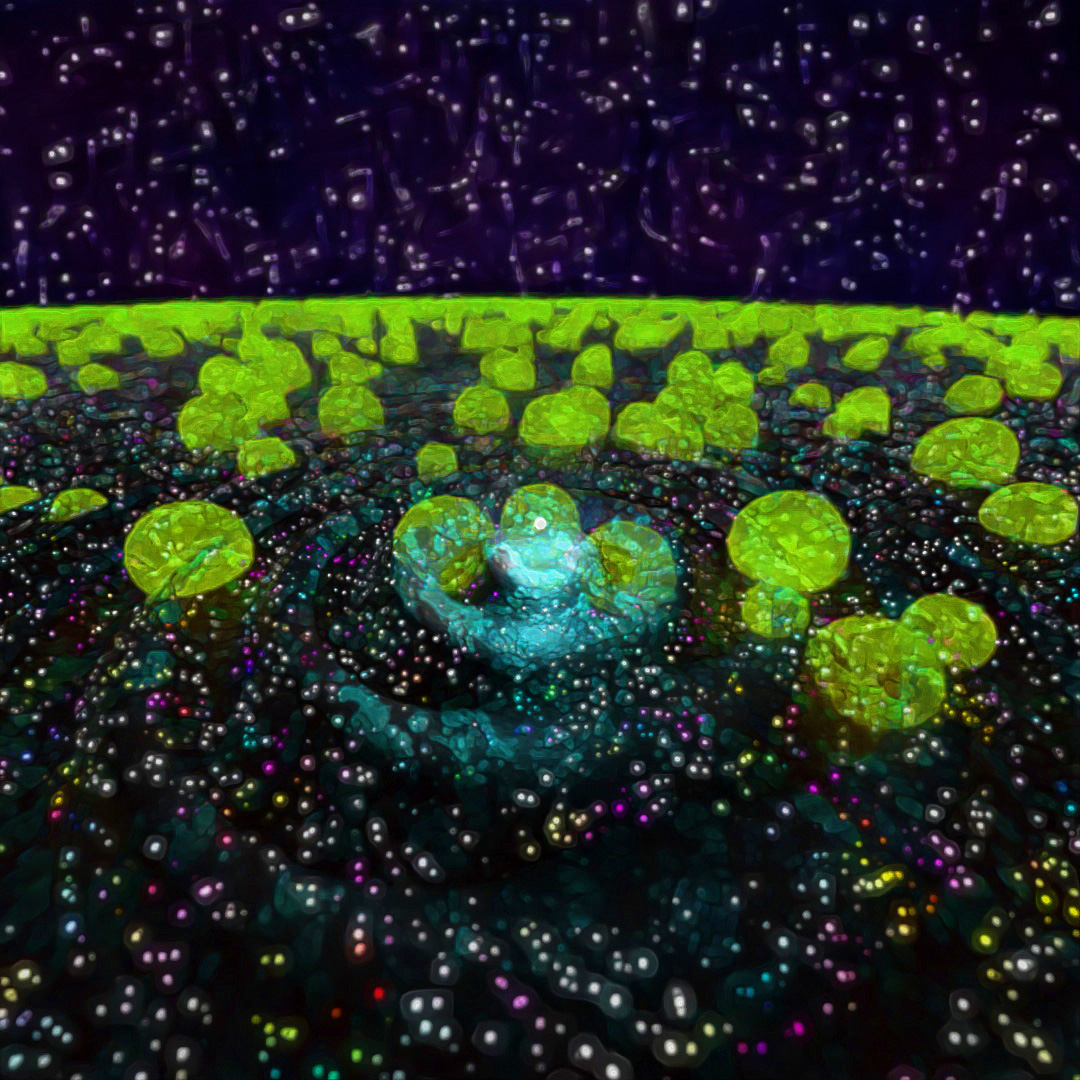
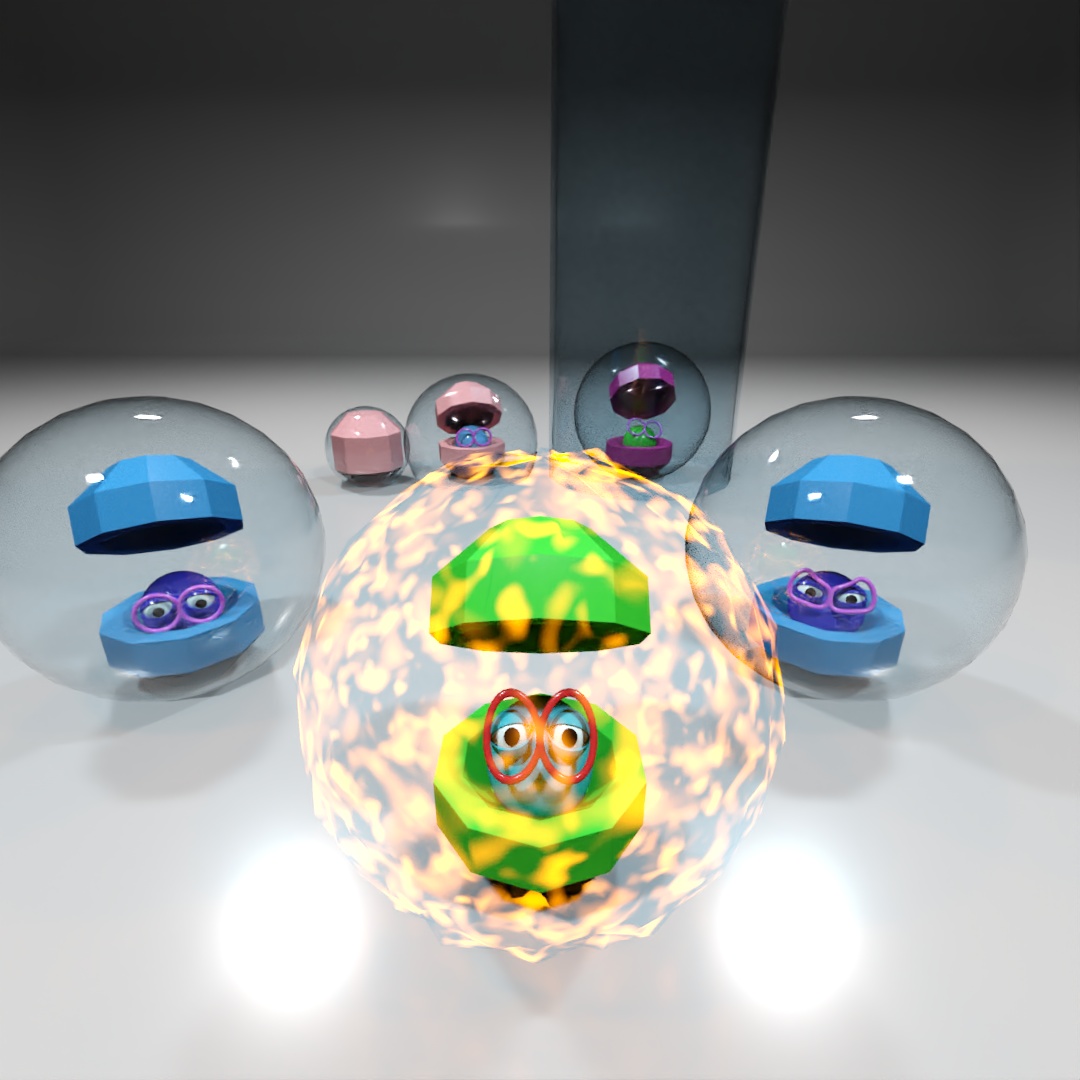
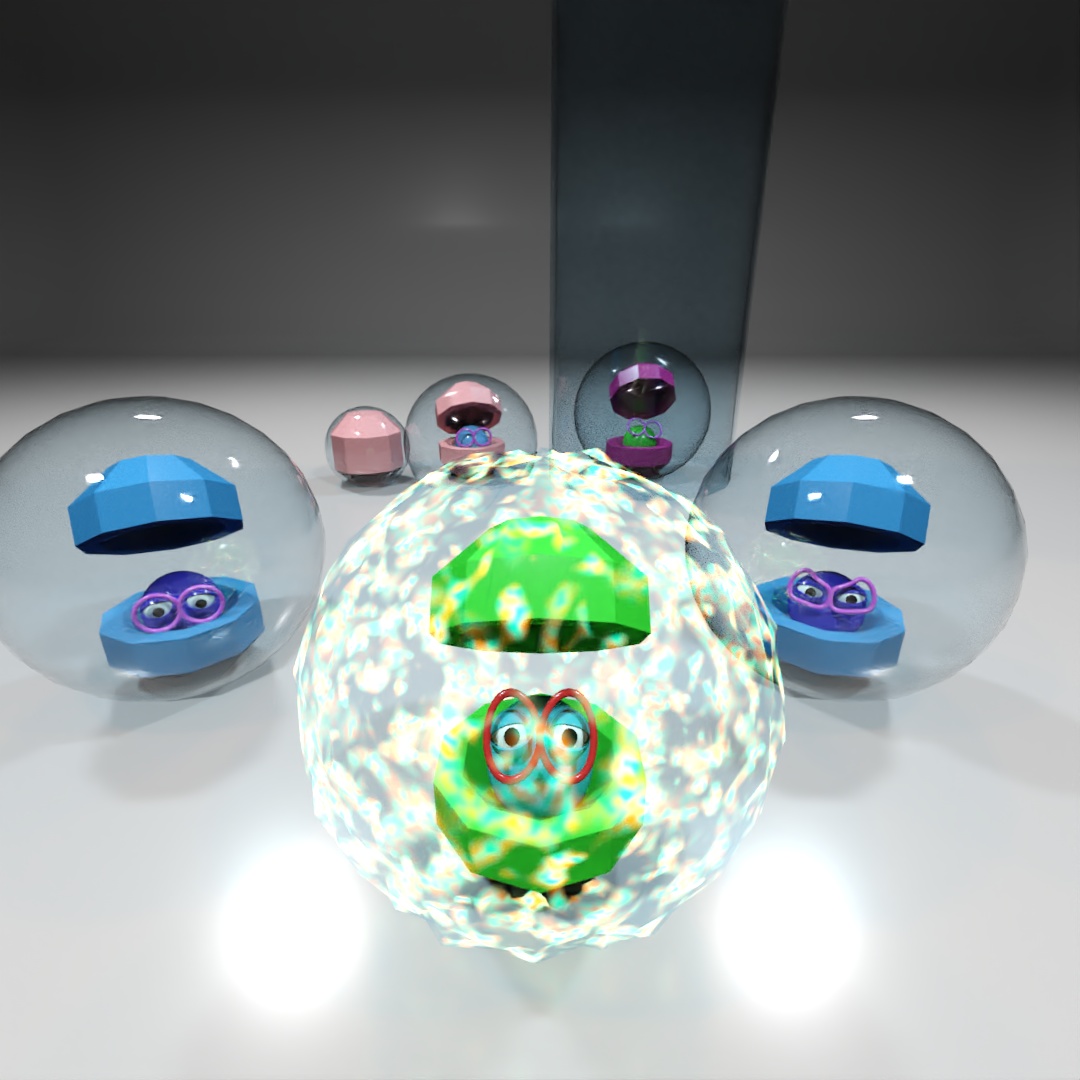
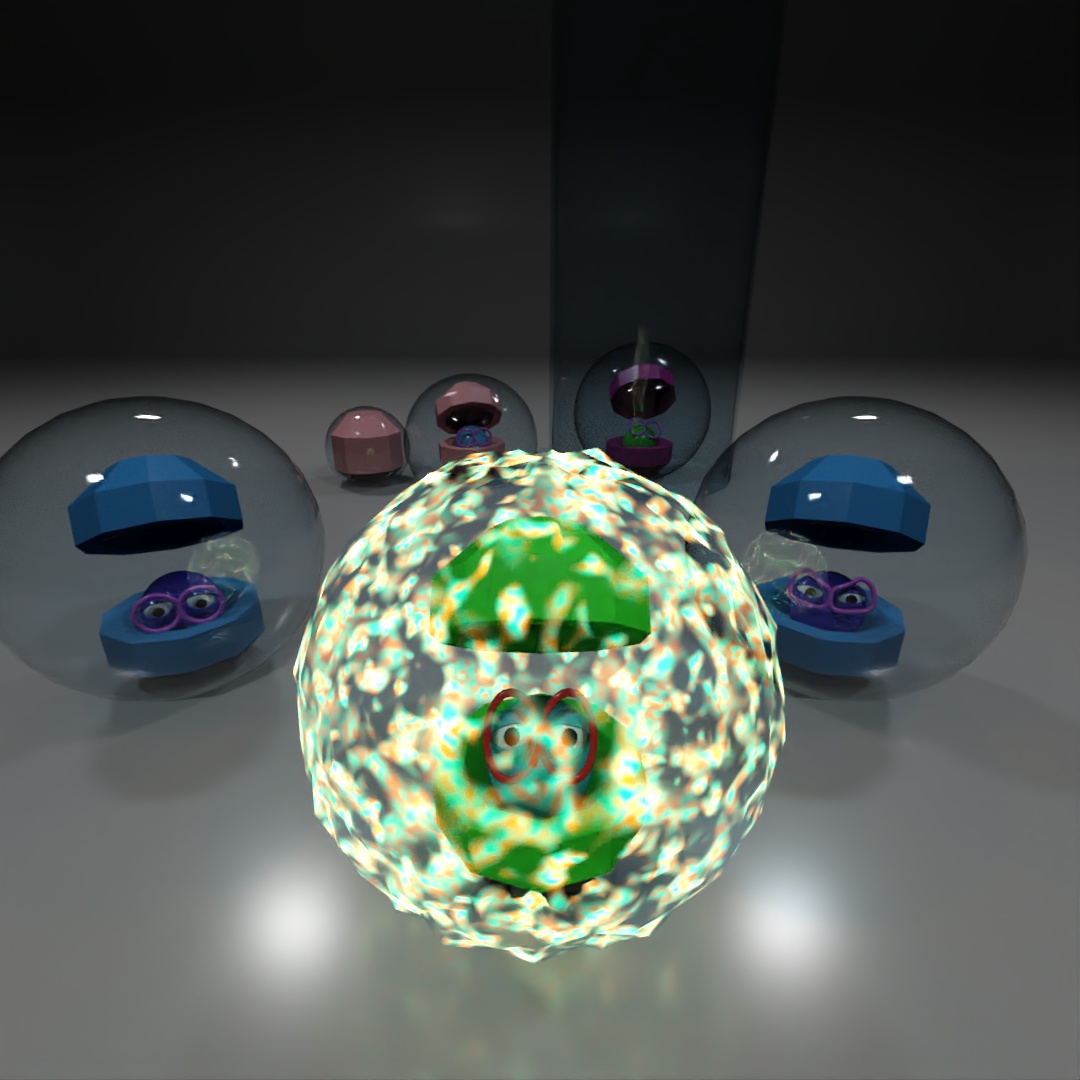
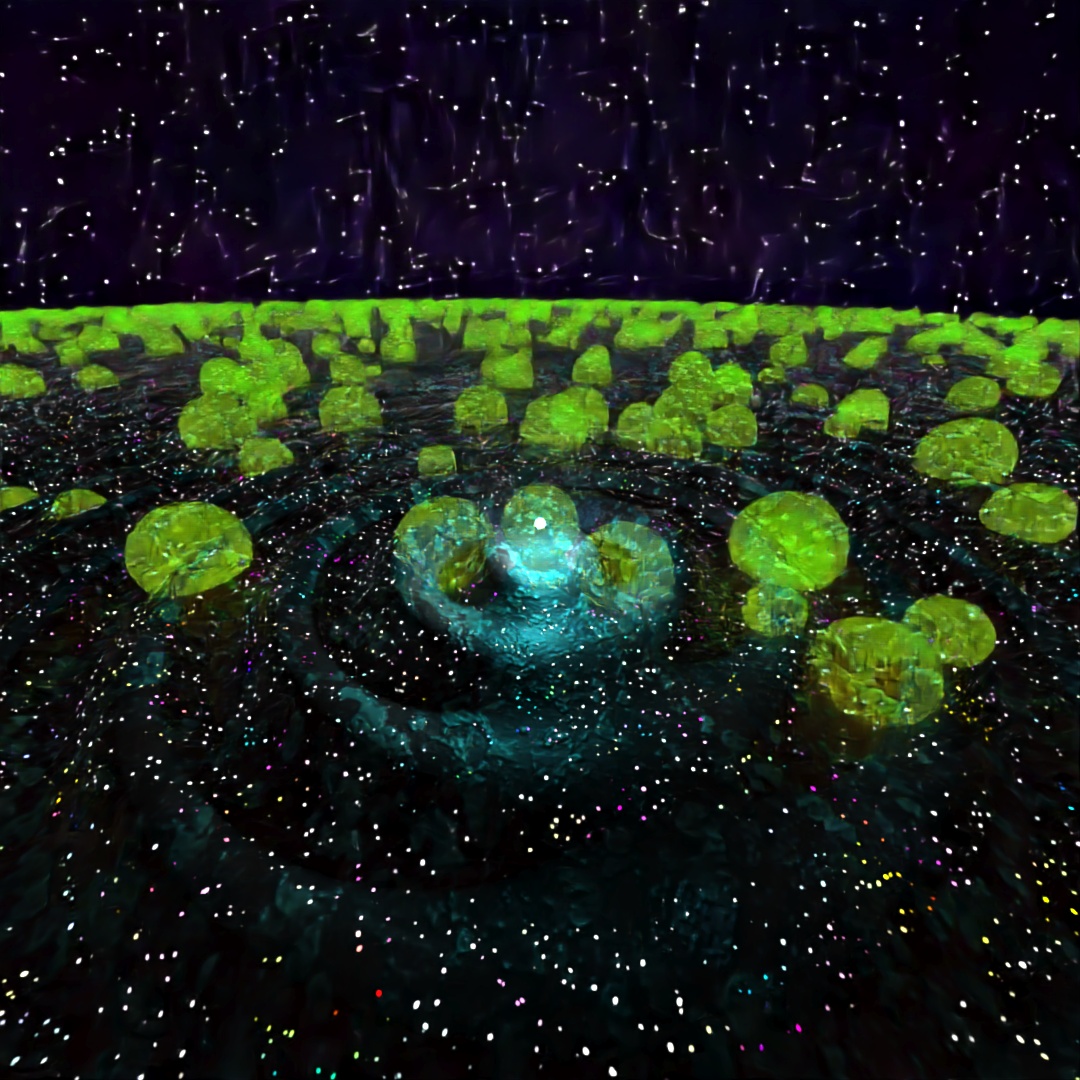
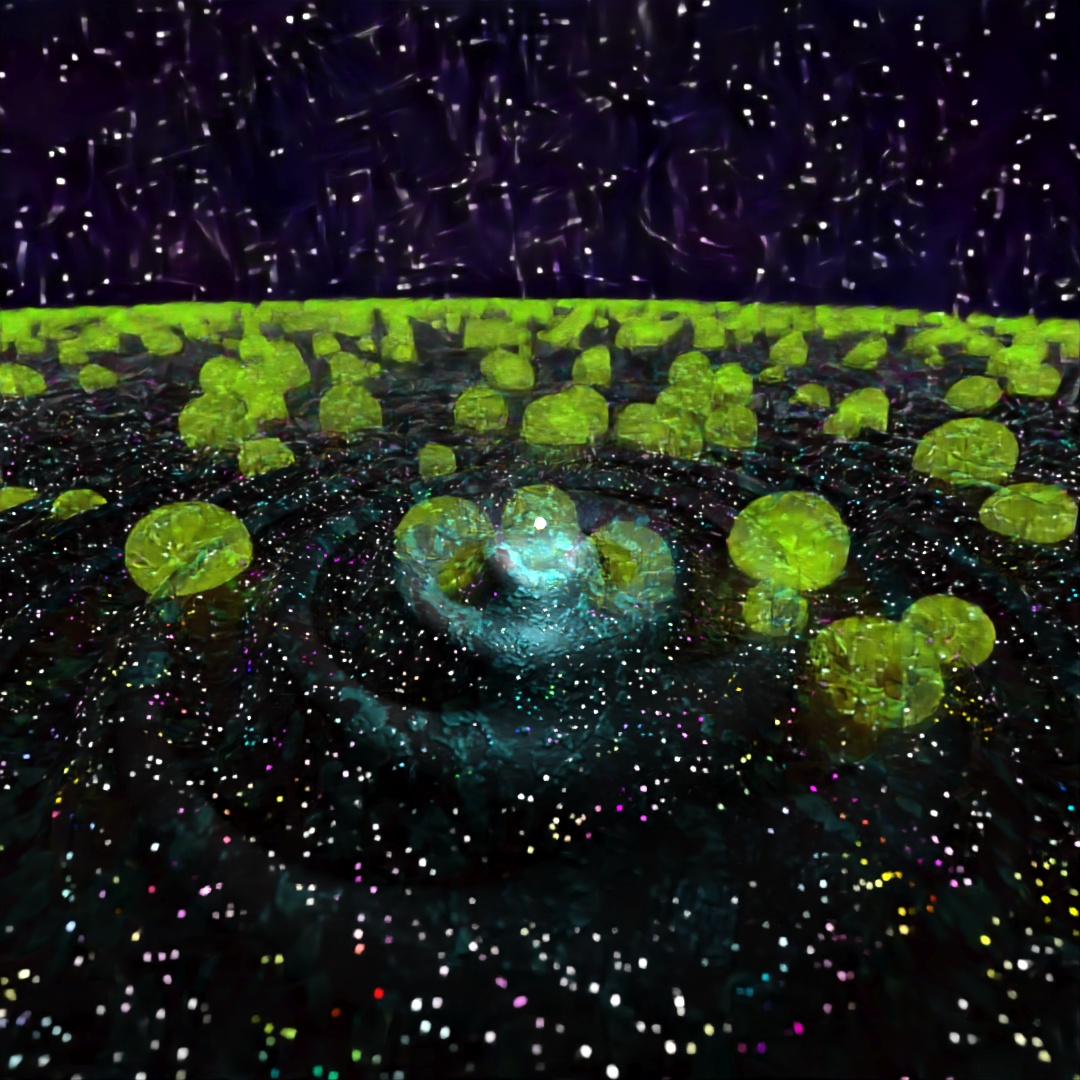
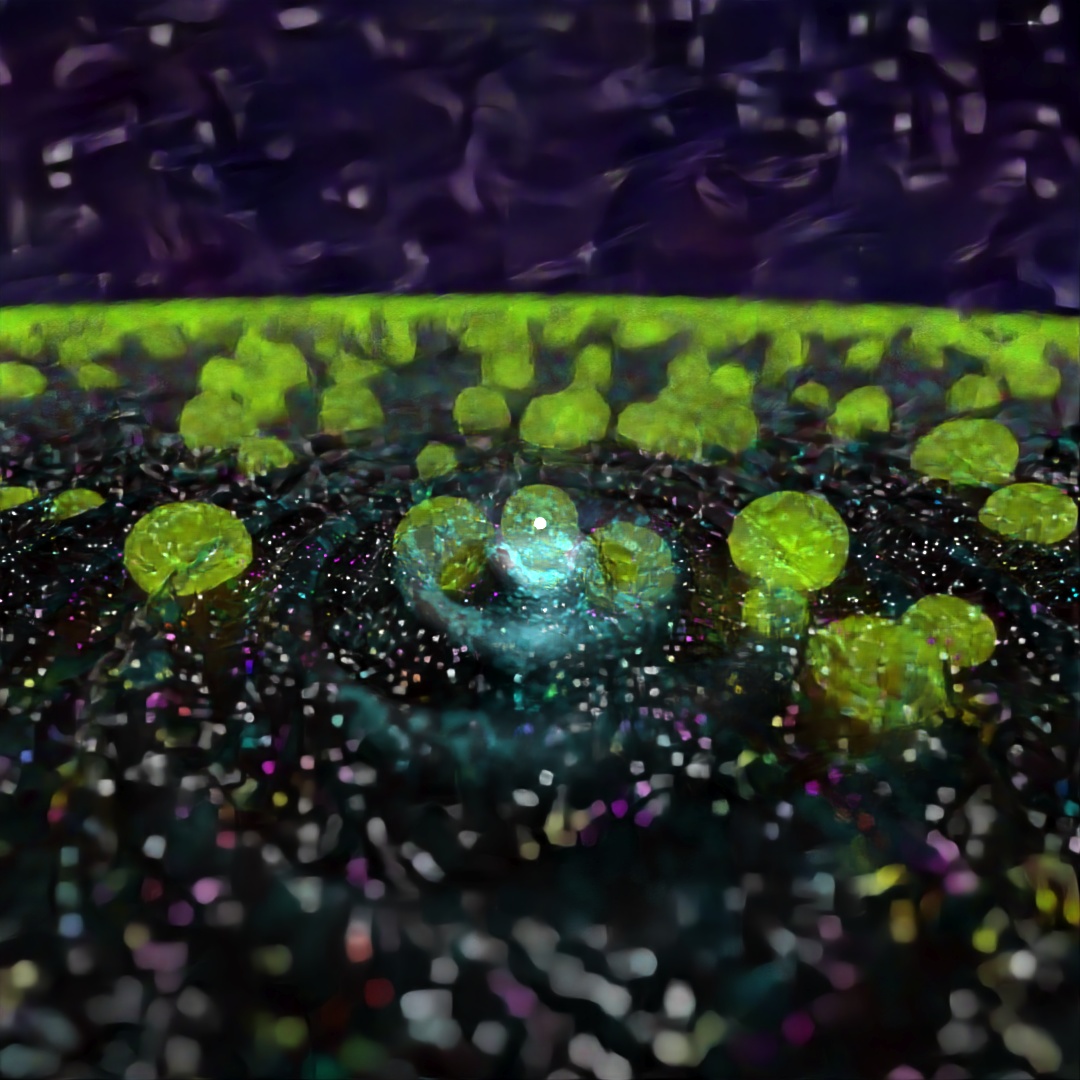
For this image I started with a large plane and applied the Ripple and Bend modifiers to it and gave it a material which used a Simplex Noise map for the emission variable. Then I made a sphere with setting Hemisphere set at .875 and used Scatter to place multiple copies all across the starting plane. I also used the Sky sphere from previous posts to make the stars. I rendered three different versions with different Depth of Field settings and layered them together in Photoshop.
#381: Hoppity Varieties
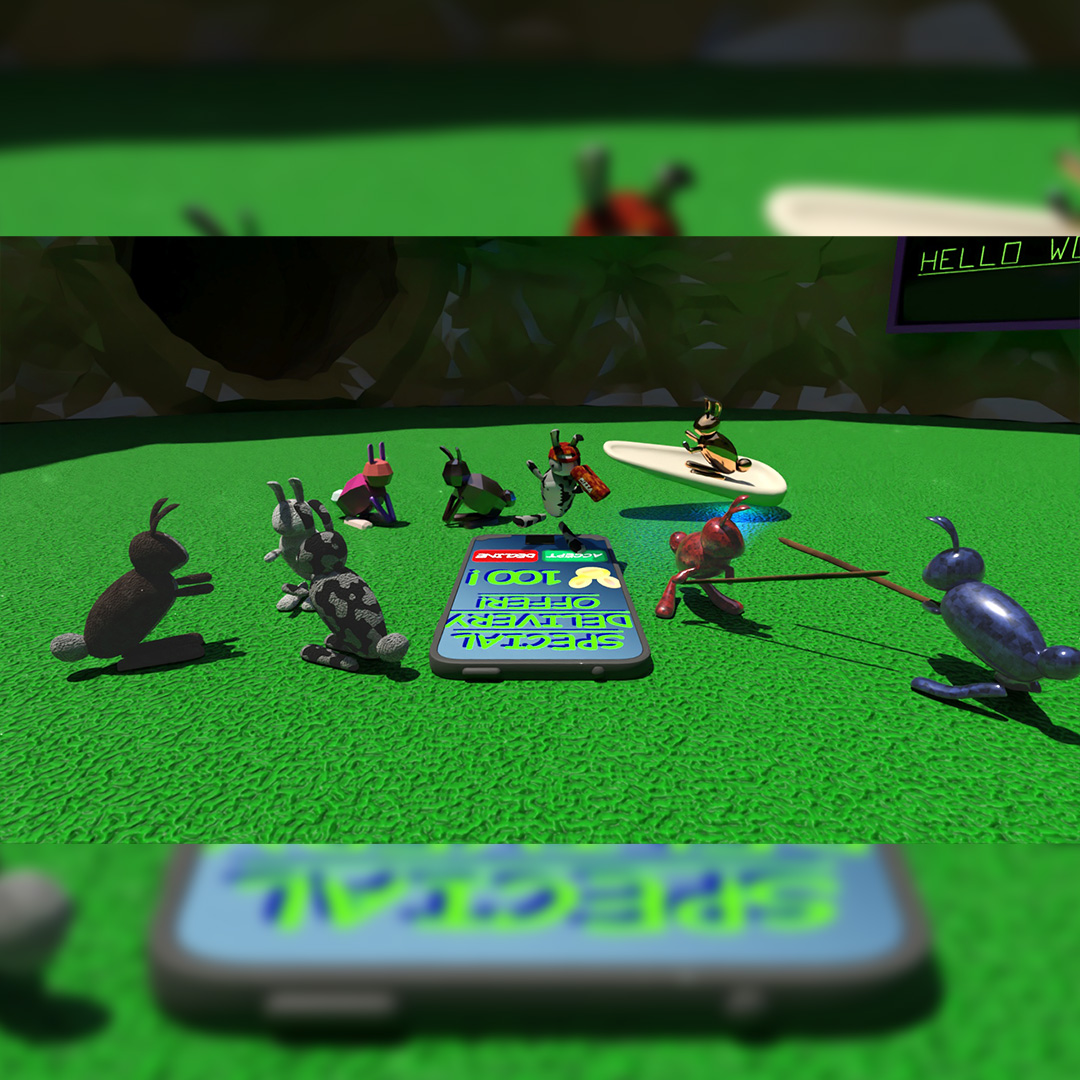
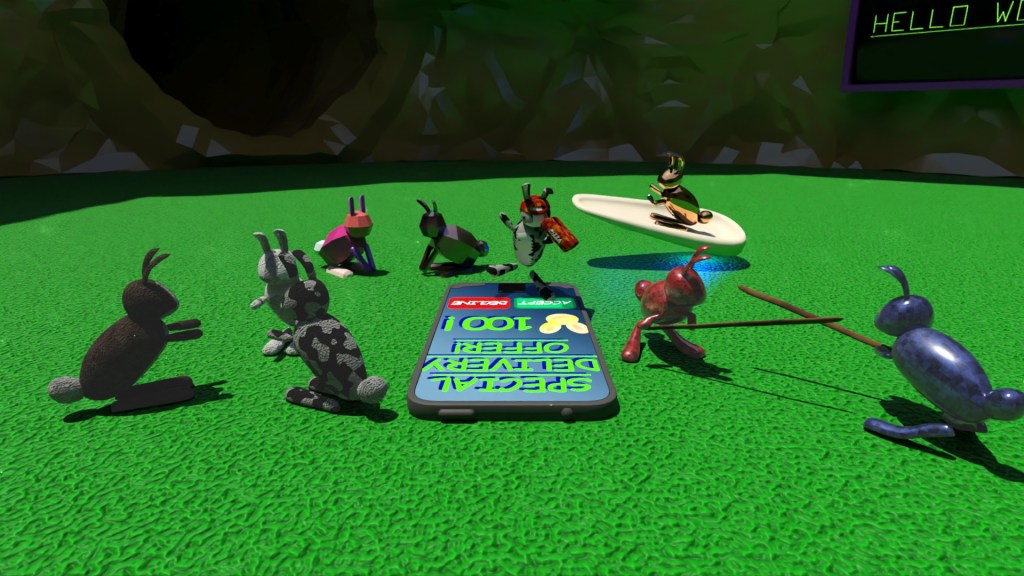
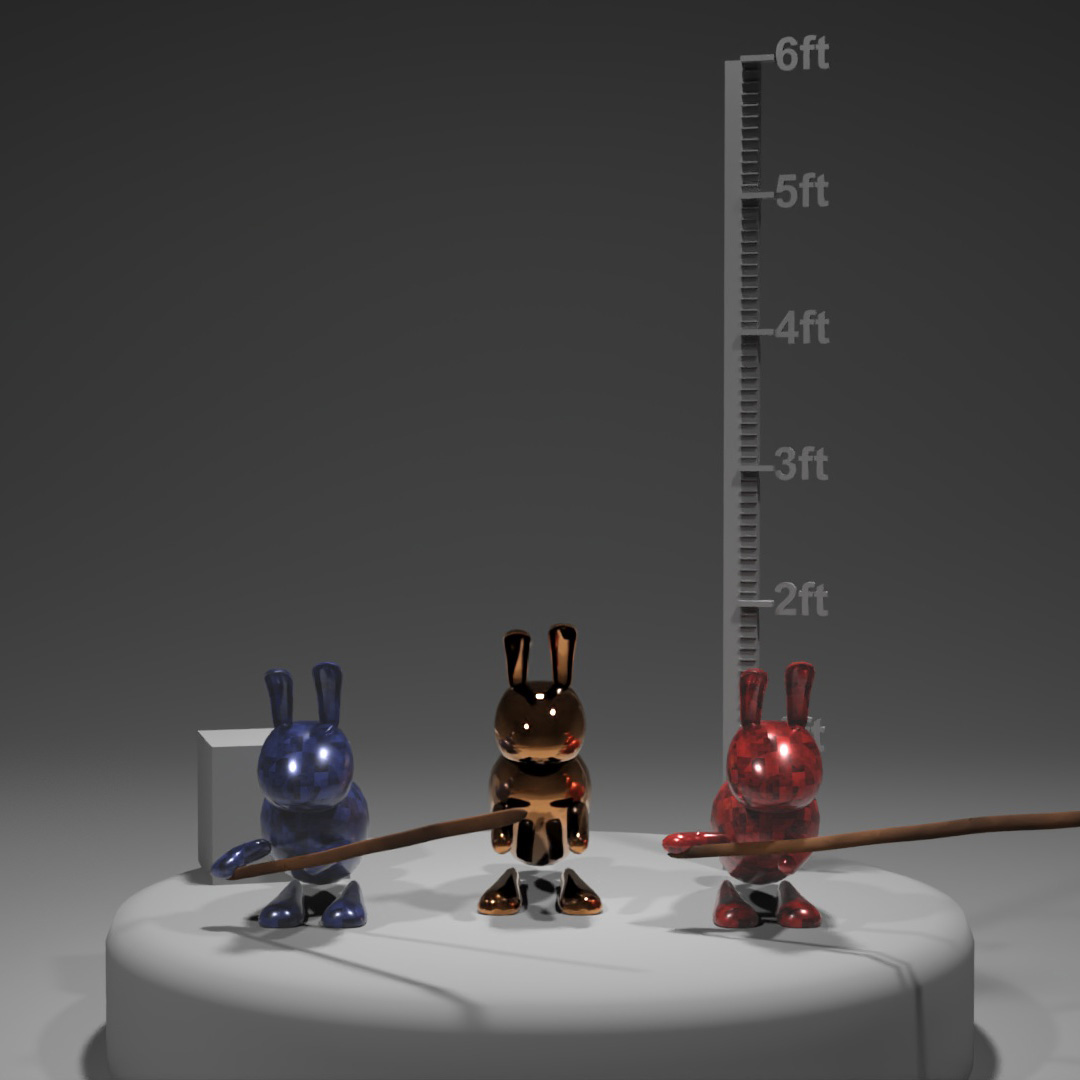
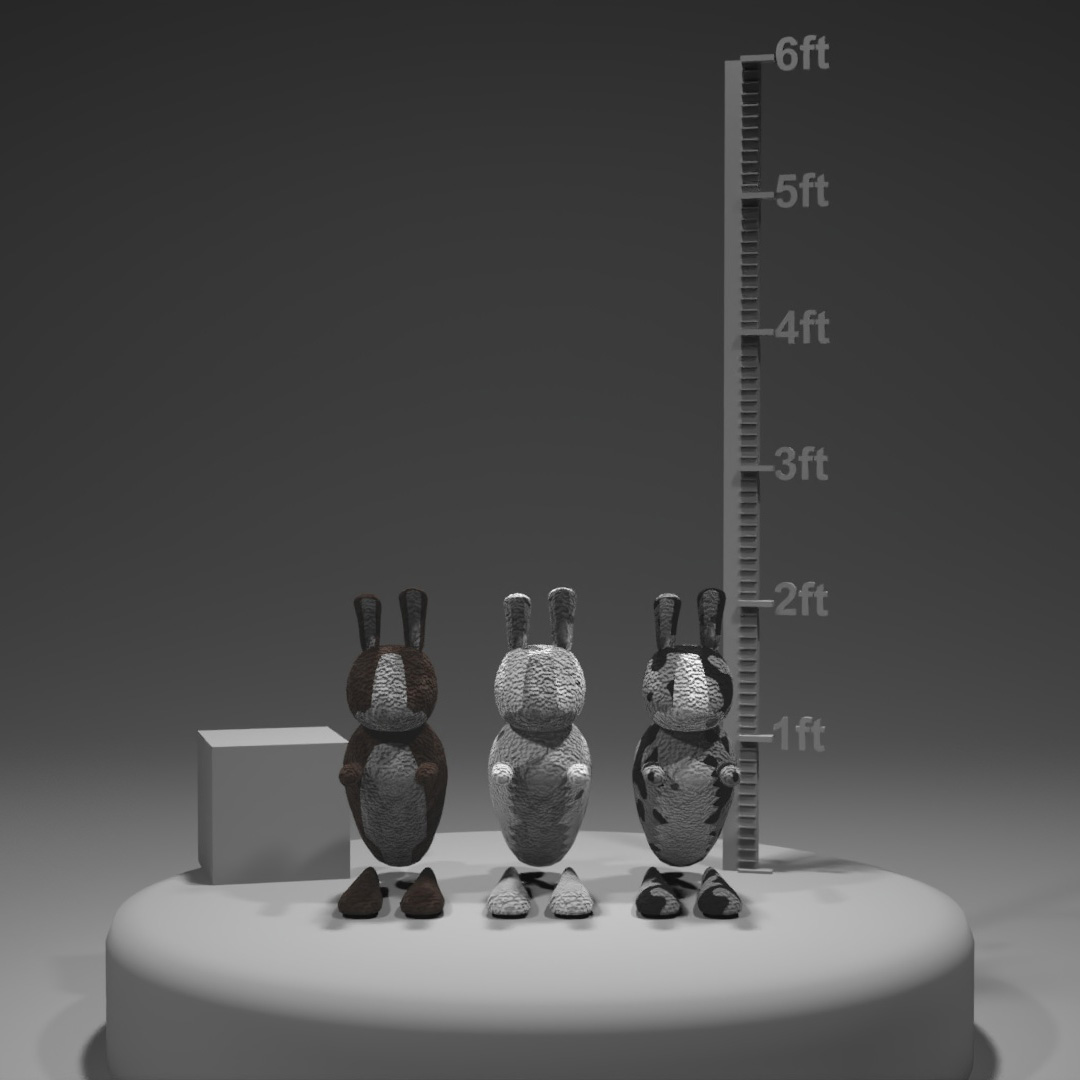
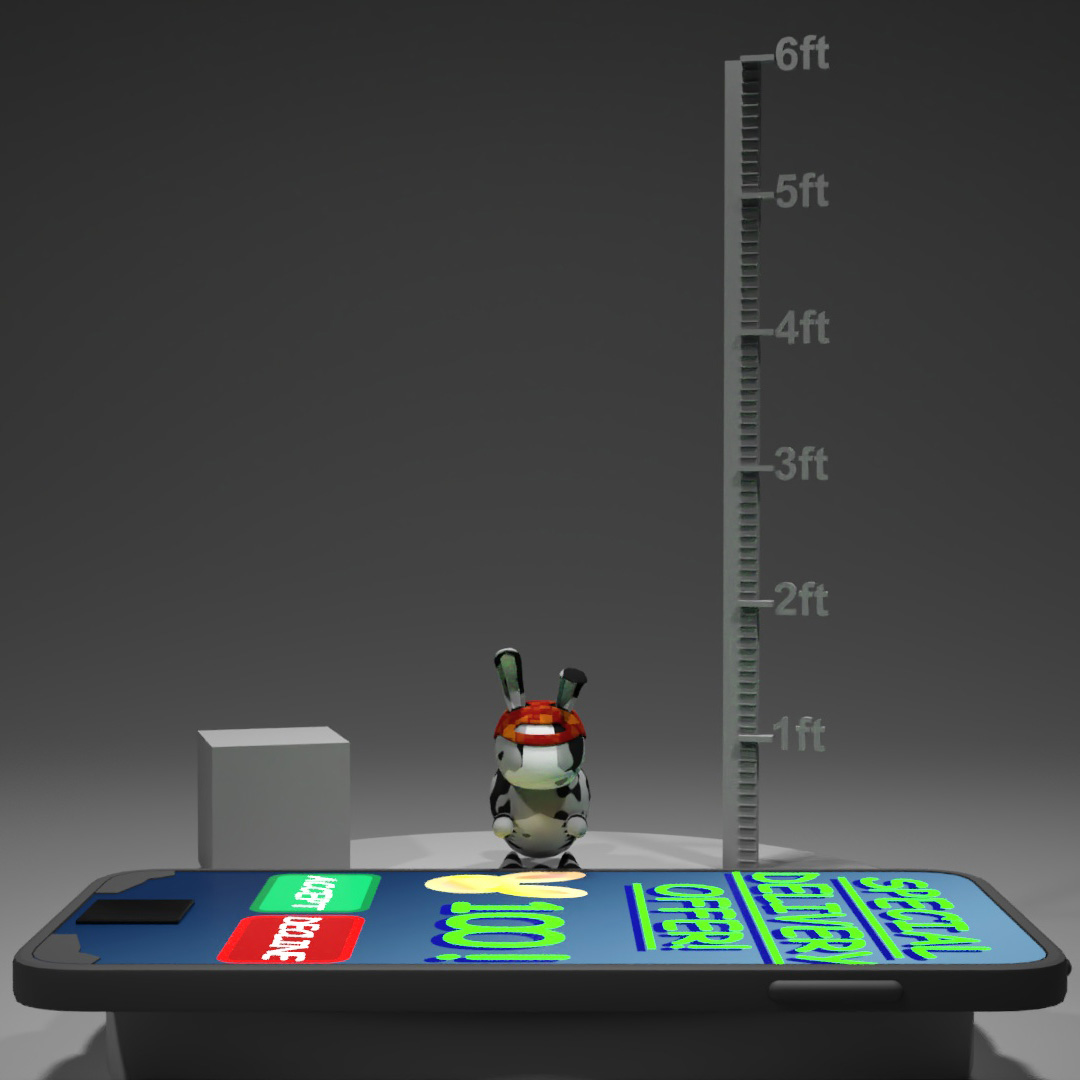
The Hoppitys are a class of characters from TPS2 whose warren have been newly incorporated into the Faelville society. They come in varieties ranging from metalic robotic to fuzzy and cute to ninja fighting Hoppitys. The hero of our story (Hoppity Hip) rides a giant phone with a constant eye on his gig-working app.
#382: [Pea Tendrils]
“When you’re imagining yourself to be a pea tendril, how do you prevent from going crazy?”

While listeing to Lex Fridman’s podcast with Annaka Harris, I was searching for inspiration for a post when Lex asked the profound question of Annaka, “When you’re imagining yourself to be a pea tendril, how do you prevent from going crazy?” It may seem like a ridiculous question on its face, but especially in the context of the conversation about consciousness and free will, this question struck me as deeply profound. How do we empathize and seek to understand the parts of the world outside of ourselves without “going crazy” and potentially losing track of ourselves and what we think we are?
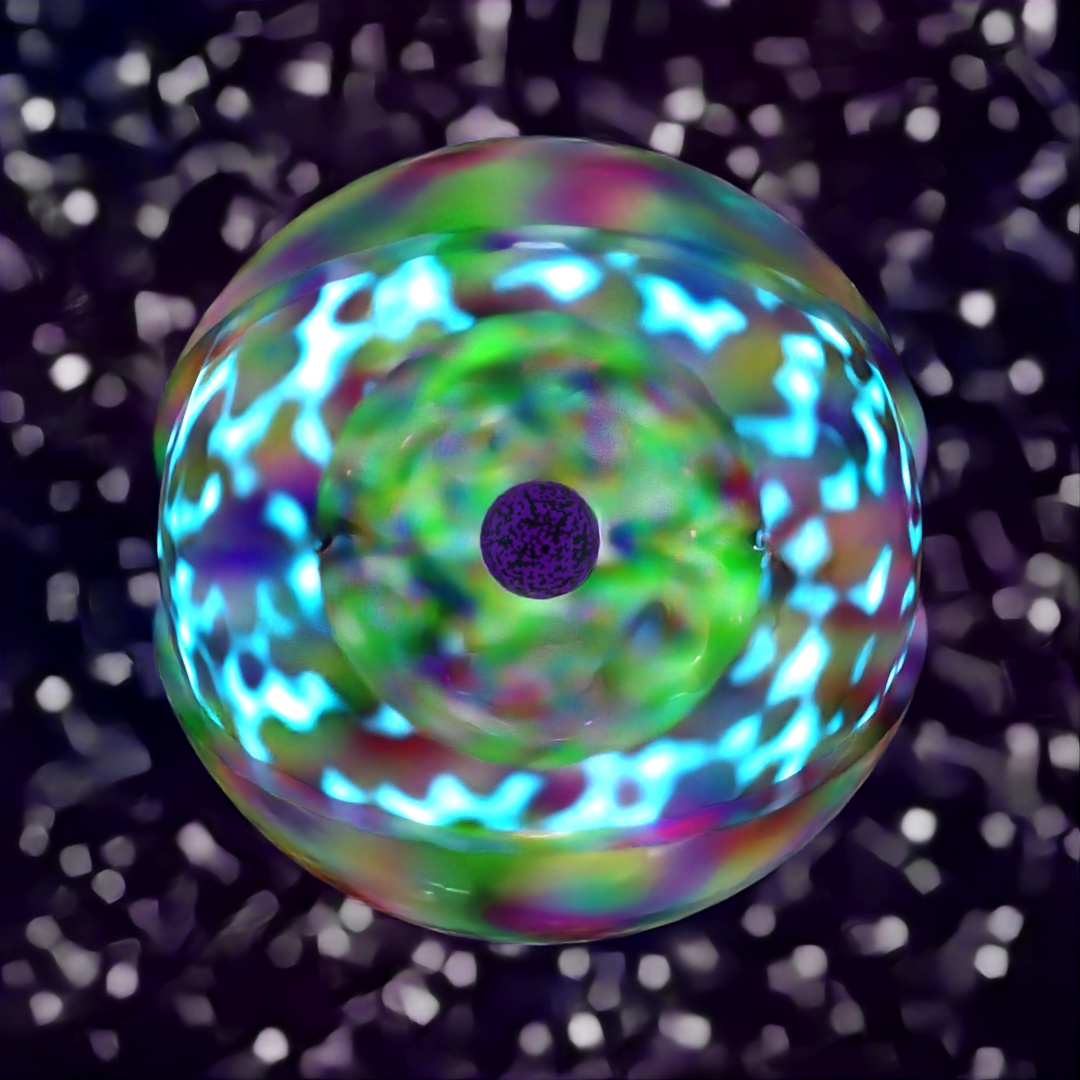
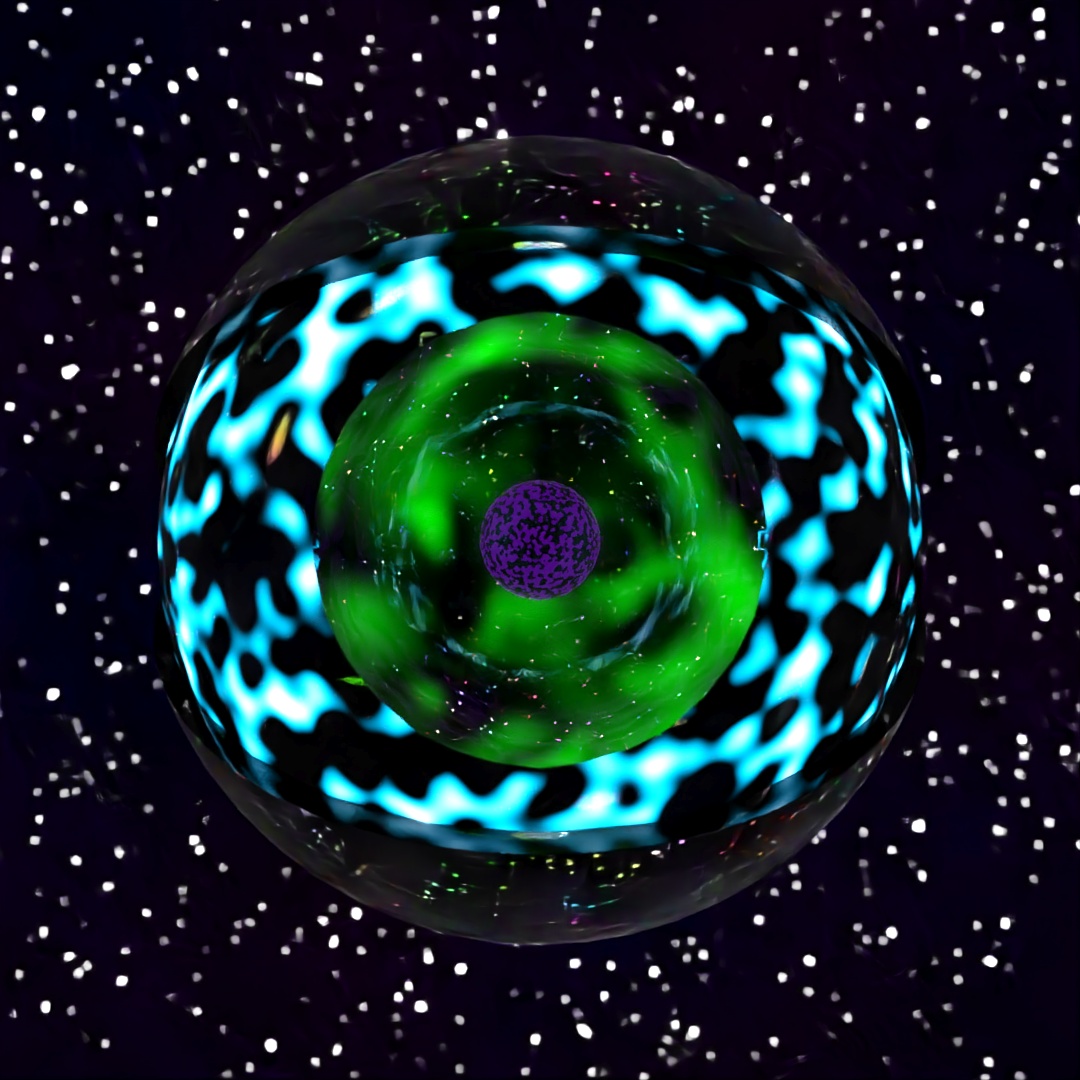
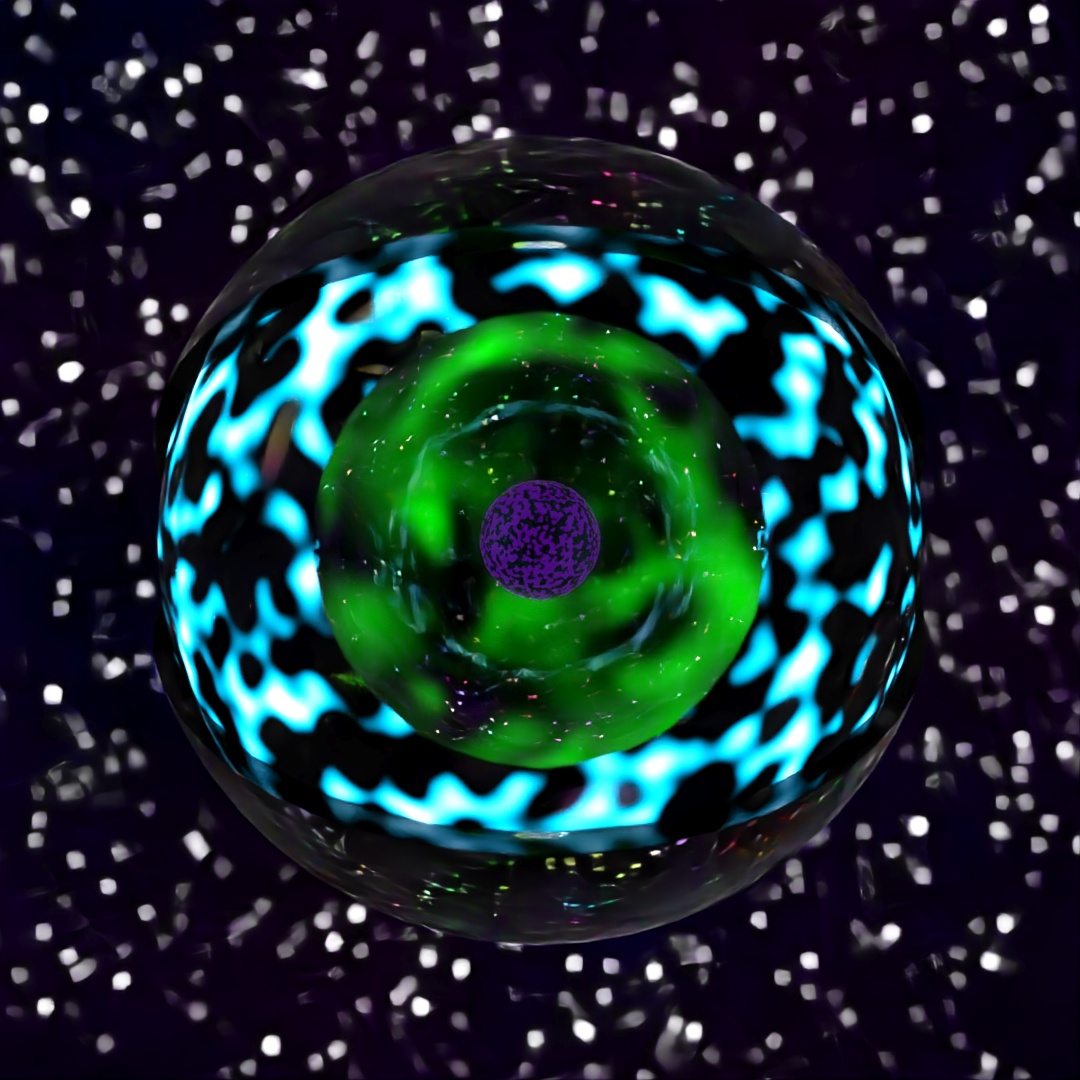
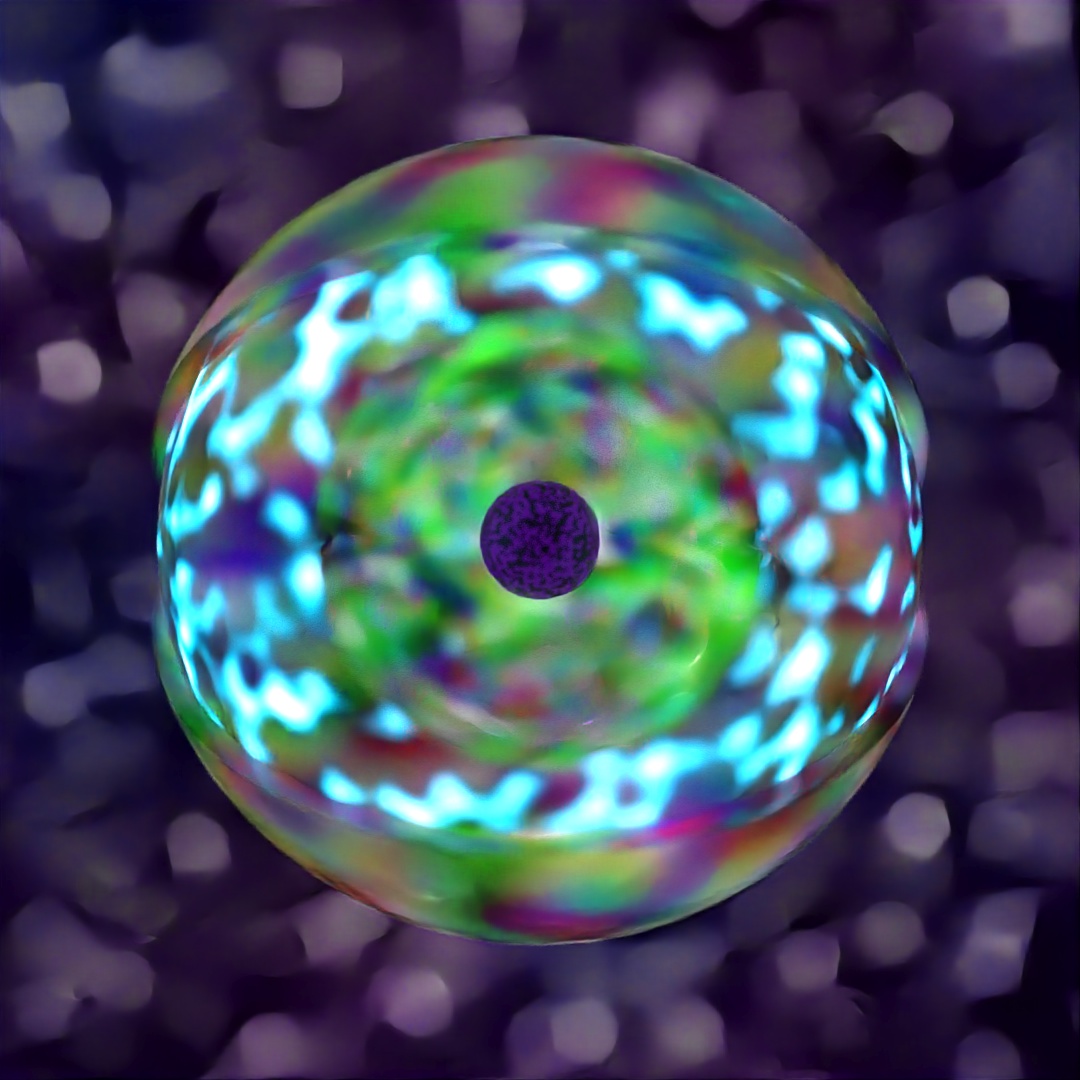
#383: Eye Don’t Know

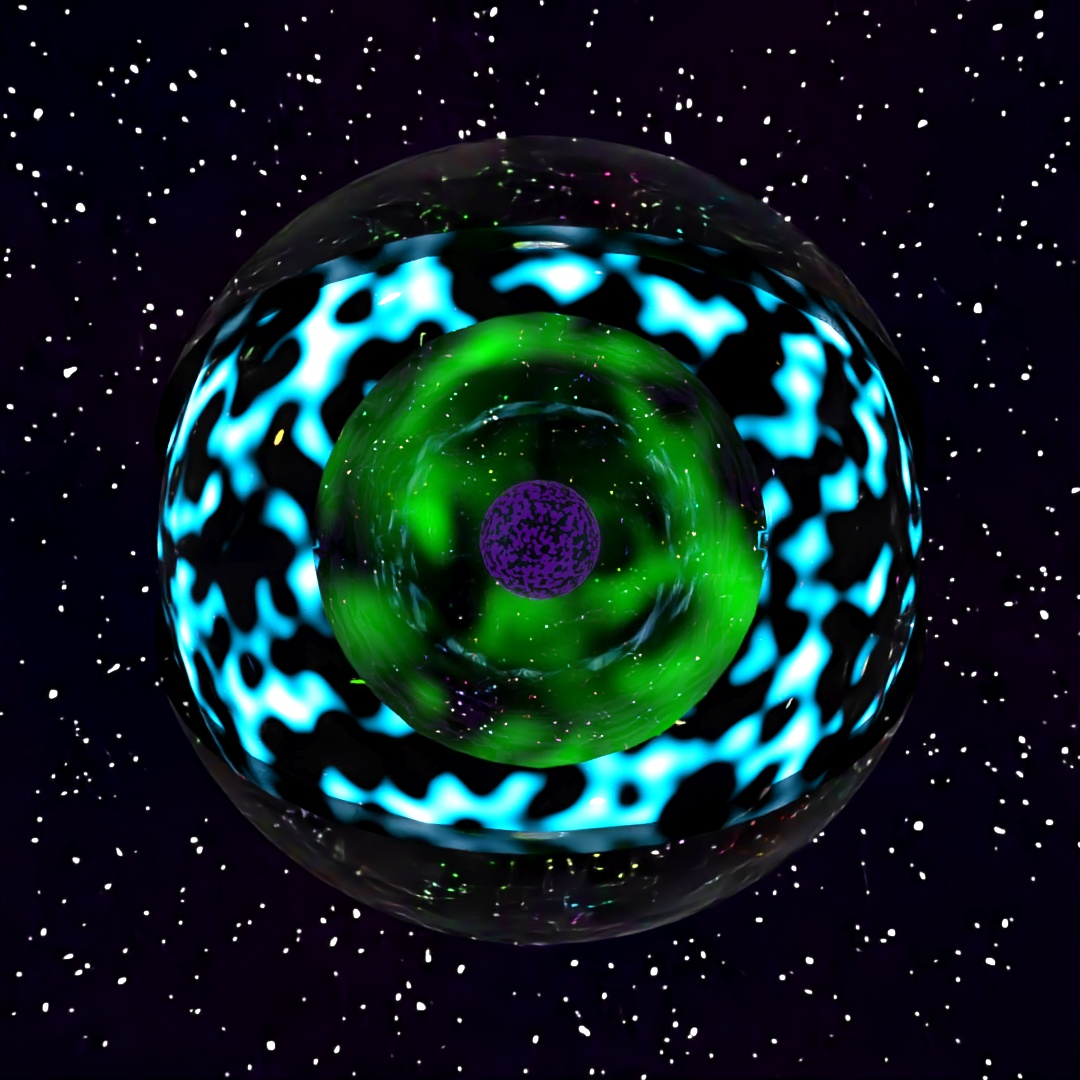
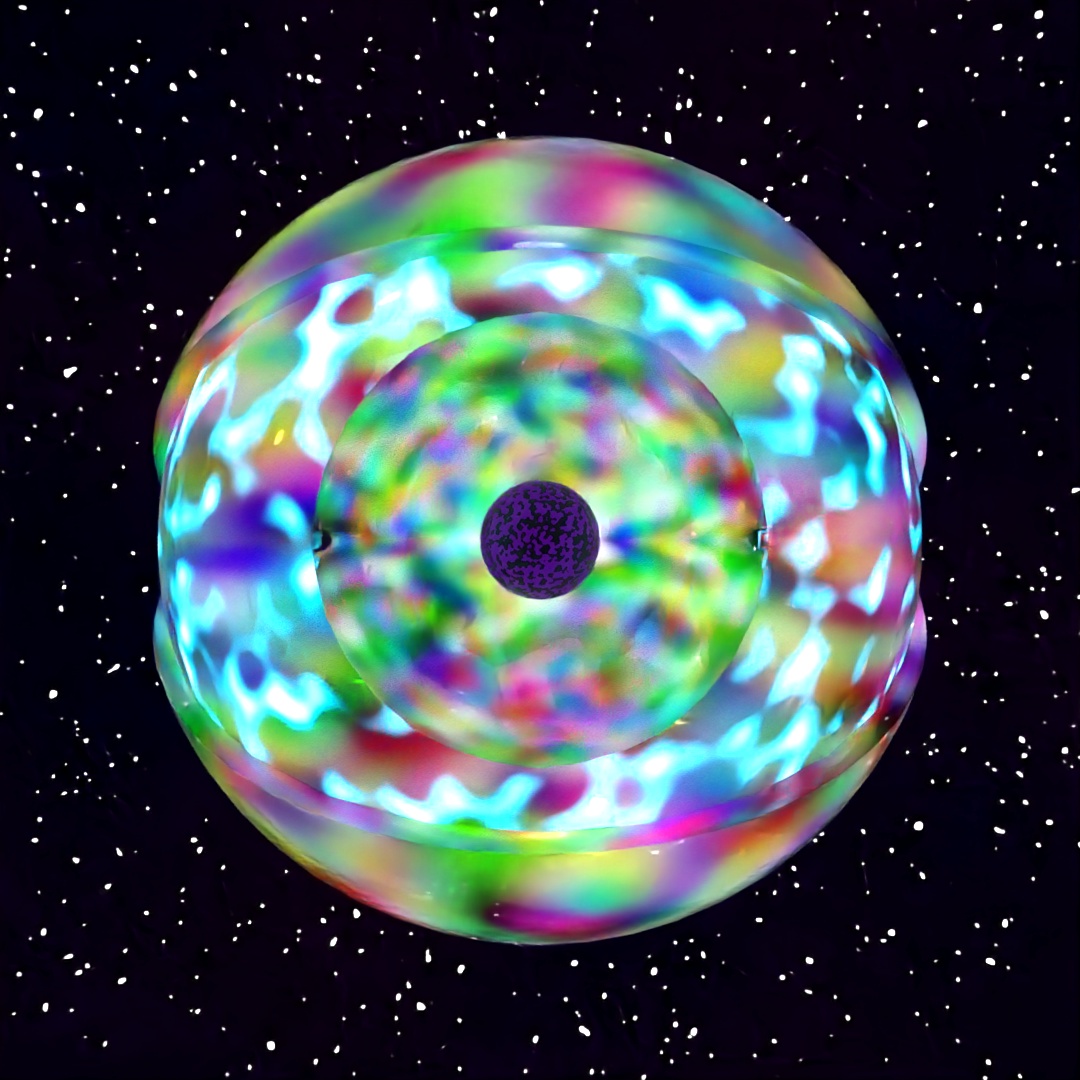
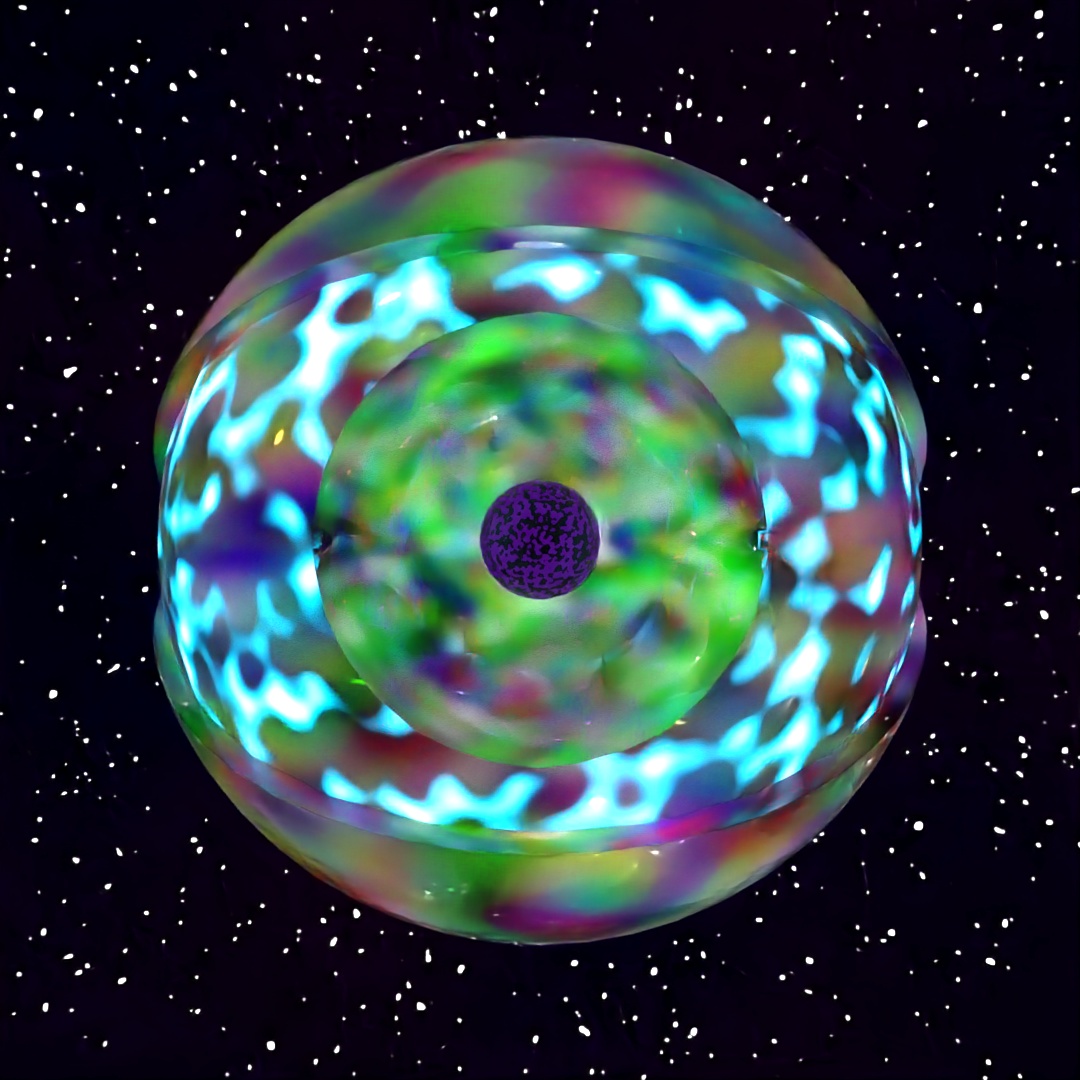
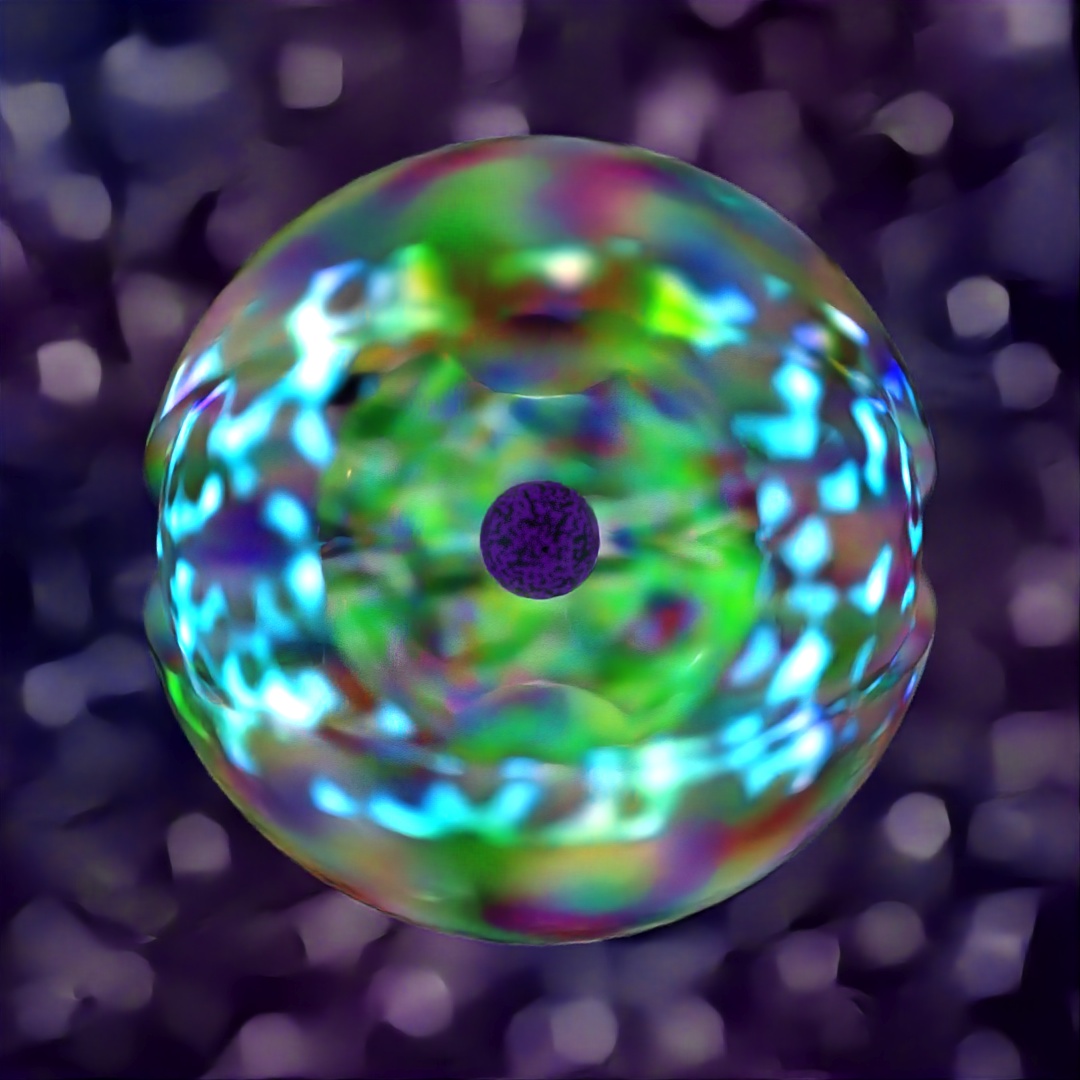
As the title of this post implies, I really had no ideas for this post and eyes are just always fun to make and fairly easy (a combination of spheres with different sizes, Hemisphere and Slice settings). I rendered a few different versions, applying different Noise maps to the Emission for the parts of the eye, varying the Depth of Field settings and layered them together in Photoshop.
#384: More Block Out
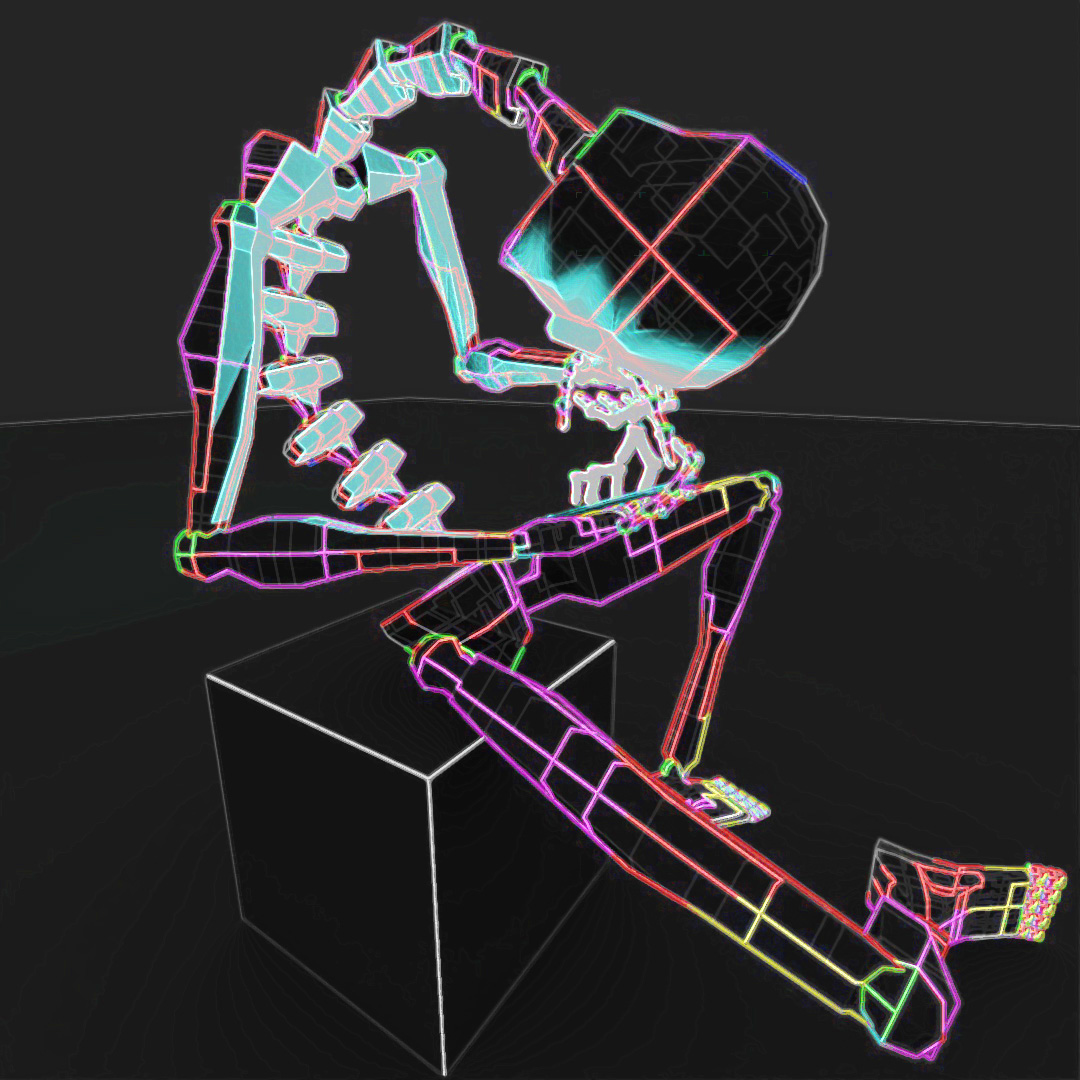
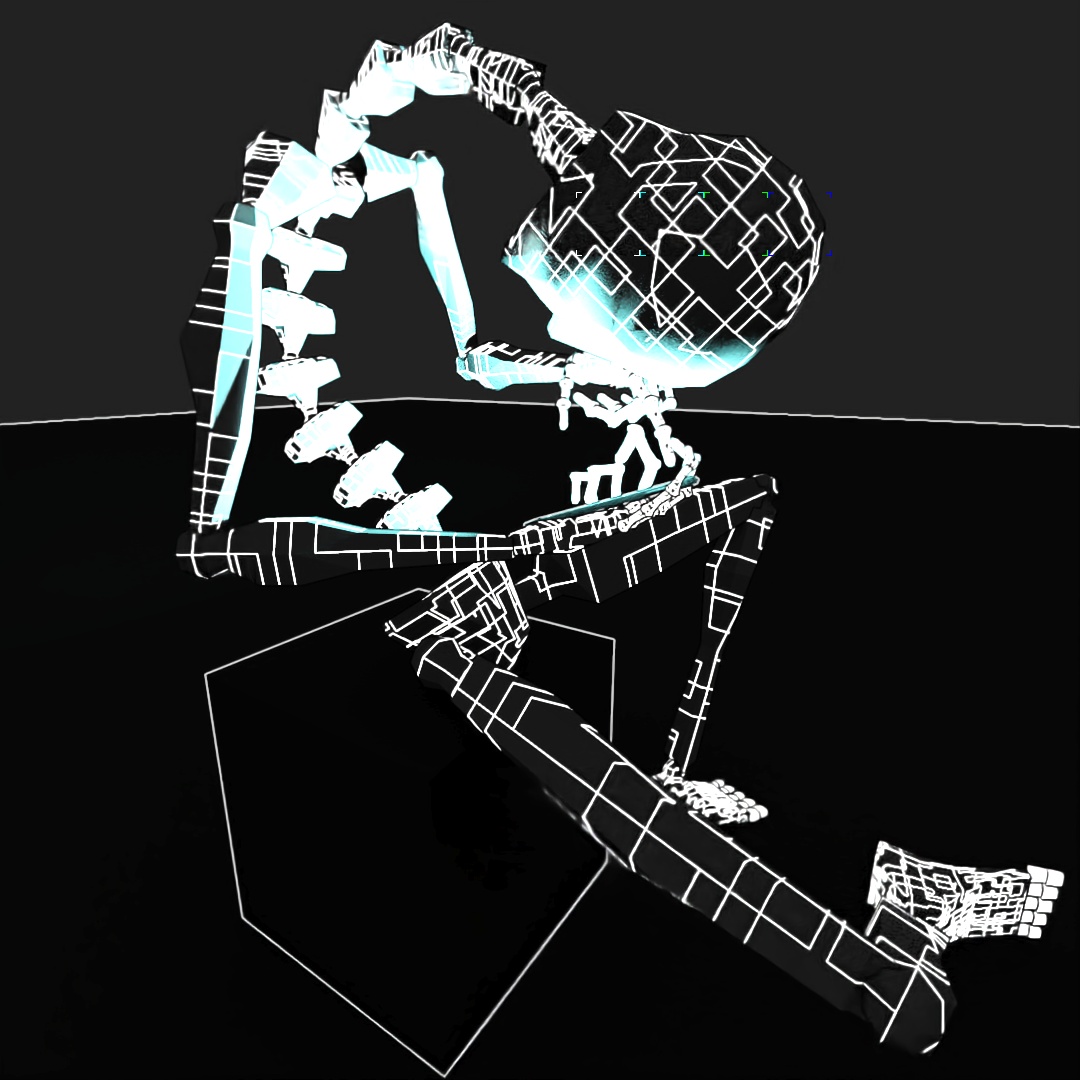
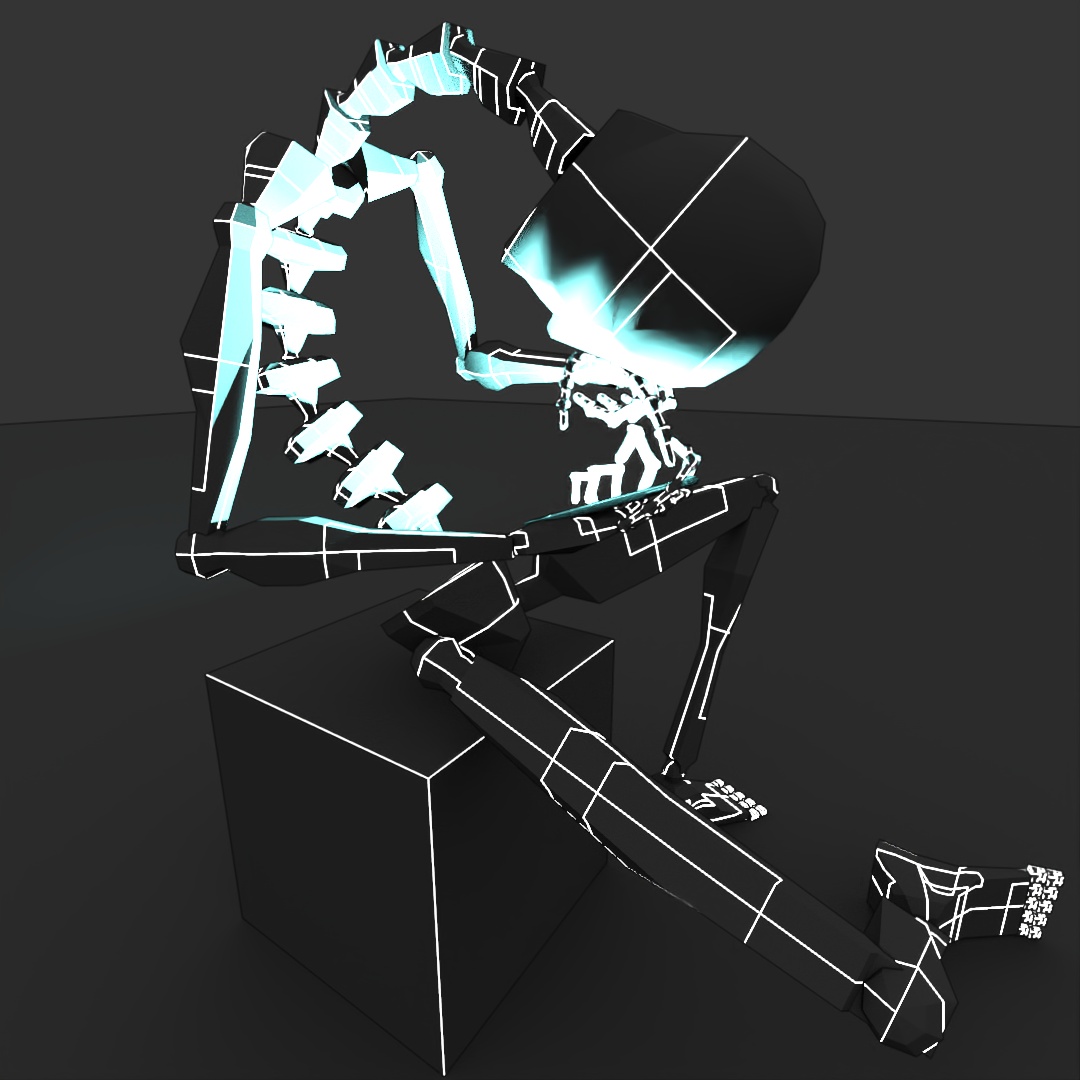
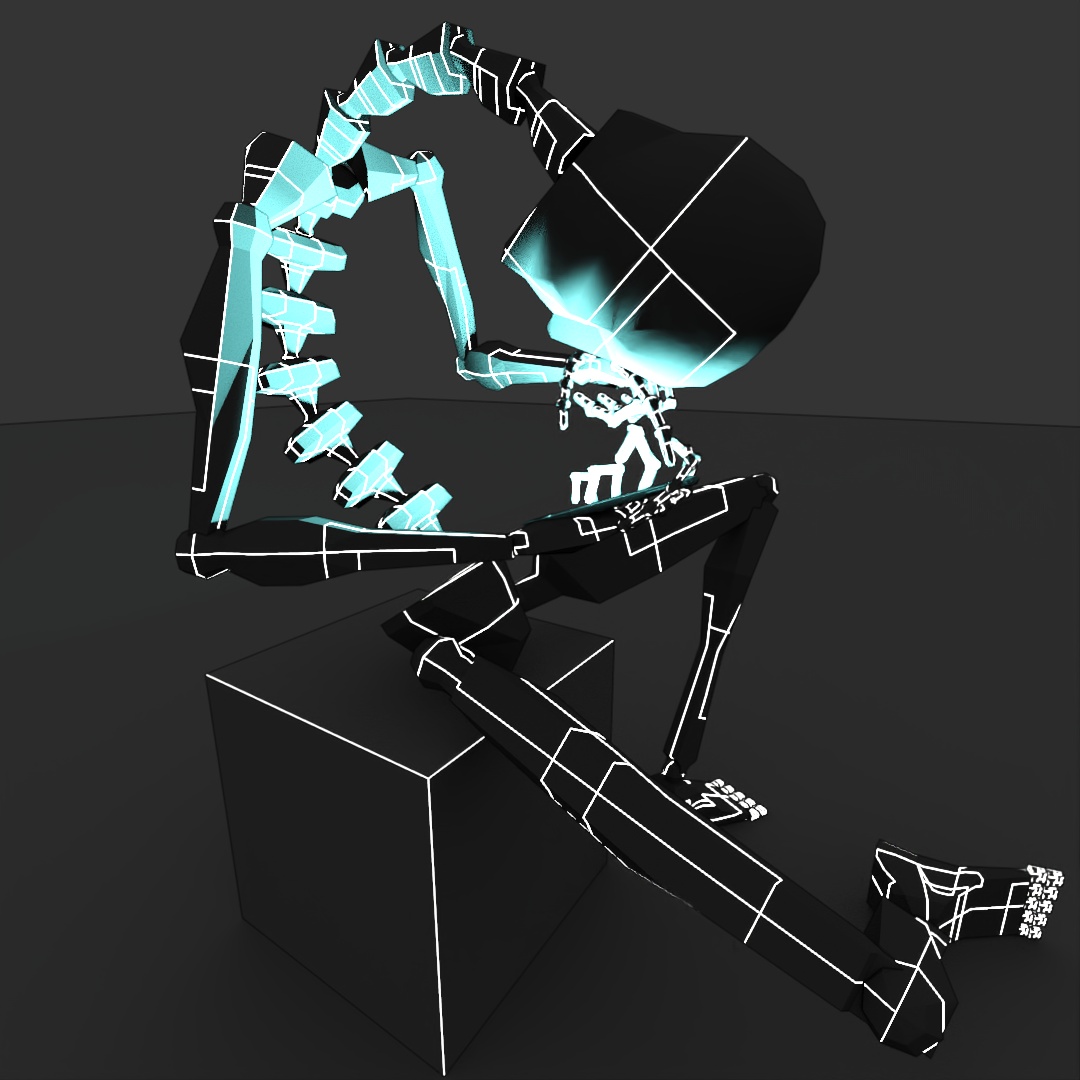
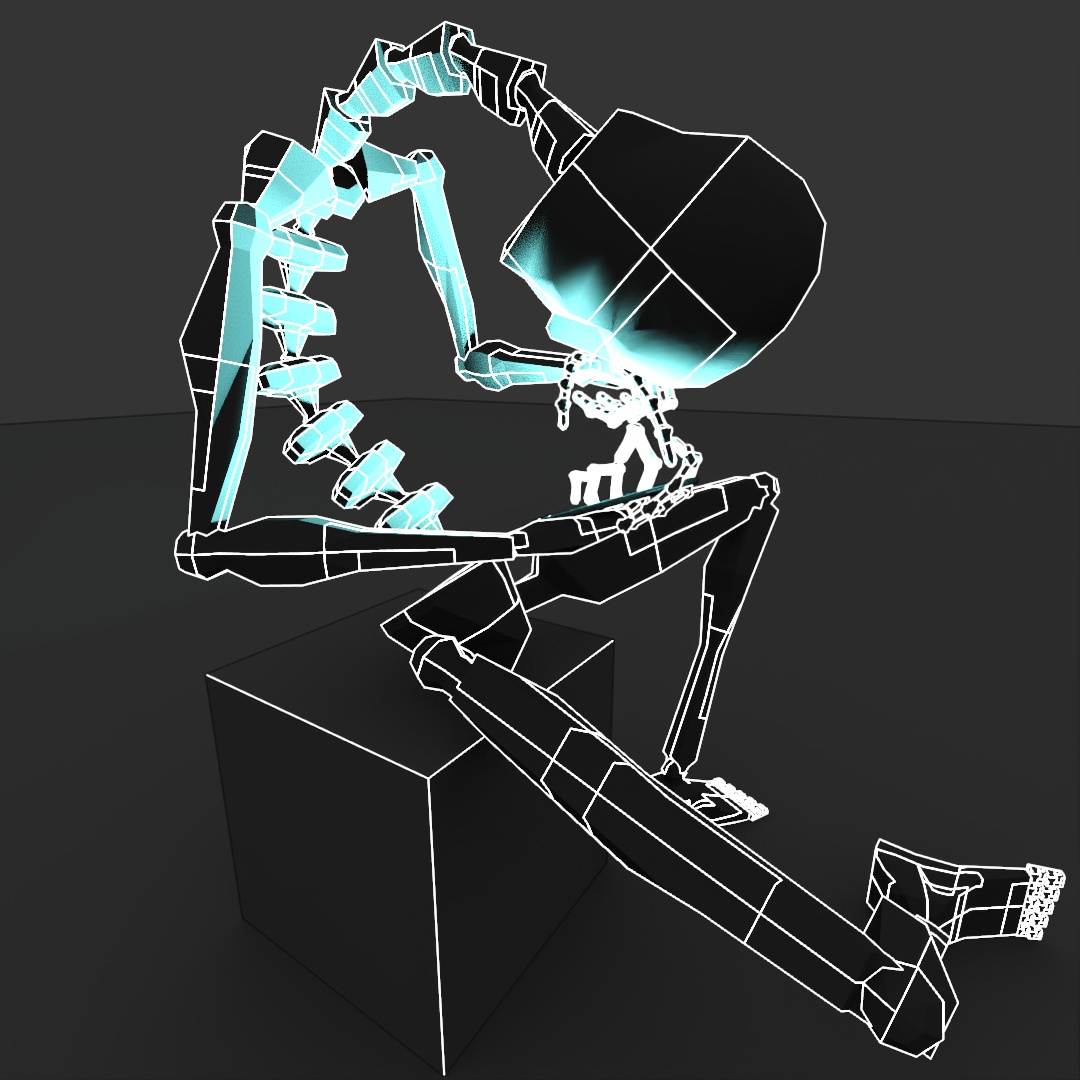
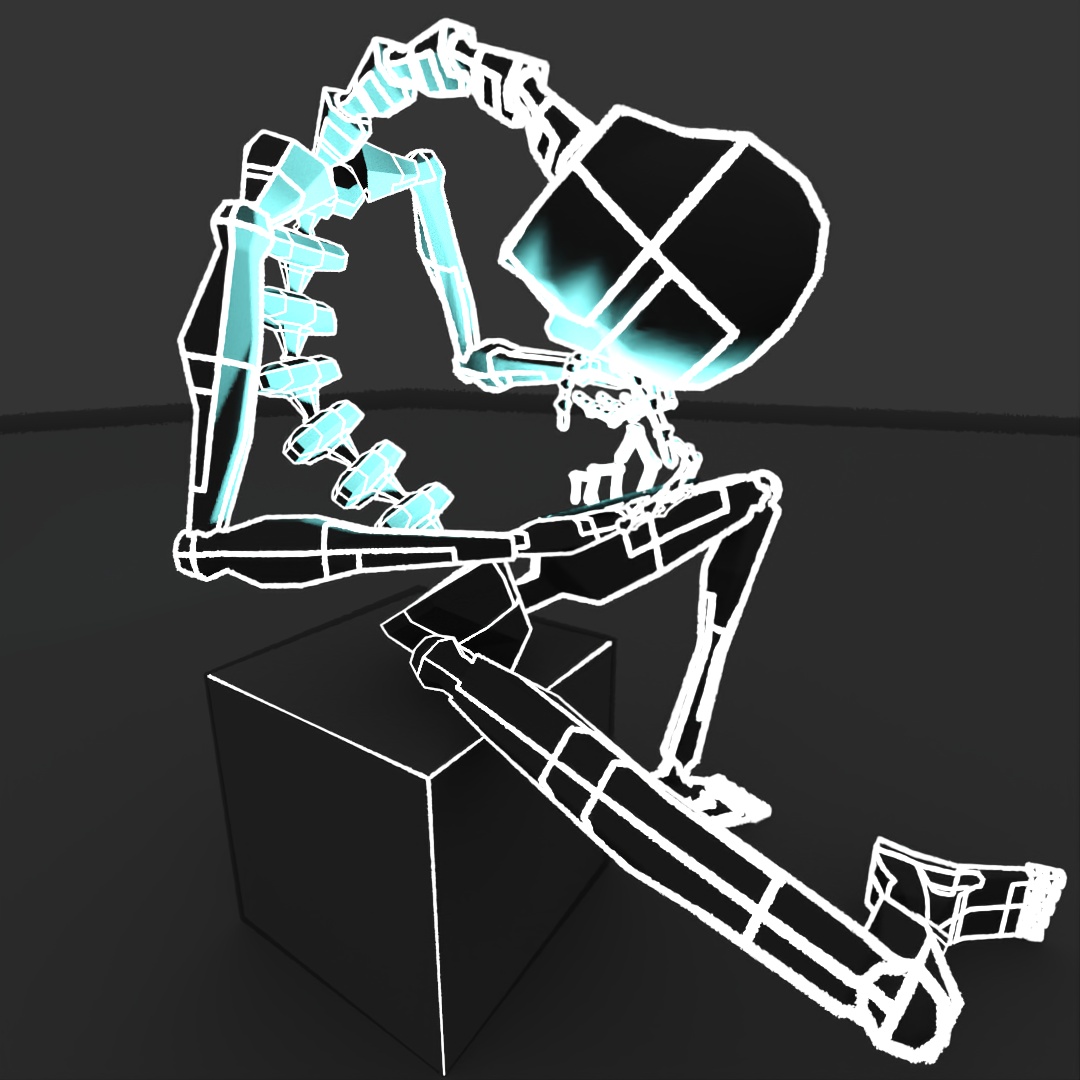
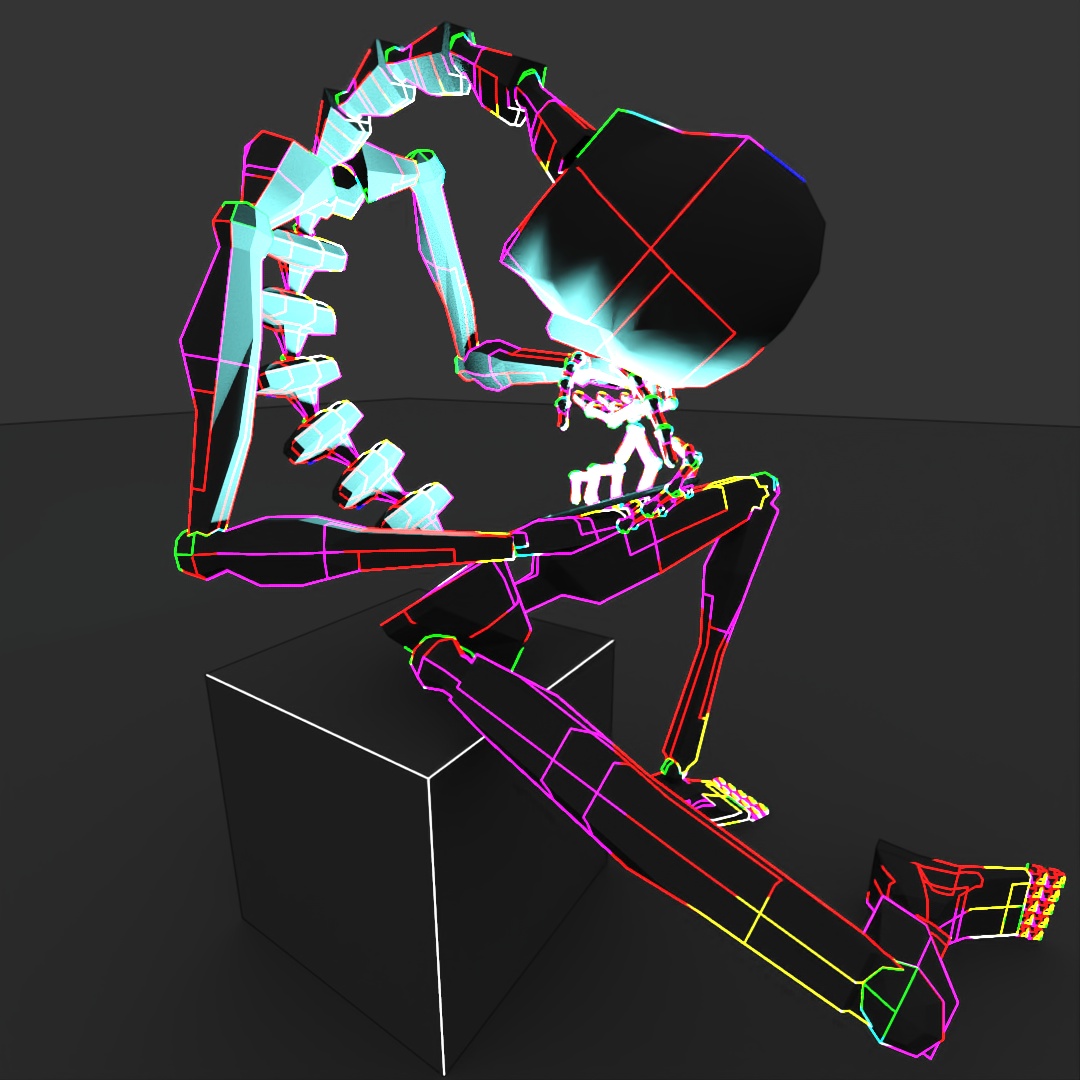
For the past few months, I’ve been dealing with some minor back pain, probably mostly caused by my own terrible posture and the fact that so much of my time recently is spent either sitting at my table working on my computer or sitting in my car, delivering food. I’ve taken steps to make it better such as (mostly) daily yoga and stretching, changing the position of my computer screens and keyboard to promote better posture and adjusted my car’s seat so that I sit up straighter and not so lopsided. All of this is to say, this post was inspired by my own terrible posture, but is probably fairly relatable to most people who spend too much time staring at their phones or computers. I used a Biped with too many spine and neck links and gave it this terrible seating position and an illuminated rectangle in its hand. I applied a few different Toon Shader materials to it for a few different renders and layered them all together in Photoshop.
#385: Hover-Drill Development

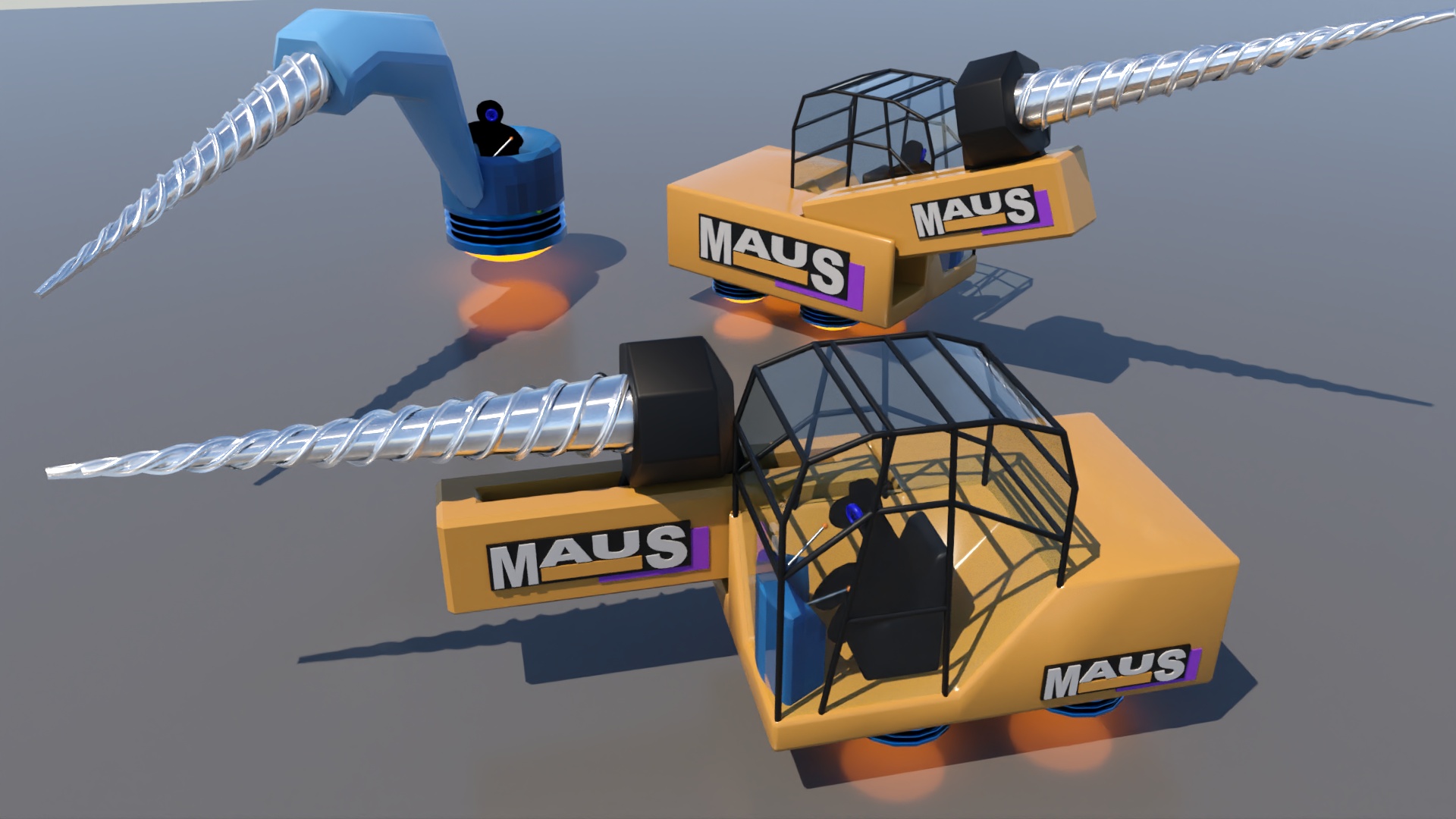
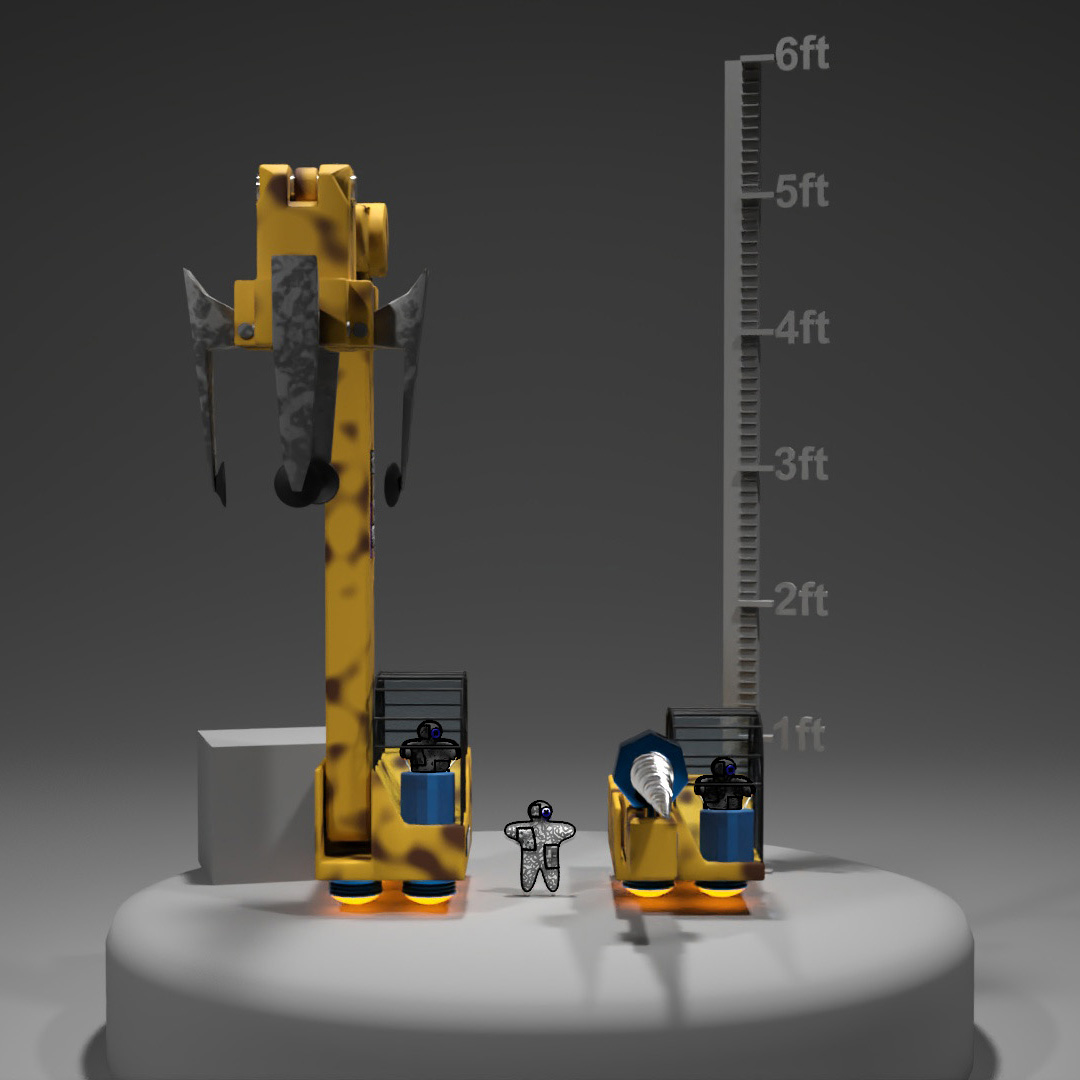
The majority of the plot in my TPS2 story revolves around the fact that the complex has run out of NRG. The Tiny Dolls are responsible for drilling into the NRG crystals and emptying the NRG into the silos, so that it can be pumped throughout the complex, powering the machines and force fields and hover-bubbles. This was my first couple tries at modeling the driller machines. Because I used Toon Shader to make the Tiny Dolls, I have to render one version with them as just black bodies and a second version with just the Alpha channel on (and using PNG instead of JPG) and them put them together in Photoshop.
#386: Biscuit Porcelain Biscuits
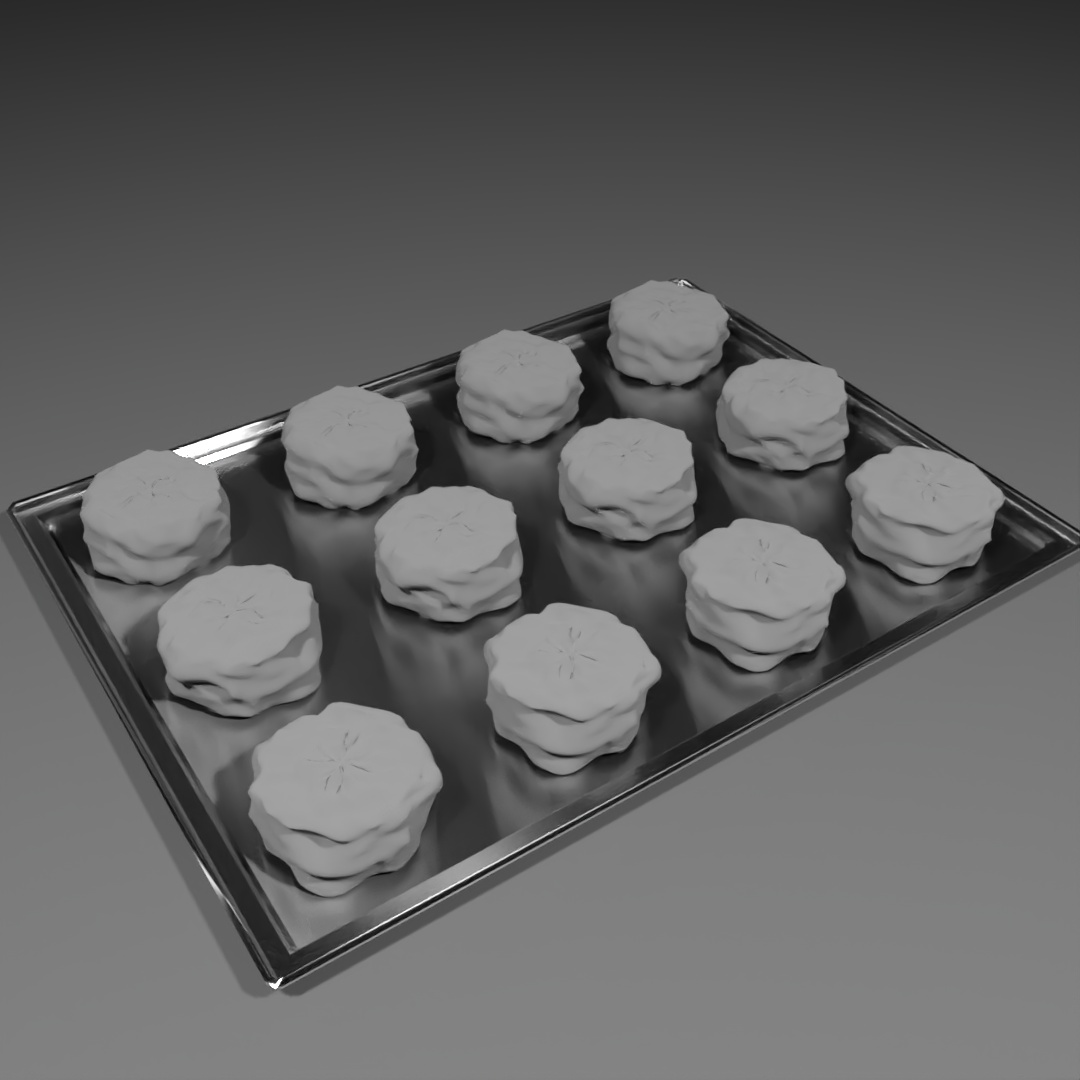
Biscuit porcelain is white porcelain that is intentionally left unglazed in final production, giving it a more matte appearance. Each biscuit is a Chamfer Cylinder with a Noise modifier only applied in the X and Y directions.
#387: NRG Extraction Process Blockout

I had finished modeling the NRG crystal extractors and drillers and wanted to give a rough idea of how the Tiny Dolls extract the crystals from their cases, carry them to the deposit funnel and hold them in place while the driller machine drills into the crystals. The extractor then deposits the empty crystal back into the transport case.
#388: The Narrator
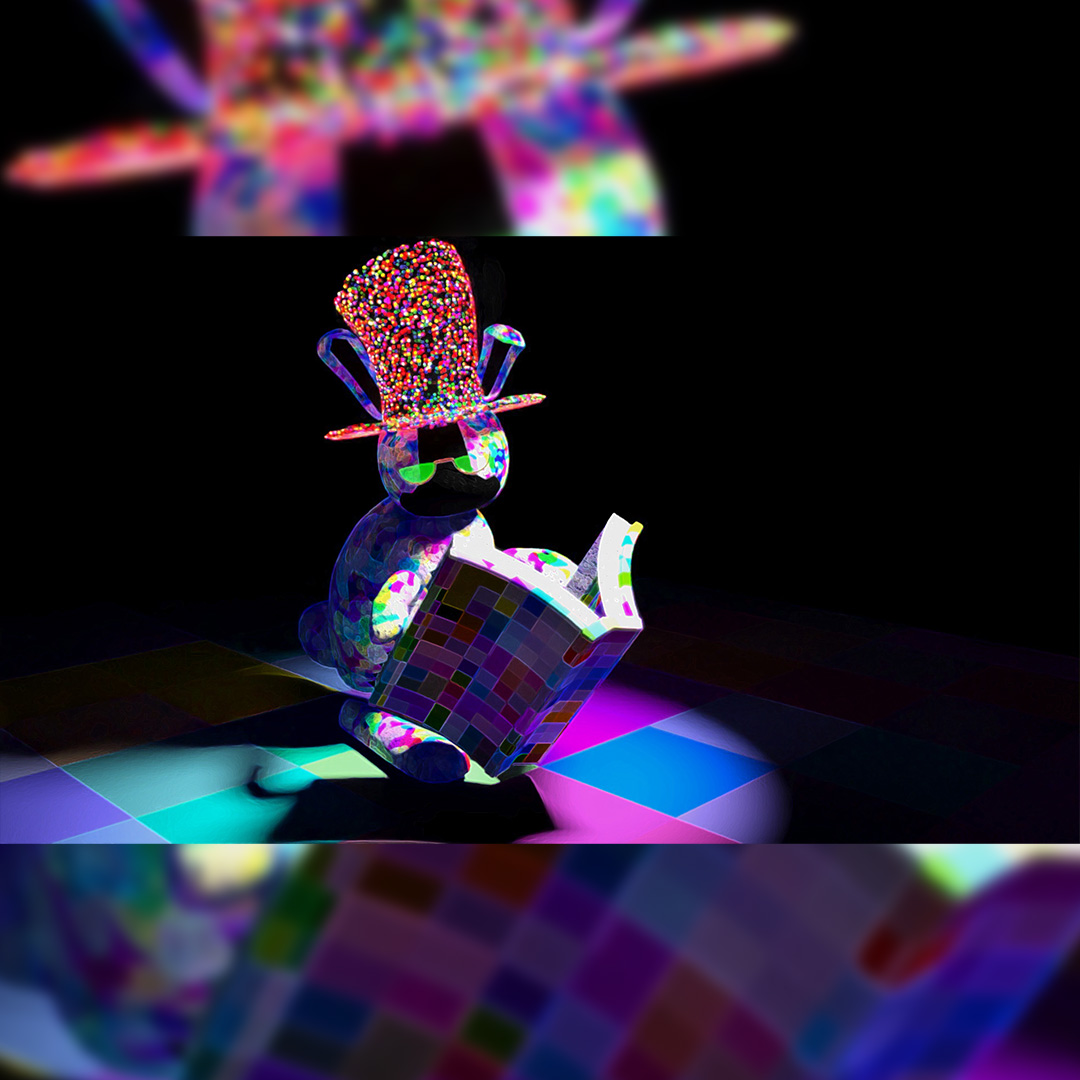
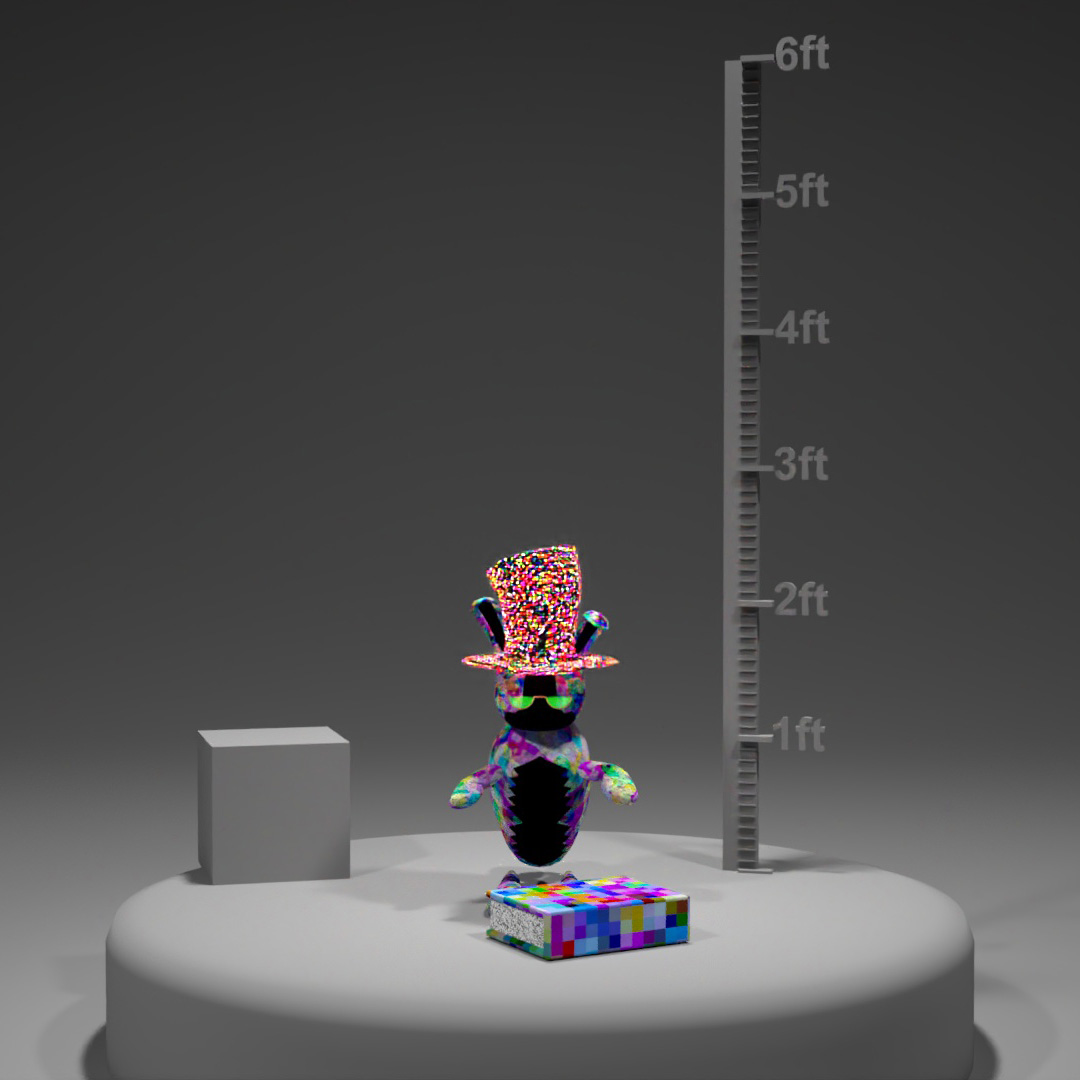
During a meeting with my Capstone advisor, he mentioned that it might be necessary to give context to the story and why the NRG crystals are important. I had also been pondering this for a while and then I had the idea to do something like The Twilight Zone or Tales From the Crypt and have a narrator introduce the story. So I made this Hoppity, trying to be reminiscent of the White Rabbit, the March Hare and the Mad Hatter.
#389: Characters
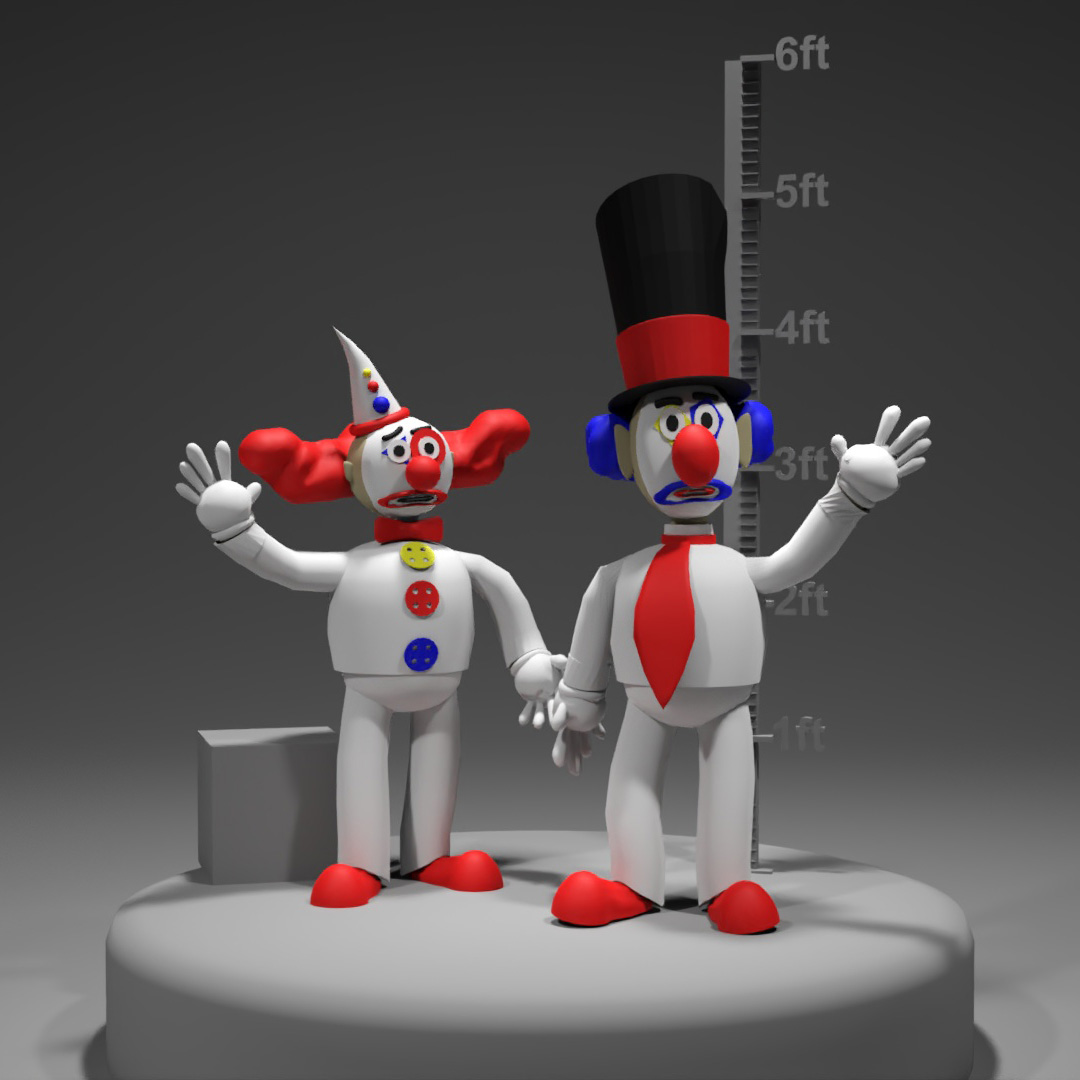
At this point, I believe I’ve got all the characters for TPS2 made, so I wanted to put them all into a similar setting to compare their sizes.
#390: RippleSphere
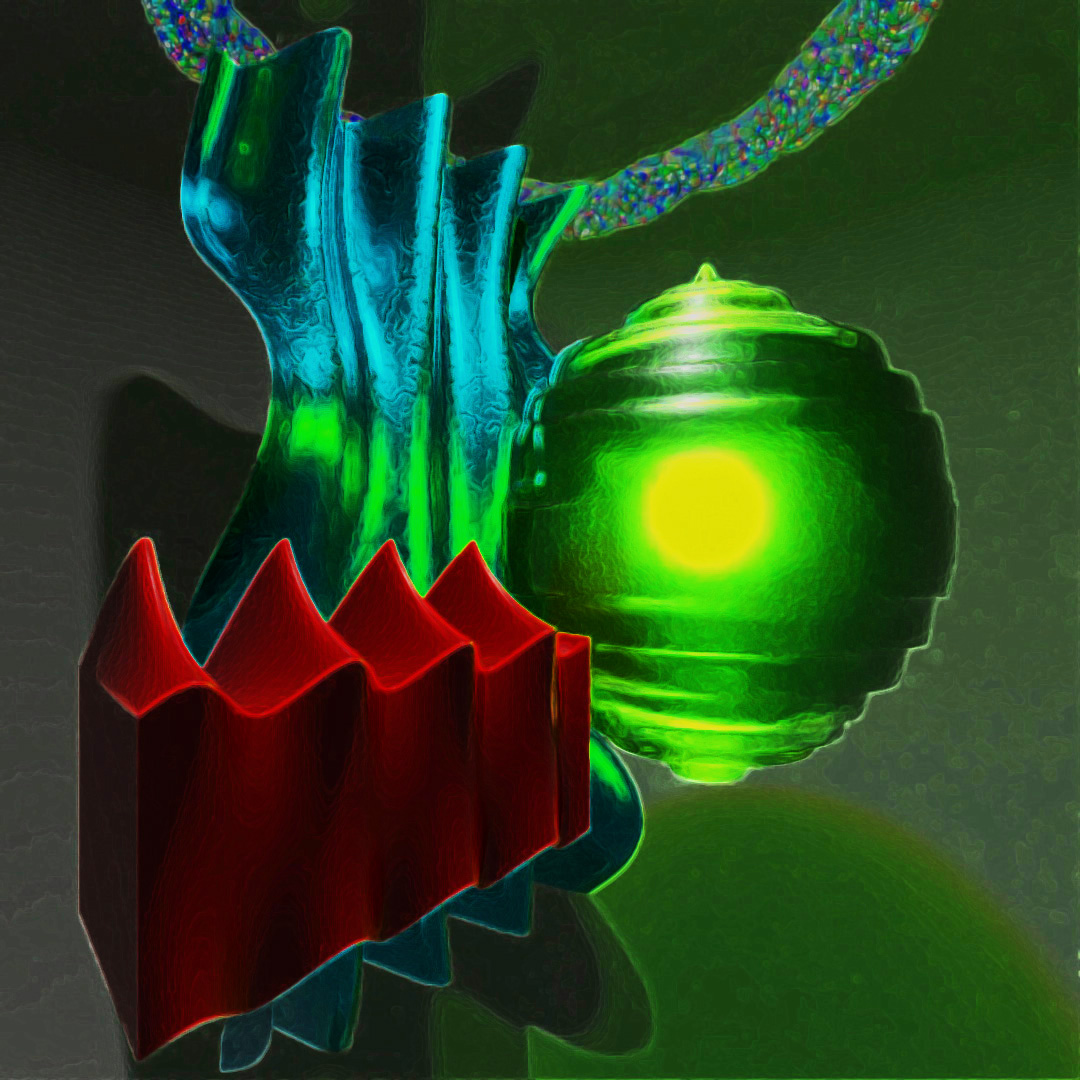
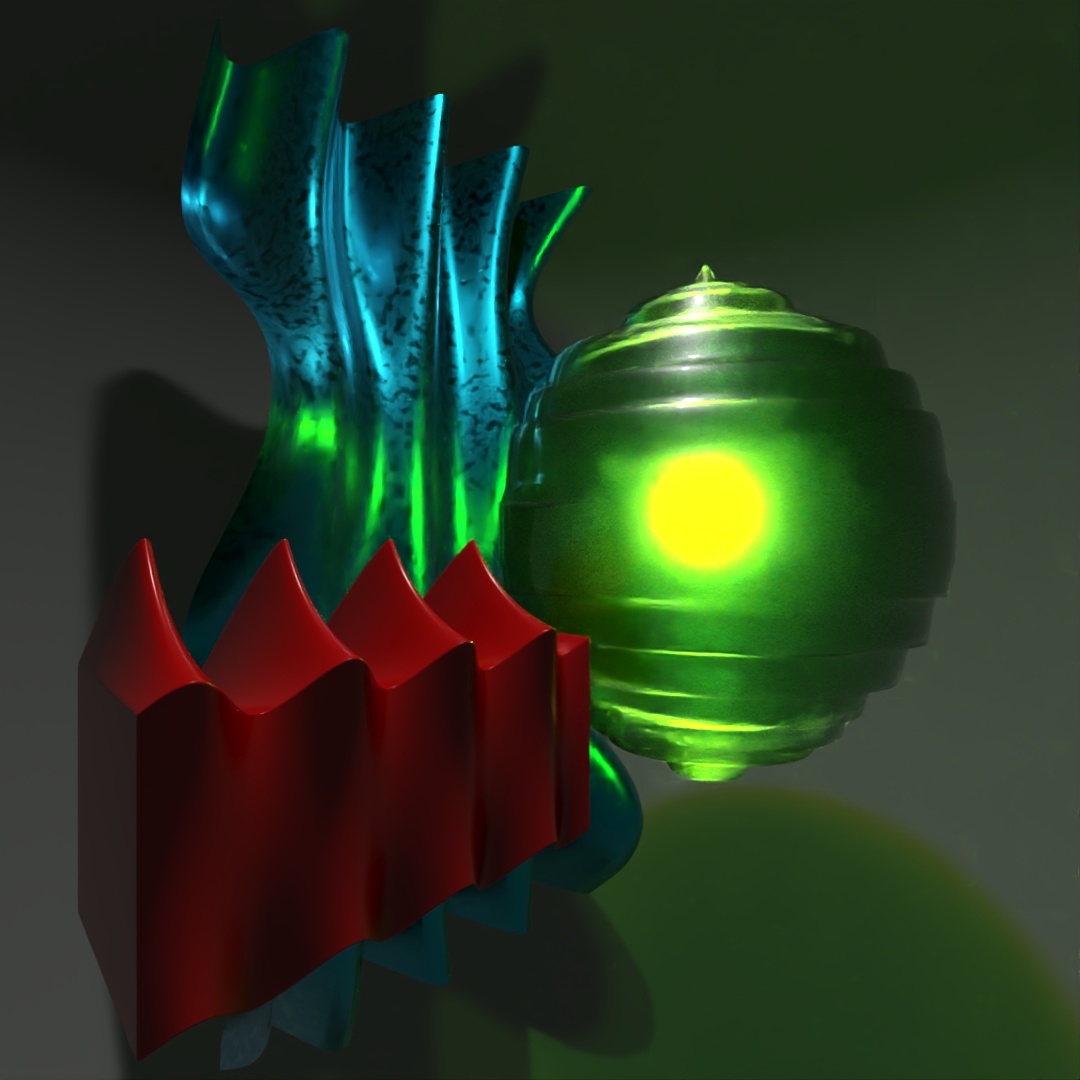
For this image I applied a Ripple modifier to a sphere (hence the name) and made the material for this object a green frosted glass. I put a light inside the RippleSphere and also at the top of the setting. The plane has a Wave modifier and a blue Stained Copper material set to it. The box also has a Wave modifier and is a red glossy plastic material. I rendered a few different versions and layered them together in Photoshop.
#391: Bubble-Box UAP
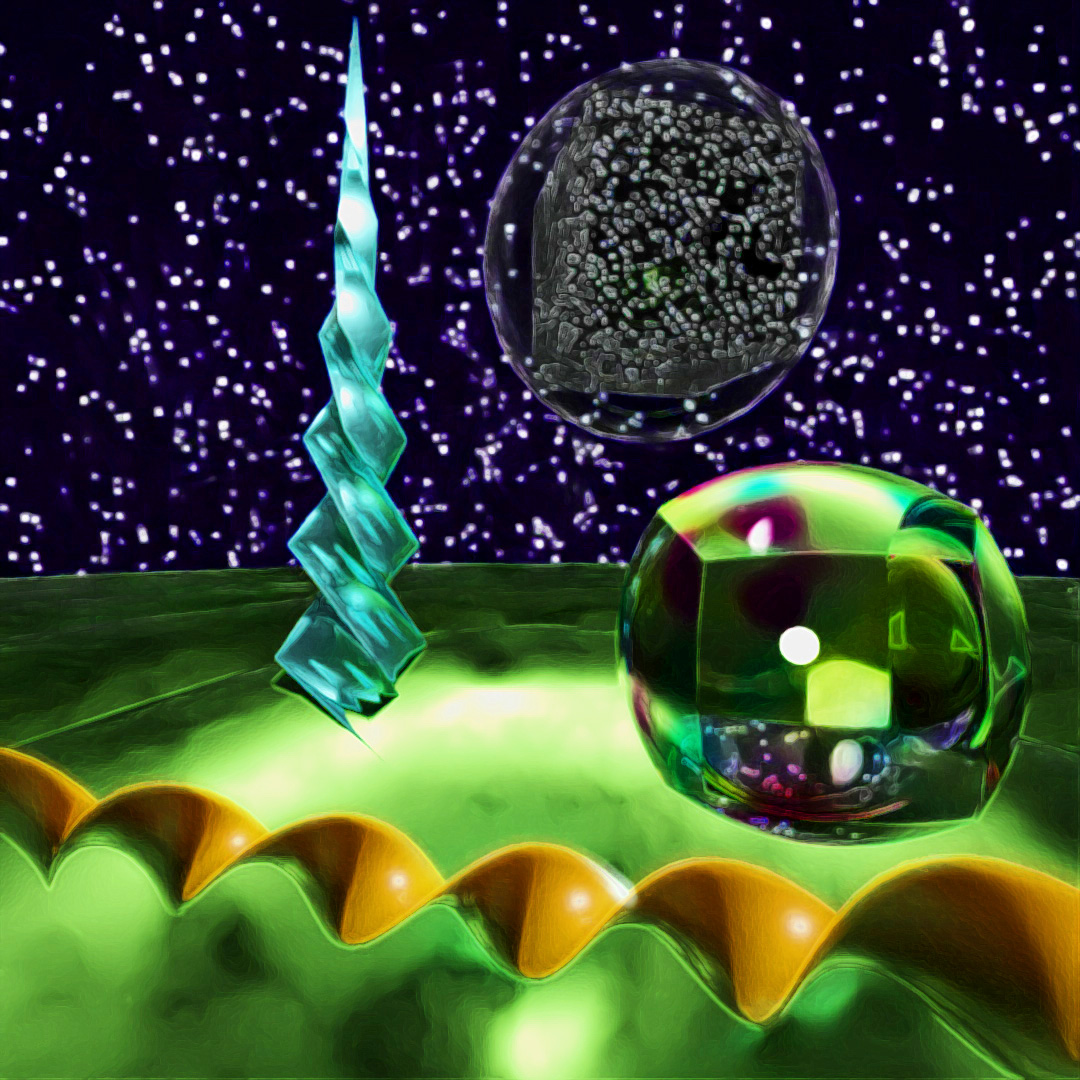
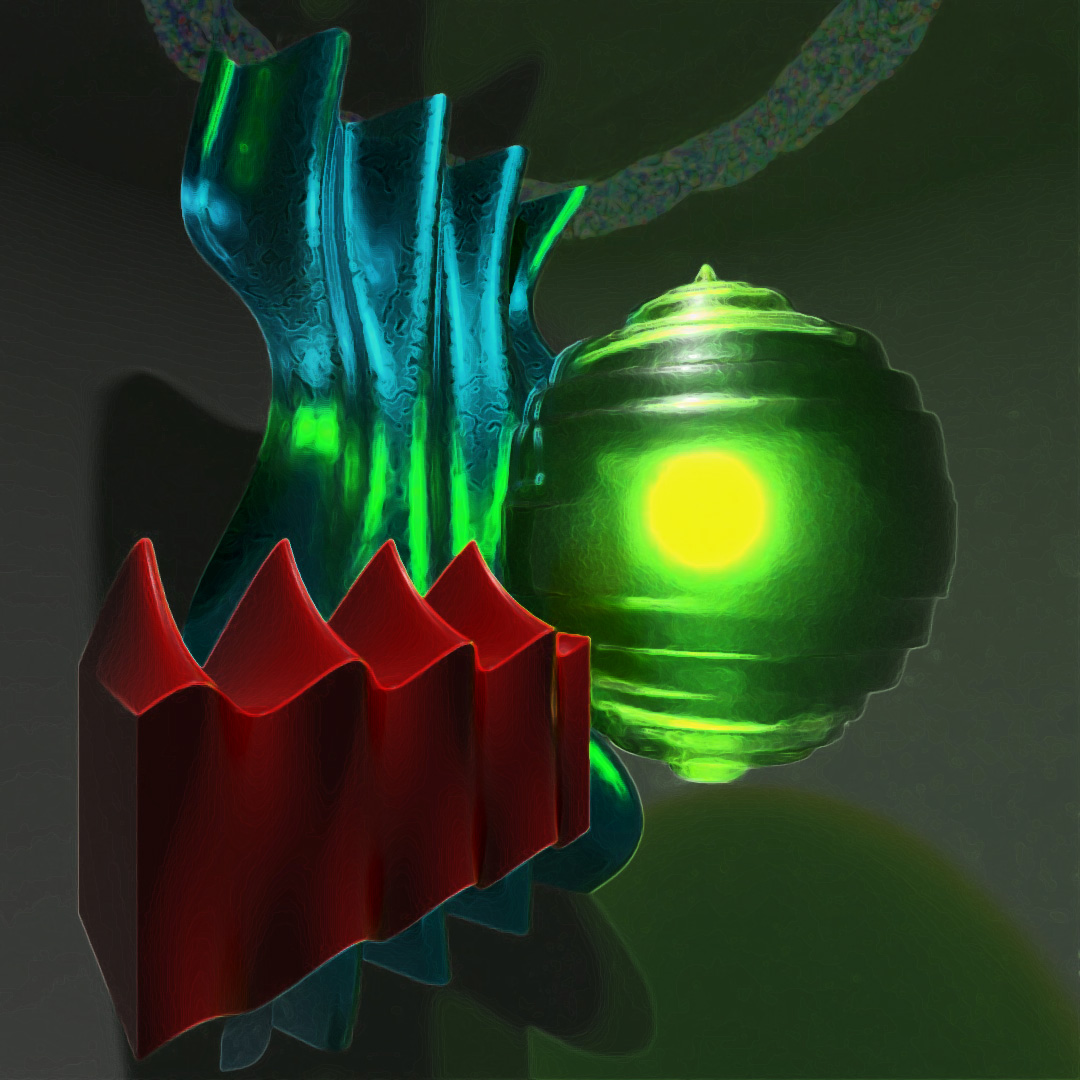
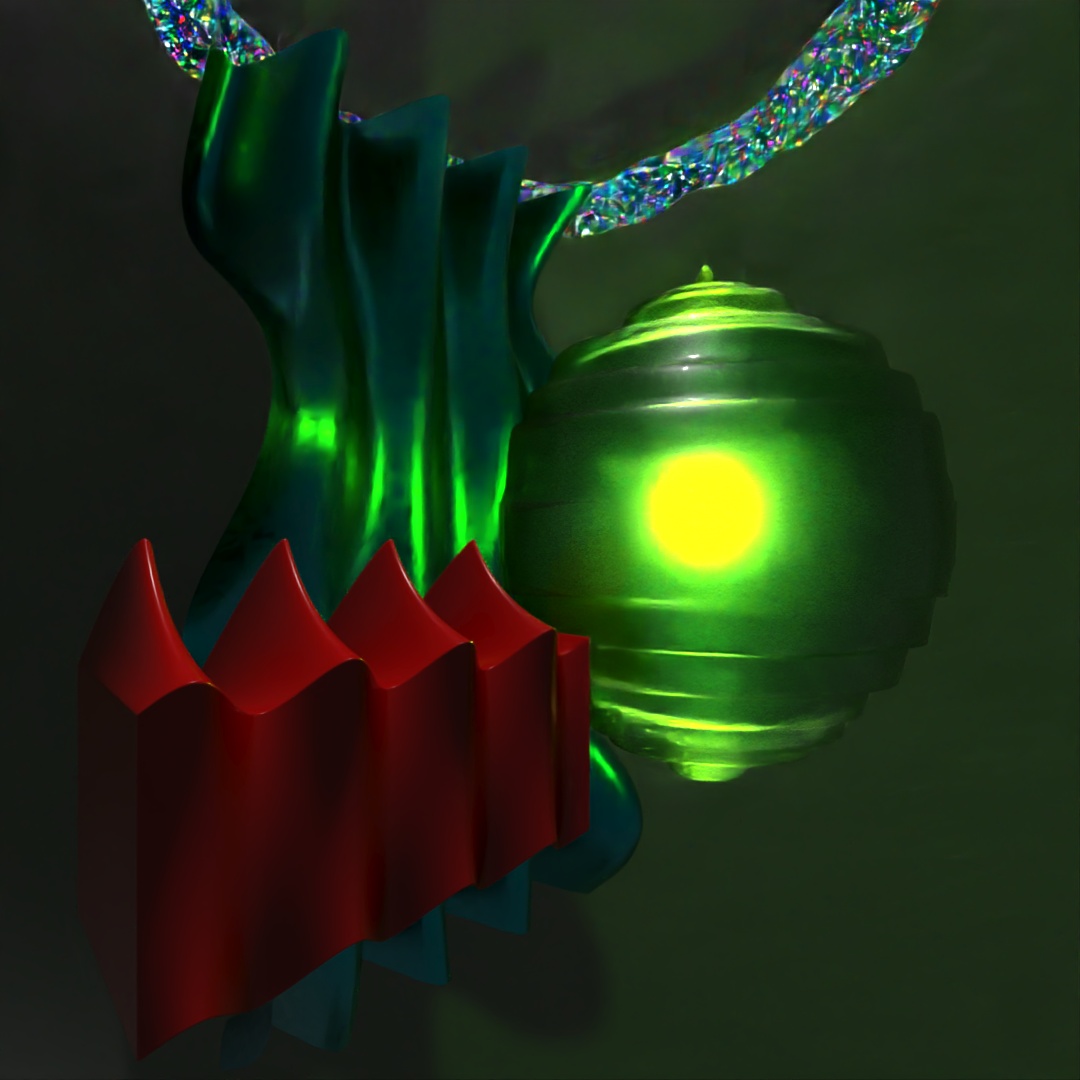
While listening to Ryan Graves on Joe Rogan’s podcast, I wanted to model one of the descriptions of one of the UAP’s (a black cube inside of a sphere) but honestly it was boring looking alone, so I also added some other funky shapes too. The bubble-looking object is a box with the Spherify modifier.
 Factotum5leaf
Leave a comment