Everydays Project #329-335
#329: Inky
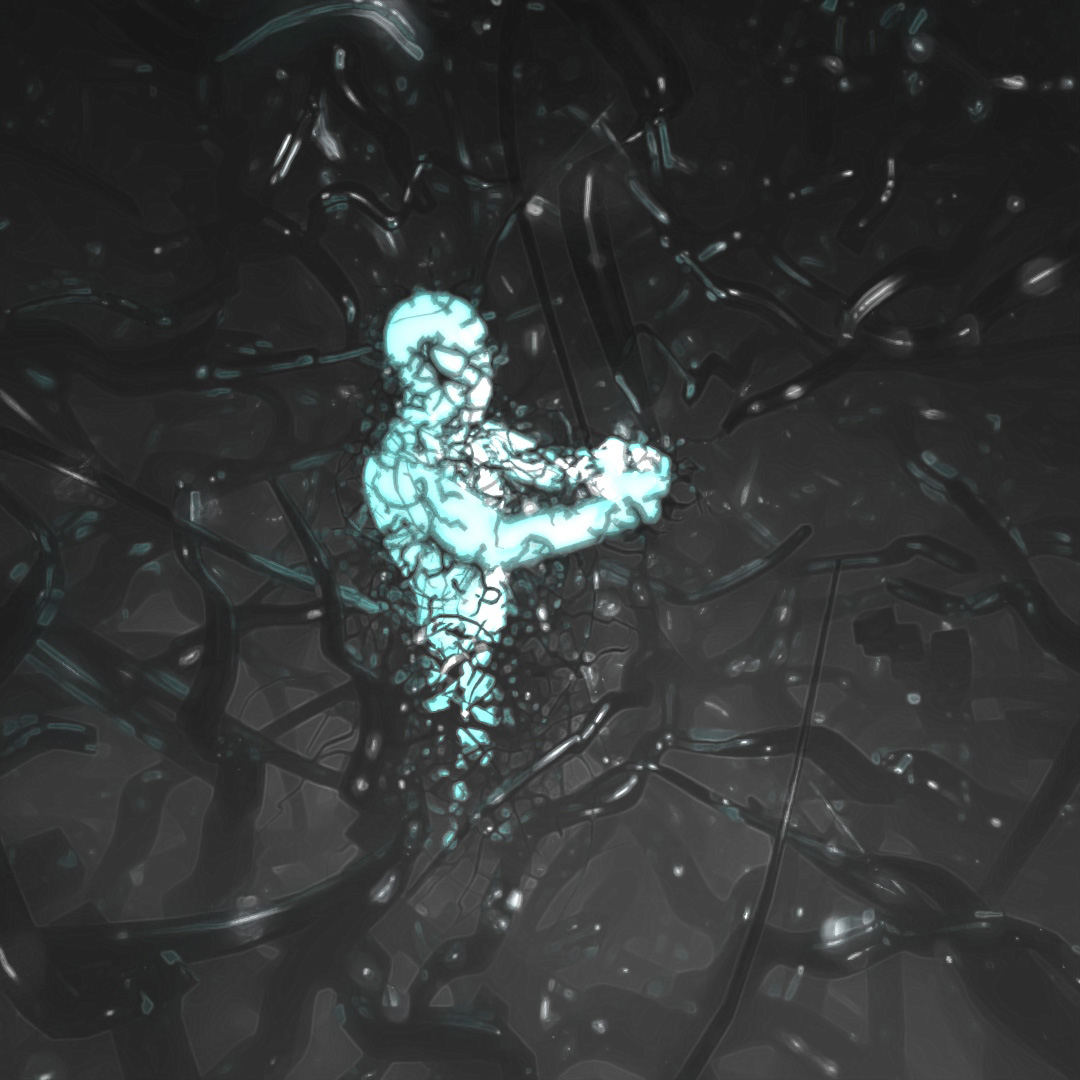
Listening to Lex Fridman’s podcast with Duncan Trussell, Duncan’s description of having depression as an “inky vaporous octopus thing that was just wrapping around you more and more and more and more” at timestamp 2:18:23 really hit home for me. I used a simple human-shaped emissive mesh to represent the being in the middle, trying so hard to remain calm and balanced as the inky vaporous depression creeps in from all around. For this, I used a large sphere with the normals inverted and “Hair and Fur” modifier applied and used the “glossy paint” preset material with the color being black. There is also a white fog environment map and some editing in photoshop to make it look extra inky.
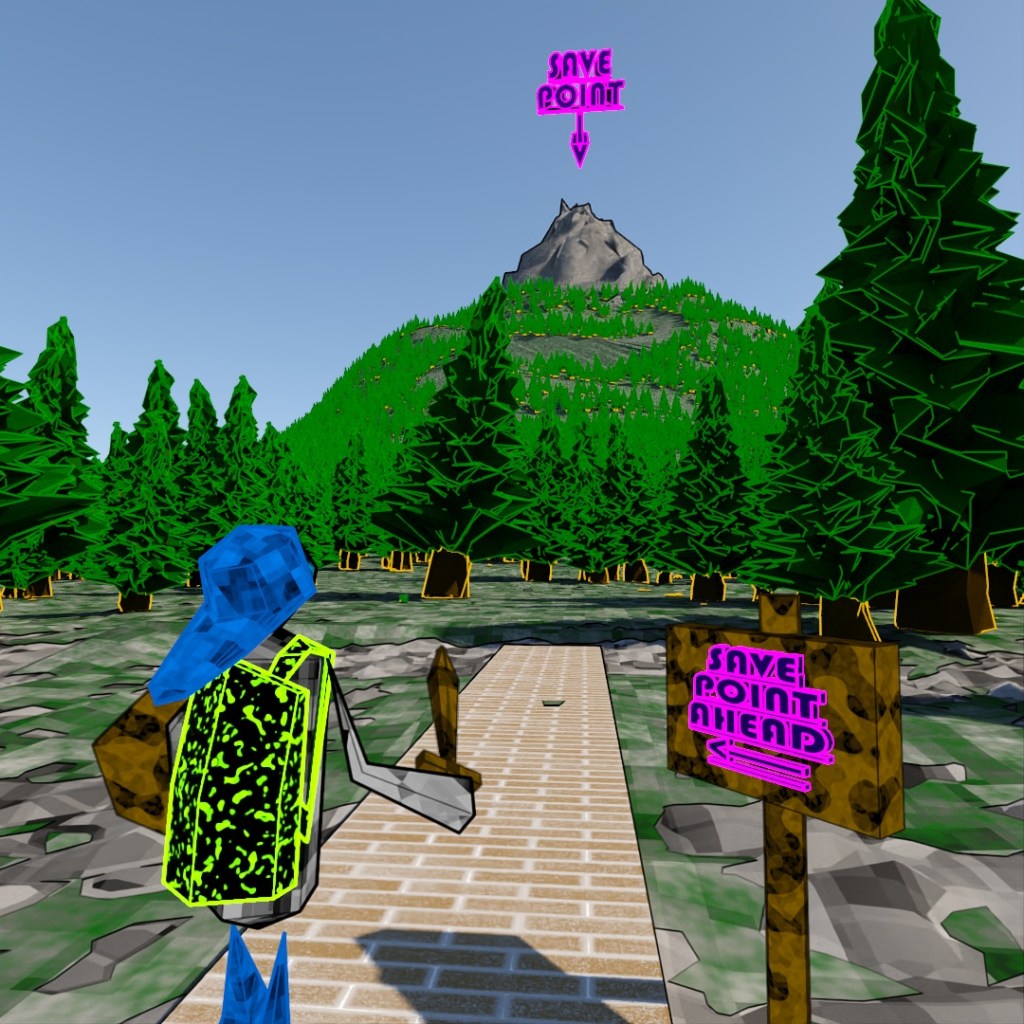
#330: Save Point Ahead

About to start the last semester of my CADD Associate’s. I’ve got one on campus class and I just got approved to do a capstone project. All of my paperwork is turned in to apply for my graduation. The “save point” is in sight. I can vaguely see the uphill path to get there. Many unknown obstacles await but I have my skillsets and my tools to get past them (hopefully).
Also, I wanted to play around with “Scatter” more so I used that to place the trees all over the ground and the modified cone I used to make the mountain. I can’t believe I used to manually try to place copies of the trees randomly. This is potentially ∞ times faster.
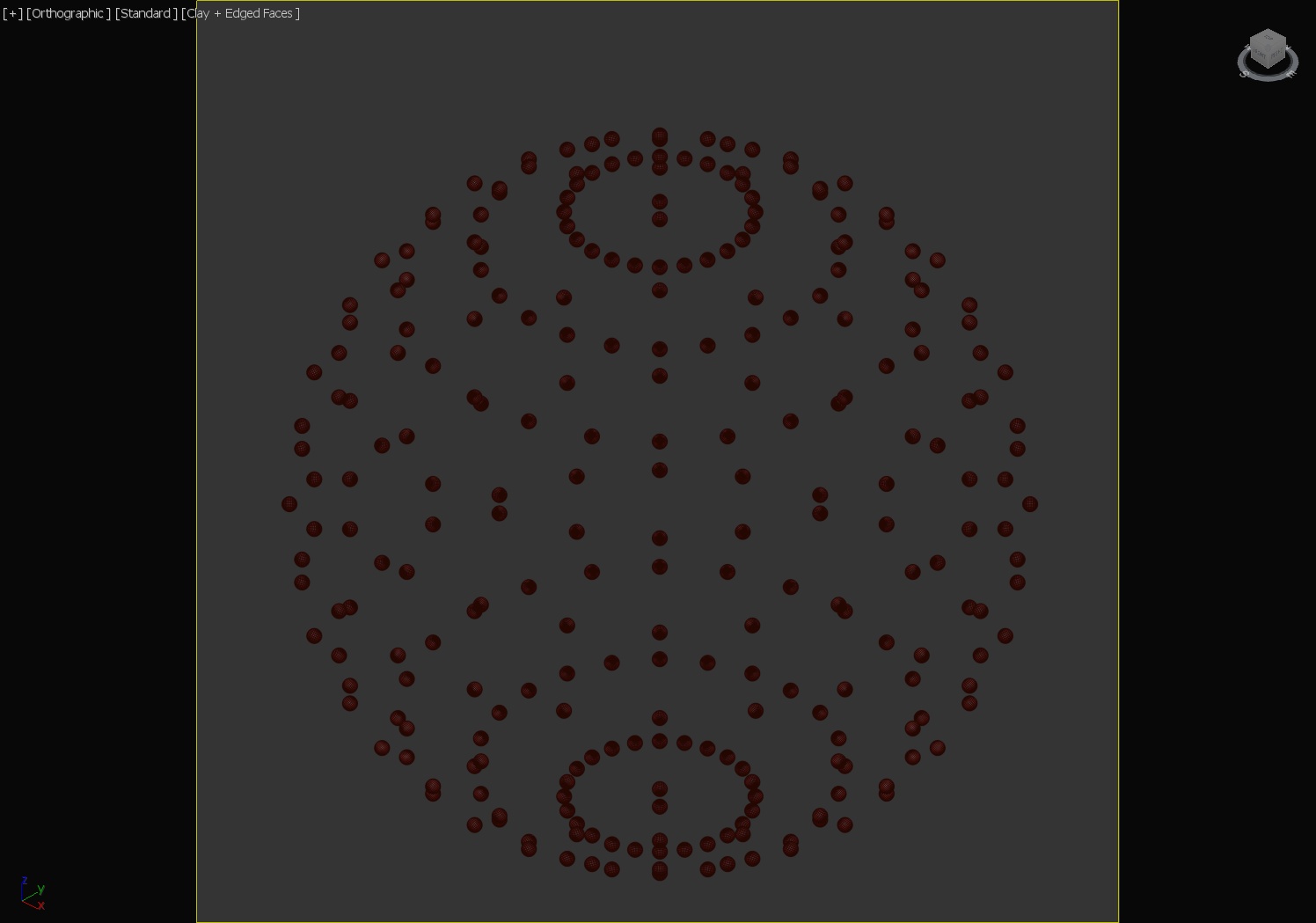
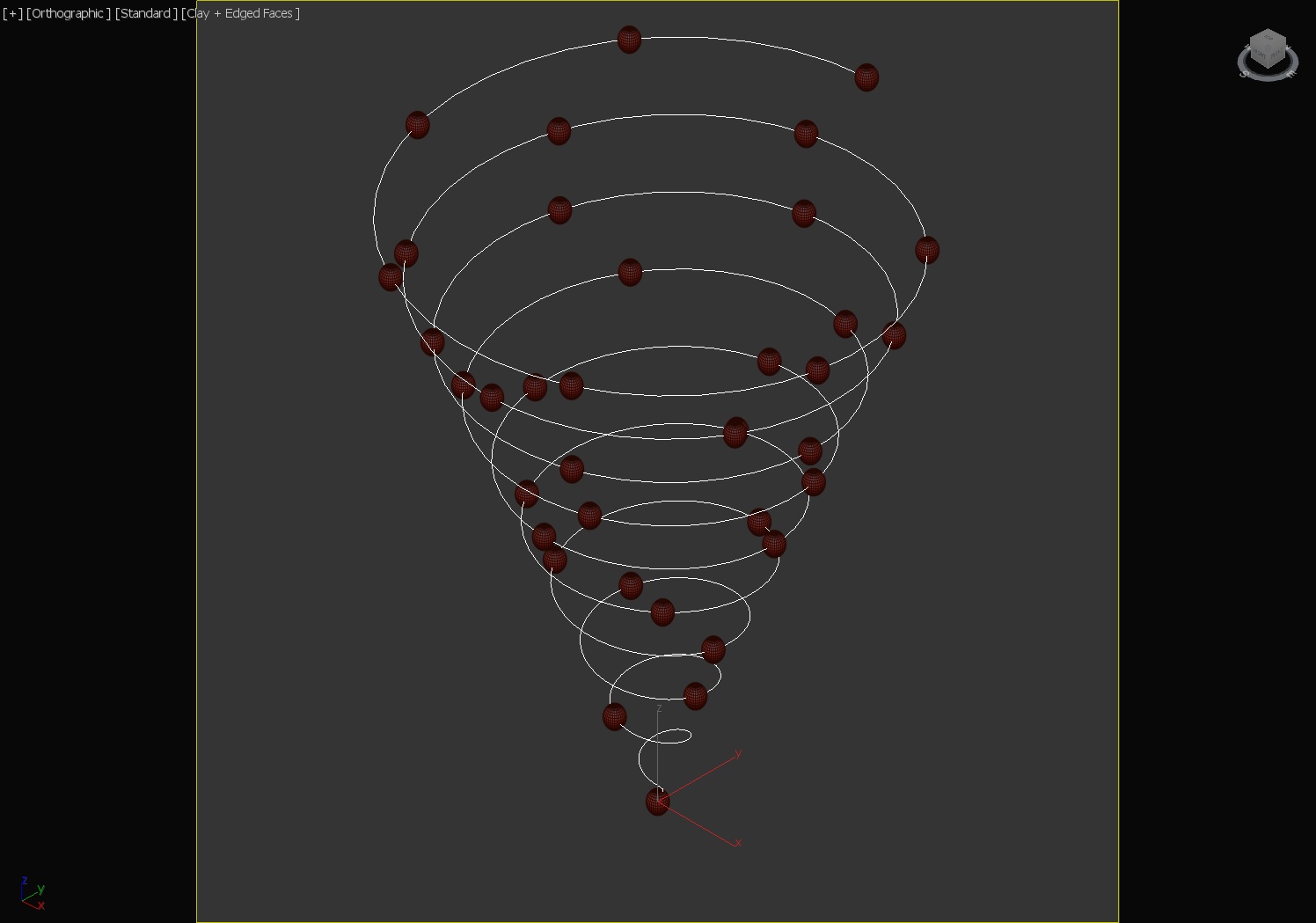
#331: Ball Vortex Reactor
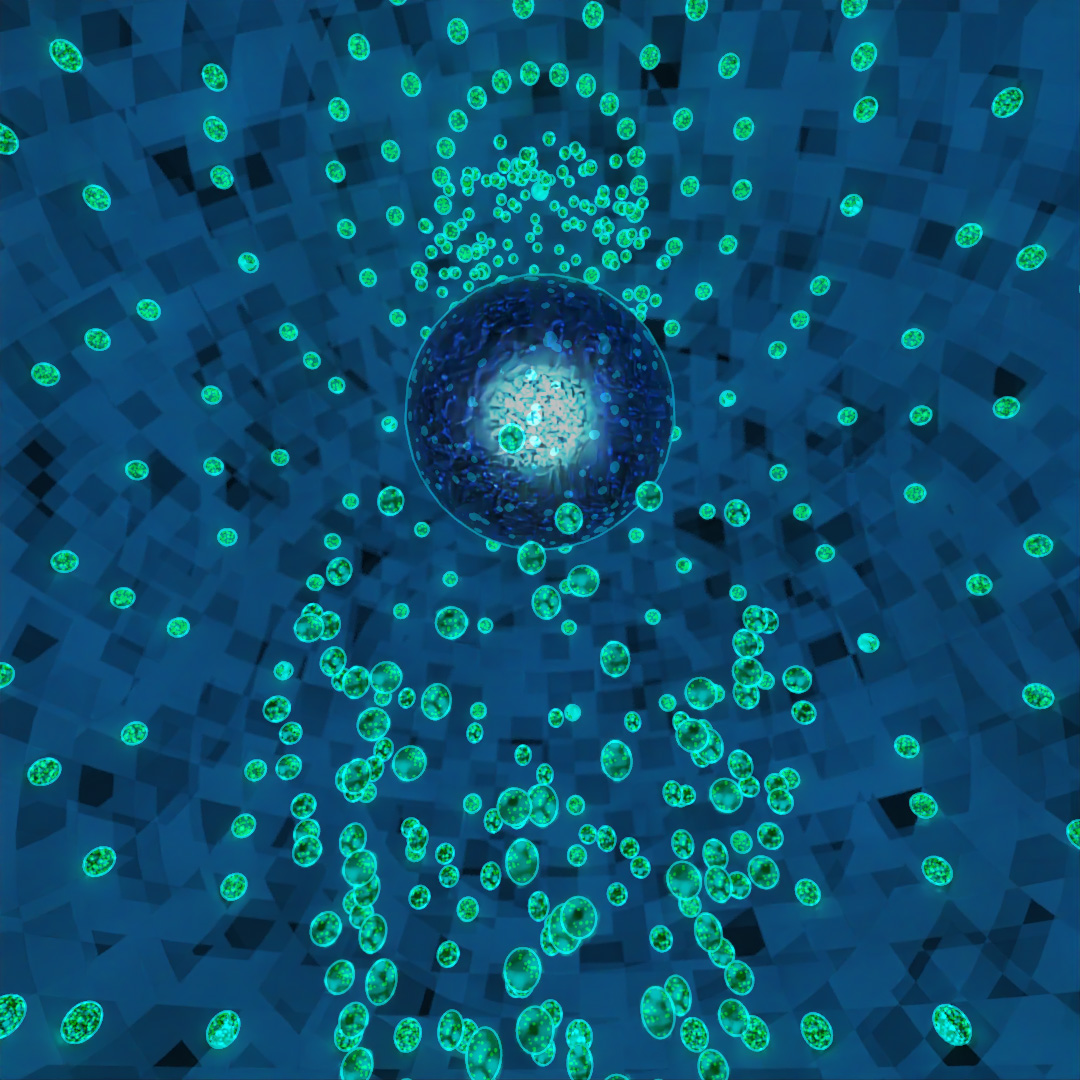
More playing around with “Scatter” to place the outer shell of balls on the large sphere. I also learned about the “Spacing Tool” which I used to place balls along 8 different helixes which are spinning different directions around their centers. I rendered two versions, one with more PR emissive materials and one using the Toon Shader and put them together in Premier.
#332: Box Scatter
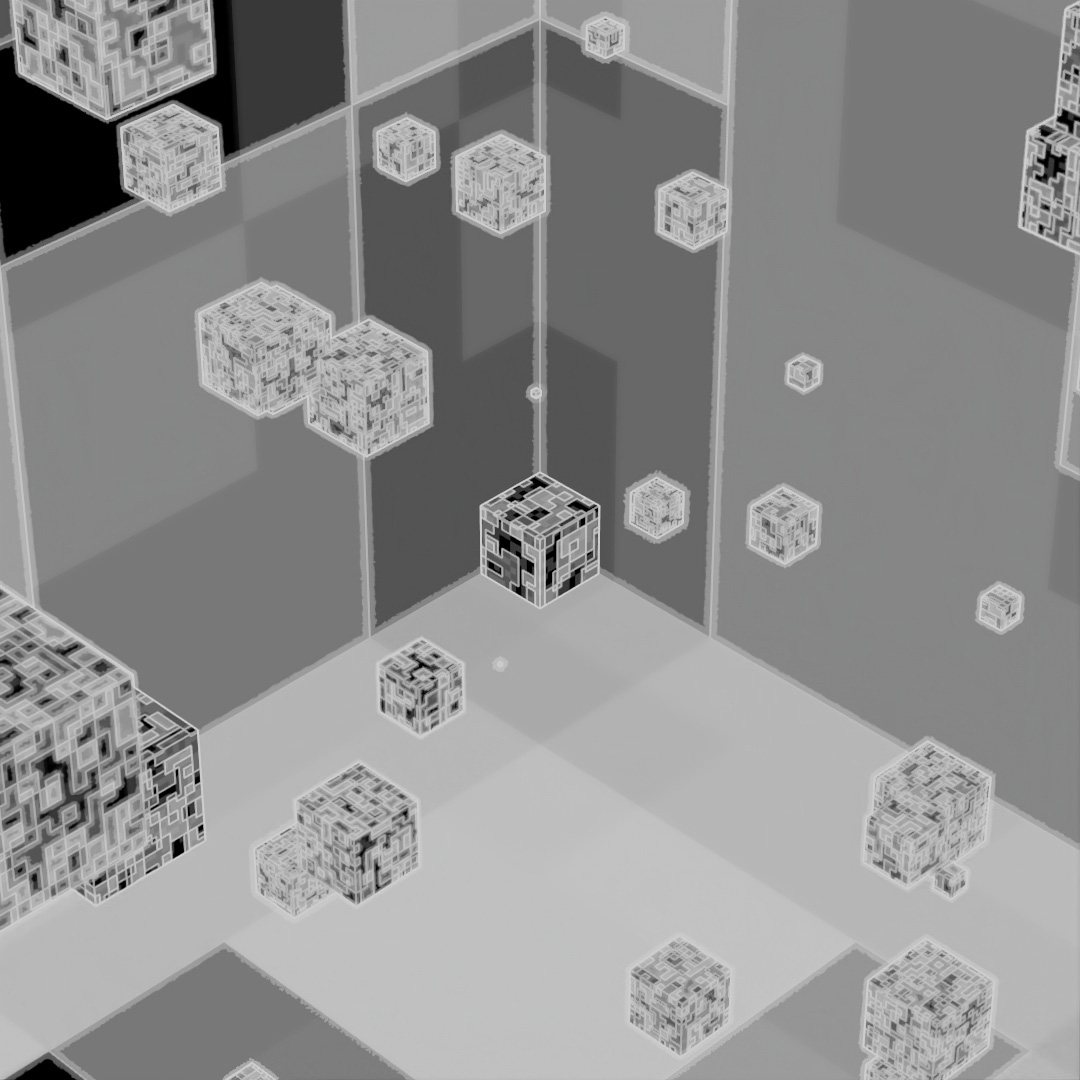
More of the Scatter tool, except using only parameters to scatter and re-size the objects instead of a distribution object. I used the Toon Shader with white edges and a cell noise map for the mask and the base colors. I rendered two versions, one with Depth of Field on and one with it off and layered them together in Photoshop.
#333: Make Fire

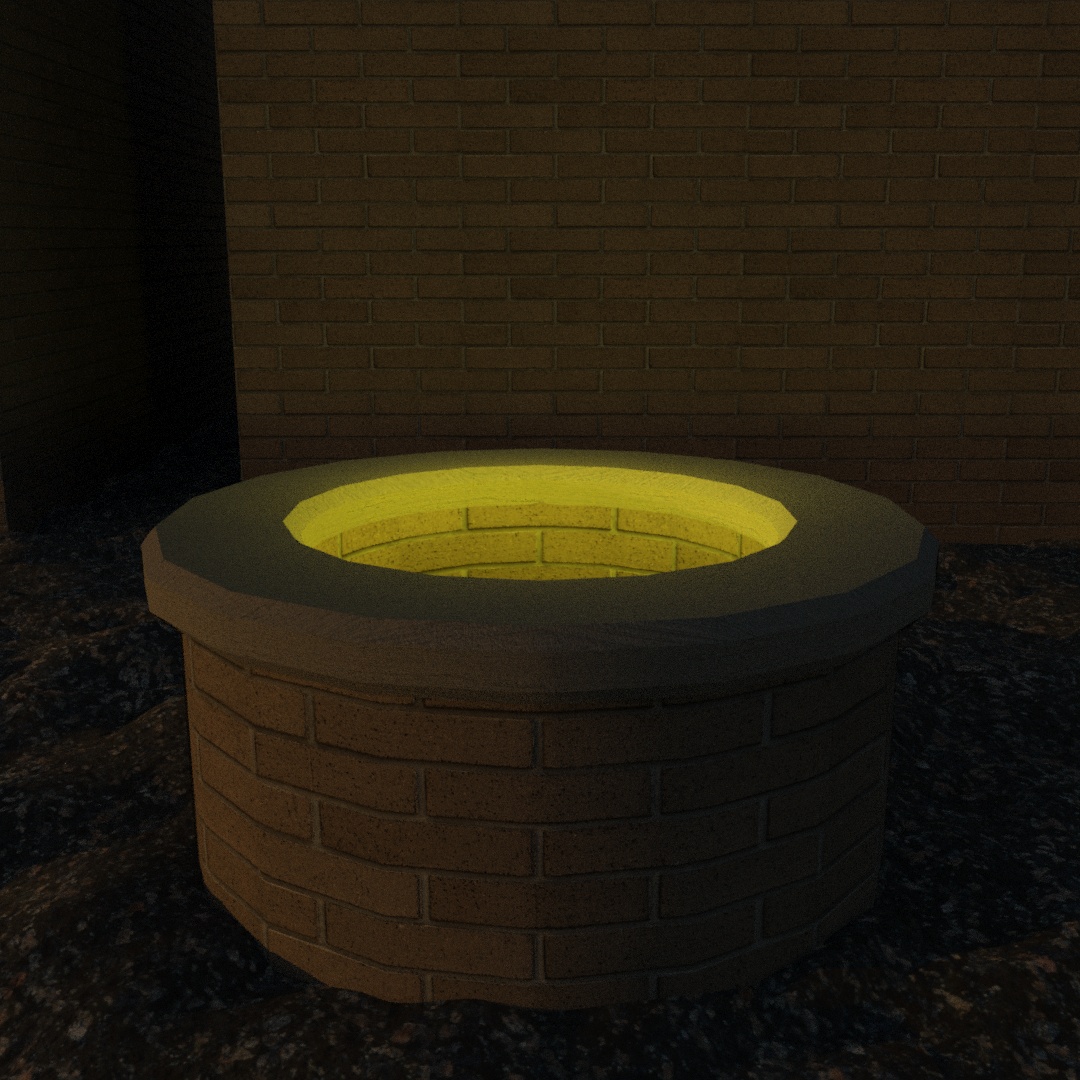
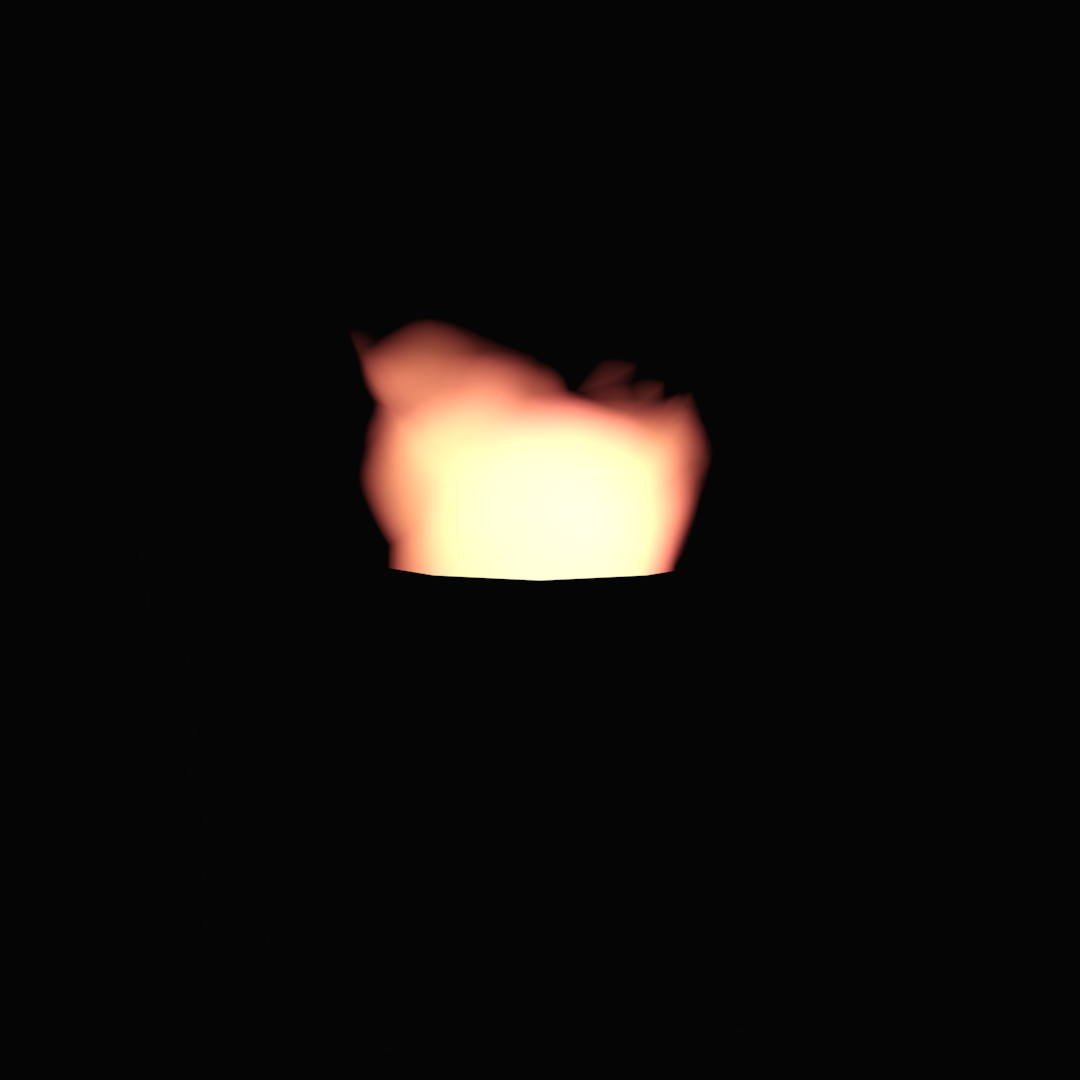
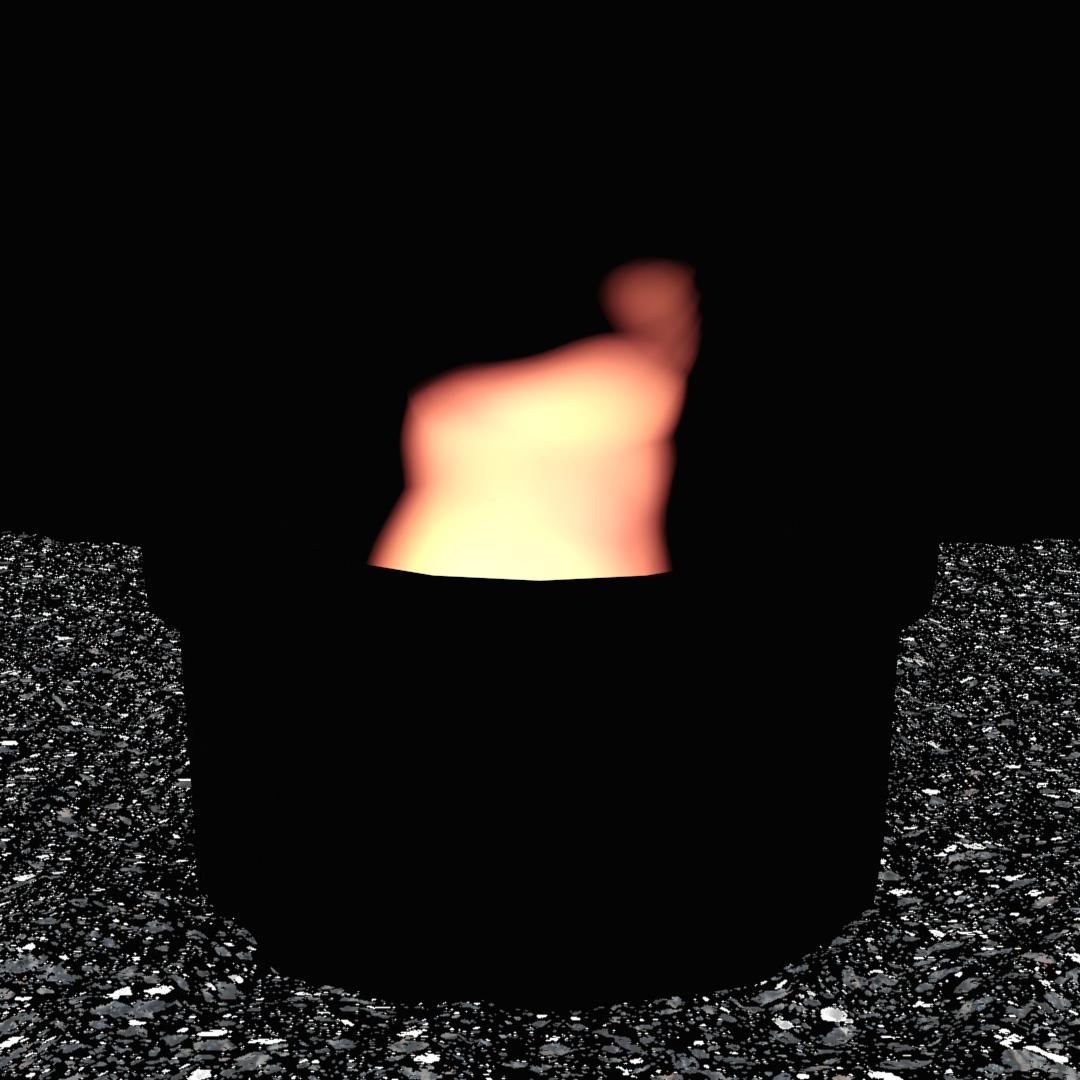
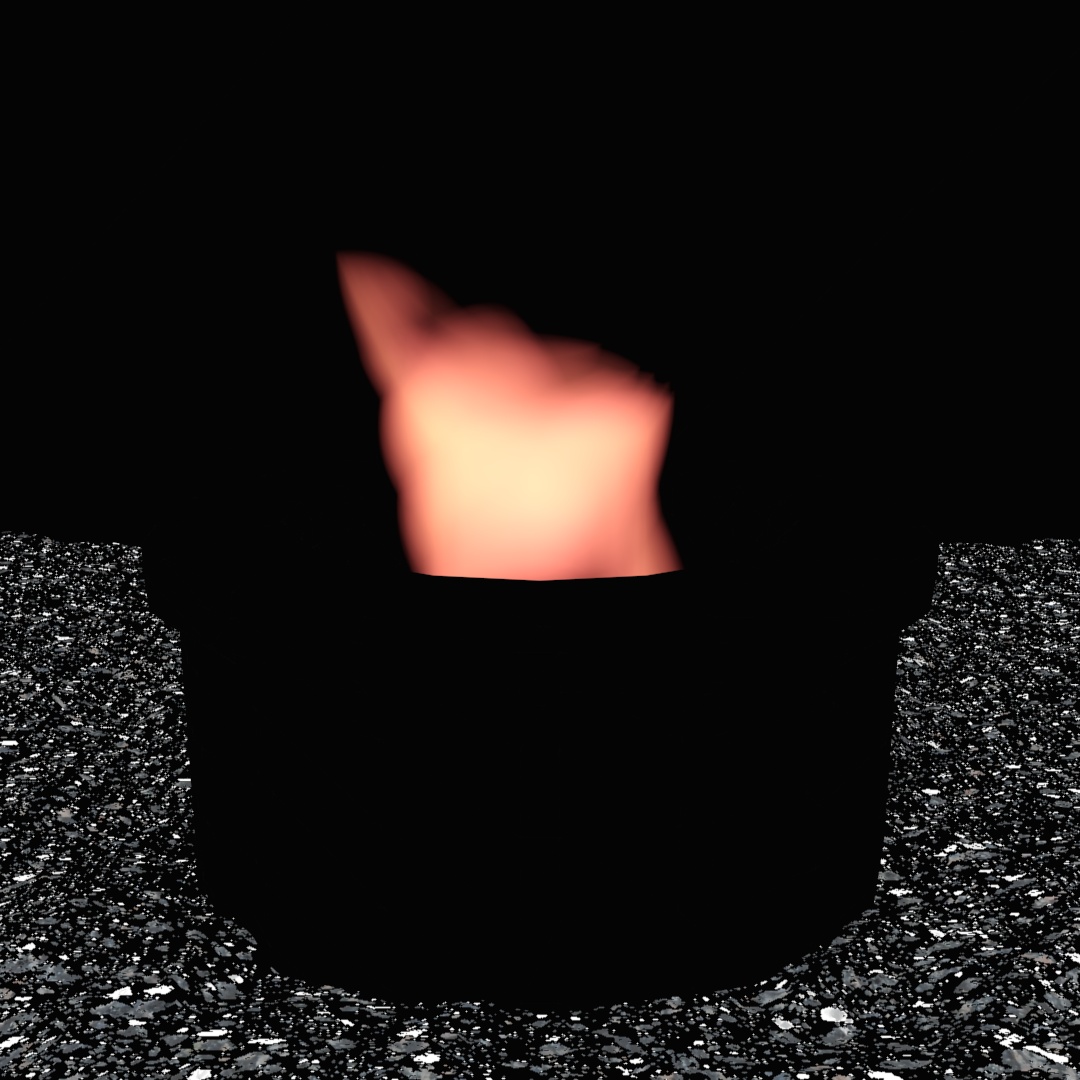
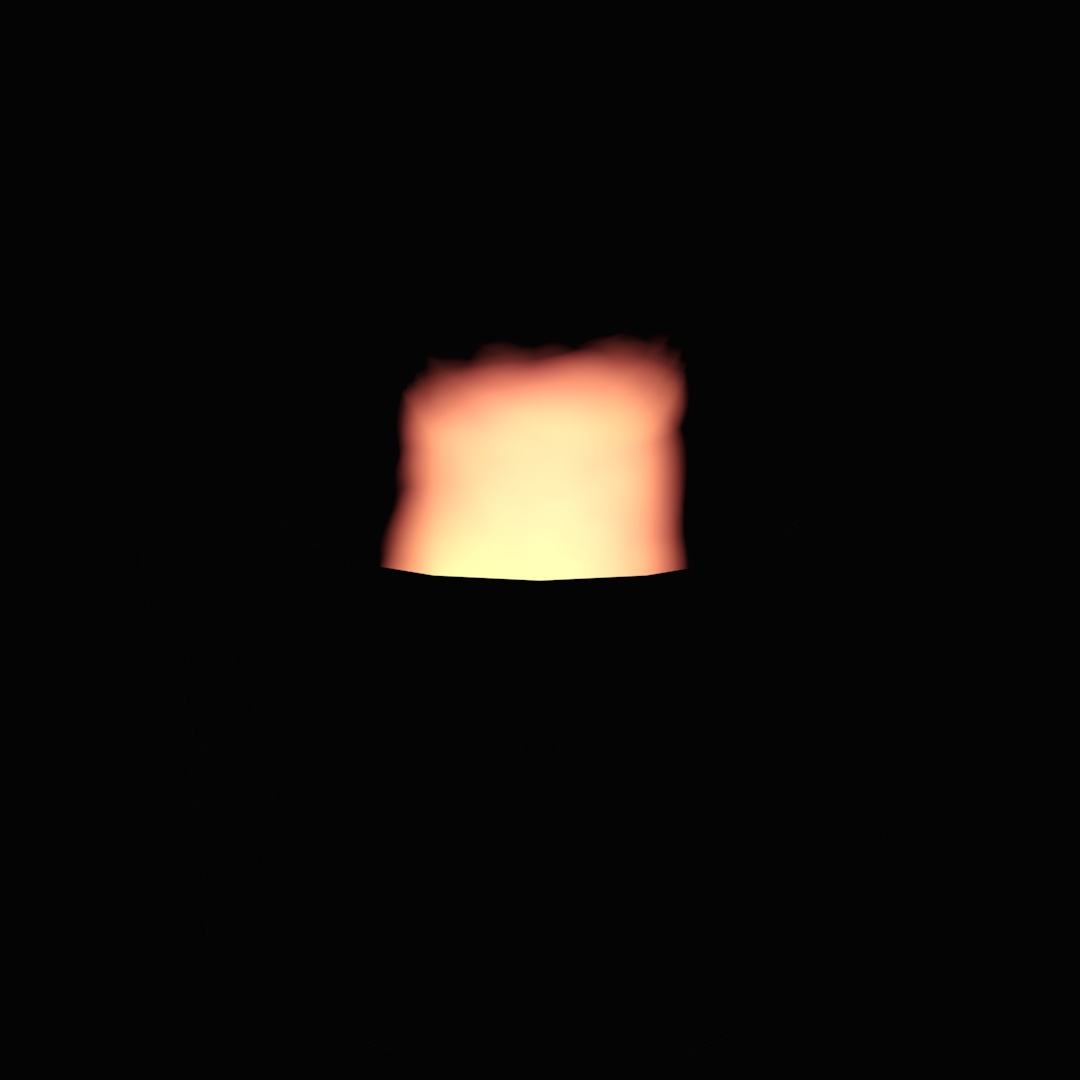
Well fire is apparently a pain in the arse if you want to render in Arnold because it just doesn’t work. Hooray! So I put this together by creating many different versions and layering them together in Photoshop. I rendered (1) just the pit and background in Arnold, (2) just the flame in Scanline and saved as PNG so I can use the alpha channel, (3) just the flame with a black background and blacked out pit, (4) the flame using a different seed and ground with everything else blacked out, (5) same as 4 but yet another seed for the flame and (6) same as 3 except I switched the setting to “fireball” instead of “tendril”. Then I used photoshop to layer the different renders at varying opacities and manually paint masks of the different layers to create the smoke.

#334: Back To Skool

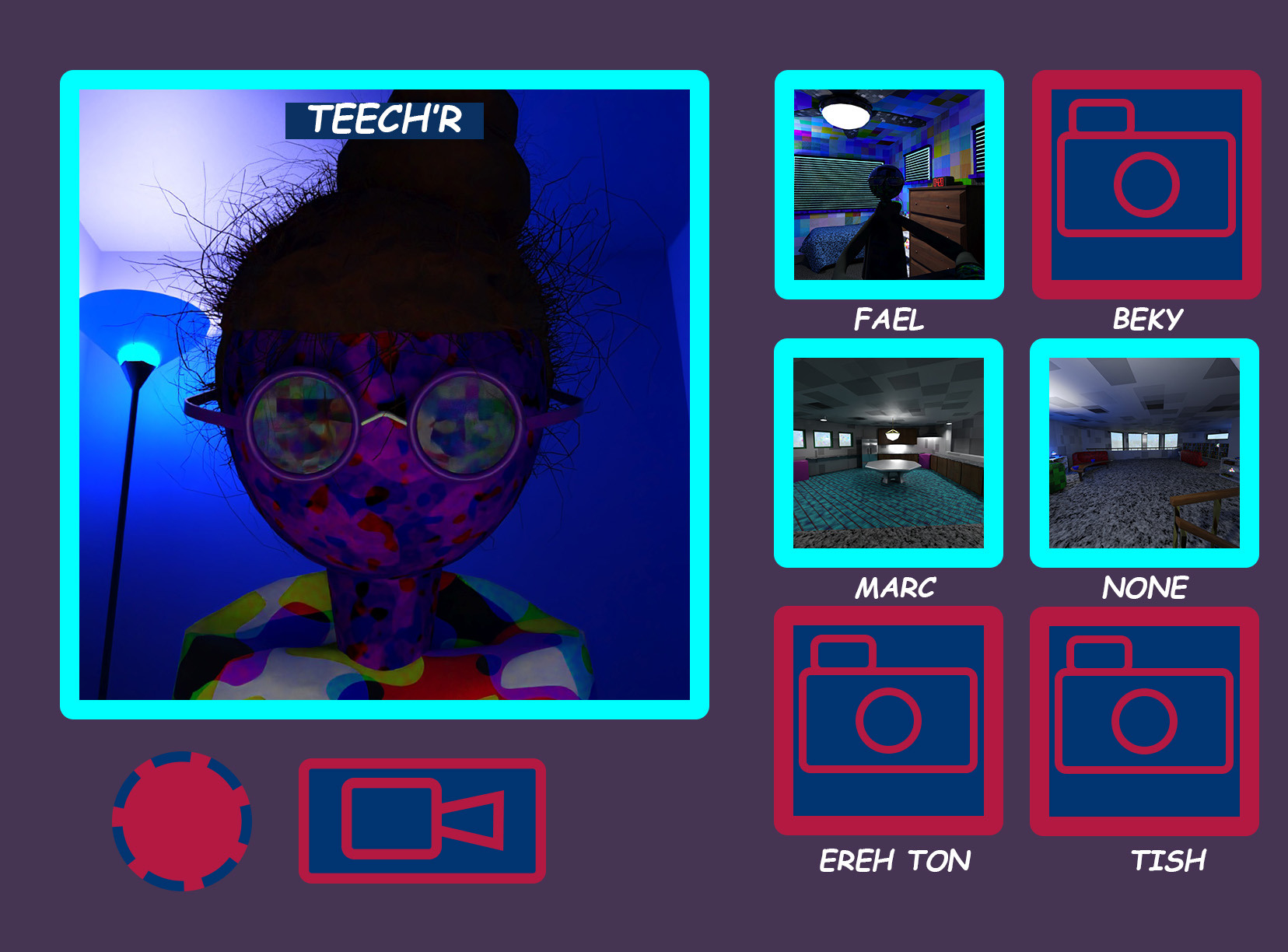
Fall Semester starts today! I actually don’t have any virtual classes this semester but I wanted to illustrate what most virtual classes look like. Having to pay attention to a teacher who sits too close to the camera while other people clearly go AFK or don’t even have their cameras turned on. Also while a patient Dogue waits for class to be over.
#335: Roll Call
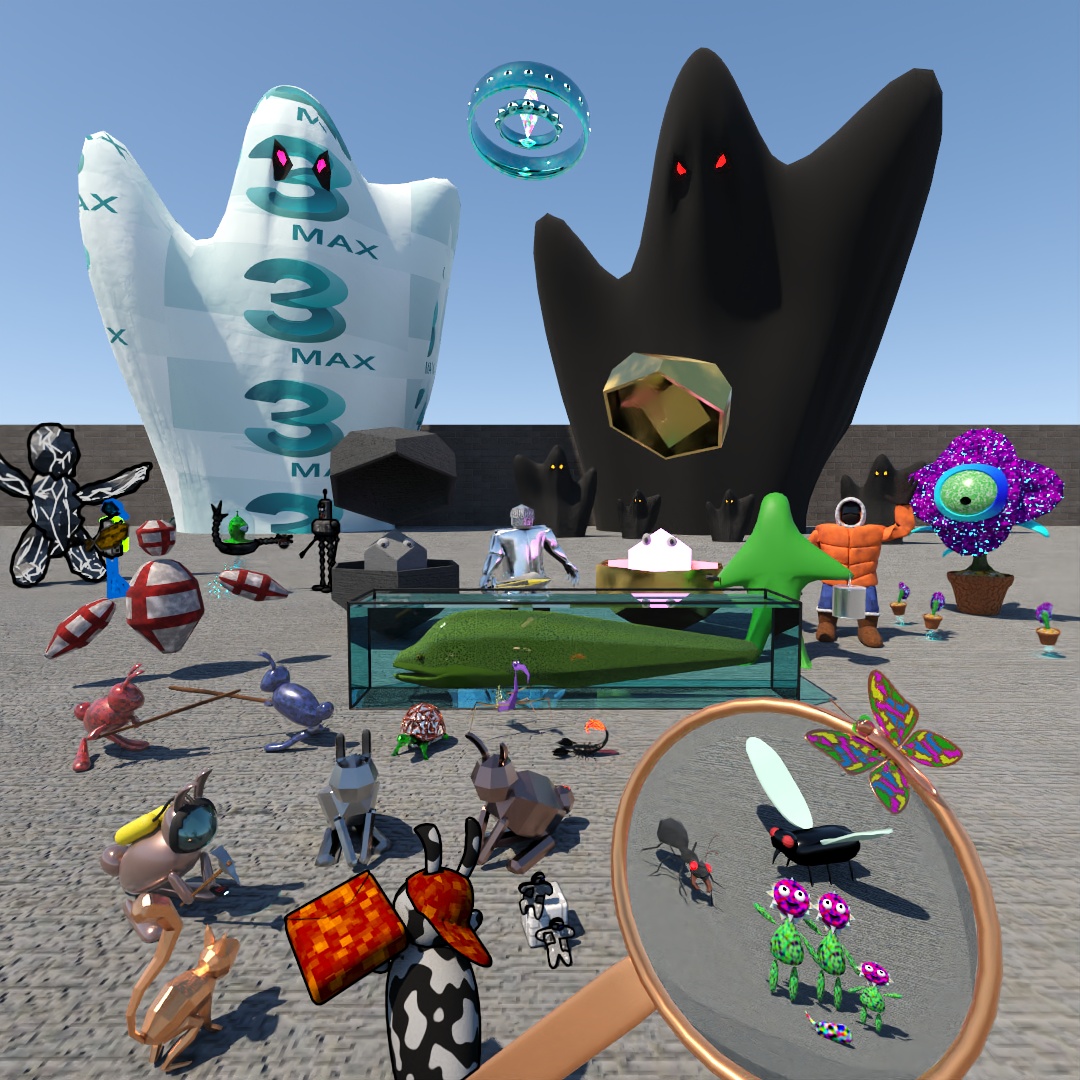
About to buckle down on my capstone project, which is going to revolve around an animation I want to make. Some of the characters I’ve come up with over the past year will probably end up in the animation. I decided to try and gather many of my characters together, the way an entire campus comes together at the beginning of school to do the school pictures and activities. I actually thought it was going to be fast work to put all my characters into one image, but this isn’t even all of them! I kind of lost track of how many different creatures and characters I’ve made in less than a year of everydays.
 Factotum5leaf
Leave a comment